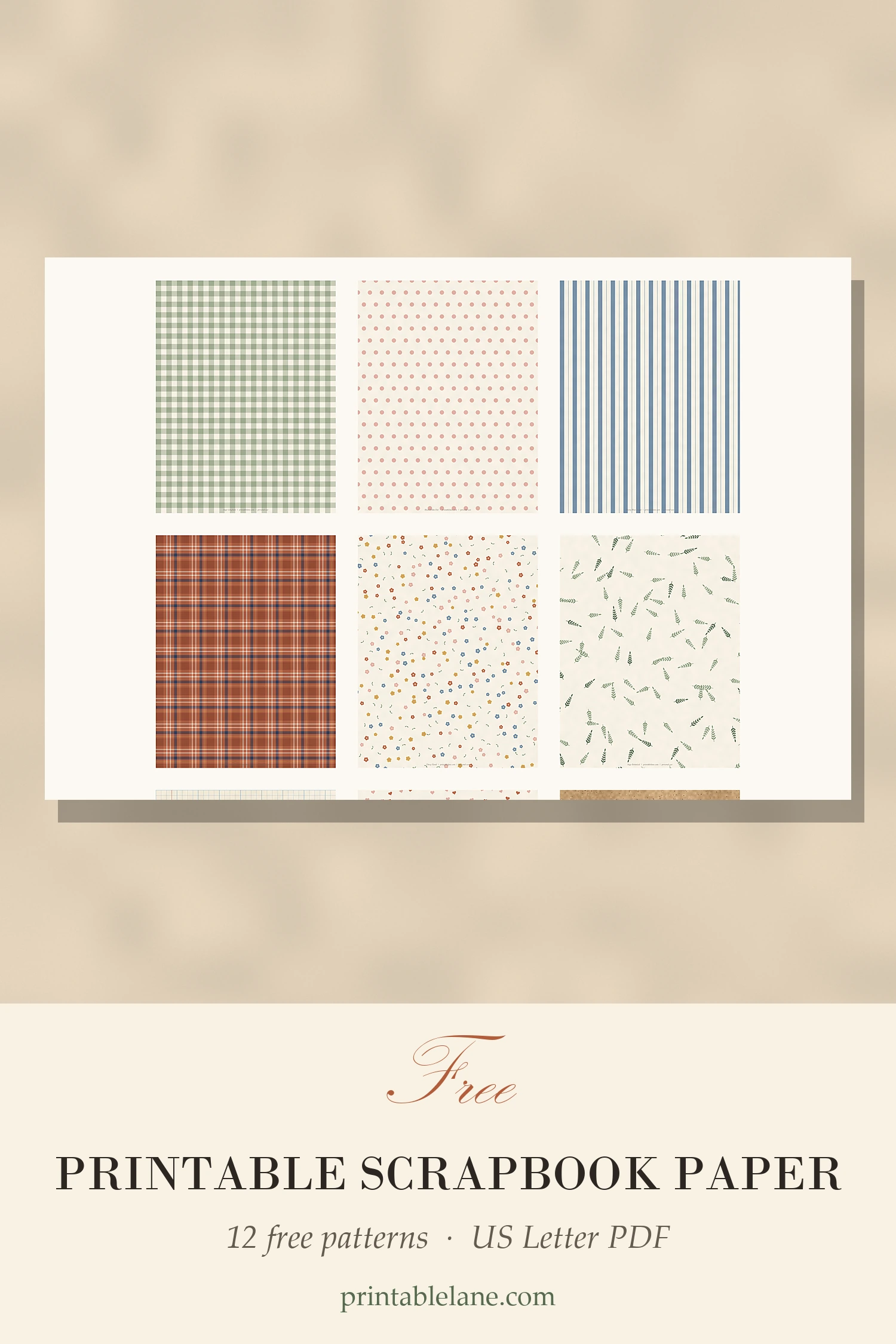
Patterned paper is one of those supplies that disappears fast. You buy a pad, use the three prints you love, and the rest sits in a drawer. Printing your own fixes that: you print exactly the sheet you need, as many times as you need it.
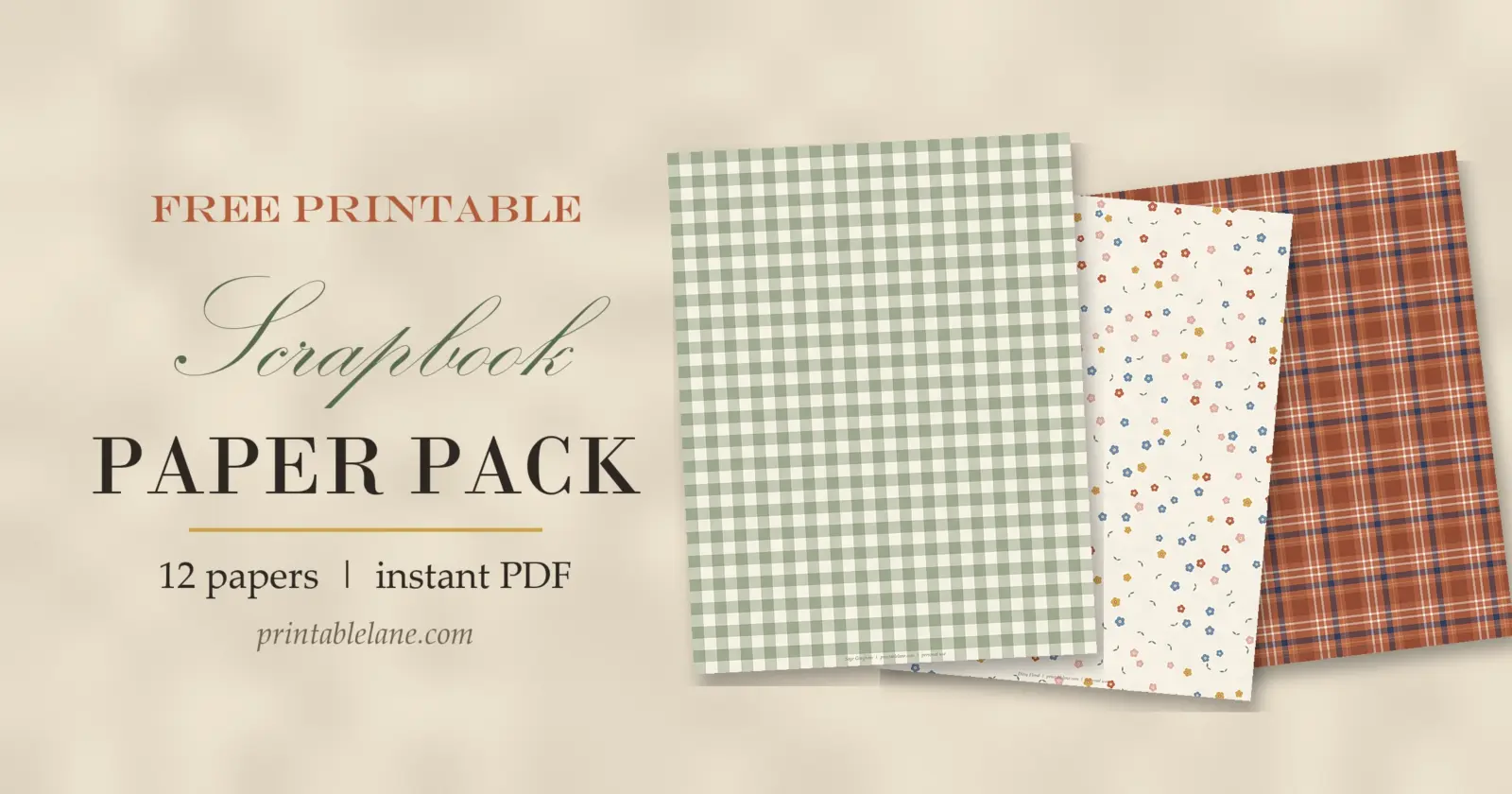
This is my free printable scrapbook paper pack: 12 coordinating patterns on US Letter pages, all in one PDF. I designed them as a set, with a soft palette of sage, blush, terracotta, dusty blue, mustard and navy, so any two papers look good on the same page.
What’s in the free scrapbook paper pack
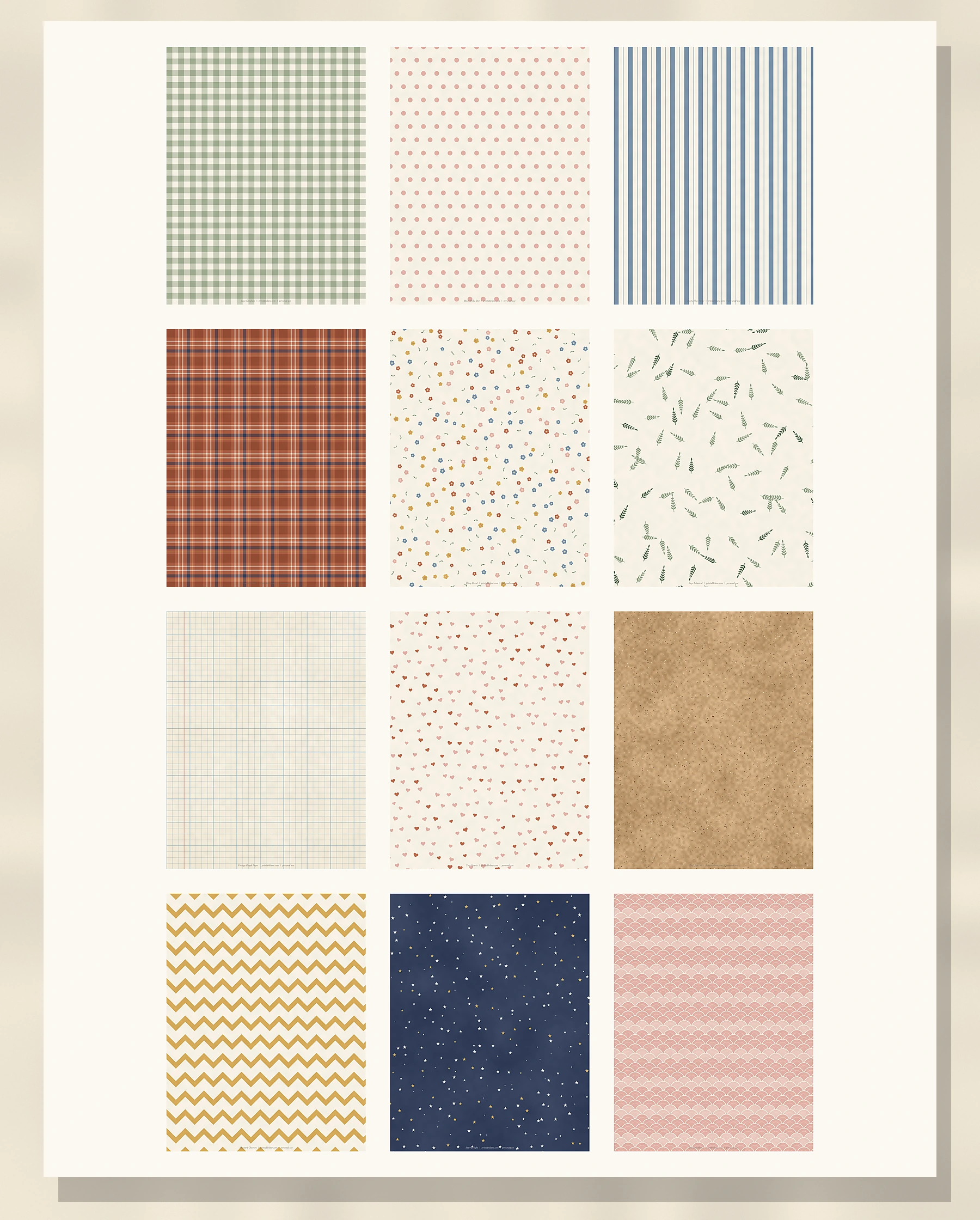
The PDF has 13 pages: a cover with a preview of every design, then 12 full-page papers. Each page is 8.5 x 11 inches at 300 dpi, so the patterns print crisp and clean. A small credit line sits along the bottom edge; it’s easy to trim off or hide under a photo.
Classic patterns
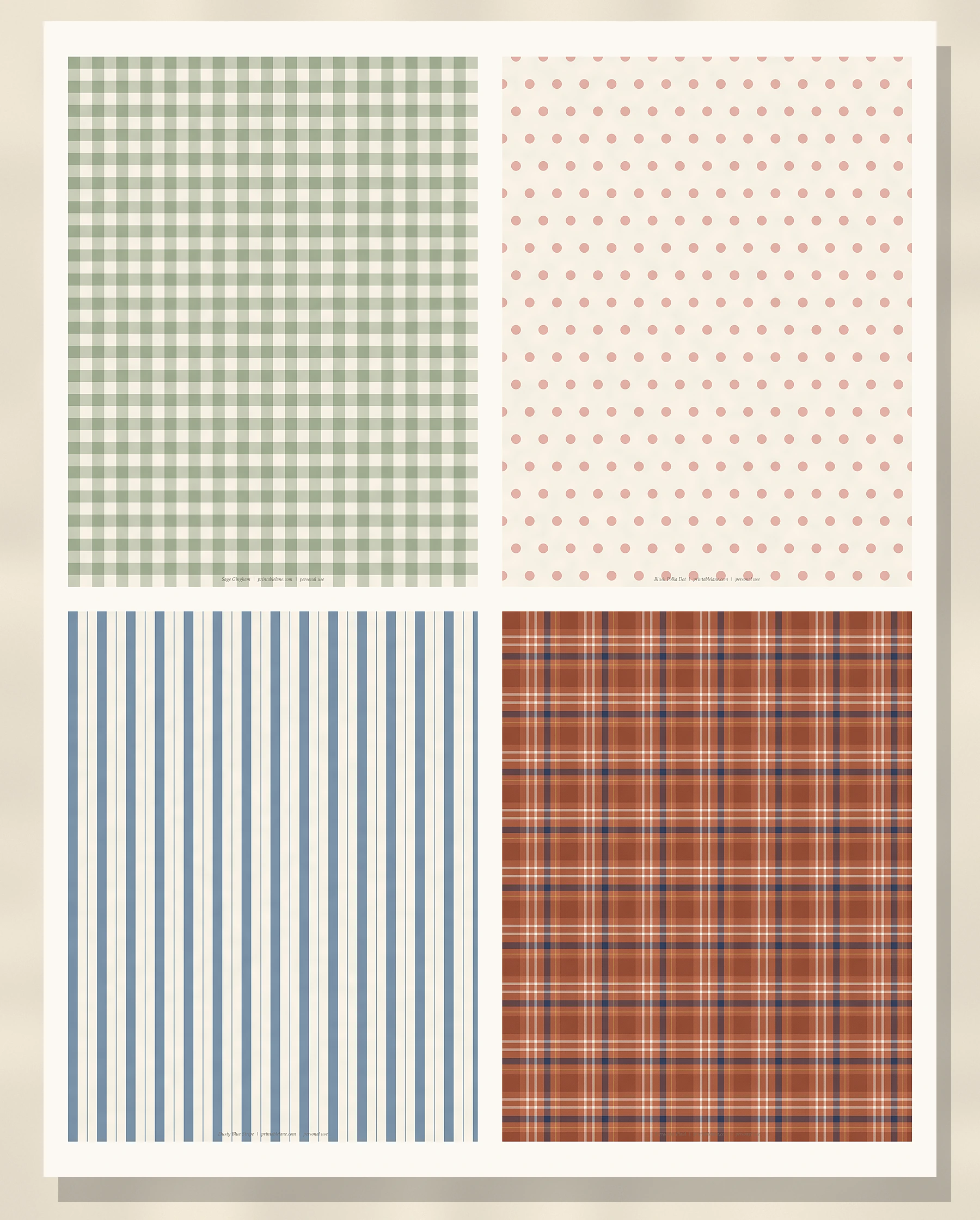
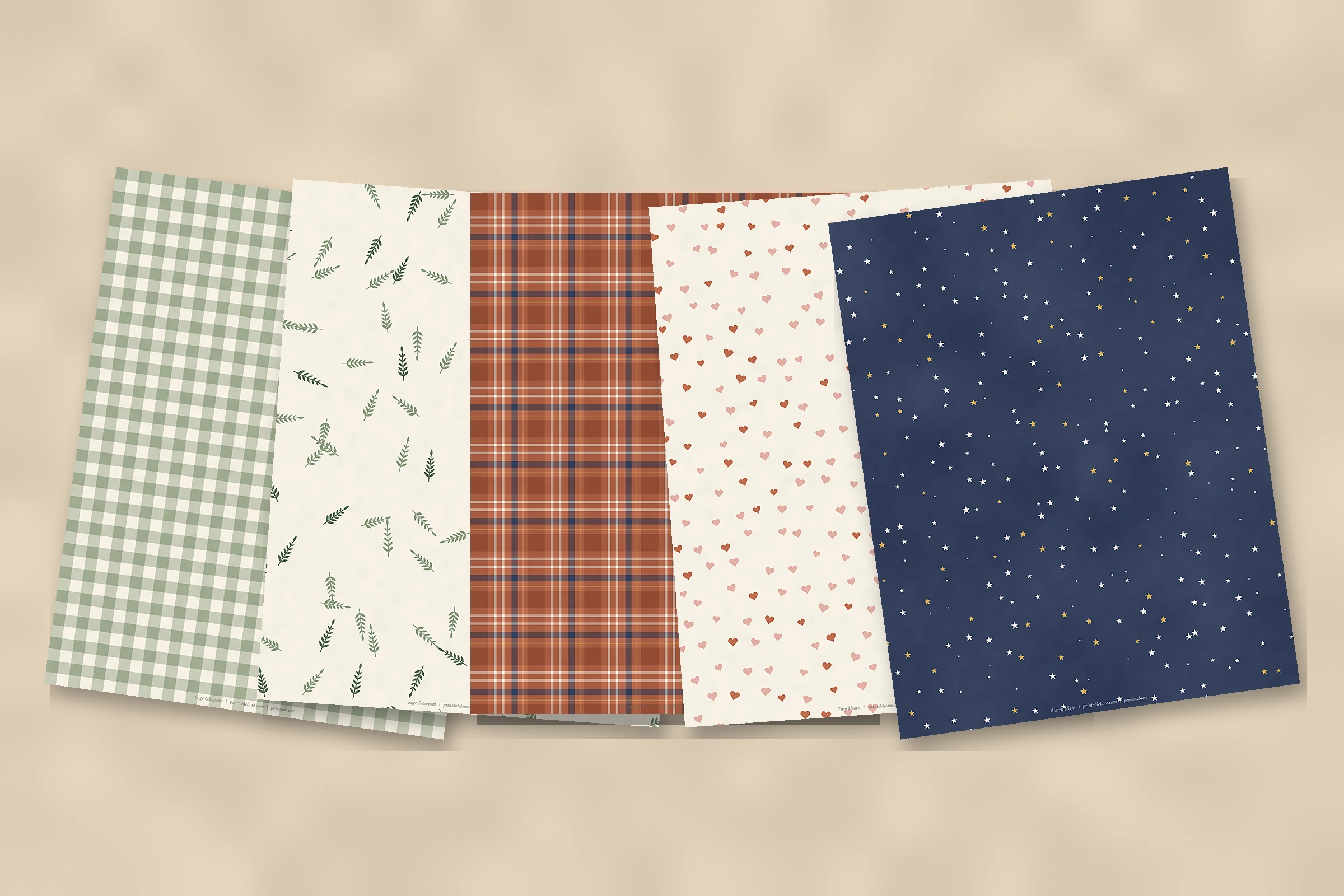
- Sage Gingham: a picnic-style check that works for spring, garden and family pages.
- Blush Polka Dot: soft and simple, good for baby, birthday and girly layouts.
- Dusty Blue Stripe: a calm vertical stripe that pairs with almost everything in the set.
- Terracotta Plaid: a warm tartan for fall, cabin trips and cozy winter pages.
Florals and soft prints
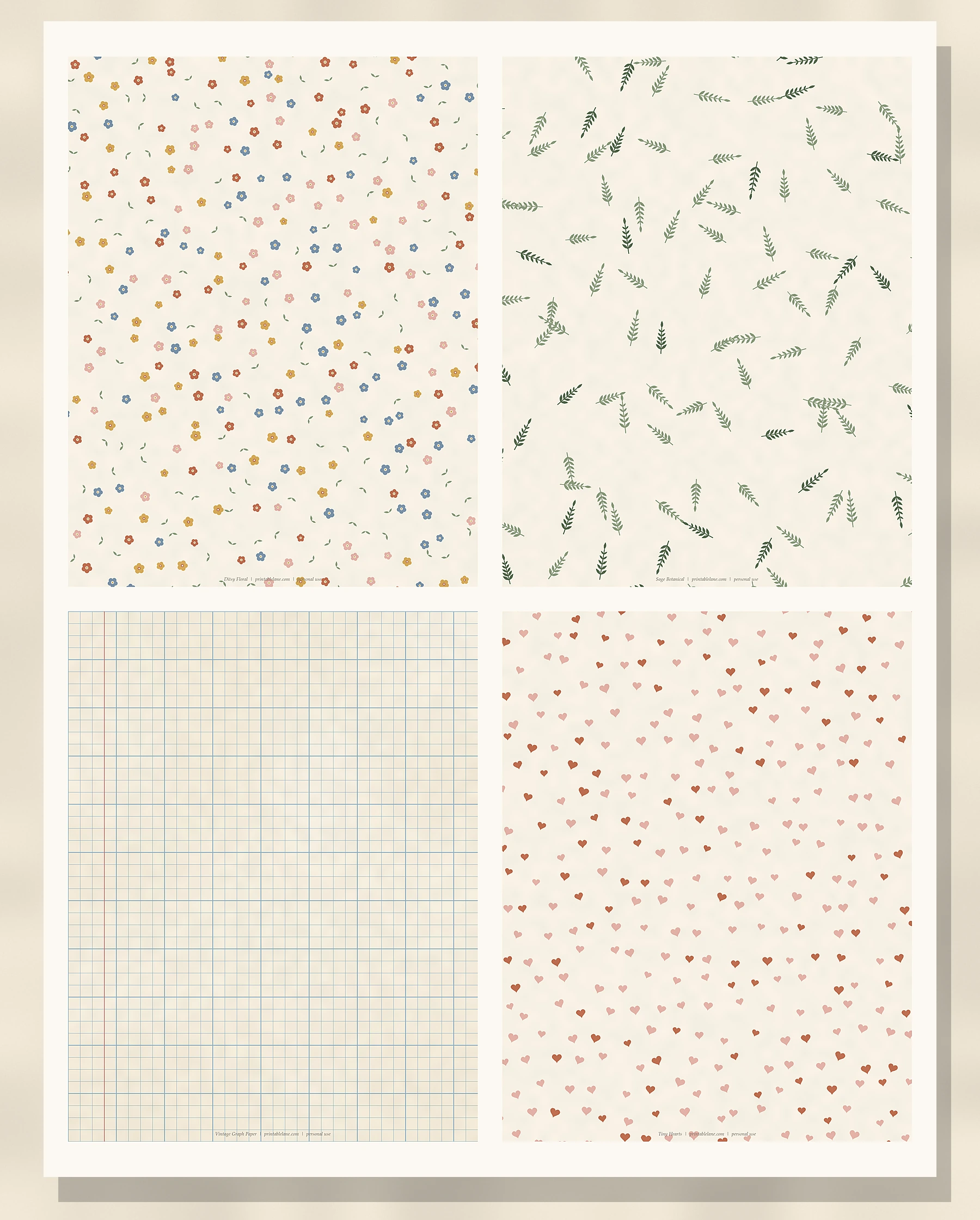
- Ditsy Floral: tiny flowers in every color of the palette, my favorite background for photos.
- Sage Botanical: little leafy sprigs on cream, great for nature and travel pages.
- Vintage Graph Paper: an old-notebook grid with a red margin line, perfect for journaling boxes.
- Tiny Hearts: scattered blush and terracotta hearts for Valentine’s, weddings and anniversaries.
Textures and bold prints
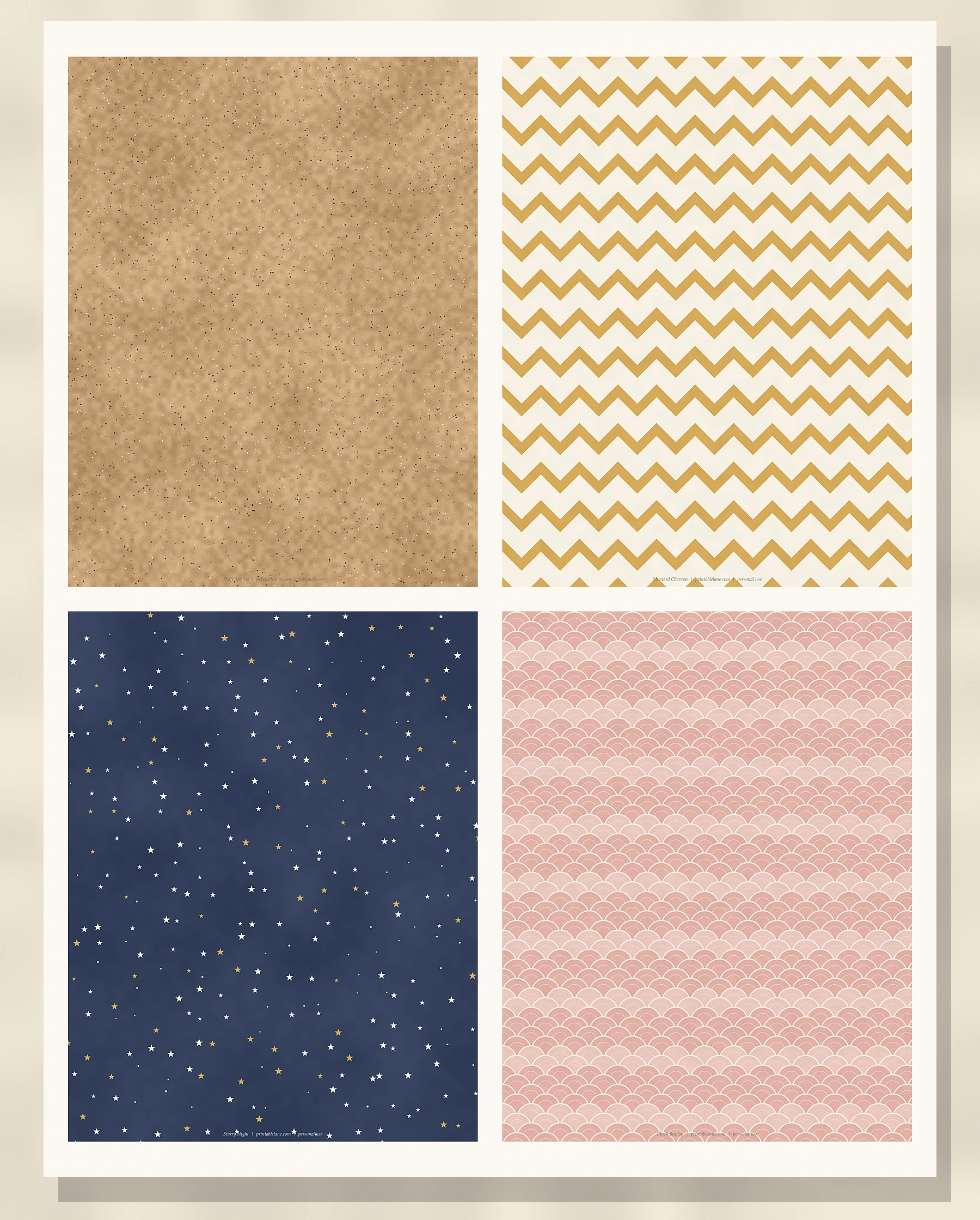
- Kraft Speckle: a brown kraft look with fibers and speckles, without buying kraft paper.
- Mustard Chevron: a cheerful zigzag that adds energy to summer and school pages.
- Starry Night: navy with cream and gold stars, made for winter, bedtime and holiday layouts.
- Blush Scallop: a fish-scale scallop that makes a pretty border strip or card base.
If I had to pick one combination to start with, it would be Sage Botanical as the background with a strip of Dusty Blue Stripe and a Kraft Speckle journaling card on top.
How to print scrapbook paper at home
- Download the PDF with the button below and open it in a PDF reader.
- Choose Actual size (100%). Most home printers can’t print to the very edge, so you’ll get a thin white border; trim it off with a paper trimmer.
- Pick the paper: 65–80 lb matte cardstock feels closest to store-bought scrapbook paper, while 32 lb printer paper is better for layering and folding.
- Set the print quality to “High” or “Best” for the darker designs like Starry Night and Terracotta Plaid.
- Print only the pages you need; every design is on its own page.
Let the ink dry for a few minutes before you cut or glue, especially on cardstock.
Ideas for using printable scrapbook paper
- Page backgrounds for 8.5 x 11 albums. For 8 x 8 albums, trim each sheet to 8 x 8 inches.
- Photo mats: cut a piece about half an inch bigger than your photo on each side.
- Junk journals: fold sheets in half for signatures, or cut pockets and tuck spots. They pair well with my free vintage junk journal kit.
- Cards and tags: glue a panel to a folded card base, or cut tag shapes like the ones in my free printable Christmas gift tags.
- Small gift wrap for jewelry boxes and tiny presents.
- Planner and notebook covers: glue a sheet to a plain notebook and add a clear sticky cover for protection.
Frequently asked questions
Is this scrapbook paper free to use?
Yes, for personal and classroom use. You can print as many copies as you like for your own projects and for gifts. Please don’t sell the papers or the PDF, and don’t share the file directly; send people a link to this page instead.
Do you have 12 x 12 scrapbook paper?
This pack is US Letter (8.5 x 11), which is what home printers handle best. You can still use the sheets on 12 x 12 layouts as mats, borders and accents. It also prints well on A4 if you choose “Fit to page”.
Why do my printed colors look different from the screen?
Screens glow and paper doesn’t, so prints usually look a little darker. Matte cardstock and the “High quality” setting help a lot. If a color looks too dark, try your printer’s “brighten” or “plain paper” setting.
Save it for later
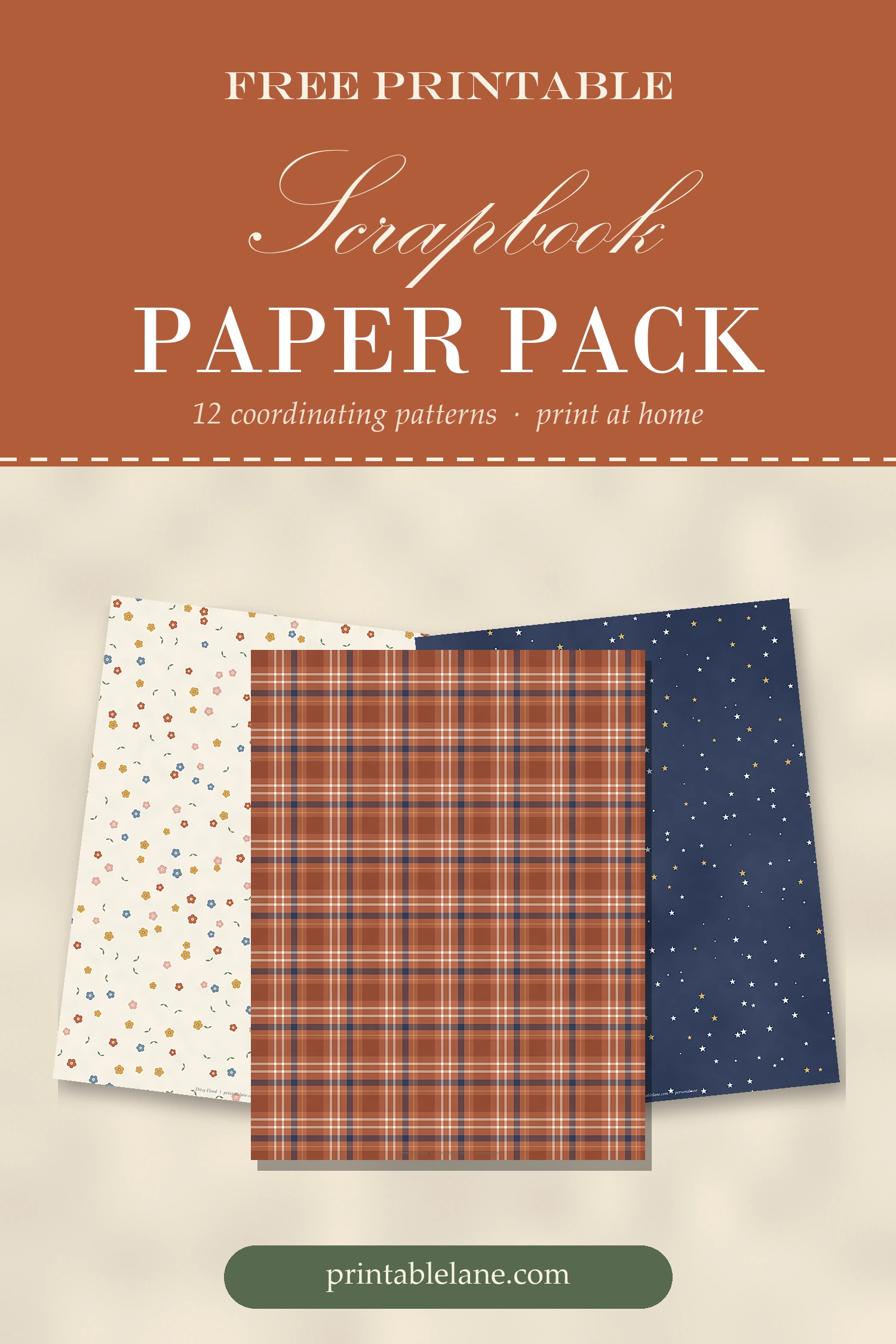
Want to come back to these papers? Save this image to your Pinterest board.
Happy crafting, and I’d love to know which pattern you print first!