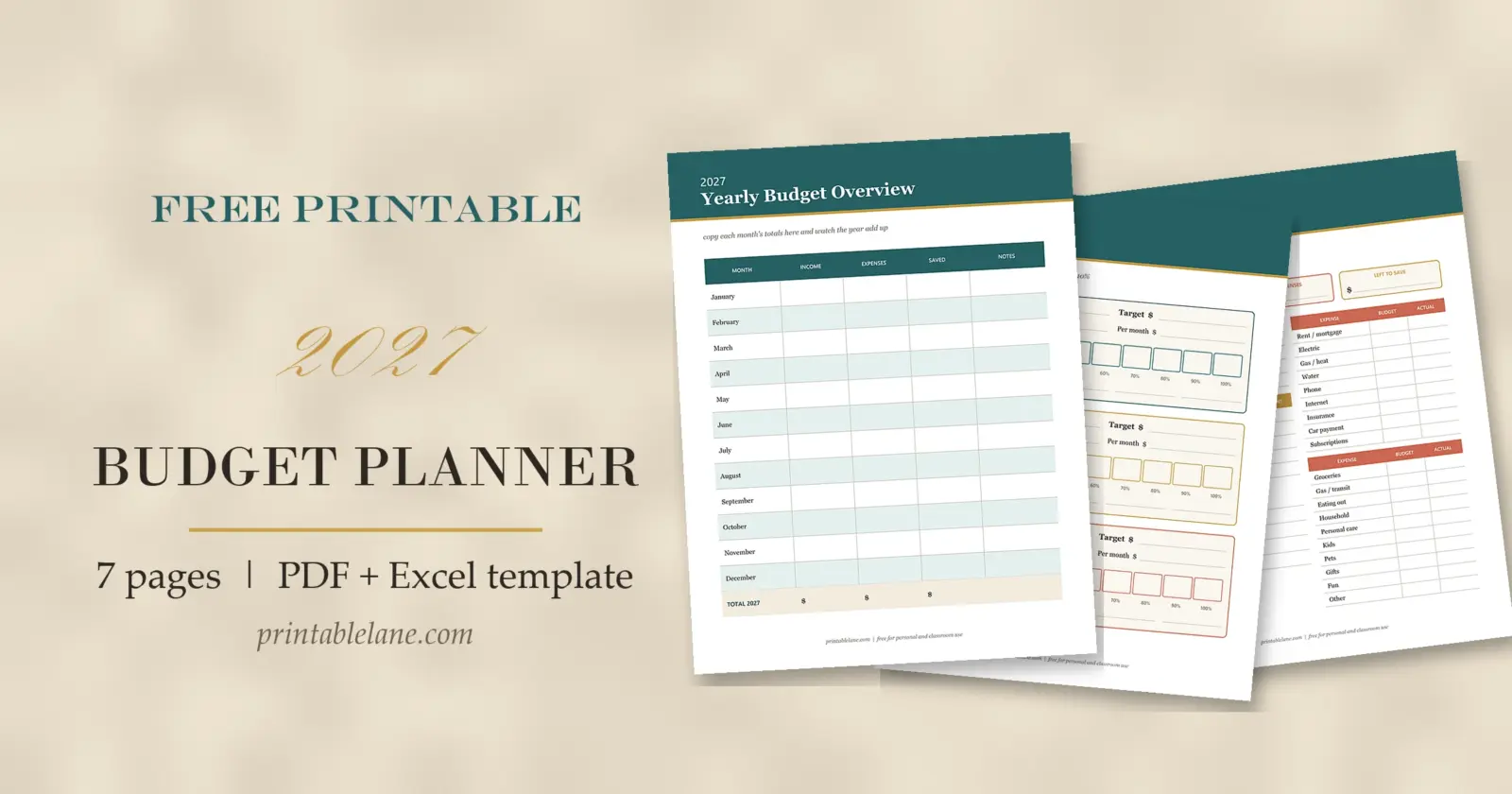
A budget works best when you can see the whole year, not just the next paycheck. This 2027 budget planner gives you both: seven printable pages for planning on paper, and a matching spreadsheet for Excel or Google Sheets that does the math for you.
Use whichever one fits how you like to work. Some people keep the printed pages on the fridge and type the totals into the spreadsheet once a month; others print only the bill tracker and do everything else on the computer.

What you get
- Printable PDF (US Letter, 8 pages with the cover): yearly overview, monthly budget, bill payment tracker, expense tracker, savings goals, debt payoff tracker and sinking funds
- Excel / Google Sheets template with a 2027 summary tab, 12 monthly tabs and a bill checklist: download the 2027 budget spreadsheet (.xlsx)
The printable pages
Yearly budget overview
One row per month for income, expenses and what you saved, with a notes column and a total row for the year. Fill it in at the end of each month and you have a simple year-at-a-glance report by December.

Monthly budget worksheet
Print twelve copies, one for each month. The top boxes hold total income, total expenses and what is left to save. Below are tables for income, savings and debt, nine fixed bills (rent, utilities, phone, insurance and so on) and ten everyday categories like groceries, gas and eating out, each with a Budget and an Actual column.

Bill payment tracker
List each bill once with its due day, then check a box every month when it is paid. Seventeen rows and twelve month columns fit on one page, so you can see at a glance if anything was missed.

Expense tracker
Eighteen lines for date, description, category and amount, with a page total at the bottom. It is the easiest way to find out where the “miscellaneous” money goes.

Savings goals
Three goal cards with a target, a date and a monthly amount. Each card has ten boxes to color in, one for every 10% you reach.

Debt payoff tracker
Write down each debt with its balance, interest rate, minimum payment and due date, then use the monthly payment log to track the new balance. Whether you pay the smallest balance or the highest rate first is your call; the page works for both.

Sinking funds
Six boxes for costs you know are coming but that do not arrive every month: car repairs, holidays and gifts, vacation, back to school, medical and home repairs. Write a goal, then note what you put aside each month.

How the Excel and Google Sheets template works
- Each month has its own tab with Budget, Actual and Difference columns for income, savings and debt, fixed expenses and variable expenses.
- The summary panel on every month shows total income, total expenses and what is left over.
- The 2027 Summary tab pulls the actual totals from all twelve months and adds a monthly average.
- The Bills tab has 20 rows and a column for each month; type an x when a bill is paid.
- Only simple SUM formulas are used, so the file works in Excel, Google Sheets, Numbers and LibreOffice.
To use it in Google Sheets, open Sheets, choose File, then Import, and upload the .xlsx file. You can also upload it to Google Drive and open it with Google Sheets.
Tips for sticking with a budget in 2027
- Start with the fixed bills; they are the easiest numbers to fill in.
- Look at the last two or three months of bank statements to set realistic amounts for groceries and eating out.
- Set a 15-minute budget check on the same day each week.
- When one category runs over, move money from another instead of dropping the whole plan.
- At the end of each month, copy the totals to the yearly overview.
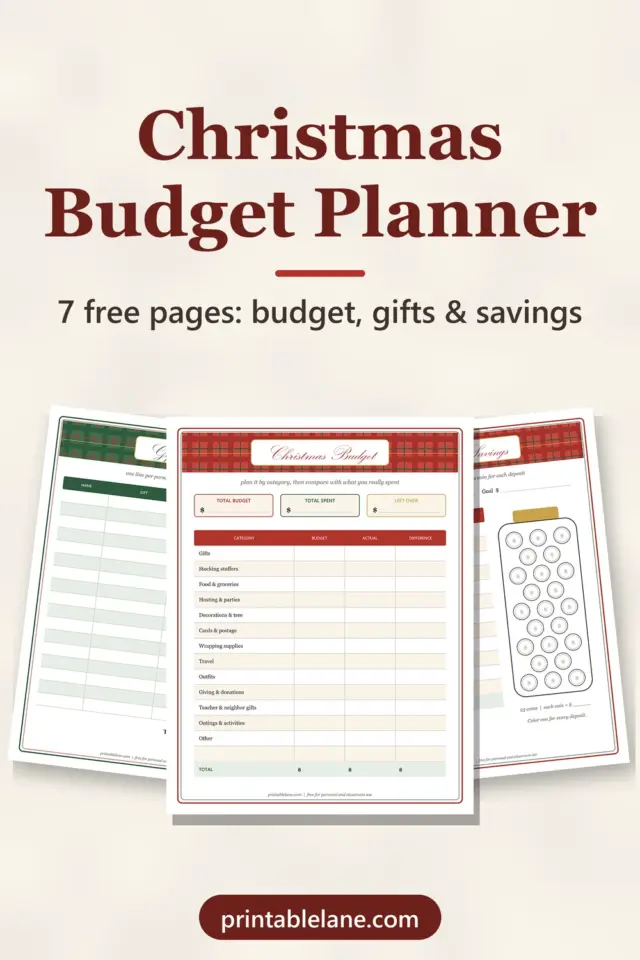
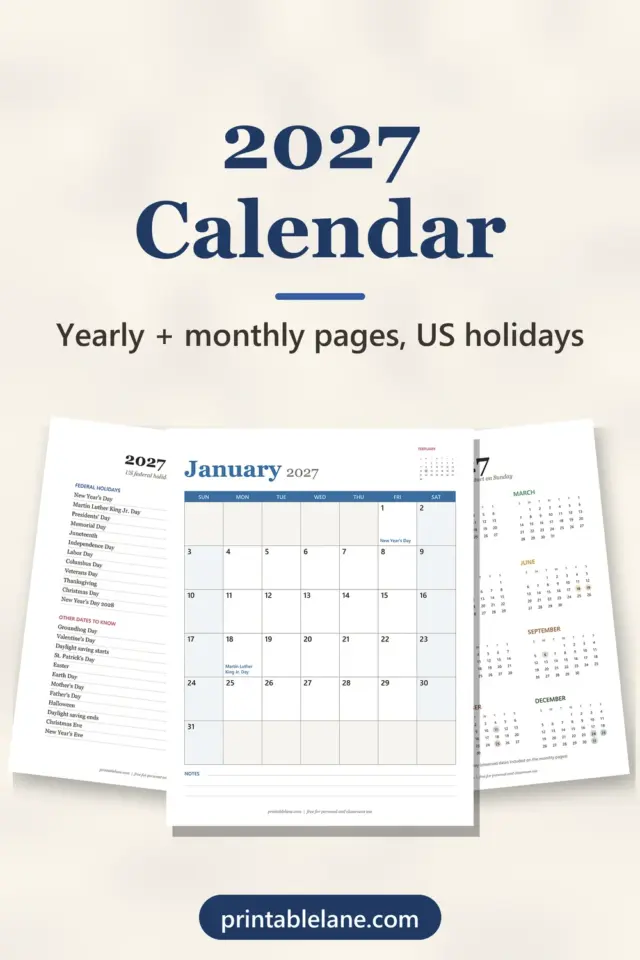
Planning the holidays too? The Christmas budget planner covers gifts, food and December savings. Mark paydays and due dates on the 2027 printable calendar, and keep grocery spending down with the weekly meal planner.
FAQ
Is the 2027 budget planner free?
Yes. The PDF and the spreadsheet are free for personal use. Please don’t sell them or share the files themselves; link to this page instead.
Does the spreadsheet need macros?
No. There are no macros or add-ons, only standard formulas, so it opens without security warnings.
Can I change the categories?
Yes. In the spreadsheet, rename any category or insert a row inside a block and the totals still include it. On paper, the blank income and savings rows are there for your own categories.
Is this financial advice?
No. It is a planning template. For advice about debt, taxes or investing, talk to a qualified professional.