A check register is a simple running list of every payment and deposit in your account, with the balance after each one. It sounds old-fashioned in the age of banking apps, but it is still one of the easiest ways to know exactly how much money you have, catch mistakes and stop overdraft fees before they happen.
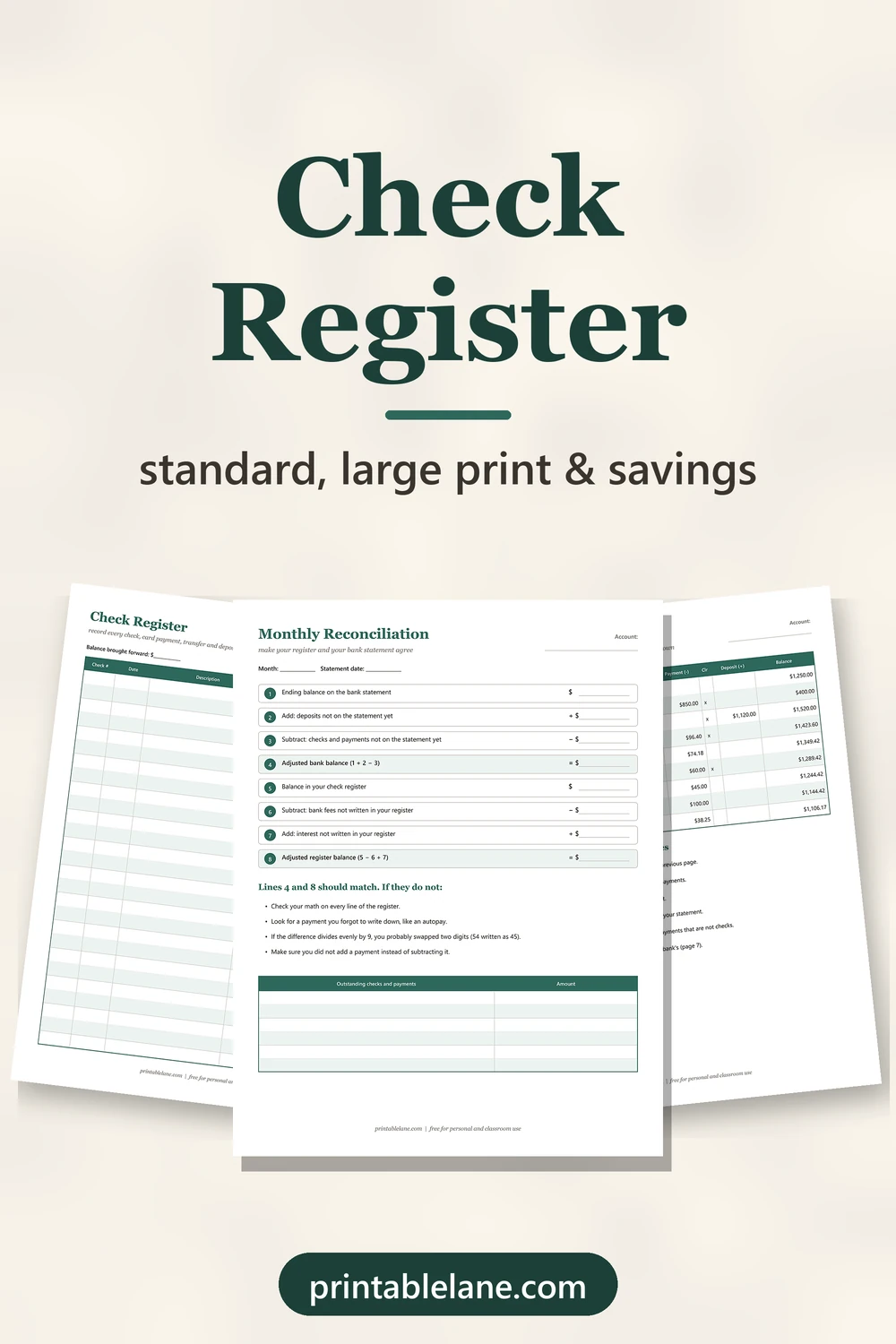
This free printable set has 6 printable pages plus a cover (7 pages in the PDF), so you can pick the layout that fits you: a classic register, one with a category column for budgeting, a large print version, a savings register and a reconciliation worksheet, plus a filled-in example that shows how it all works.
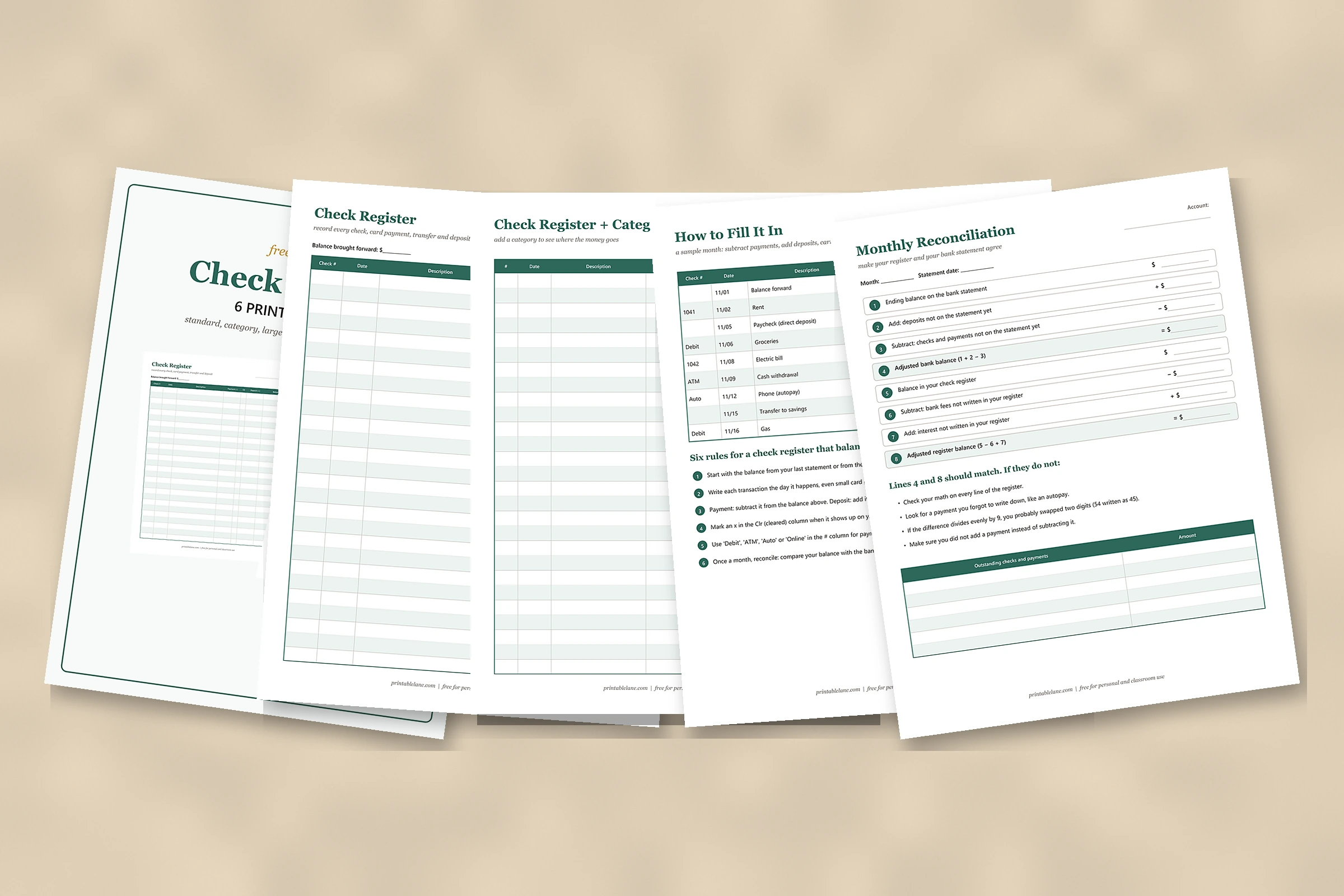
What is in the check register PDF
The PDF has 7 US Letter pages: a cover and 6 printable pages. Every page has an Account line at the top, so you can keep separate sheets for checking, a joint account or savings.
- Page 1: cover
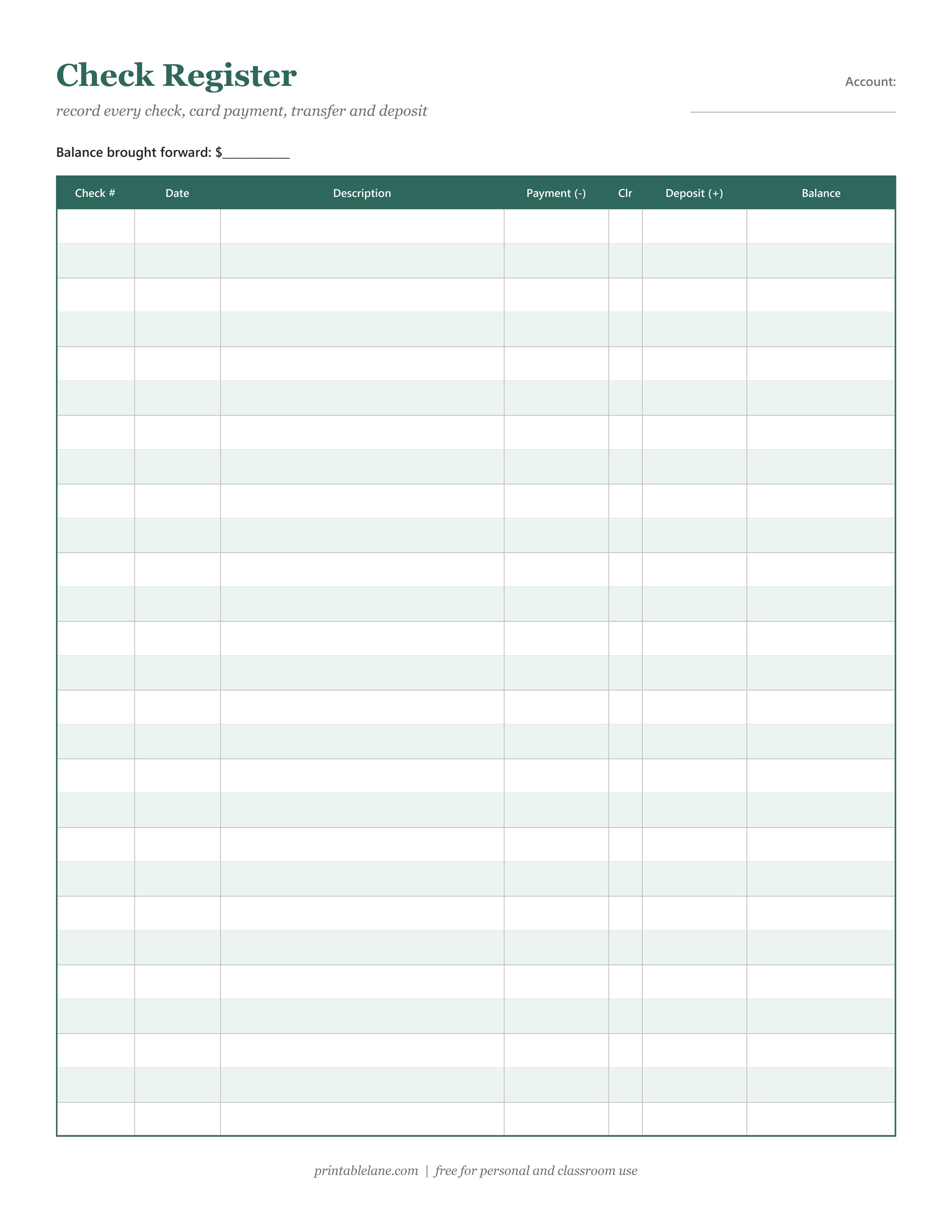
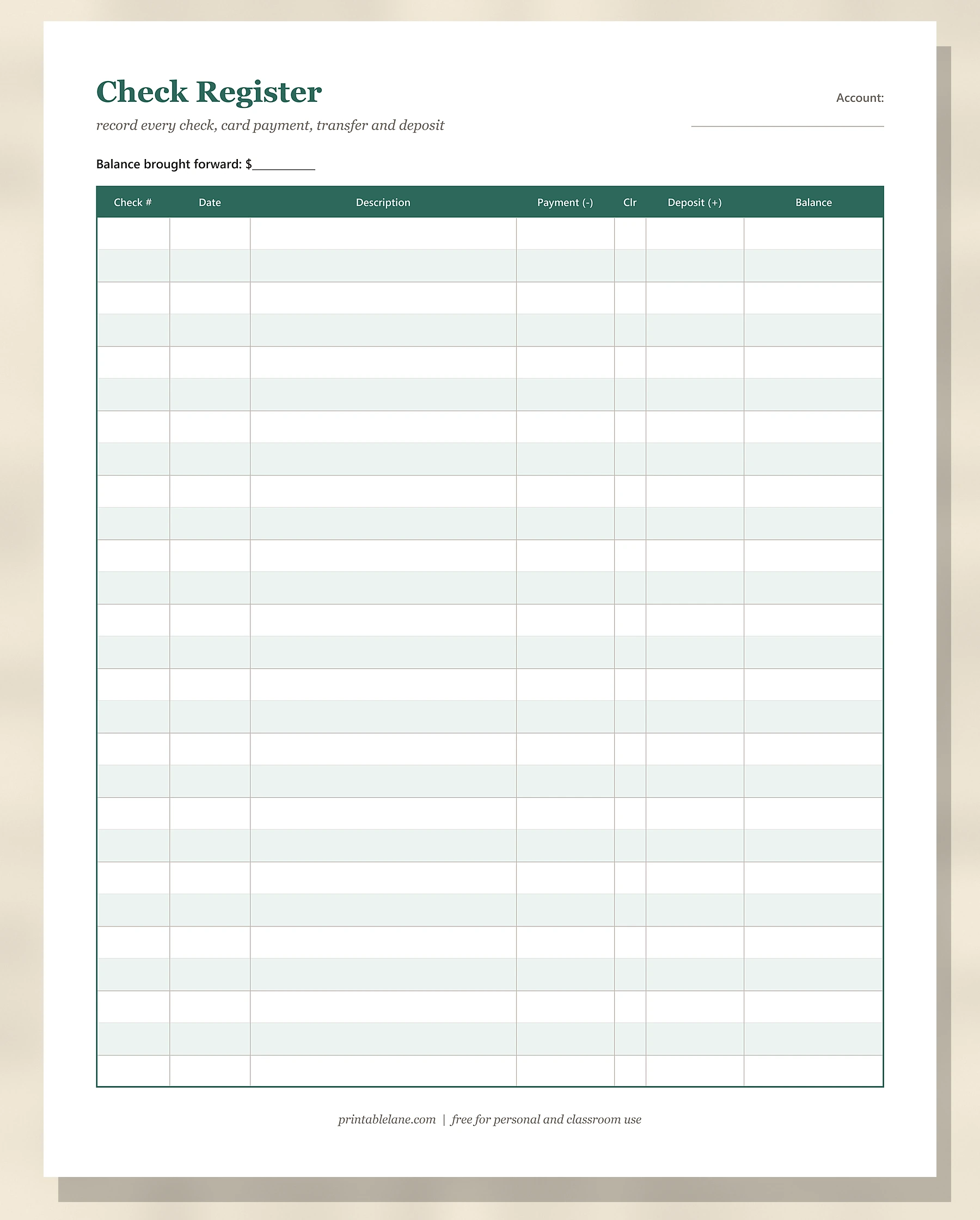
- Page 2: Check Register: check #, date, description, payment, Clr (cleared), deposit and balance, 27 rows, with a “Balance brought forward” line.
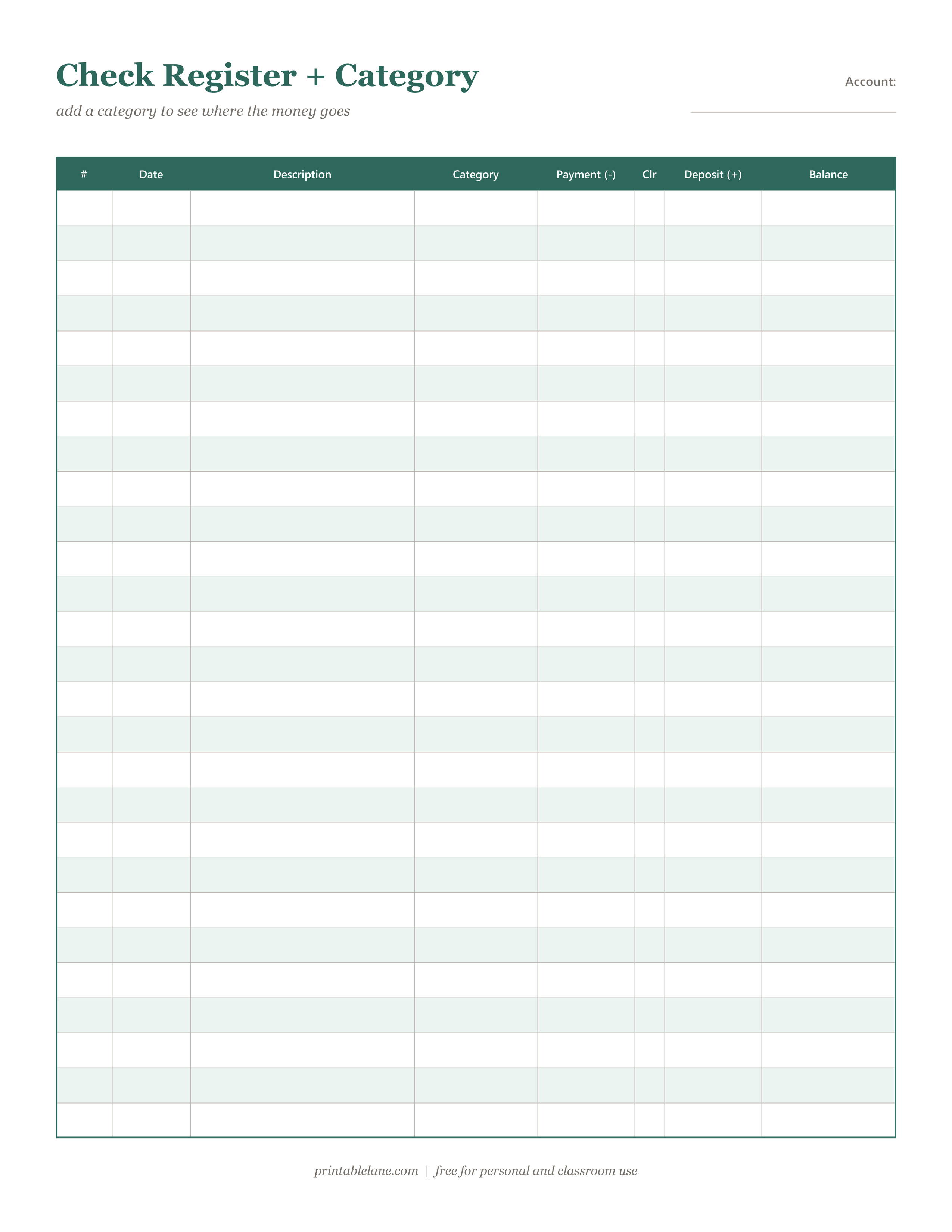
- Page 3: Check Register + Category: the same columns plus a category column for groceries, bills, gas and so on, 27 rows.
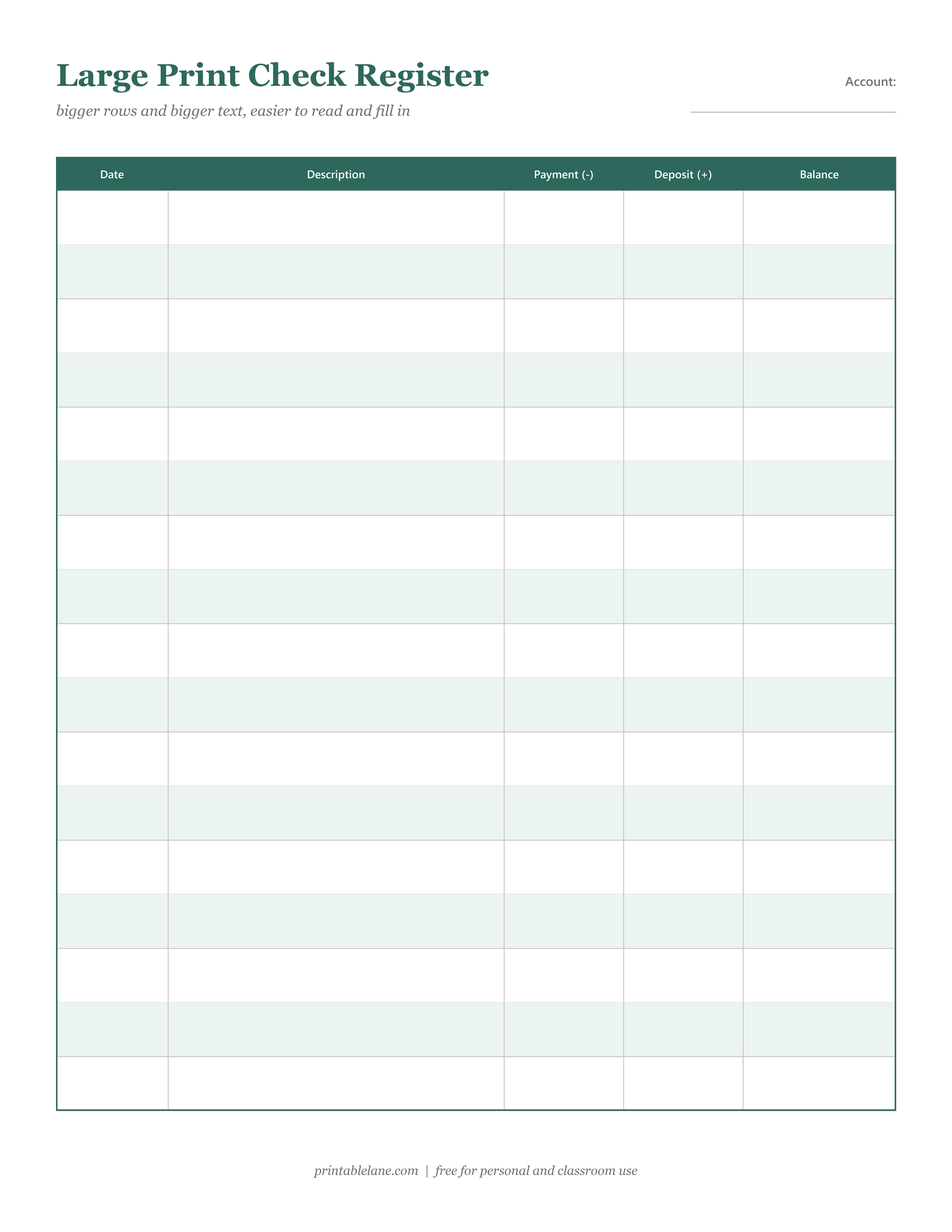
- Page 4: Large Print Check Register: 17 taller rows and only 5 columns (date, description, payment, deposit, balance), easier to read and fill in.
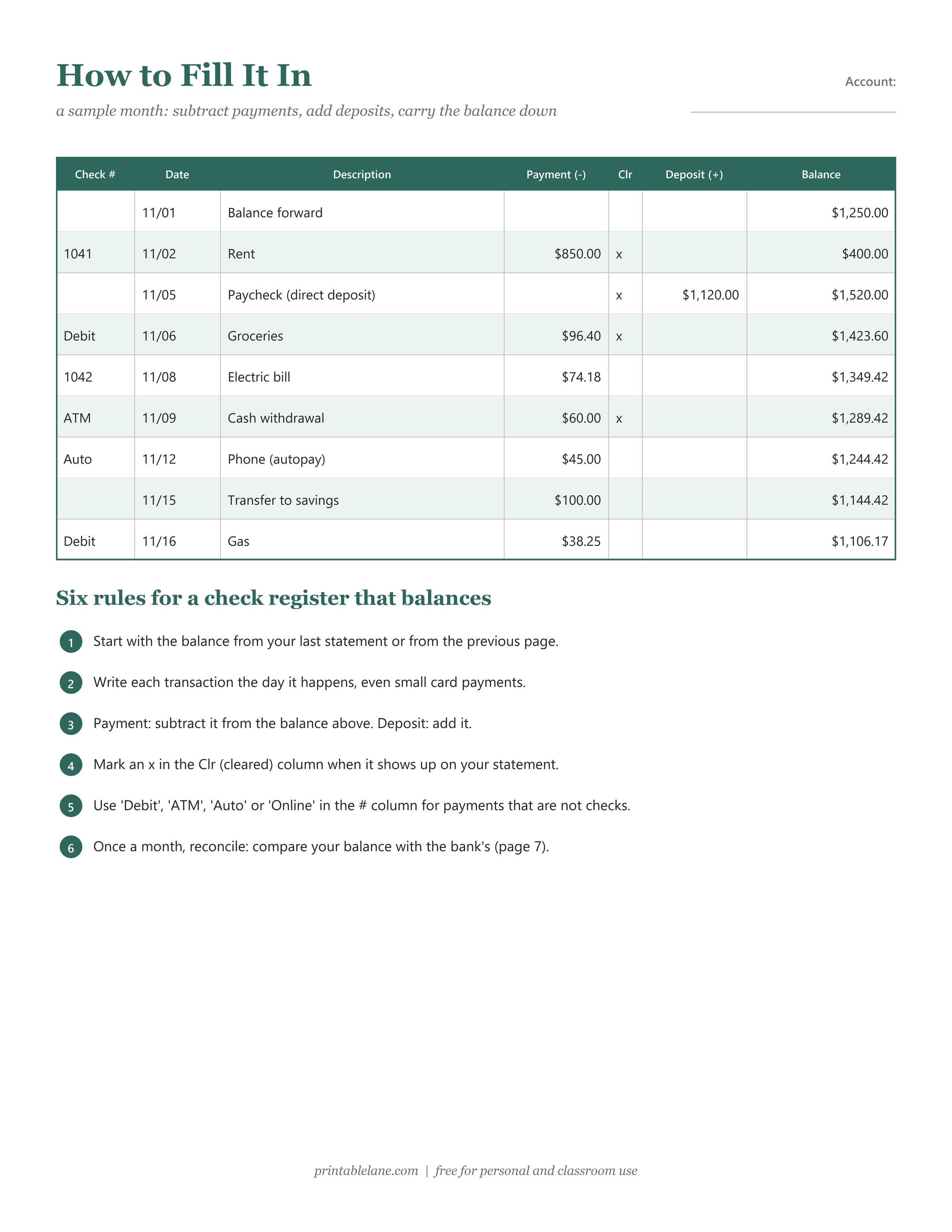
- Page 5: How to Fill It In: a filled sample month with rent, a paycheck, groceries and an autopay, plus 6 rules for a register that balances.
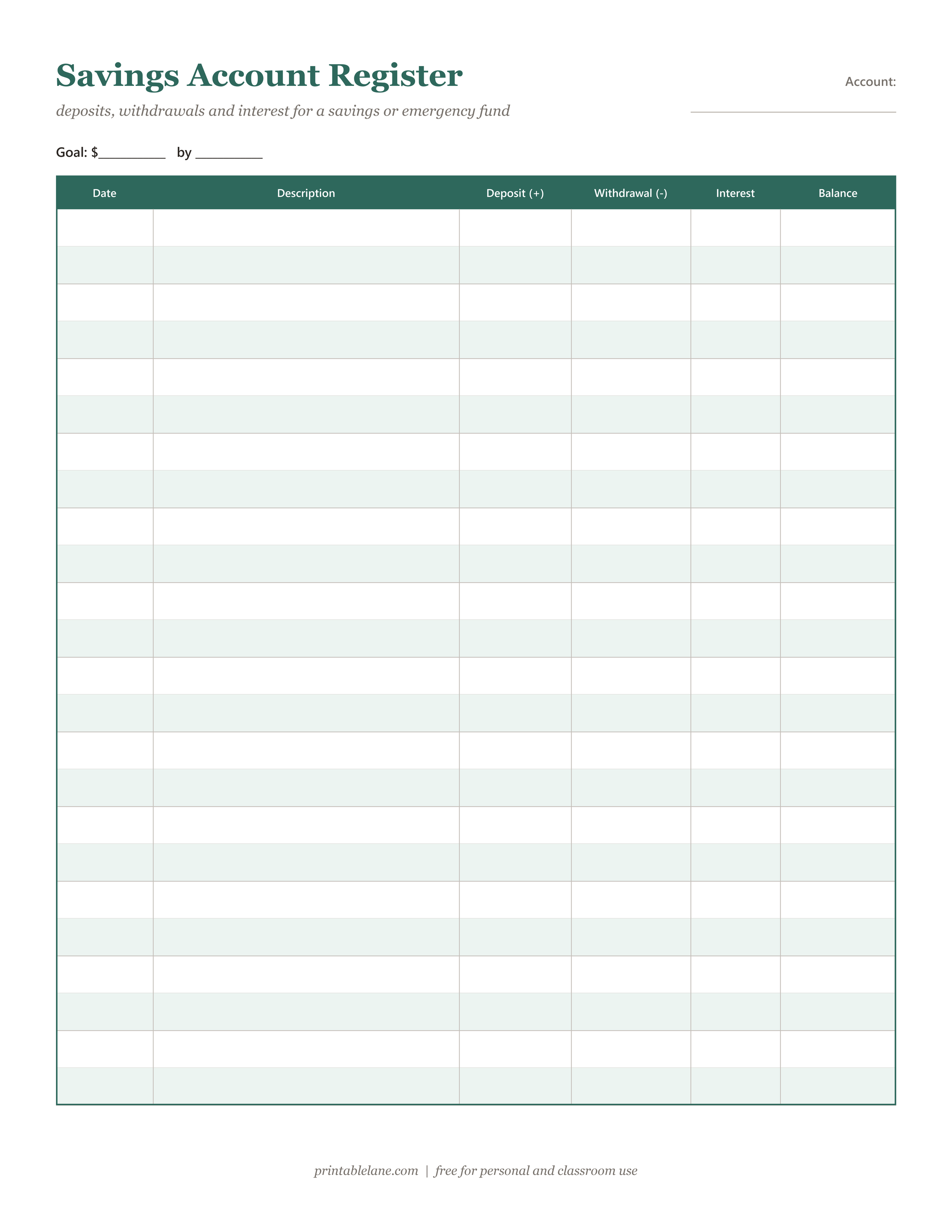
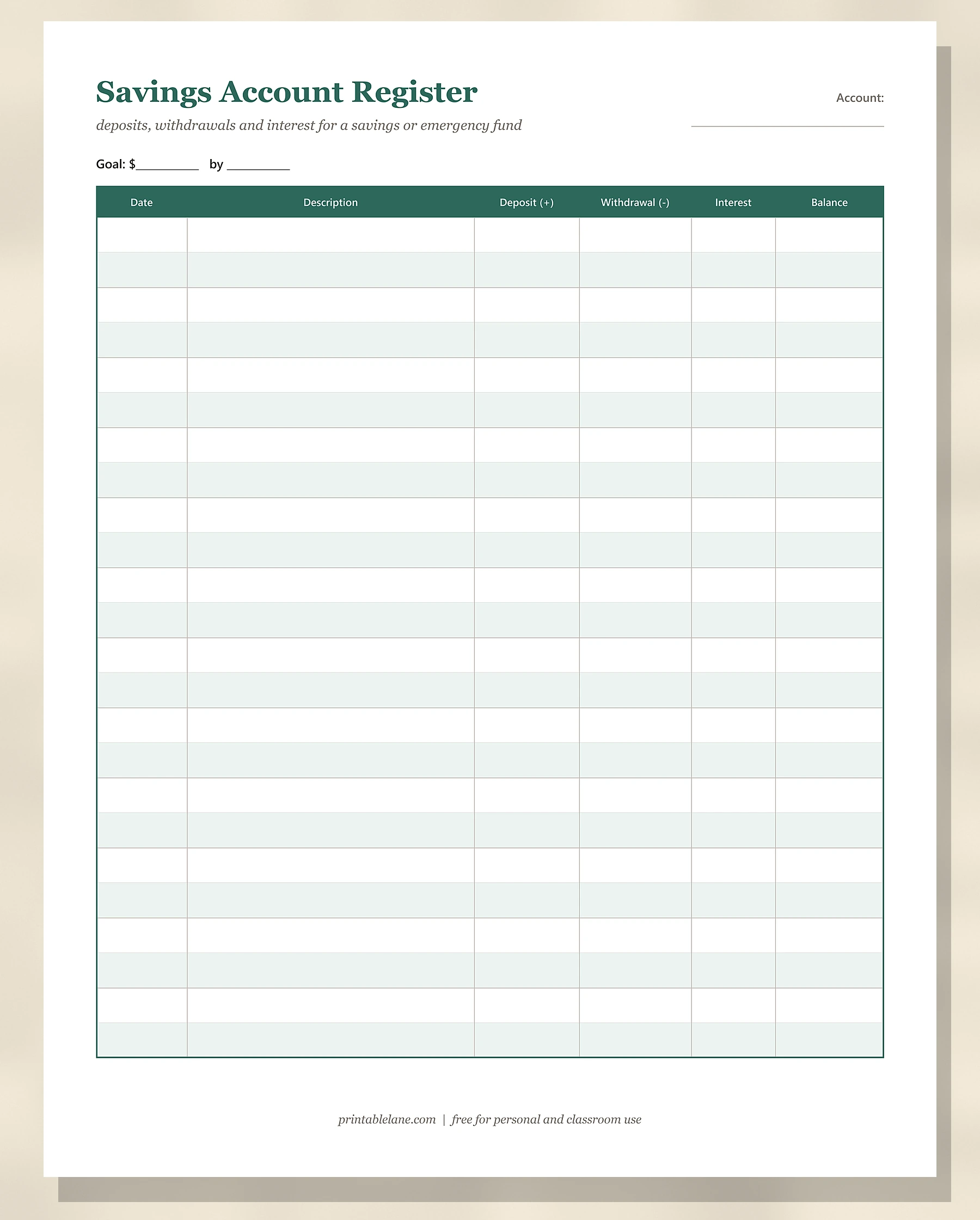
- Page 6: Savings Account Register: a goal line, then deposit, withdrawal, interest and balance columns, 24 rows.
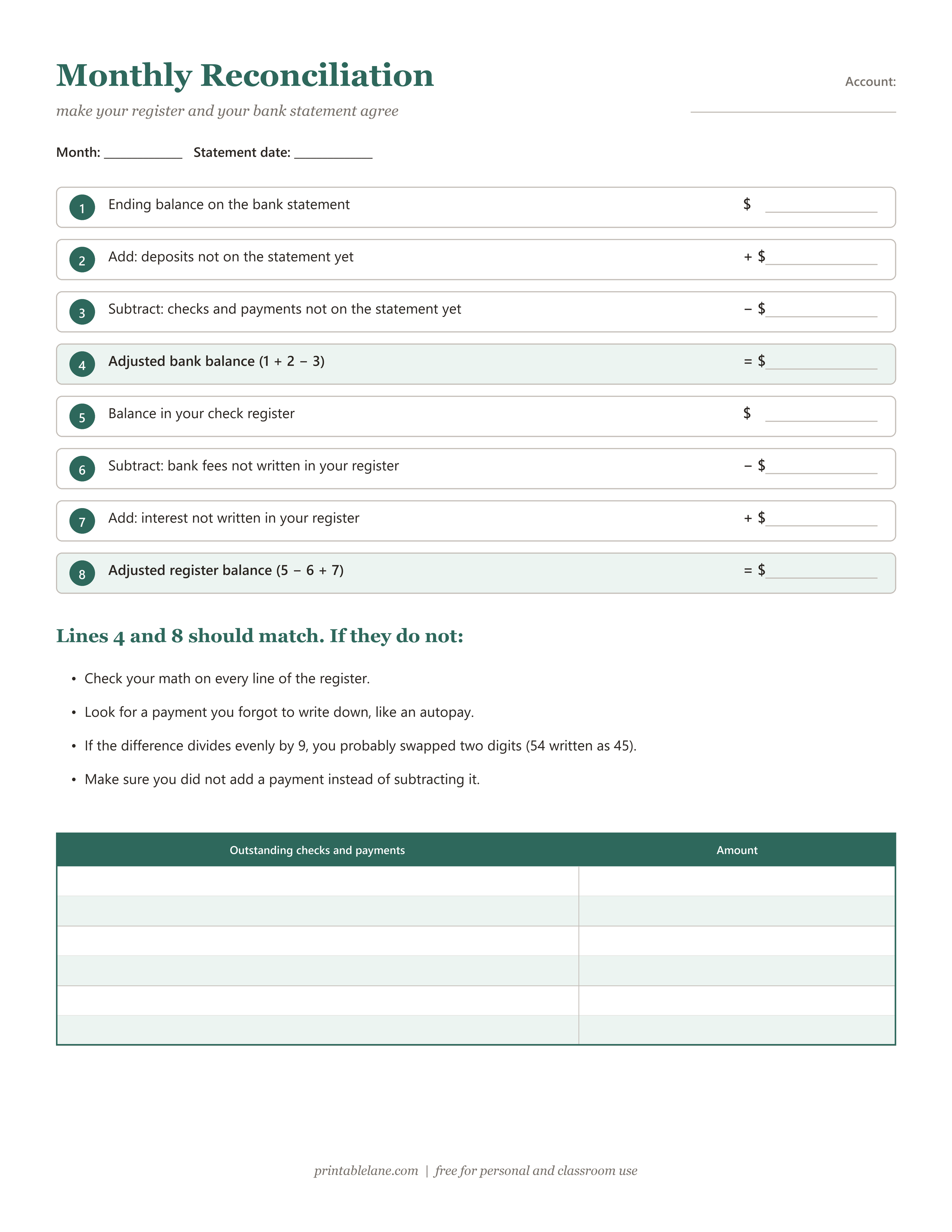
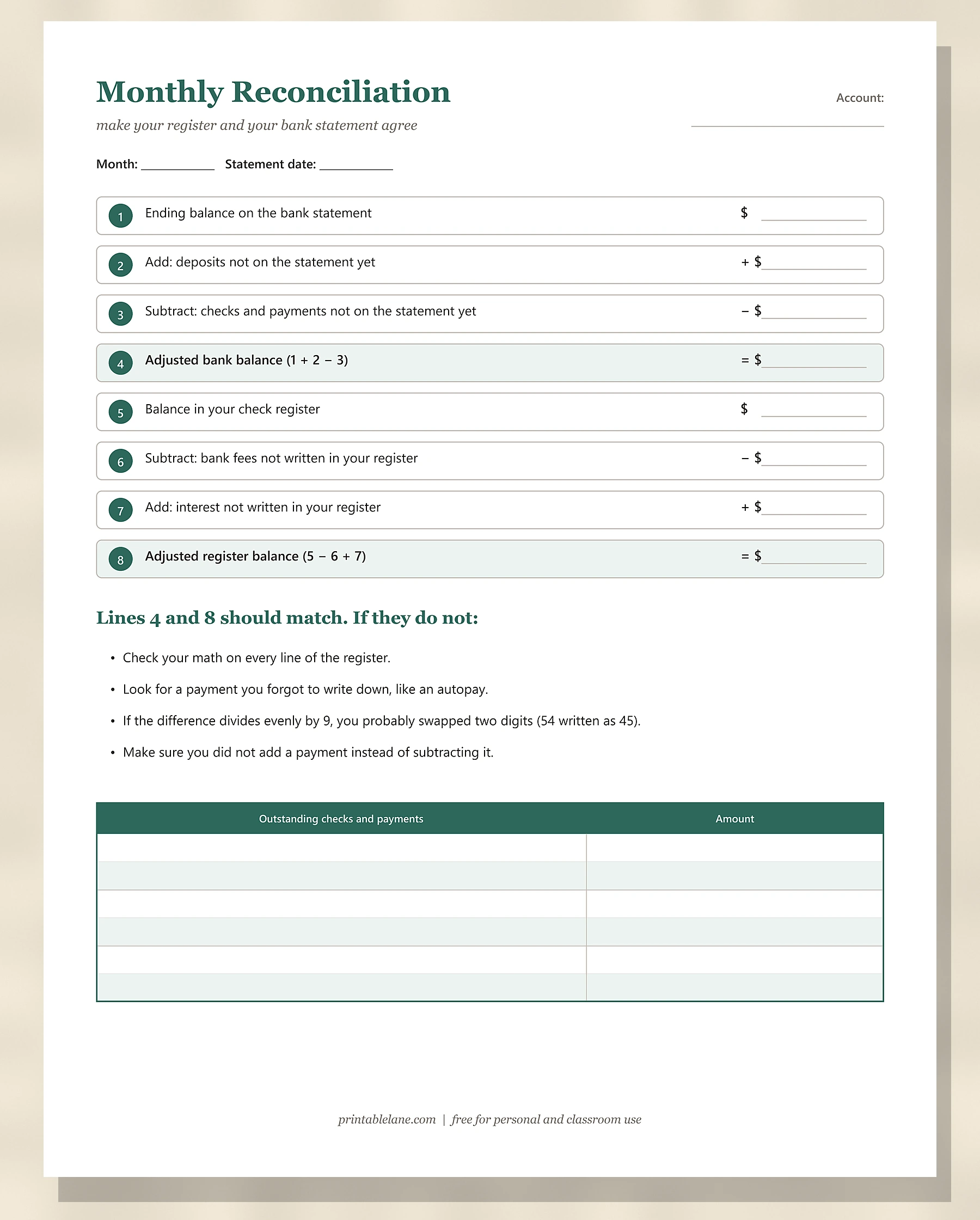
- Page 7: Monthly Reconciliation: 8 lines that make your register match the bank, a short troubleshooting list and a table for outstanding checks and payments.
Which register page should you use?
- You want the classic: page 2, the Check Register. It works for any checking account.
- You are on a budget: page 3, Check Register + Category, so you can total each category at the end of the month.
- You want bigger writing space, or you are setting it up for a parent or grandparent: page 4, the Large Print Check Register.
- You are saving for something: page 6, the Savings Account Register.
- Everyone: page 7 once a month, and page 5 the first time you start.
How to fill in a check register
- Start with a balance. Write the balance from your latest bank statement (or from the bottom of your last sheet) on the Balance brought forward line.
- Record every transaction the day it happens: checks, debit card purchases, ATM withdrawals, transfers, autopays and deposits.
- Use the # column for check numbers, or write Debit, ATM, Auto or Online for everything else.
- Subtract payments and add deposits to the balance on the line above, and write the new balance.
- Mark the Clr (cleared) column with an x when the transaction shows up on your bank statement or app.
- Carry the balance forward to a new page when the sheet is full.
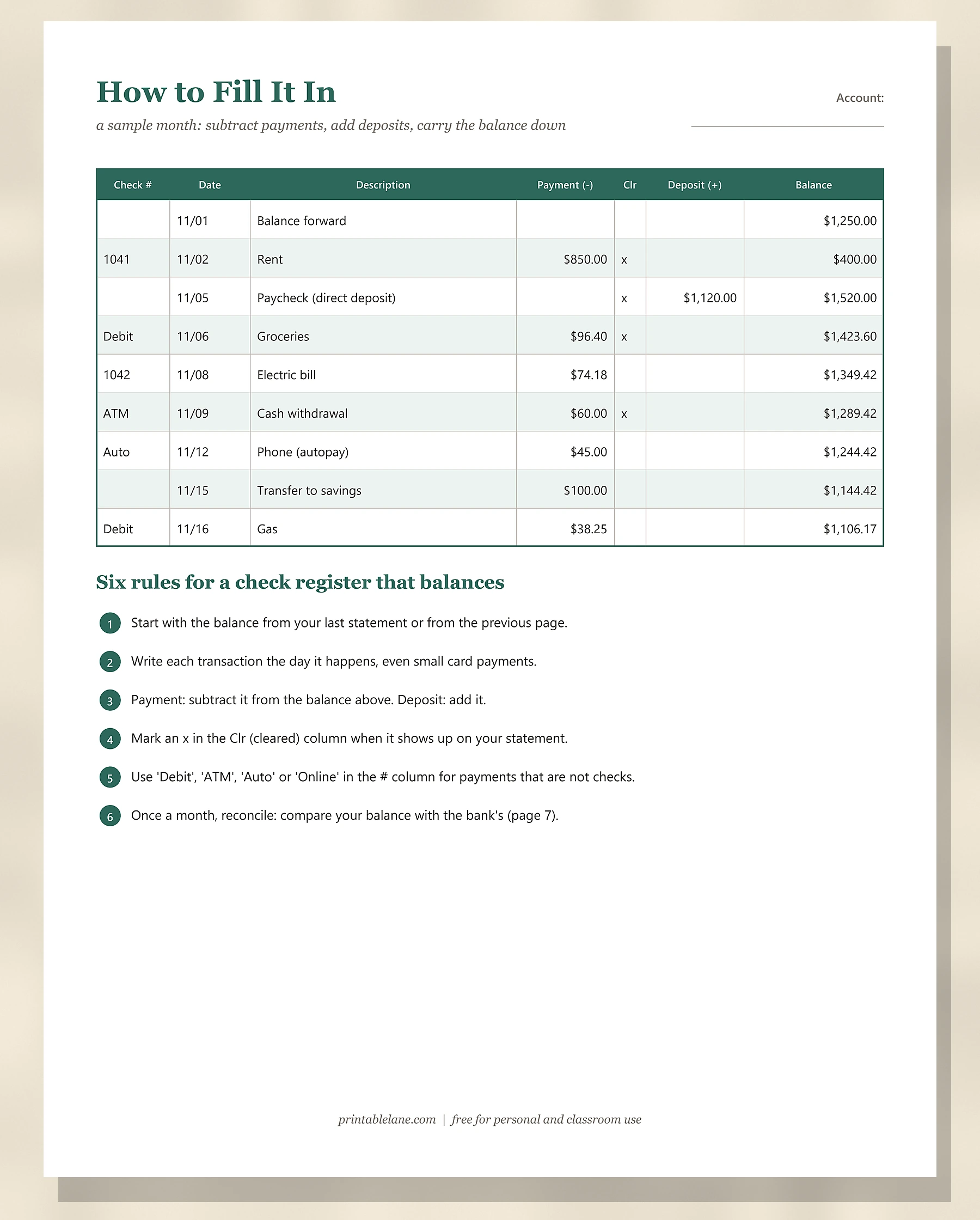
The filled example, line by line
The How to Fill It In page walks through half a month. The month starts at $1,250.00. Check 1041 for rent of $850.00 brings it to $400.00, and a paycheck of $1,120.00 by direct deposit brings it up to $1,520.00. After that, each payment is subtracted on its own line:
- Groceries by debit card, $96.40: balance $1,423.60
- Check 1042 for the electric bill, $74.18: balance $1,349.42
- ATM cash withdrawal, $60.00: balance $1,289.42
- Phone autopay, $45.00: balance $1,244.42
- Transfer to savings, $100.00: balance $1,144.42
- Gas by debit card, $38.25: balance $1,106.17
Only 4 lines have an x in the Clr column: the rent, the paycheck, the groceries and the ATM withdrawal. The other 4 payments, $257.43 in total, have not reached the bank yet. That is exactly the money a banking app would still show as available, and exactly why a register keeps you from spending it twice.
Why use a paper register when you have a banking app?
- Pending payments: your app shows what has cleared. A register also shows checks and autopays that have not cleared yet, so you know what you can really spend.
- Mistakes: banks and merchants make errors, like double charges. A register makes them easy to spot.
- Awareness: writing every purchase by hand makes you notice small spending that adds up.
- Shared accounts: a register on the kitchen counter keeps a couple or a family on the same page.
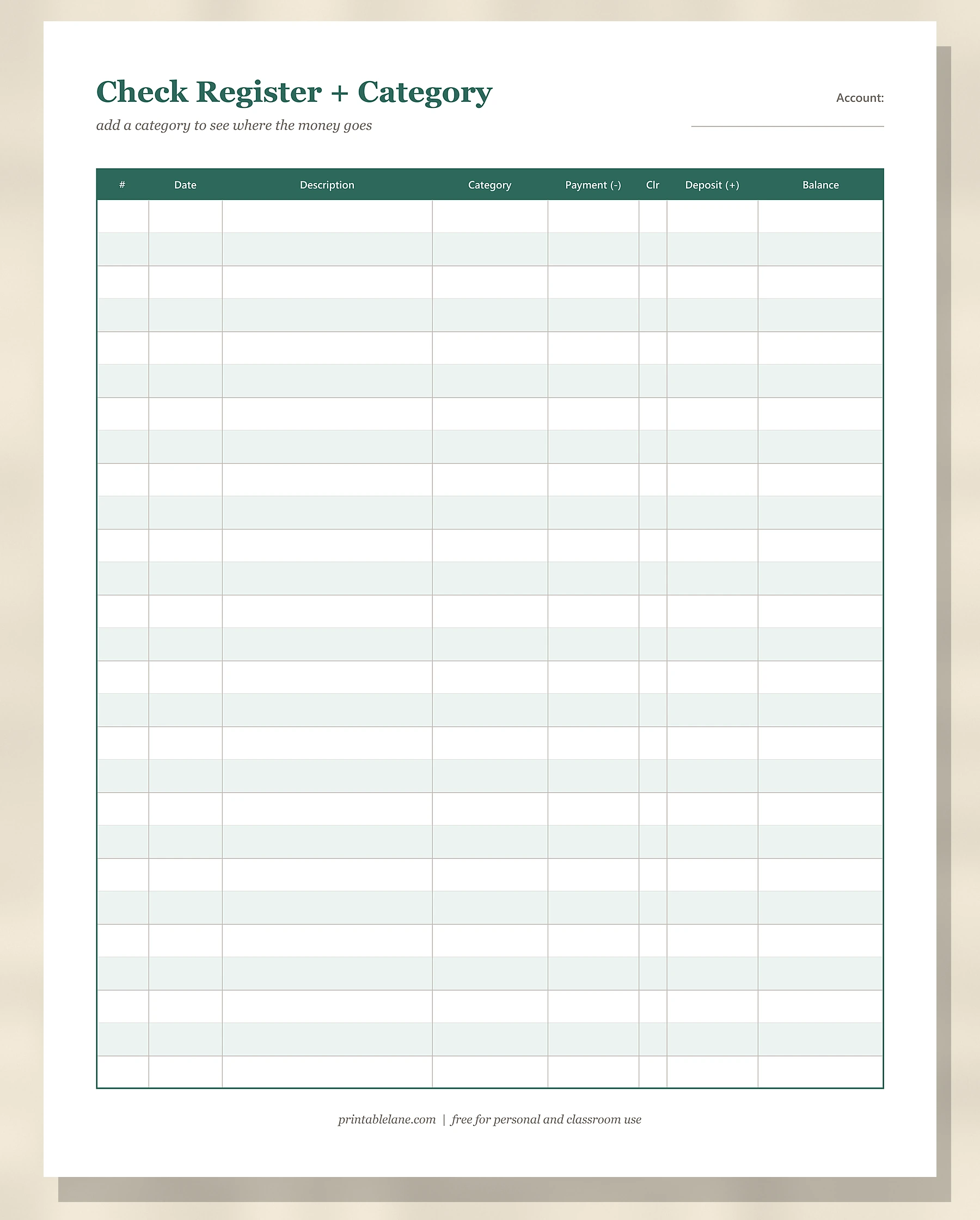
At the end of the month, run down the category column with a highlighter, one color per category, and add up each group. Those totals are your real spending numbers, which you can copy straight into a monthly budget.
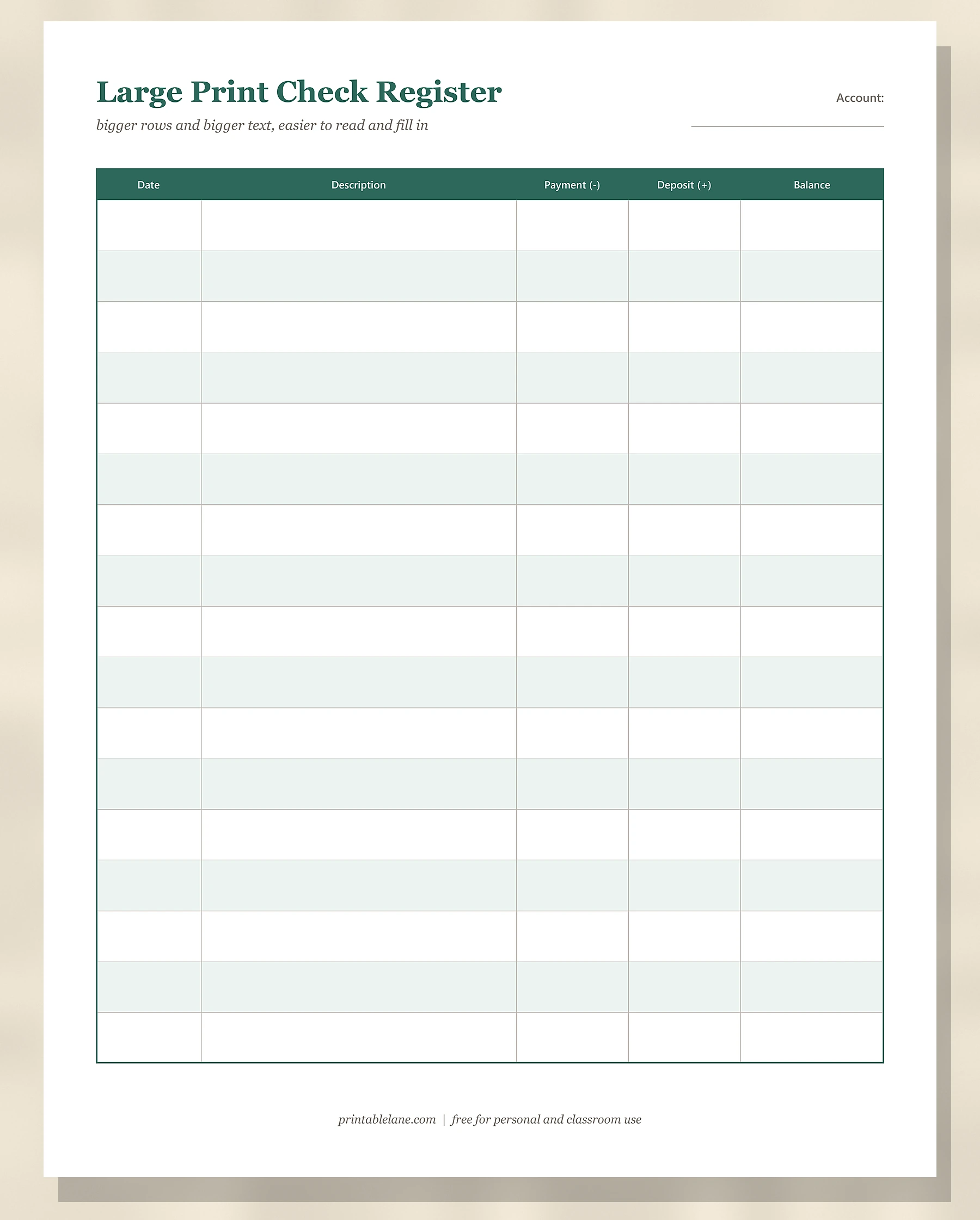
The large print page trades rows for space: 17 rows instead of 27, with a wide description column. It is a good fit for anyone who finds small boxes hard to read or write in.
How to balance your checkbook each month
Balancing, or reconciling, means making sure your register and the bank agree. The Monthly Reconciliation page has 8 numbered lines:
- Write the ending balance from your bank statement.
- Add any deposits you made that are not on the statement yet.
- Subtract checks and payments that are not on the statement yet. List them in the table at the bottom first.
- Line 1 + line 2 − line 3 is your adjusted bank balance.
- Write the balance in your check register.
- Subtract any bank fees you had not written in your register.
- Add any interest you had not written in your register.
- Line 5 − line 6 + line 7 is your adjusted register balance.
Lines 4 and 8 should match. If they do not, check your math on every line, look for a payment you forgot (autopays are the usual suspects) and make sure you did not add a payment instead of subtracting it. A difference that divides evenly by 9 usually means you swapped 2 digits, like writing $54 as $45.
A register for savings, too
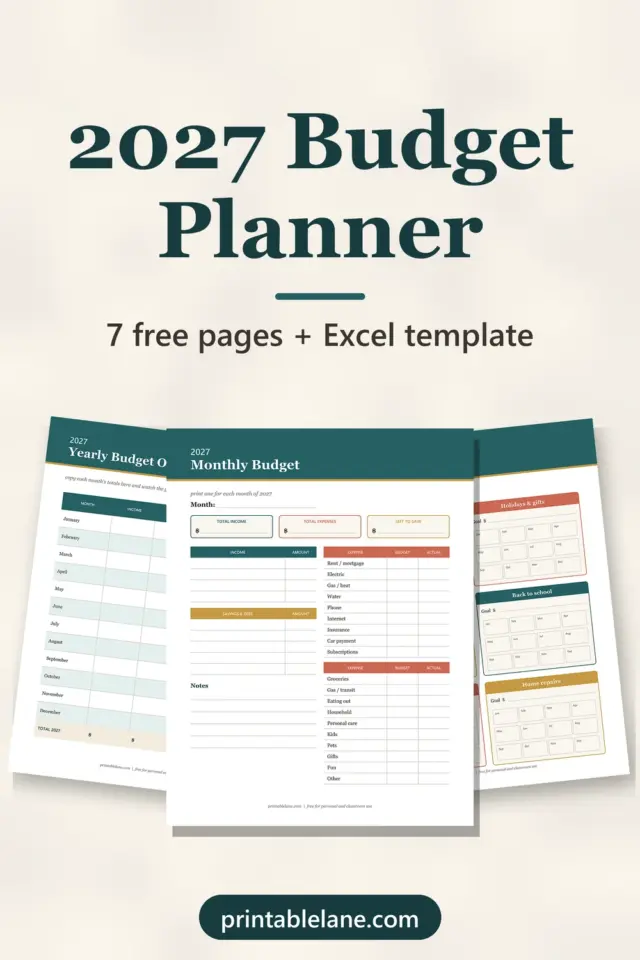
The savings page has a goal line at the top (an amount and a date) and columns for deposits, withdrawals and interest. It is especially motivating for an emergency fund or a holiday fund, because you can watch the balance grow line by line. Pair it with our 2027 budget planner to plan how much to set aside each month.
Common check register mistakes
- Waiting until the weekend: small card payments are easy to forget. Write them the same day, or keep receipts in one envelope until you do.
- Forgetting recurring payments: autopays and subscriptions don’t come with a receipt. List them on the first line of each month as a reminder.
- Rounding: write cents exactly. Rounding $74.18 to $74 looks harmless, but a month of rounding makes reconciling much harder.
- Skipping the reconciliation: a small error caught this month takes 5 minutes; the same error found 3 months later can take an evening.
Printing and storing your register
- The pages are US Letter size. Print at 100% on US Letter; on A4, choose Fit to page or 100%.
- Count your usual transactions: if you make about 40 a month, print 2 sheets of the standard register per month (27 rows each), or 3 of the large print page.
- Hole-punch the pages and keep them in a binder with your statements, newest month on top.
- Write in pen, and fix mistakes with a single line through the amount, so you can still see what changed.
Download single pages
Each link below opens one page as a PNG image, handy when you only need more copies of the register you use most. The full PDF with the cover is in the download box.
- Check Register (PNG)
- Check Register + Category (PNG)
- Large Print Check Register (PNG)
- How to Fill It In (filled example) (PNG)
- Savings Account Register (PNG)
- Monthly Reconciliation (PNG)
More money printables: the 2027 budget planner, the Christmas budget planner and the habit tracker for a no-spend challenge. To see when each bill is due, mark the dates on this free printable 2027 calendar.
Frequently asked questions
What is a check register?
It is a running record of every transaction in a checking account, with the balance after each one. It helps you know your real balance and catch errors.
How many pages are in the PDF?
7 pages: a cover and 6 printable pages (the standard register, the category register, the large print register, the filled example, the savings register and the monthly reconciliation worksheet).
Can I print the check register on A4 paper?
Yes. The pages are US Letter, but they print well on A4 with Fit to page or at 100%. The register rows keep the same count either way.
Do I need a check register if I never write checks?
It still helps. Debit card purchases, autopays and transfers are the most common transactions now, and a register shows the ones that have not cleared yet.
How often should I balance my check register?
Once a month, when your bank statement arrives. Updating the register itself should happen every time you spend or deposit money.
What should I do when a sheet is full?
Write the last balance on the Balance brought forward line of a new sheet and keep going. On the category or large print pages, which have no such line, use the first row as “Balance forward”, like the filled example does.