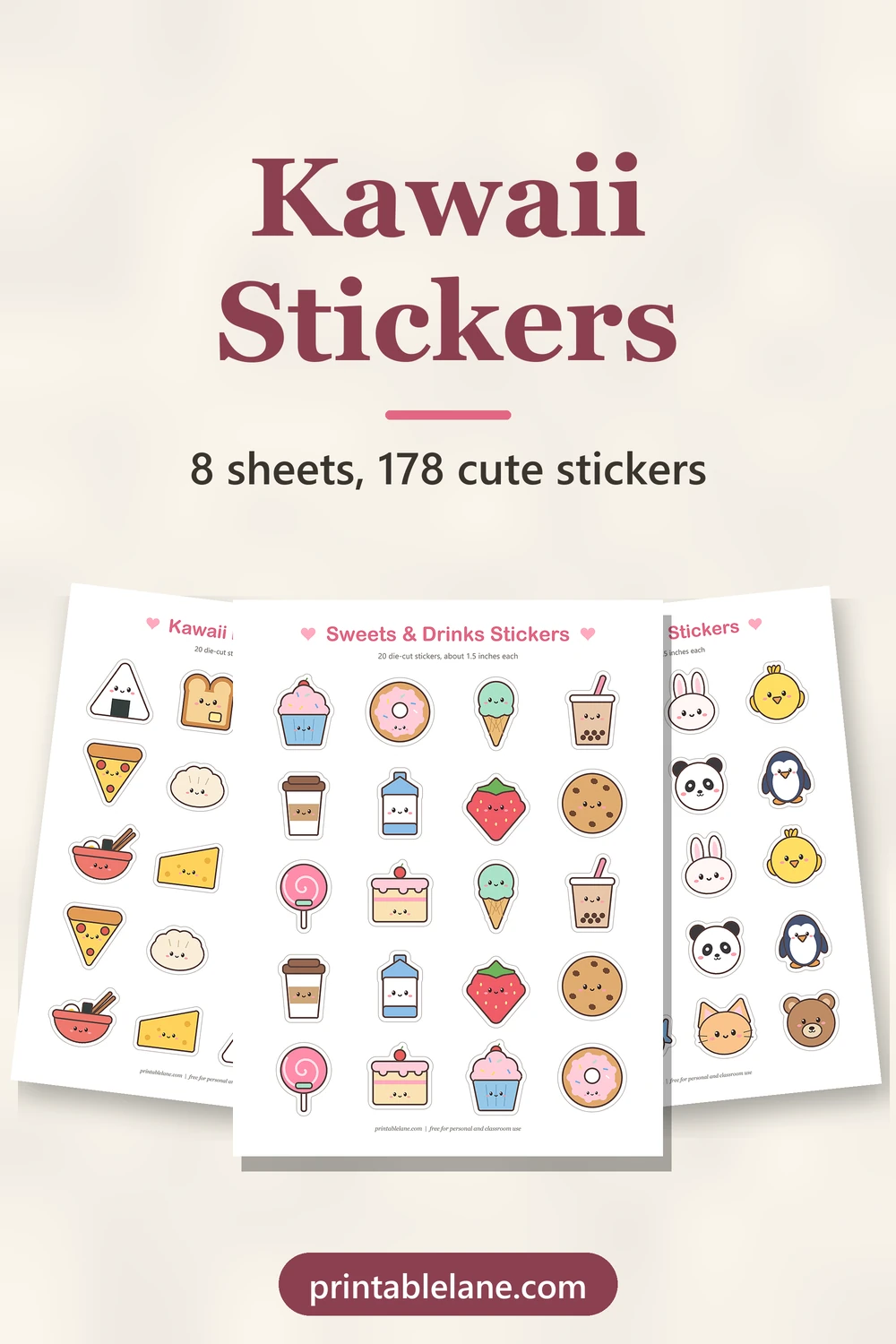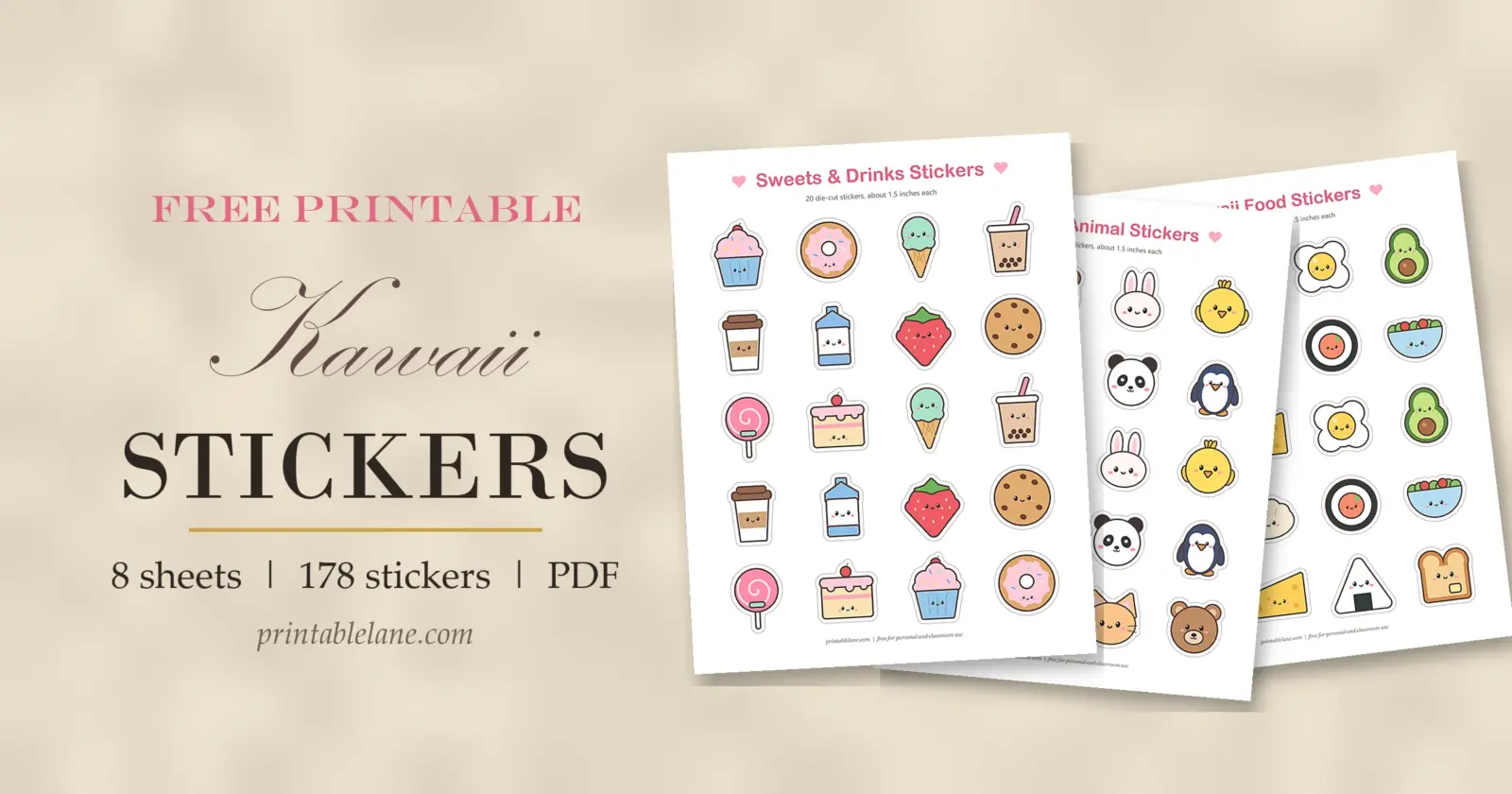
A plain planner page gets friendlier with a smiling rice ball in the corner. These cute printable stickers come on 8 full-color sheets: kawaii food, animals, sweets and drinks, plants and flowers, round planner icons, weather and mood faces, word labels and blank labels you fill in yourself. That is 178 stickers in all.
Most stickers have a tiny face with rosy cheeks, and every one has a dark outline, a white border and a thin grey cut line around it, so the sheets look like real die-cut stickers once you trim them. All the characters are original drawings, and the words are typeset, so the spelling is right on every label.
What’s in the PDF (9 pages)
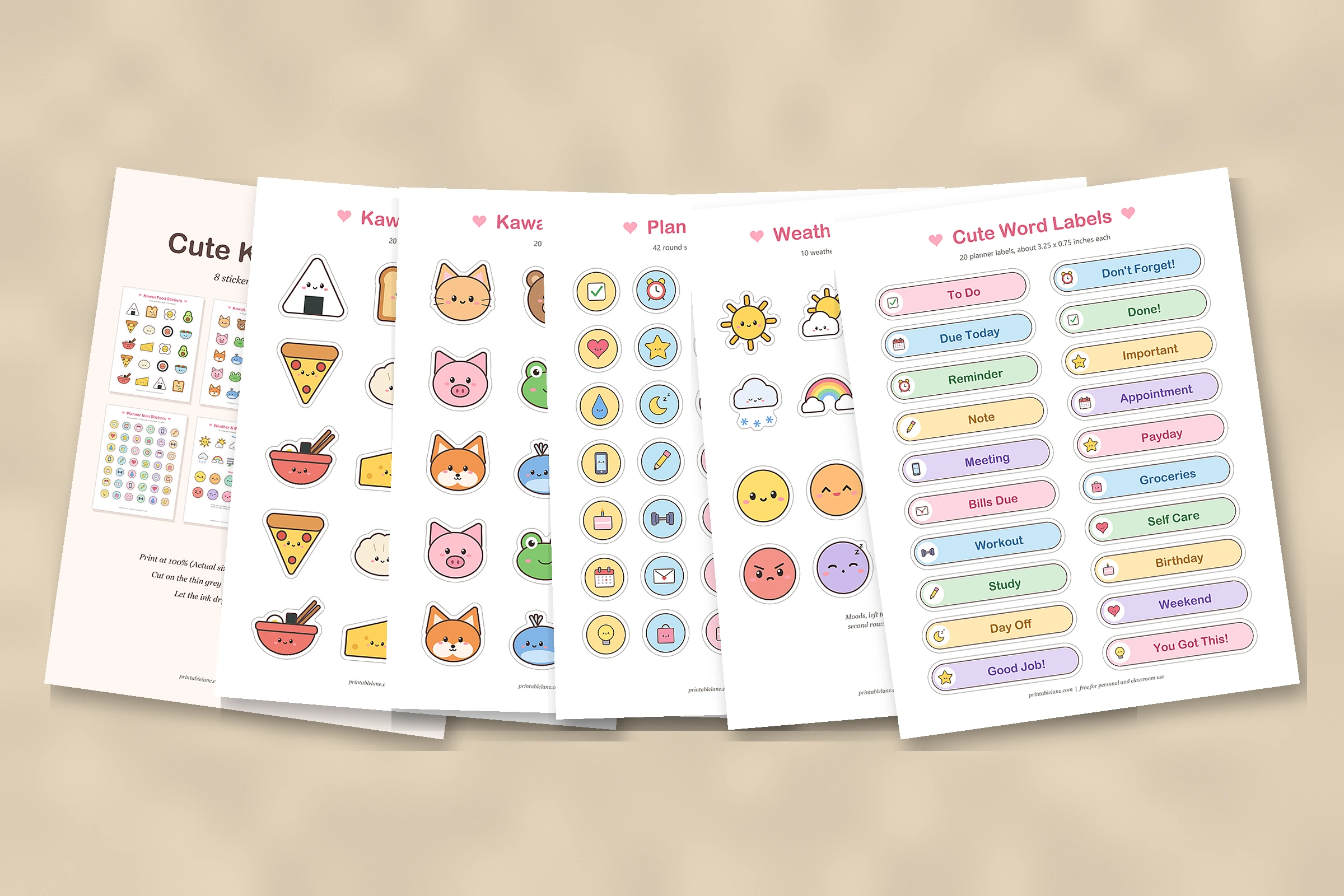
- Page 1: cover with small previews of all 8 sheets.
- Page 2: Kawaii Food Stickers (20).
- Page 3: Kawaii Animal Stickers (20).
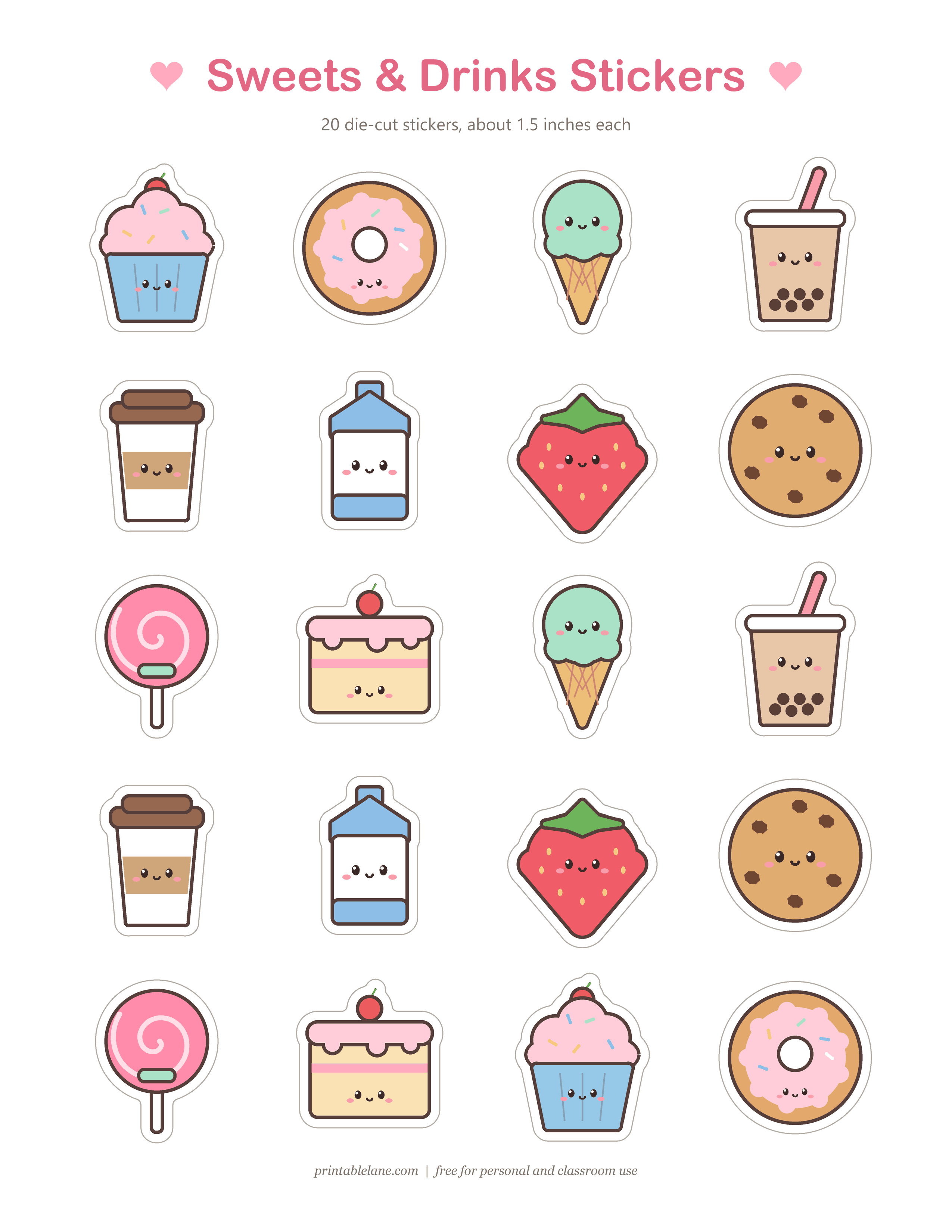
- Page 4: Sweets & Drinks Stickers (20).
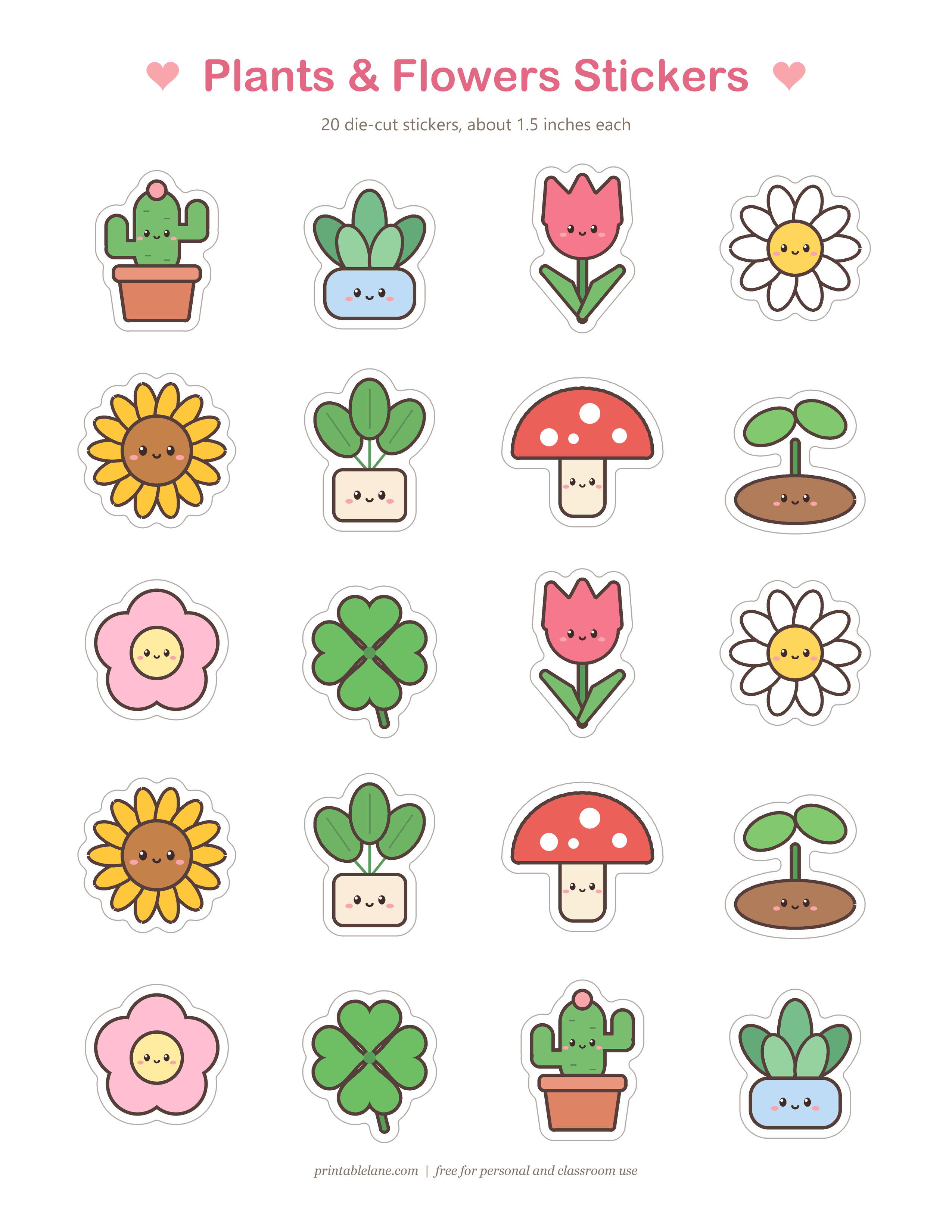
- Page 5: Plants & Flowers Stickers (20).
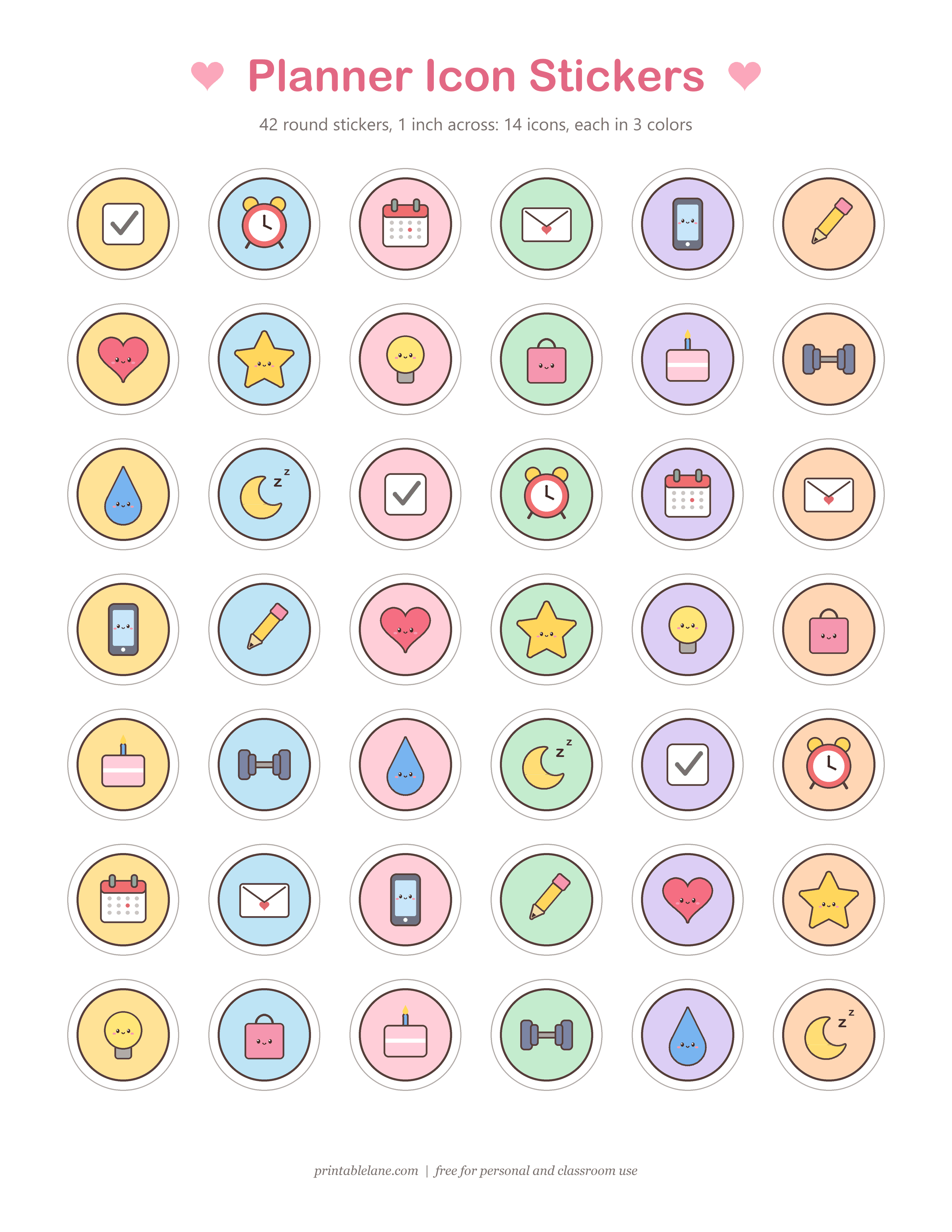
- Page 6: Planner Icon Stickers (42).
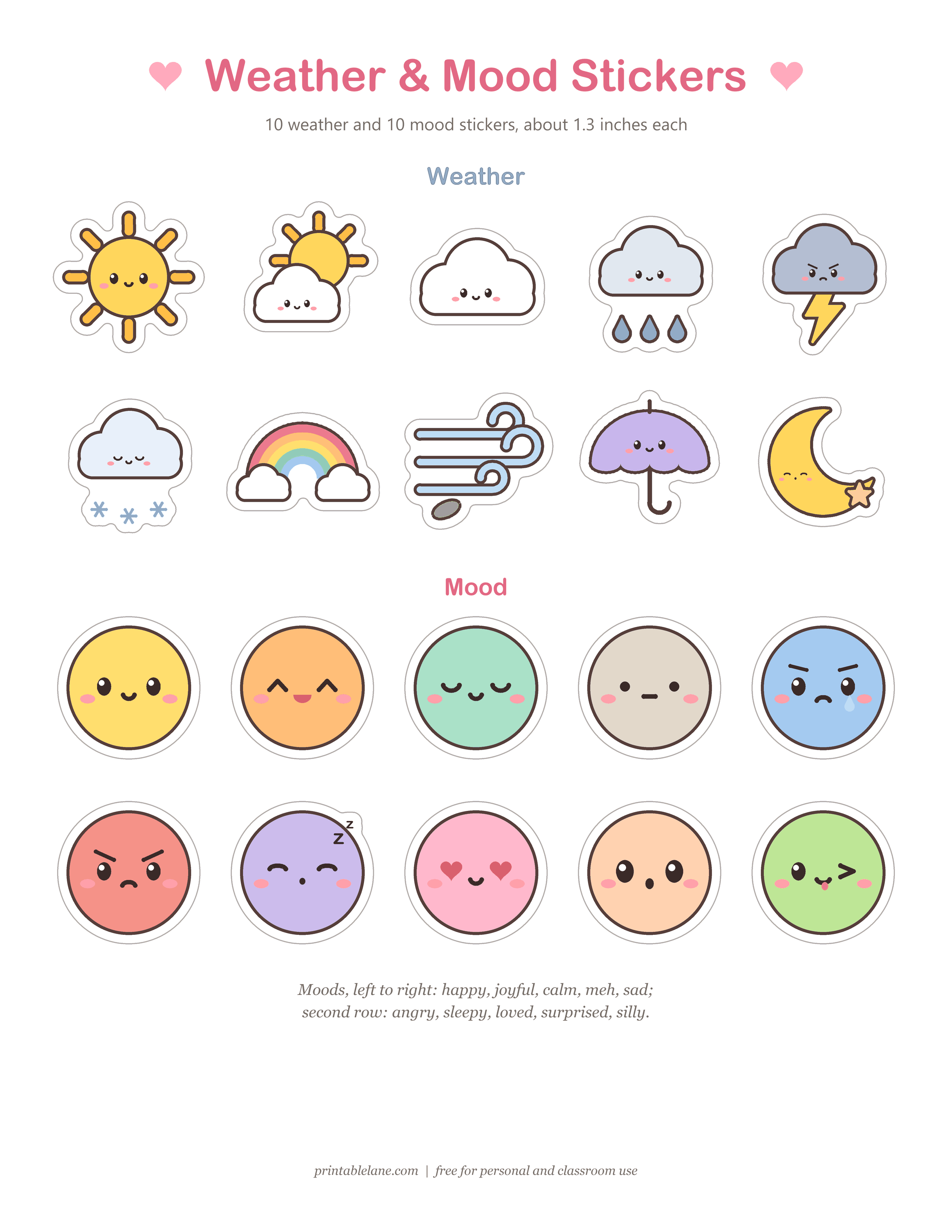
- Page 7: Weather & Mood Stickers (20).
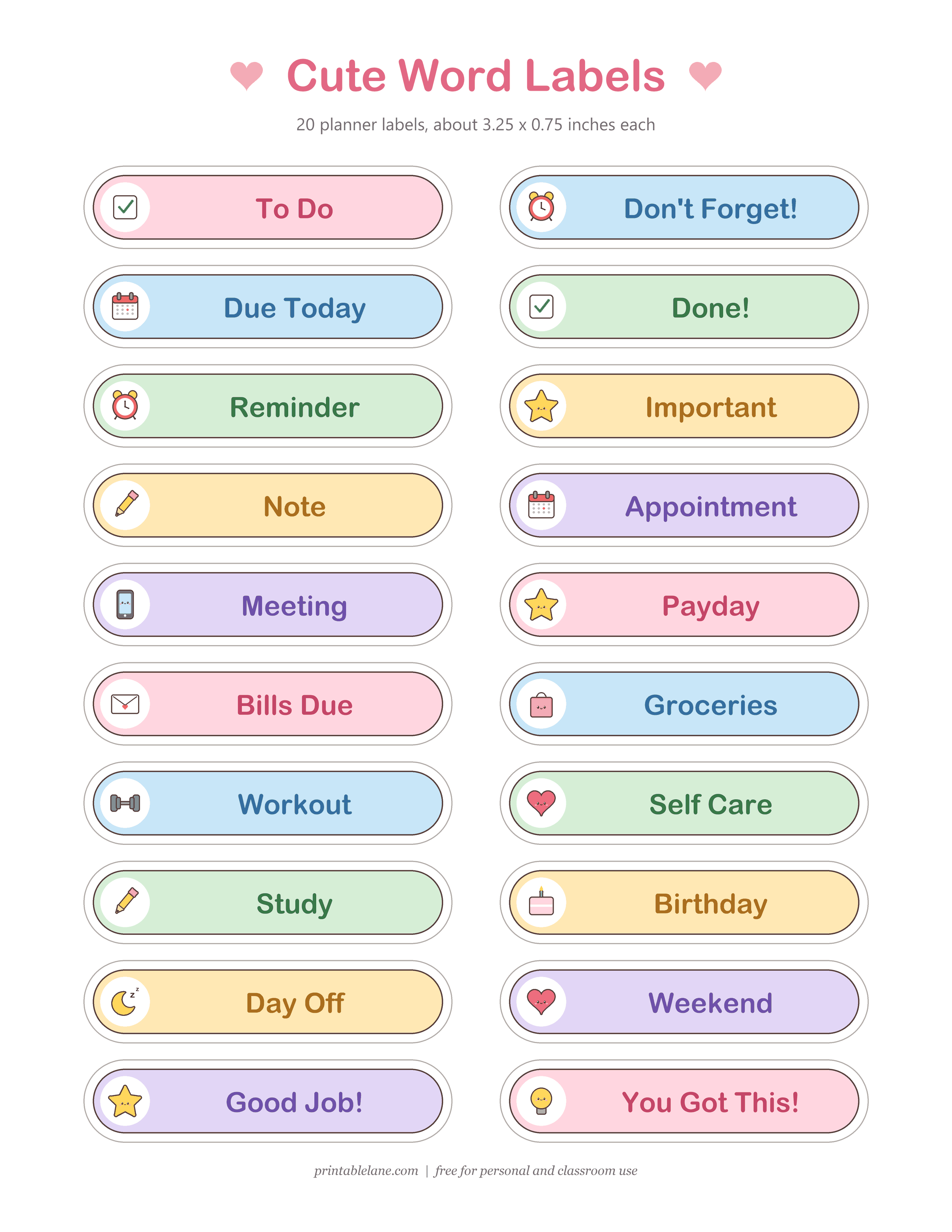
- Page 8: Cute Word Labels (20).
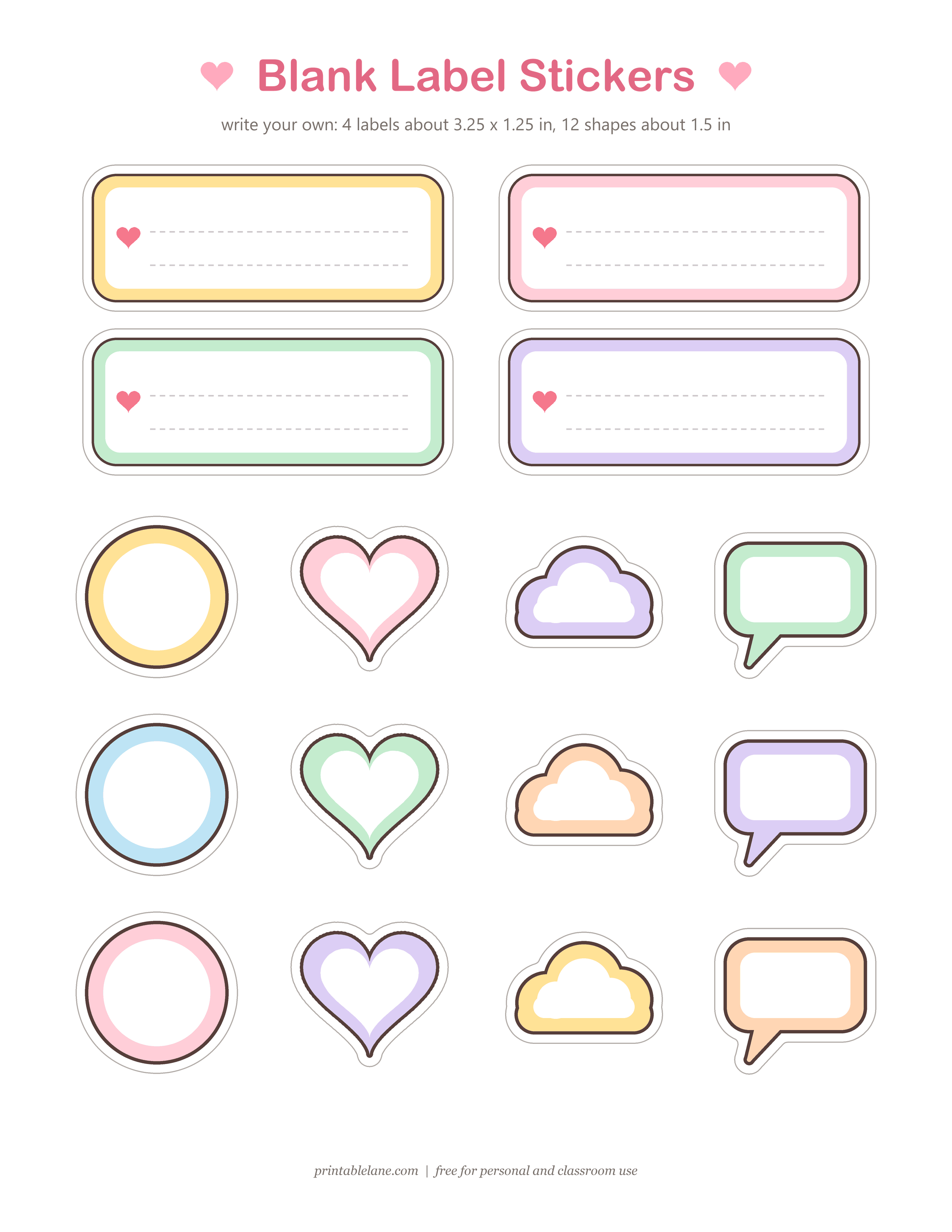
- Page 9: Blank Label Stickers (16).
Kawaii Food Stickers
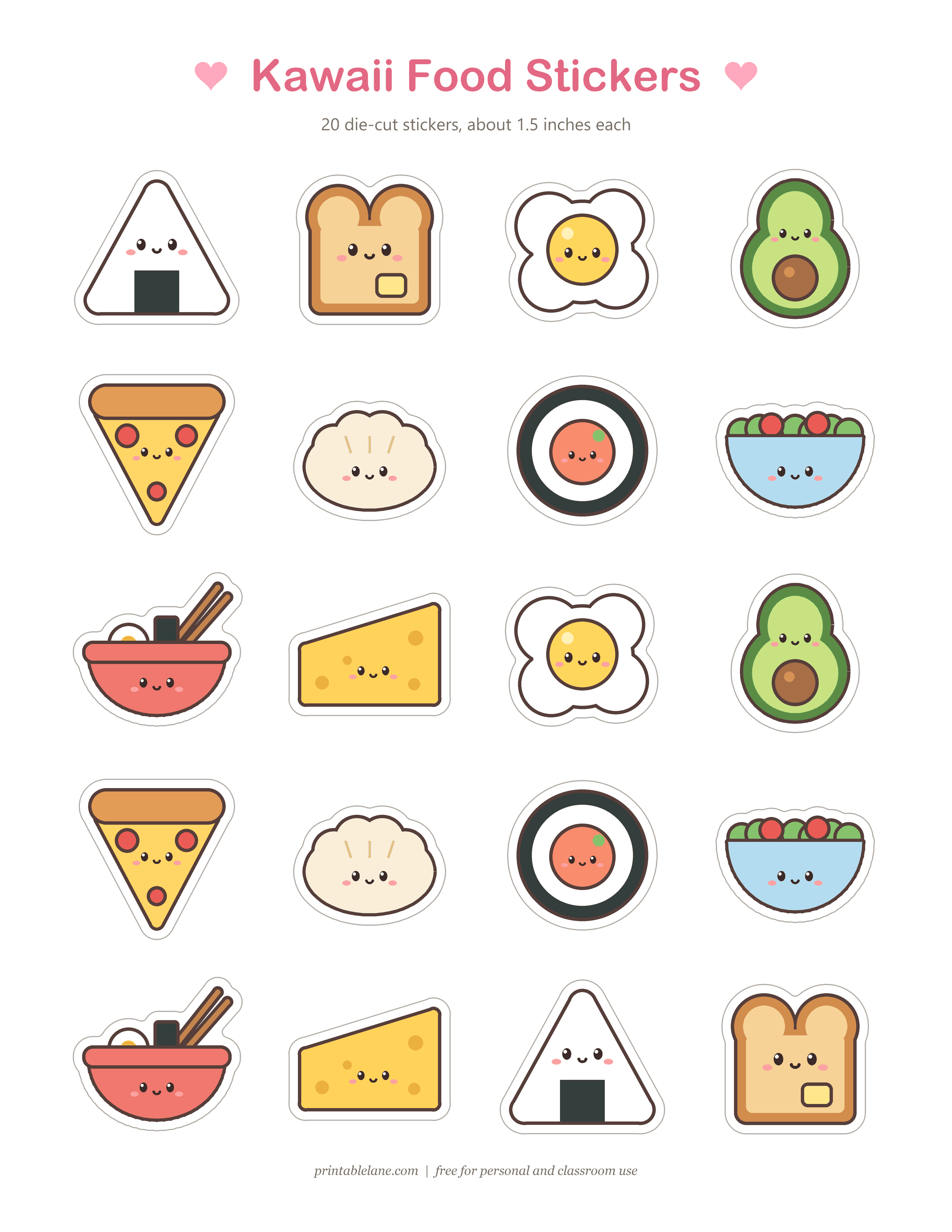
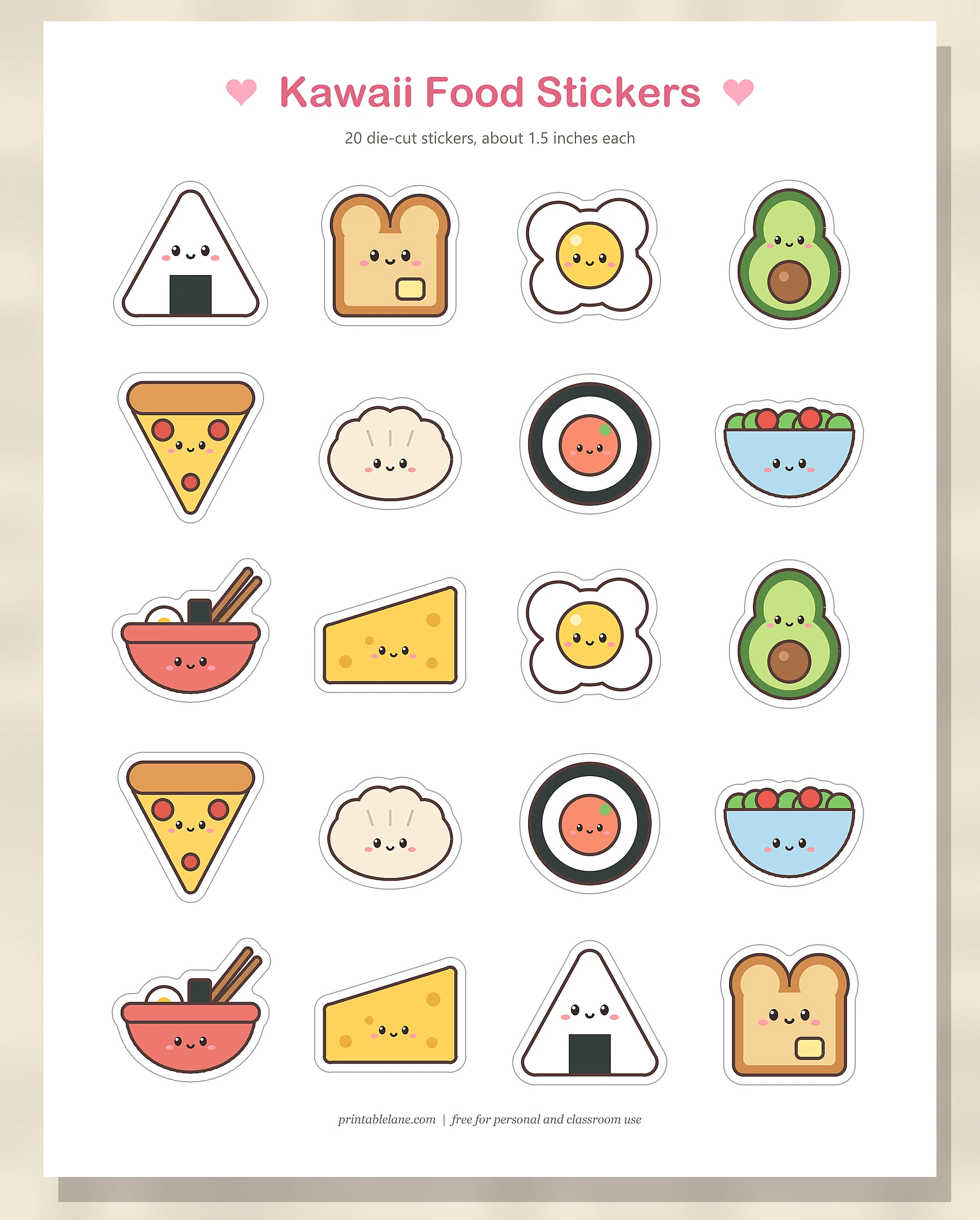
PDF page 2 has 10 food designs, each printed twice, about 1.5 in each: a rice ball with a nori strip, toast with a pat of butter, a fried egg, an avocado half, a pizza slice with 3 pepperoni, a dumpling, a sushi roll, a salad bowl with 2 tomatoes, a noodle bowl with chopsticks and a cheese wedge.
Kawaii Animal Stickers
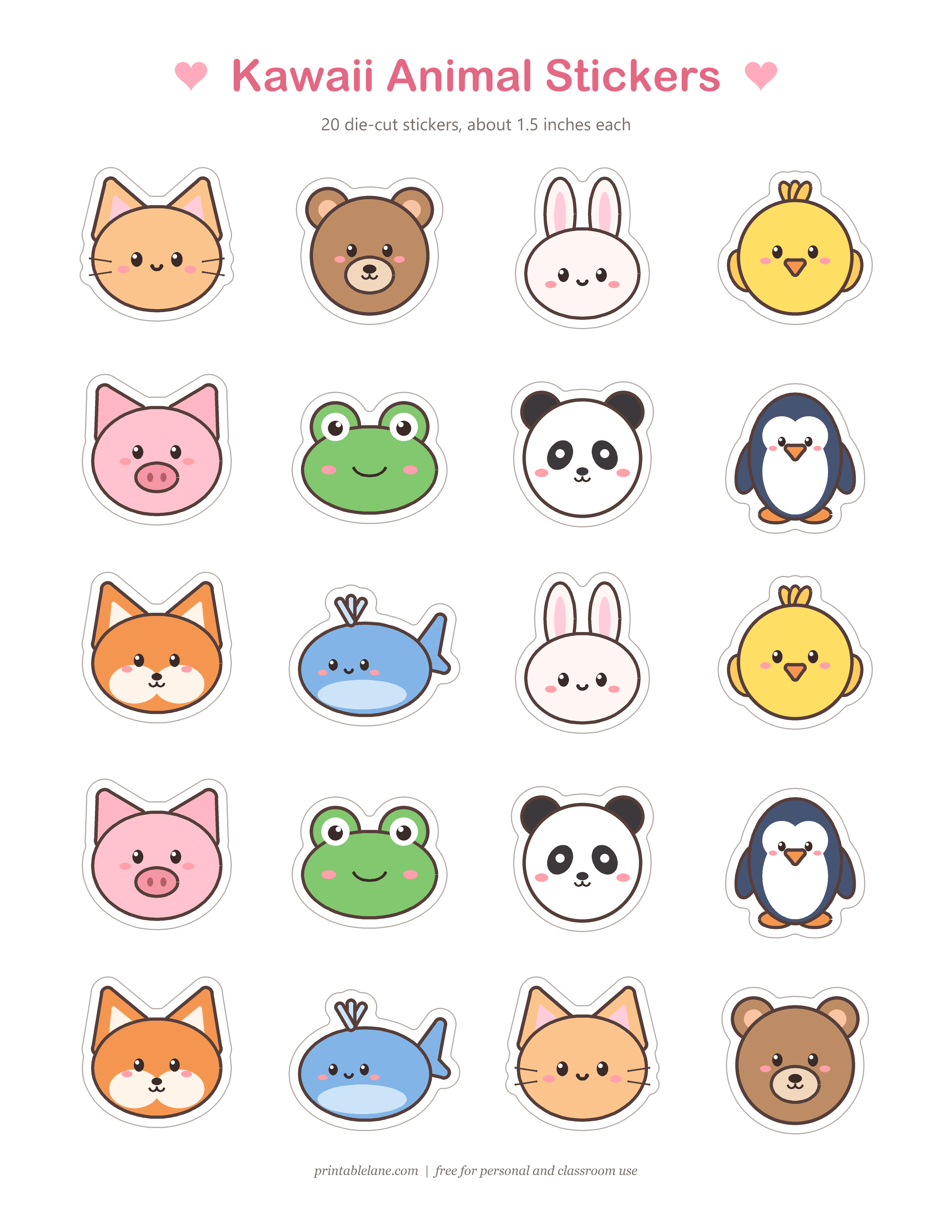
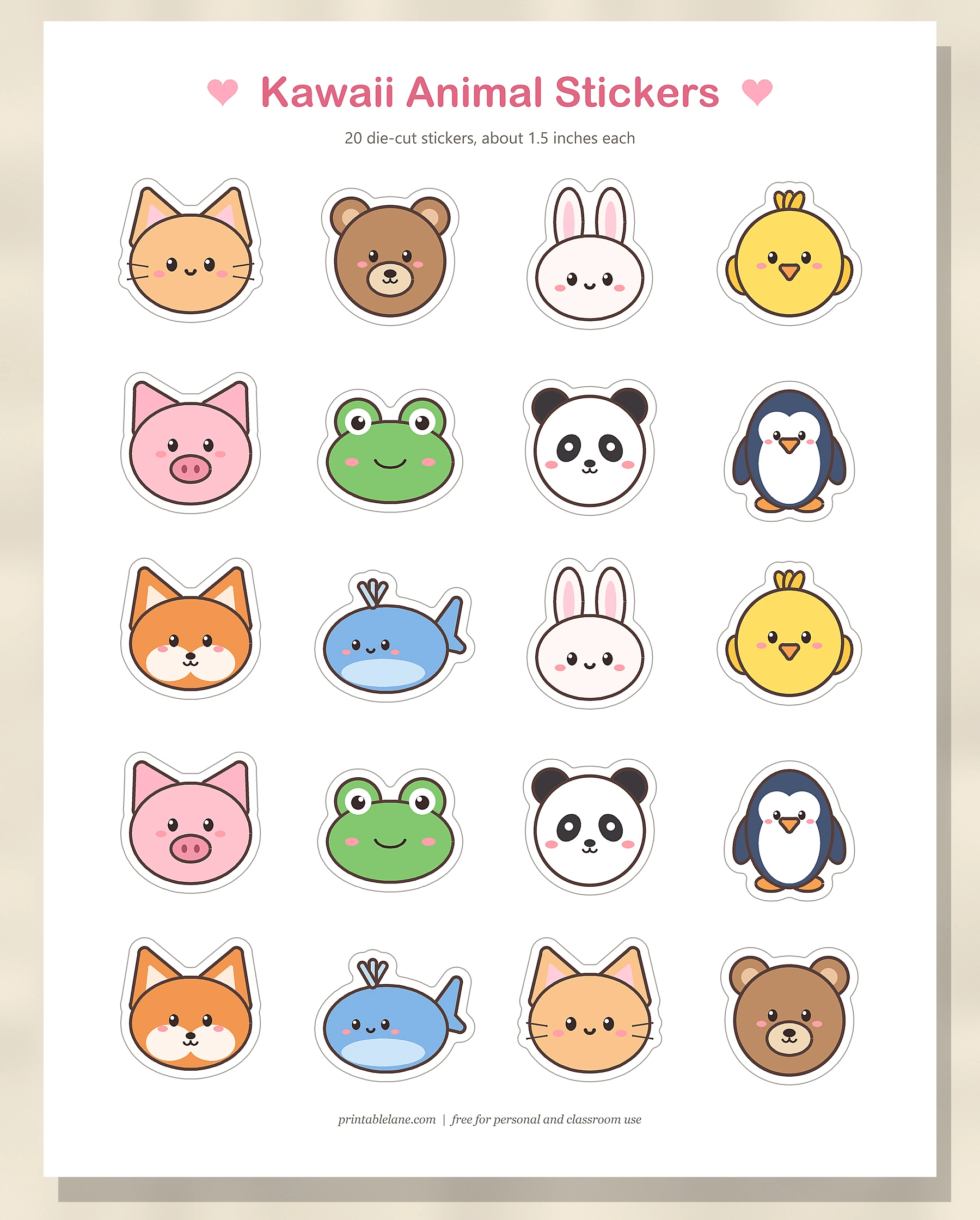
PDF page 3 shows 10 animals, each twice, at about 1.5 in: a cat, a bear, a bunny, a chick, a pig, a frog, a panda, a penguin, a fox and a whale with a water spout. Most are head-only; the chick, the penguin and the whale show the whole body.
Sweets & Drinks Stickers
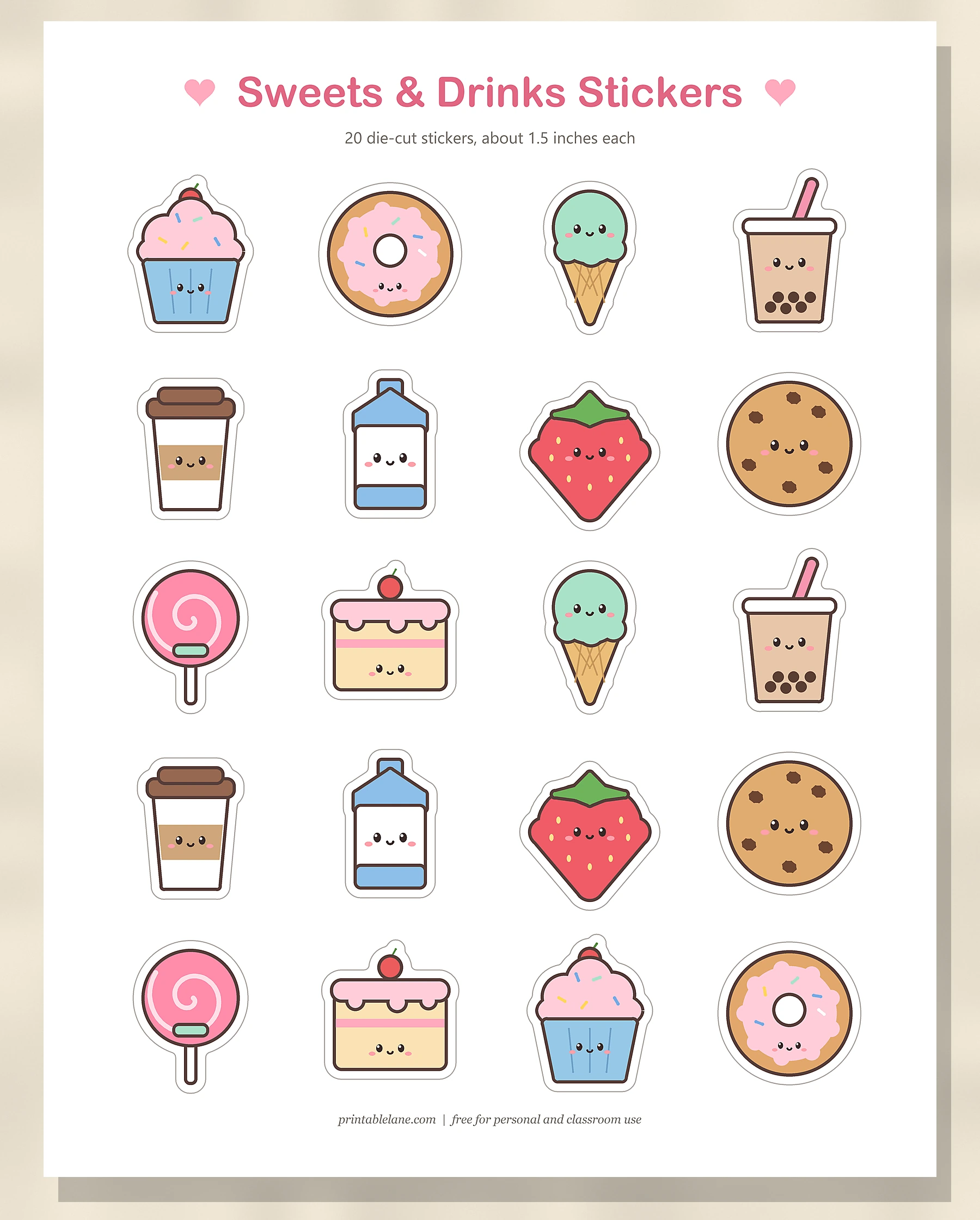
PDF page 4 has 10 treats, each twice, about 1.5 in: a cupcake with a cherry, a sprinkle donut, a single-scoop mint ice cream cone, bubble tea with a pink straw, a takeaway coffee cup, a milk carton, a strawberry, a chocolate chip cookie, a swirl lollipop and a cake slice with a cherry. The lollipop is the only one without a face.
Plants & Flowers Stickers
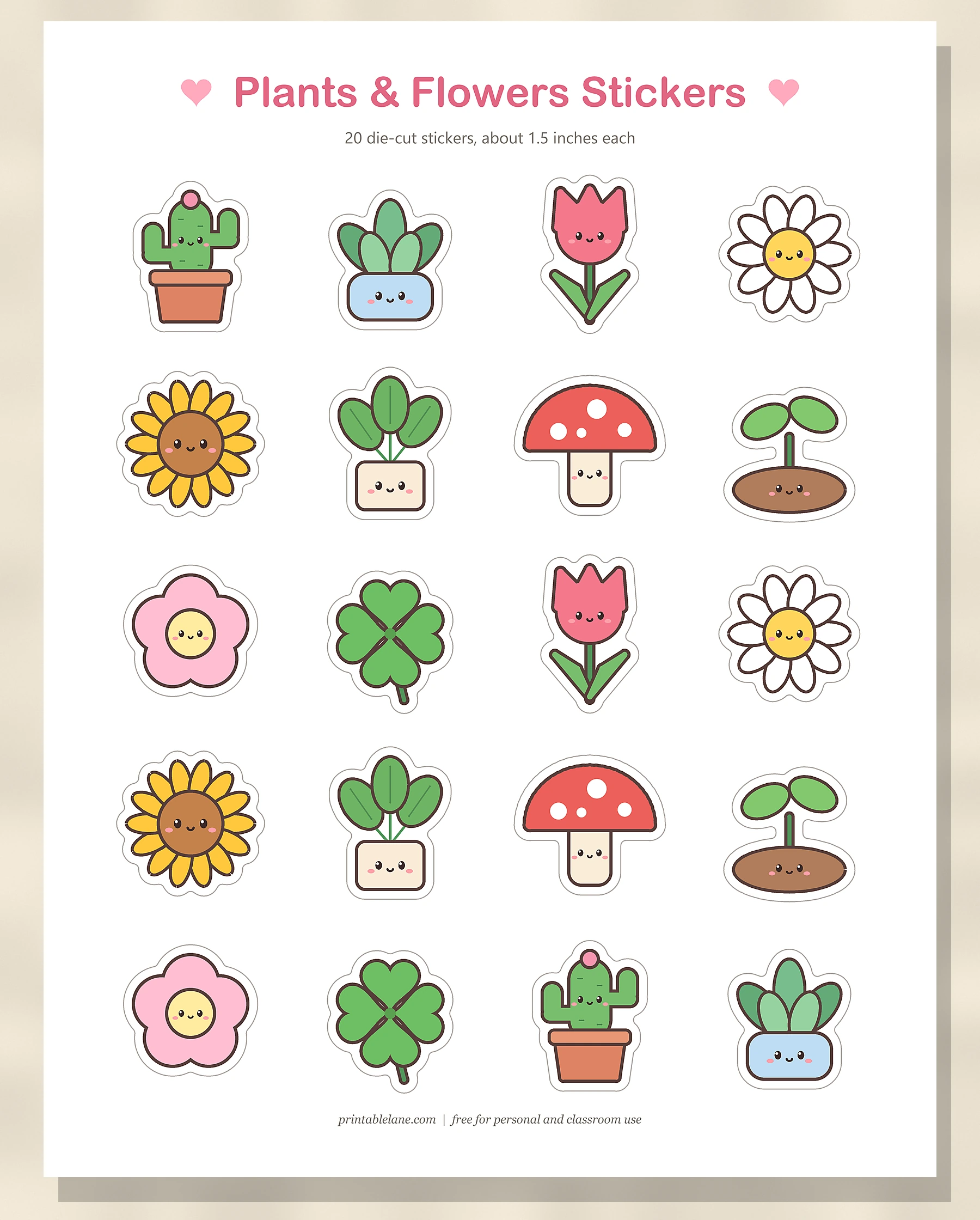
PDF page 5 has 10 designs, each twice, about 1.5 in: a cactus in a terracotta pot with a pink flower on top, a succulent in a blue pot, a tulip, a daisy, a sunflower, a leafy plant in a cream pot, a red mushroom with white spots, a sprout in a soil mound, a pink 5-petal blossom and a four-leaf clover.
Planner Icon Stickers
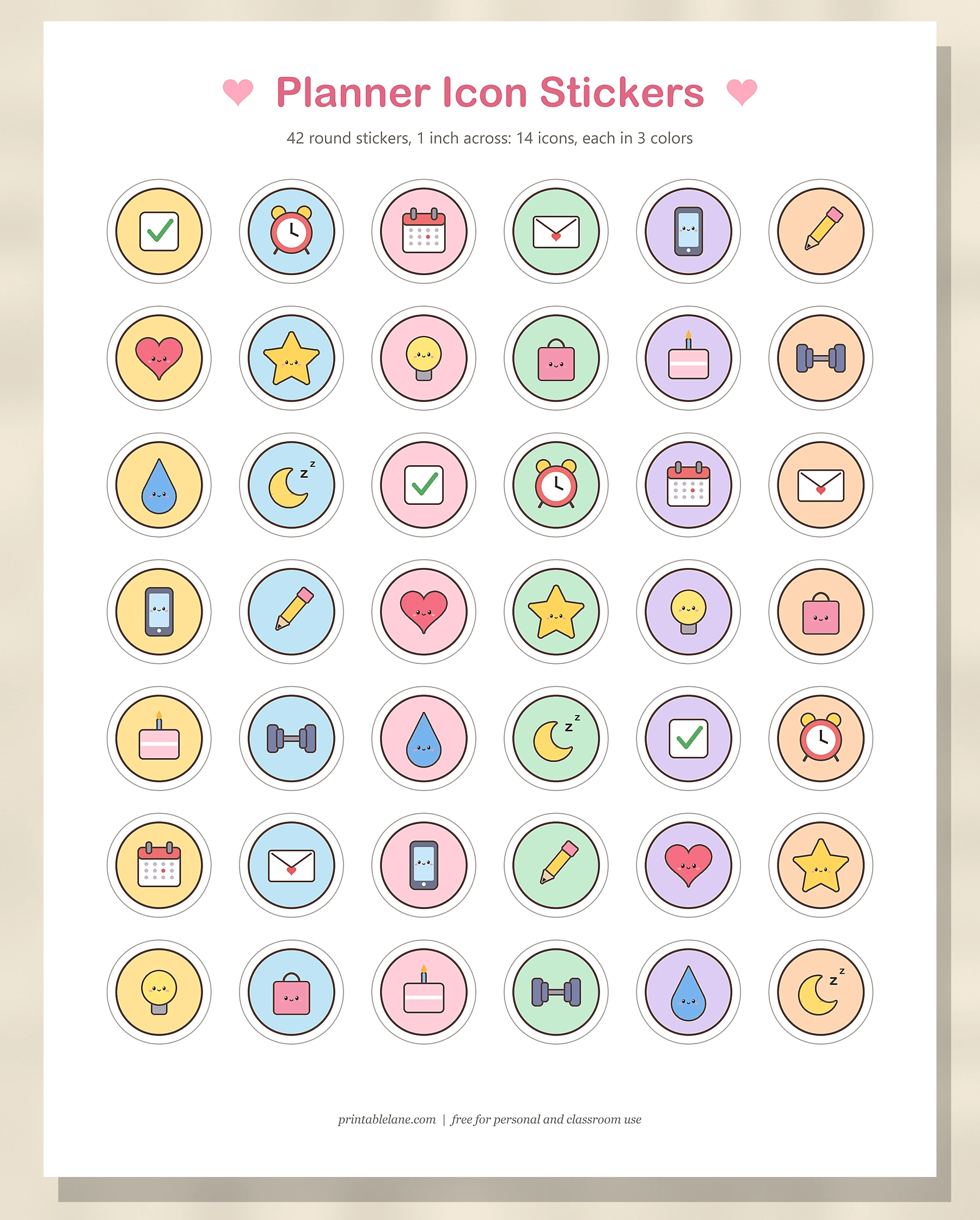
PDF page 6 holds 42 round stickers, 1 in across: 14 icons, each in 3 background colors. The icons are a check box, an alarm clock, a calendar, an envelope with a heart, a phone, a pencil, a heart, a star, a light bulb, a shopping bag, a birthday cake, a dumbbell, a water drop and a moon with zzz.
Weather & Mood Stickers
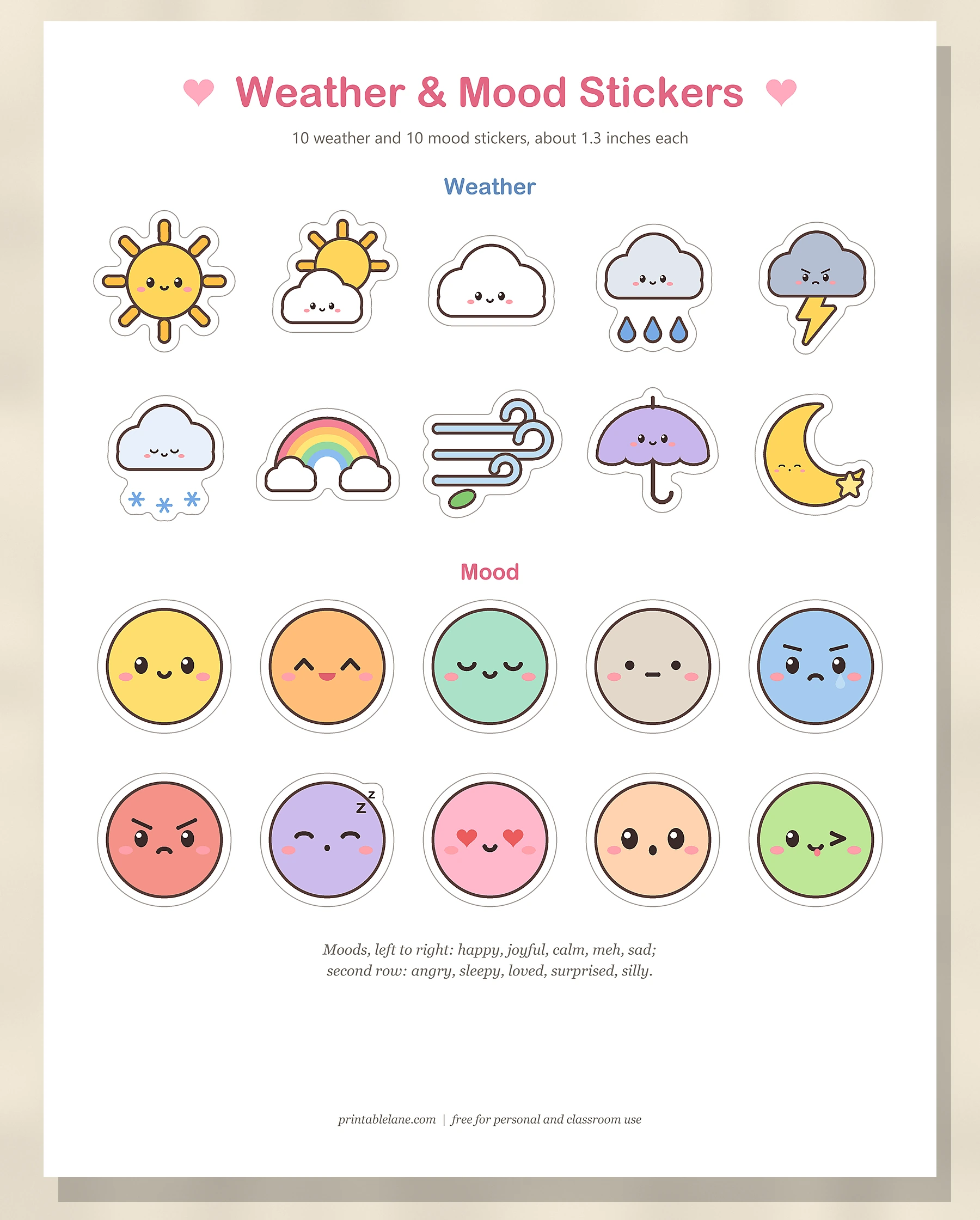
PDF page 7 has 10 weather stickers on top (sun, sun behind a cloud, cloud, rain cloud, storm cloud with lightning, snow cloud, rainbow, wind gusts with a leaf, umbrella and a crescent moon with a star) and 10 round mood faces below. A printed key names the moods: happy, joyful, calm, meh, sad, angry, sleepy, loved, surprised and silly. Each is about 1.3 in.
Cute Word Labels
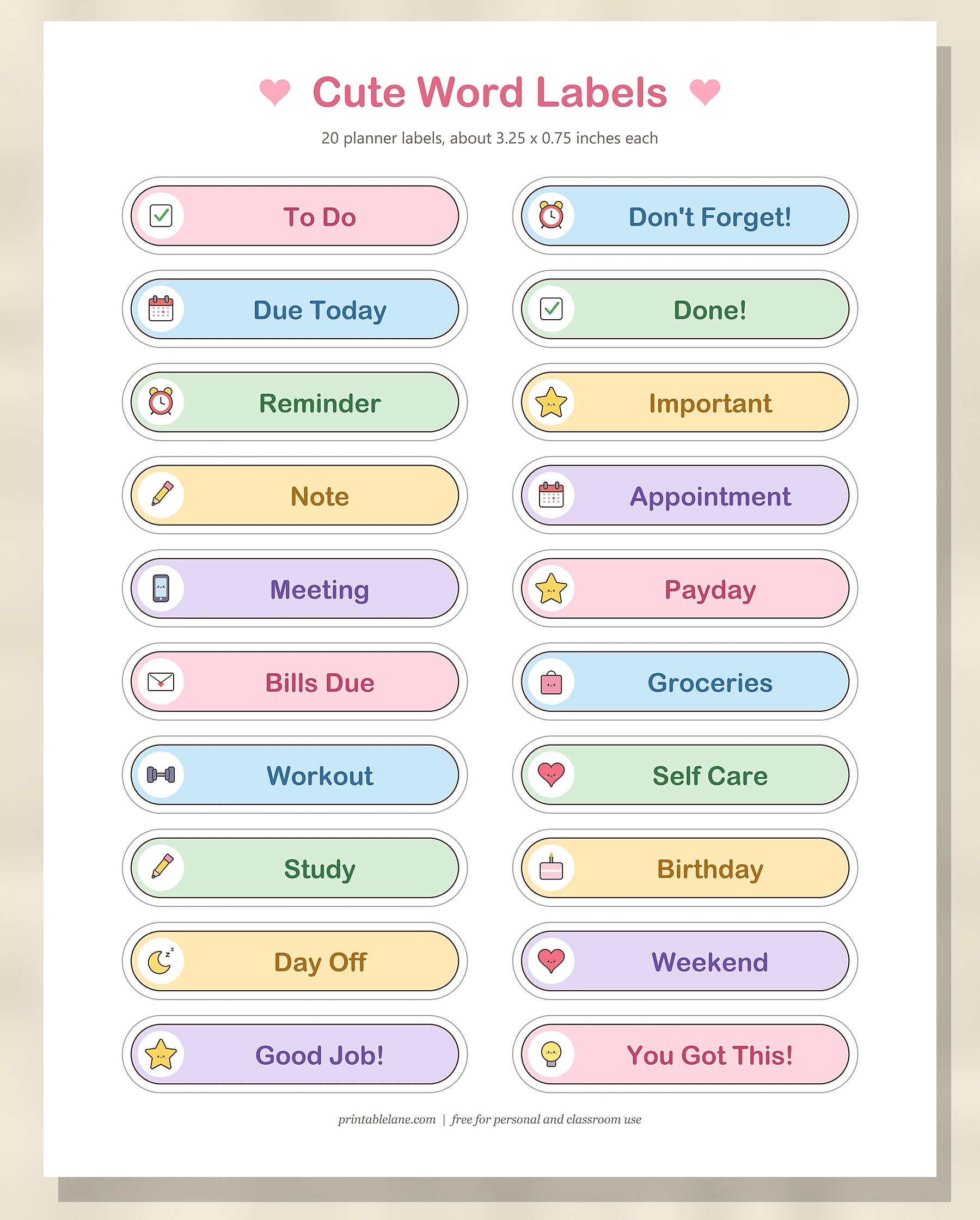
PDF page 8 has 20 rounded labels, about 3.25 x 0.75 in, each with a small icon on the left: To Do, Don’t Forget!, Due Today, Done!, Reminder, Important, Note, Appointment, Meeting, Payday, Bills Due, Groceries, Workout, Self Care, Study, Birthday, Day Off, Weekend, Good Job! and You Got This!
Blank Label Stickers
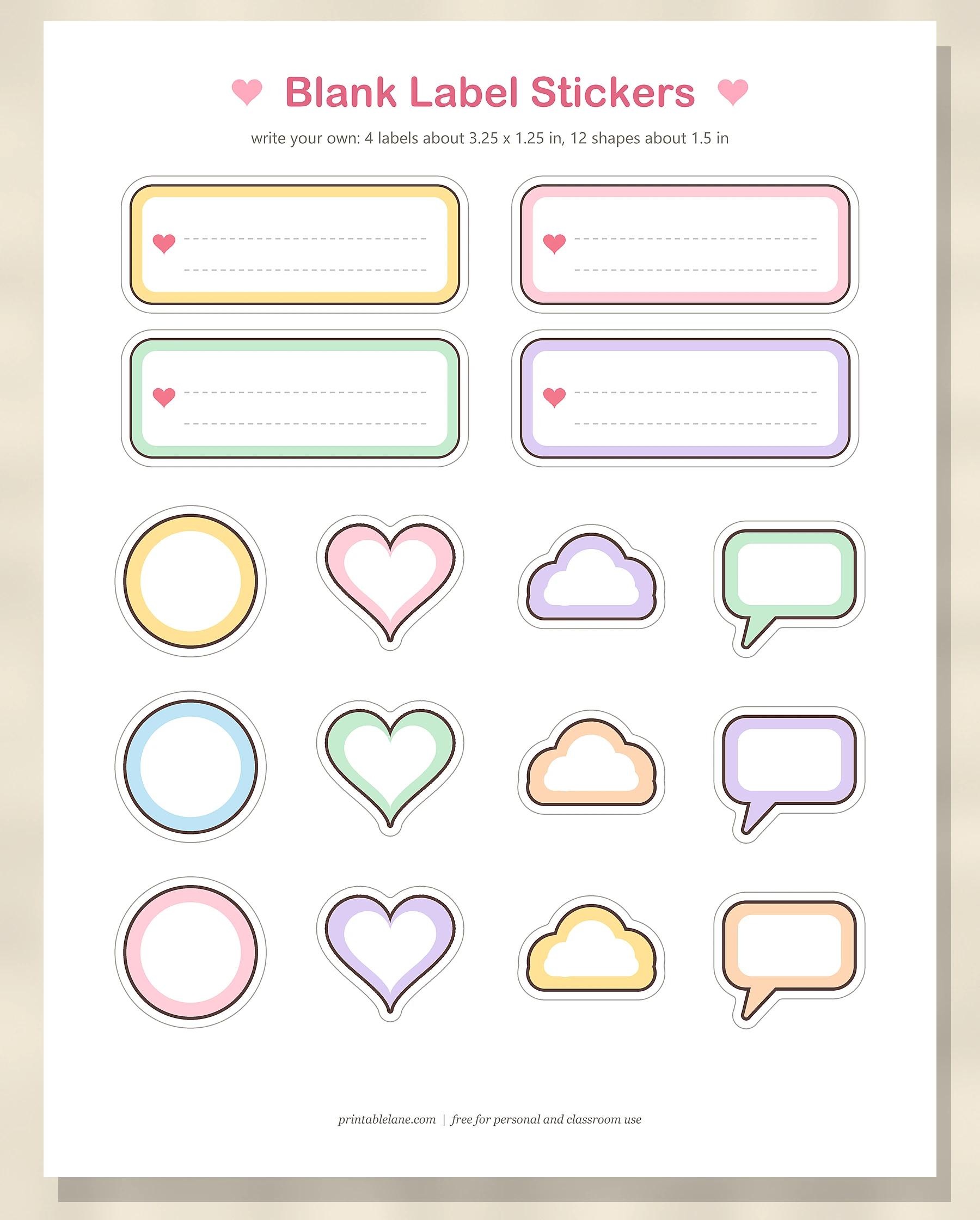
PDF page 9 gives you 16 stickers to write on: 4 wide labels of about 3.25 x 1.25 in with a heart and 2 dashed writing lines, then 3 circles, 3 hearts, 3 clouds and 3 speech bubbles of about 1.5 in, each with a white center.
How to print cute stickers at home
- Sticker paper type: buy sticker paper made for your printer. Inkjet sheets and laser sheets are coated differently, and the wrong kind can smear or jam.
- Matte or glossy: matte is easier to write on, which matters for the word and blank labels. Glossy makes colors look brighter but needs a few extra minutes to dry before you touch it.
- Full sheet or pre-cut: use full-sheet sticker paper. Pre-cut labels and circles will not line up with these layouts.
- Print settings: choose Actual size or 100% and a “best” or photo quality setting so outlines stay crisp.
- No sticker paper? Print on plain paper and use a glue stick.
How to cut the stickers
By hand, cut on the grey line or anywhere inside the white border. The border is there so a slightly wobbly cut still looks neat. On tight curves like the cat ears, turn the paper, not the scissors.
To go faster, trim each row into a strip first. For a more water-resistant finish, cover the printed sheet with clear self-adhesive laminate before cutting.
Using a cutting machine: print-then-cut works differently from printing the PDF. You upload a single PNG to the machine’s design software, crop to the stickers you want and remove the white background so the software can trace each outline and add its own offset border. The software then prints the stickers with registration marks around them, and the machine’s sensor reads those marks to line up the cuts. The print-then-cut area is often smaller than a Letter page, so you may need 2 prints per sheet. Glossy or laminated paper can reflect the sensor light and cause mark-reading errors, so matte sticker paper is the safer choice.
Ways to use kawaii stickers
- Weekly planner: a word label as the header for each day and icons for appointments. The bullet journal weekly spread ideas have layouts with room for both.
- Mood log: one mood face a day in a tracker grid, like the ones in these bullet journal mood tracker ideas.
- Daily page: a weather sticker in the date box of a free printable daily planner.
- Reward charts: kids can earn an animal sticker per finished task.
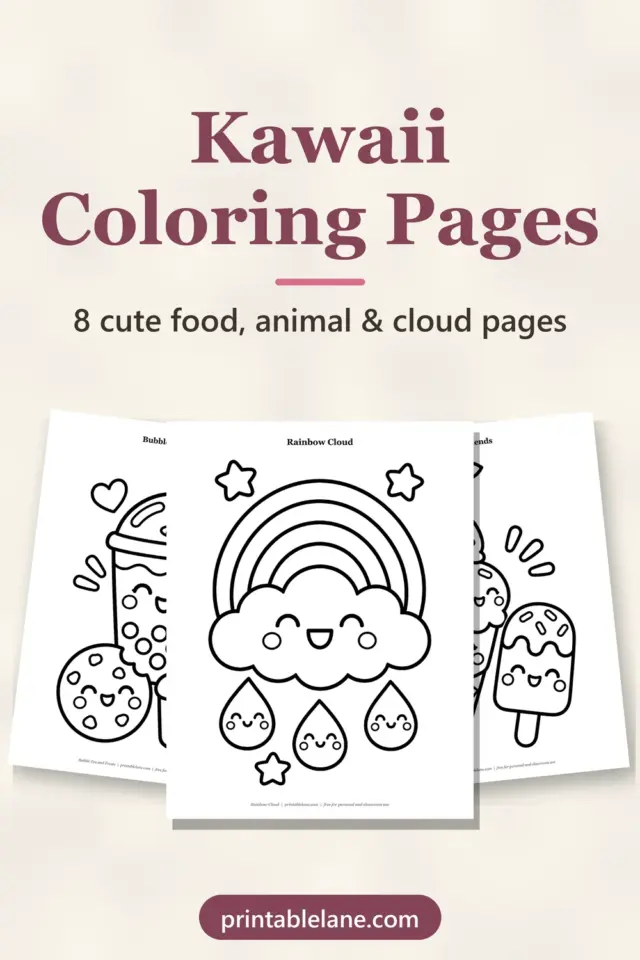
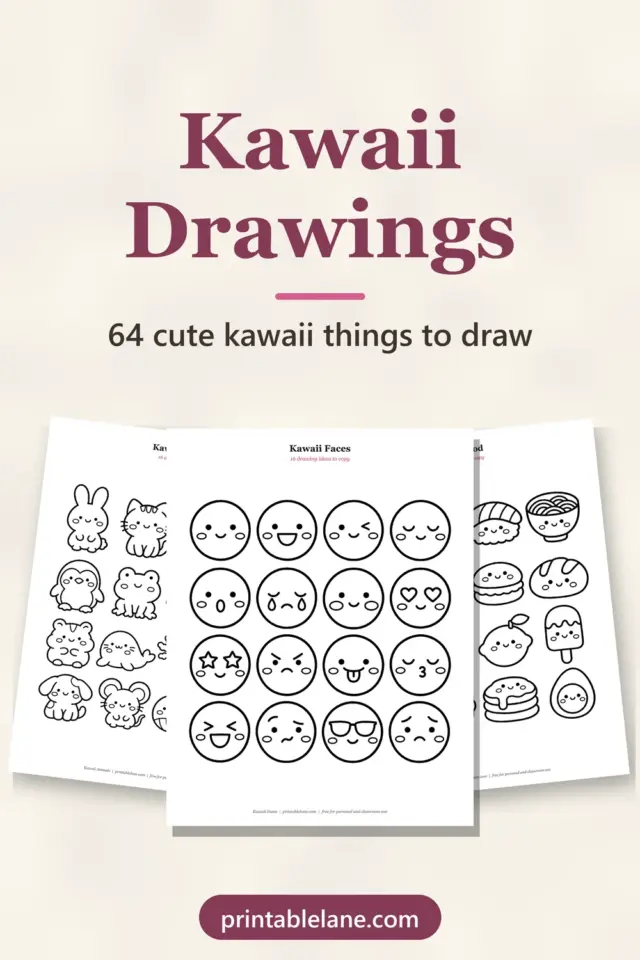
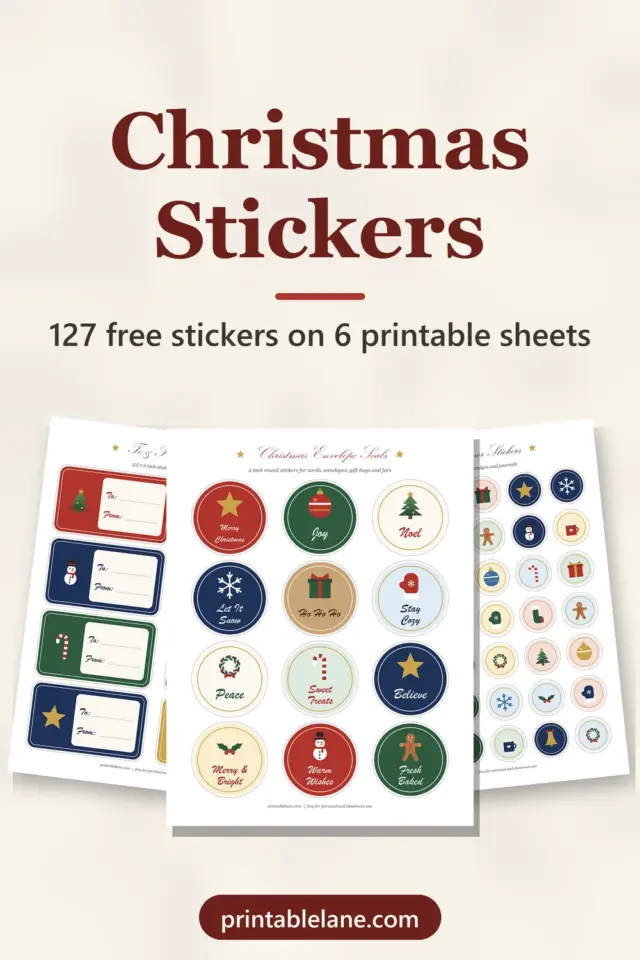
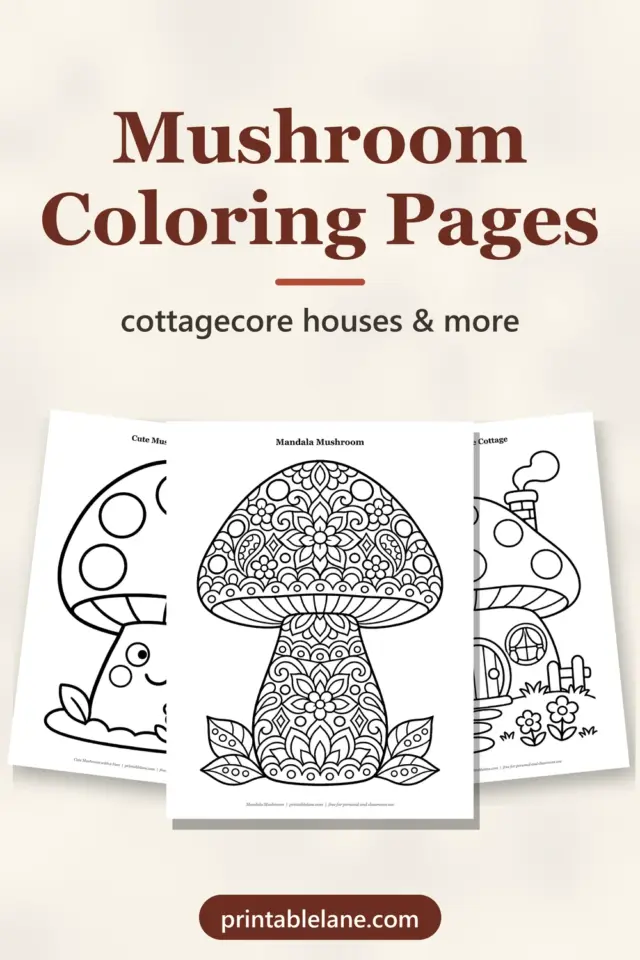
Want the same style without color? Free kawaii coloring pages give you outlines to color, and the kawaii drawings guide shows how to draw faces like these. For December pages, the free printable Christmas stickers use the same white-border cut style.
Printing tips
- US Letter: print at 100% (Actual size) so the planner icons stay 1 in across.
- A4: print at 100% (Actual size) to keep the sizes. Each sheet’s stickers stay at least 0.4 in inside the side edges, so nothing is cut off on A4.
- Test first: print 1 sheet on plain paper and check the grey lines before using sticker paper.
Download single pages
Only need more word labels or a fresh set of mood faces? Each sticker sheet is also a separate PNG you can print on its own or upload to a cutting machine.
- Kawaii Food Stickers (PNG)
- Kawaii Animal Stickers (PNG)
- Sweets & Drinks Stickers (PNG)
- Plants & Flowers Stickers (PNG)
- Planner Icon Stickers (PNG)
- Weather & Mood Stickers (PNG)
- Cute Word Labels (PNG)
- Blank Label Stickers (PNG)
Frequently asked questions
How many pages are in the PDF?
9 pages: the cover and 8 sticker sheets with 178 stickers. To print only the planner icons, enter page 6 in the print dialog.
Can I print the stickers on A4 paper?
Yes. Choose 100% (Actual size) instead of Fit to page; scaling would shrink the 1 in planner icons and the labels.
Should I use matte or glossy sticker paper?
Matte if you will write on the labels or use a cutting machine sensor; glossy if you want the brightest colors on the food, animal and sweets sheets.
Do I need a cutting machine?
No. Scissors are enough because every sticker has a white border and a grey cut line. A machine only saves time on large batches.
Are the stickers waterproof?
Not on plain sticker paper; inkjet ink can run when wet. A clear laminate sheet over the print, or waterproof vinyl sticker paper made for your printer, helps for water bottles.