Open any bullet journal and you will see dots, circles, dashes, arrows and crosses in the margin. That set of marks is the bullet journal key, and once you can read it, a single glance at a page tells you what is done, what moved and what still needs you.
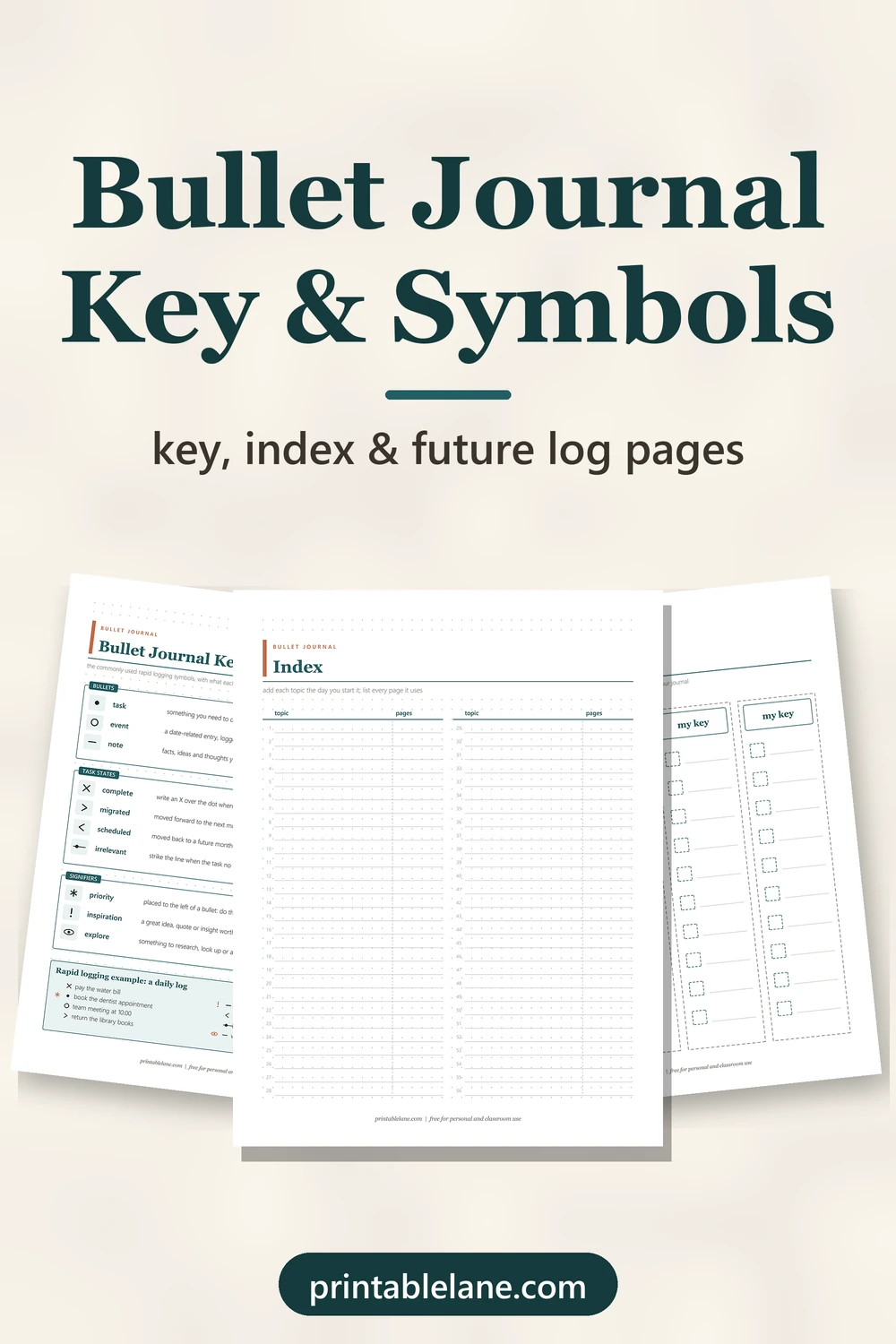
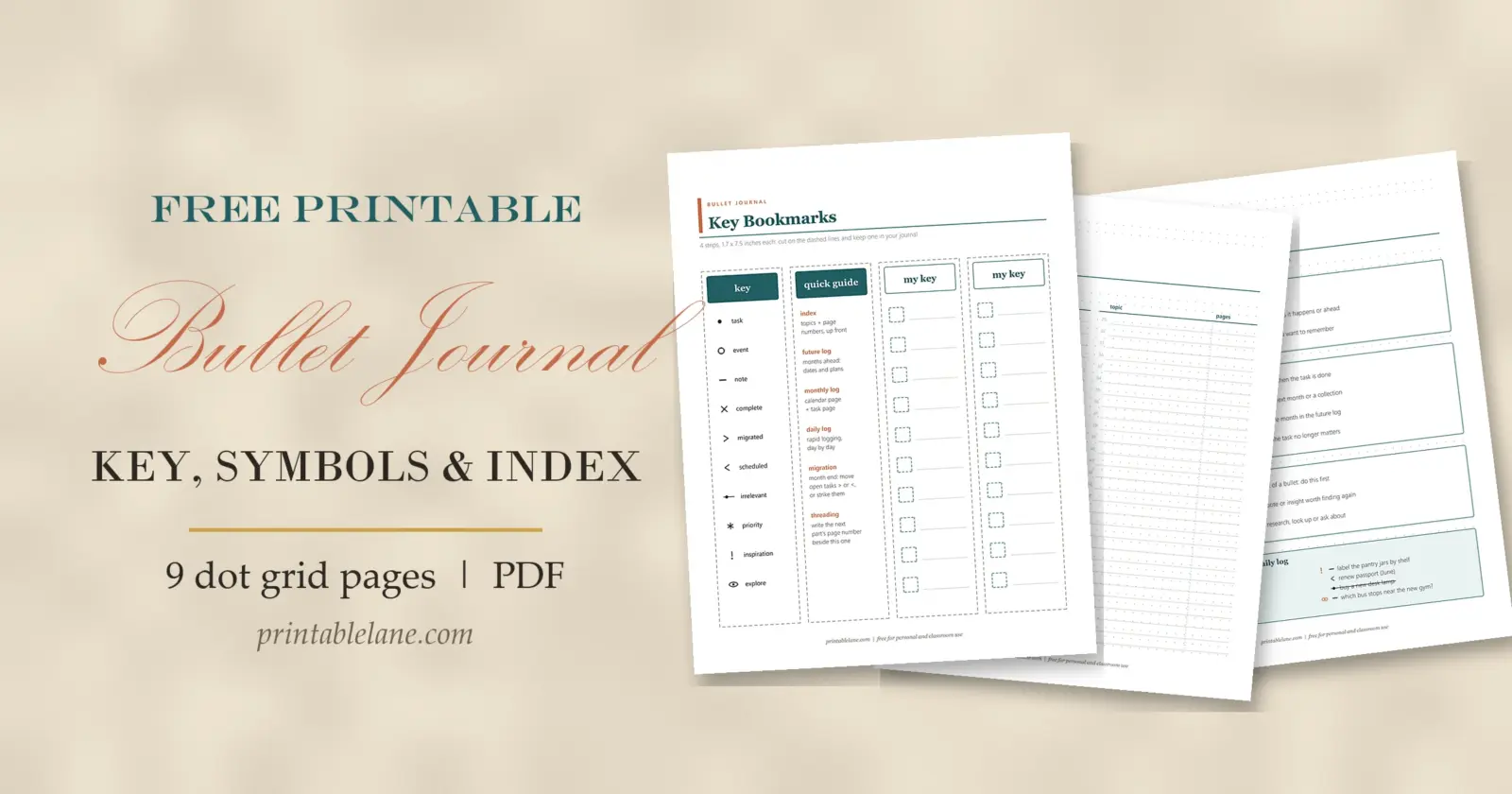
Below: the symbols most people use, how the index and future log hold everything together, and where you can bend the rules. The free PDF has 9 dot grid pages plus a cover, from a printed key to cut-out bookmarks.
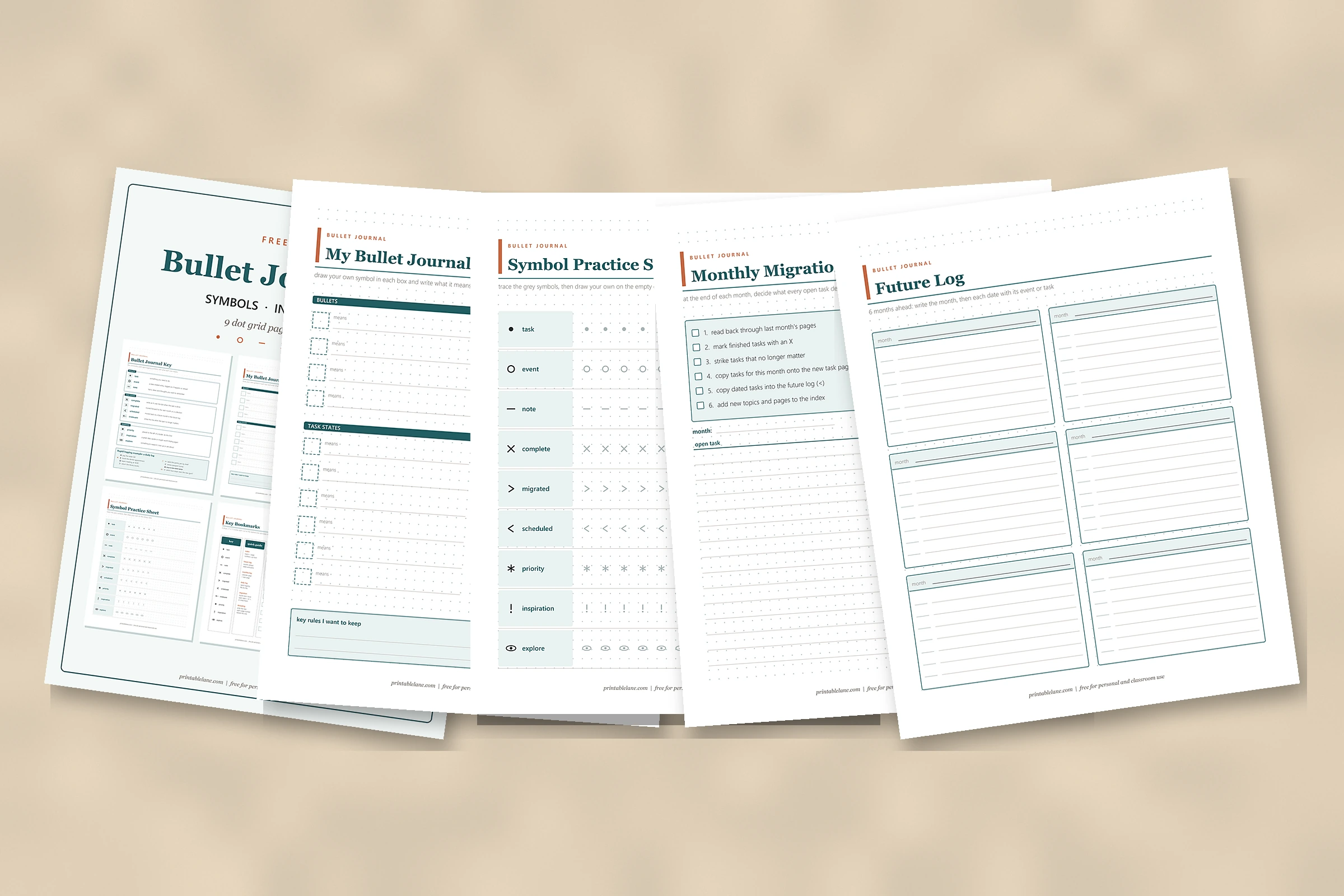
What’s in the PDF (10 pages)
- Page 1: cover
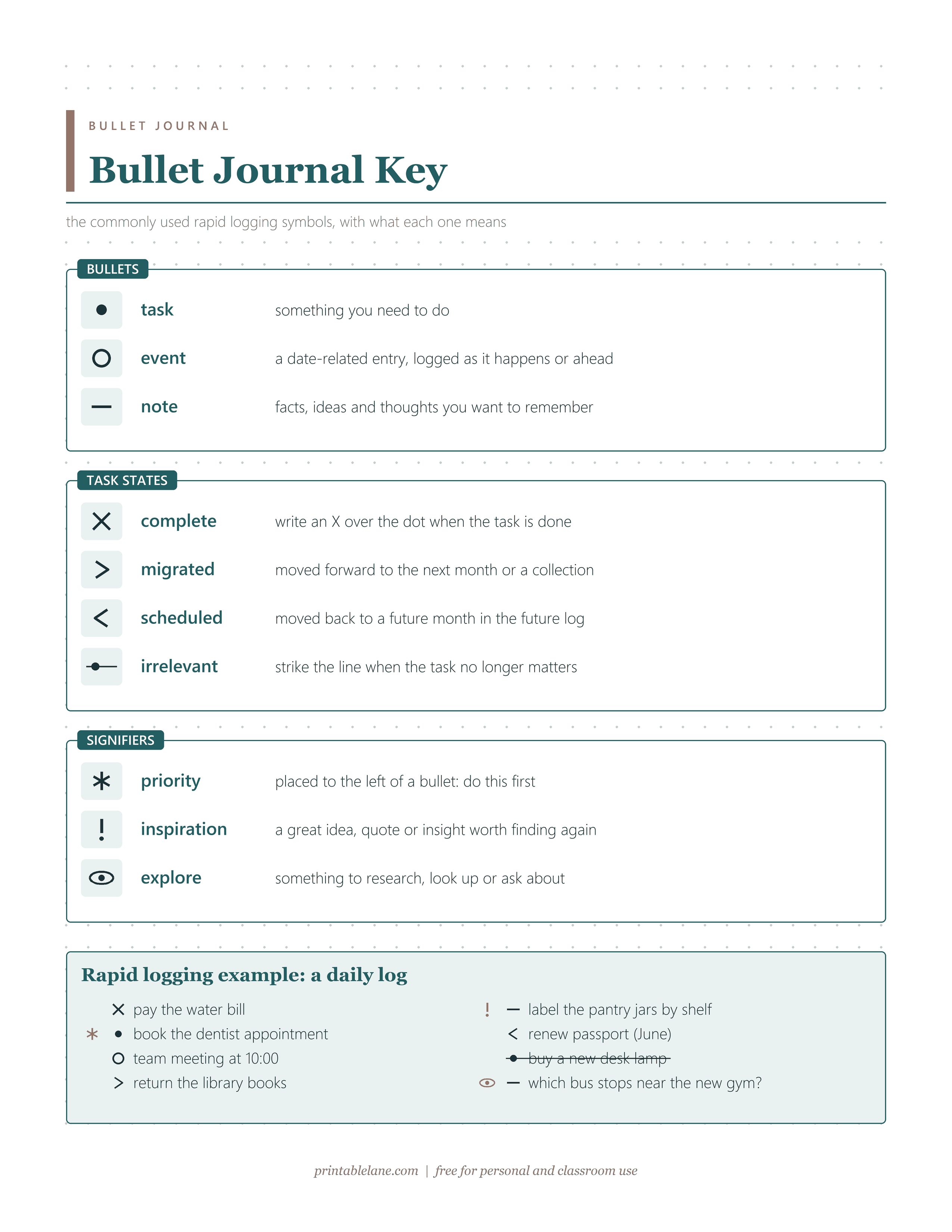
- Page 2: Bullet Journal Key
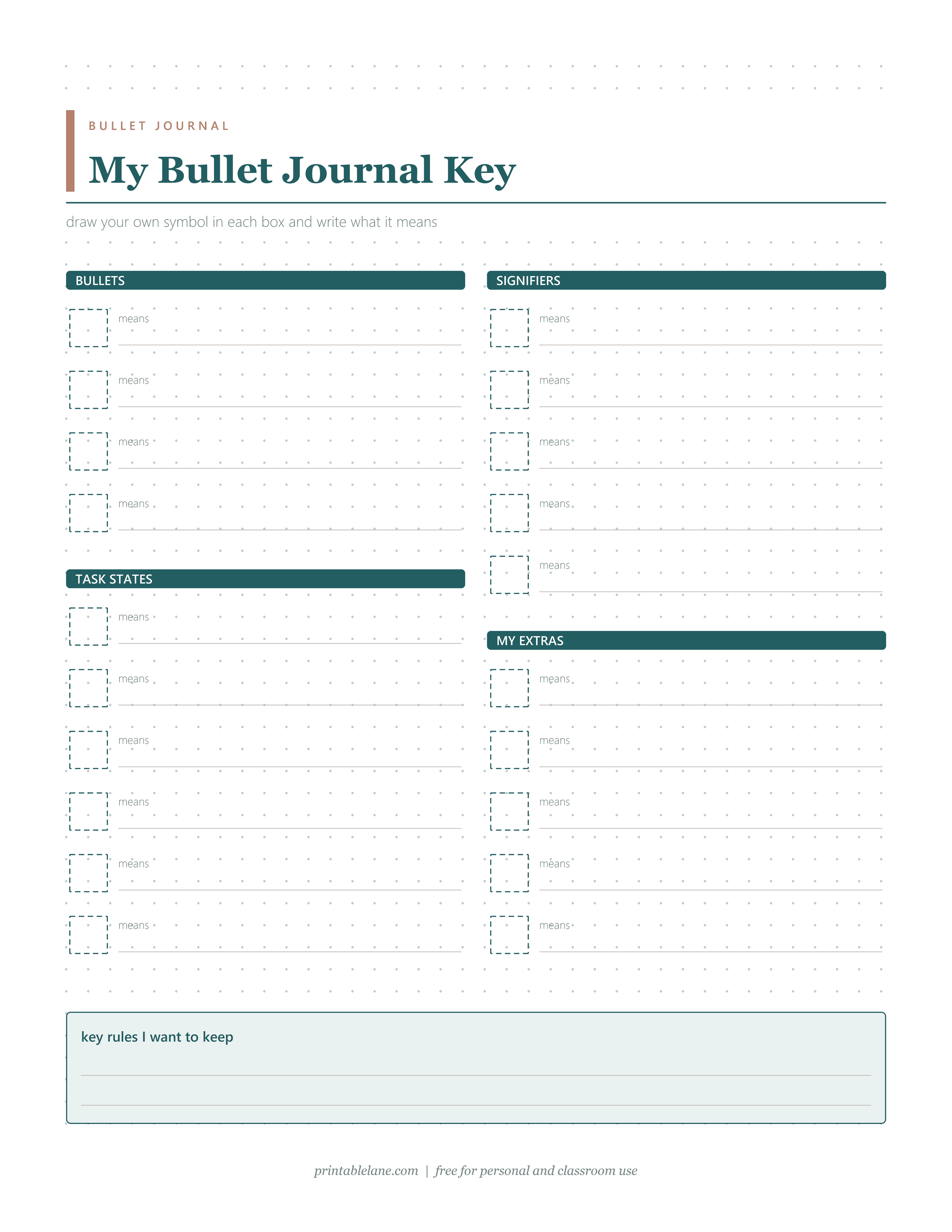
- Page 3: My Bullet Journal Key
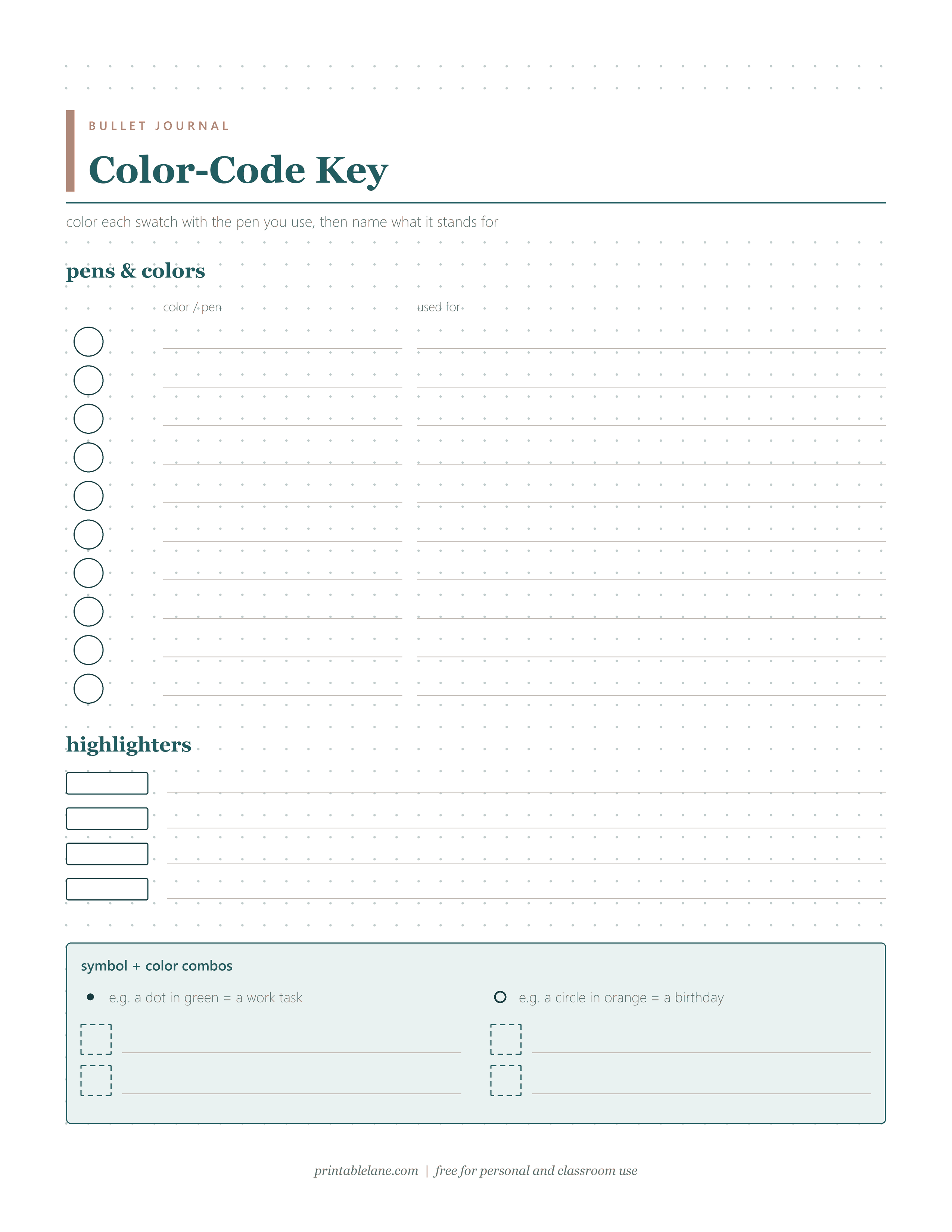
- Page 4: Color-Code Key
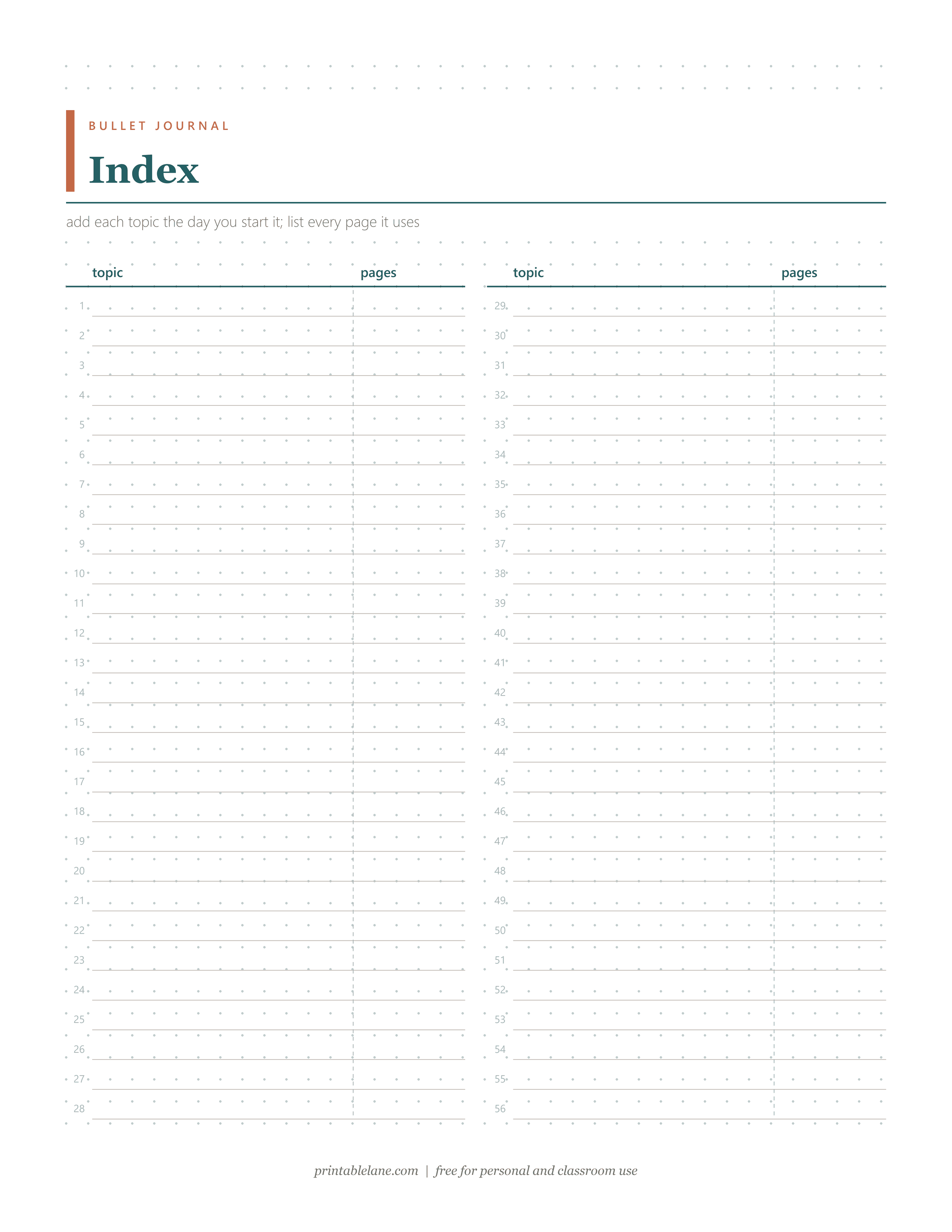
- Page 5: Index
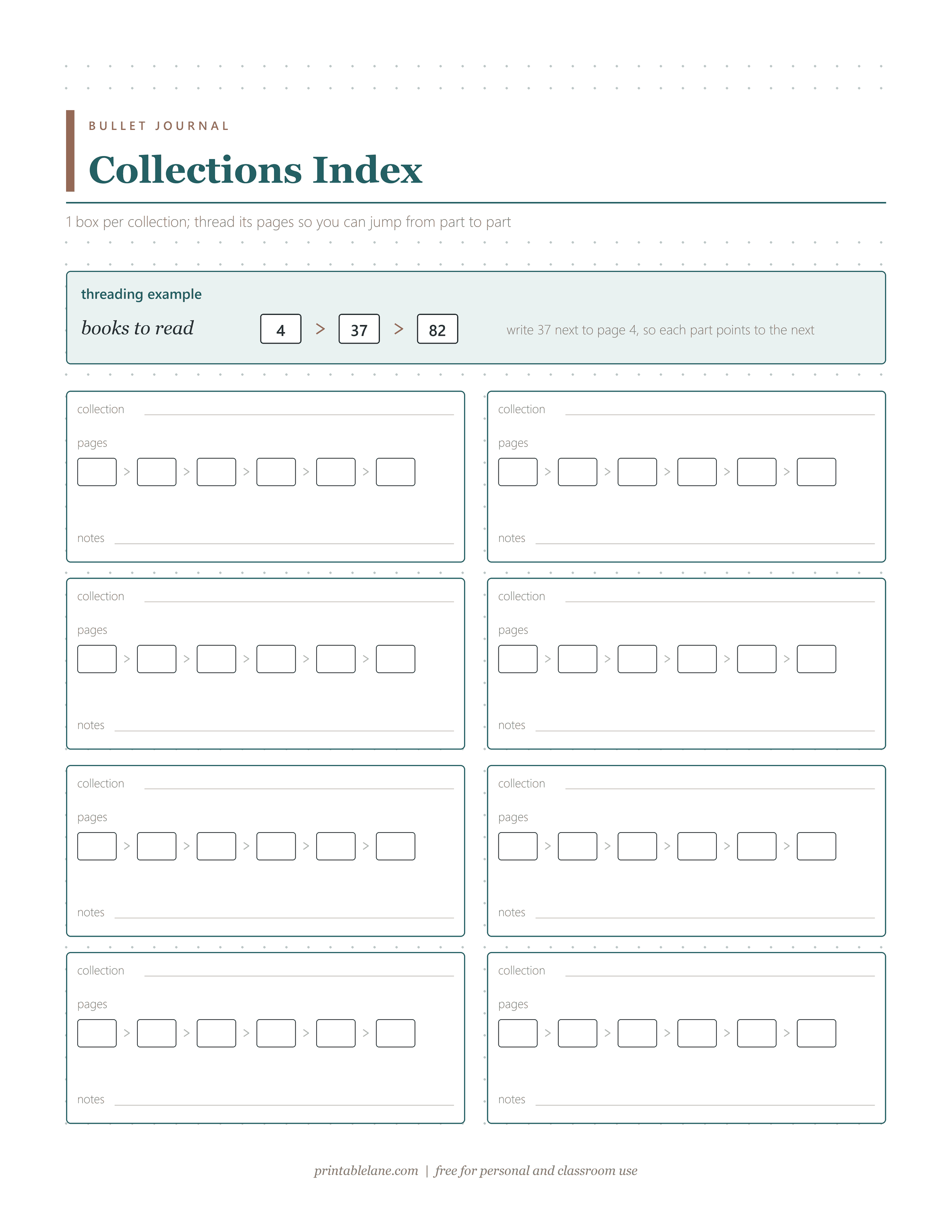
- Page 6: Collections Index
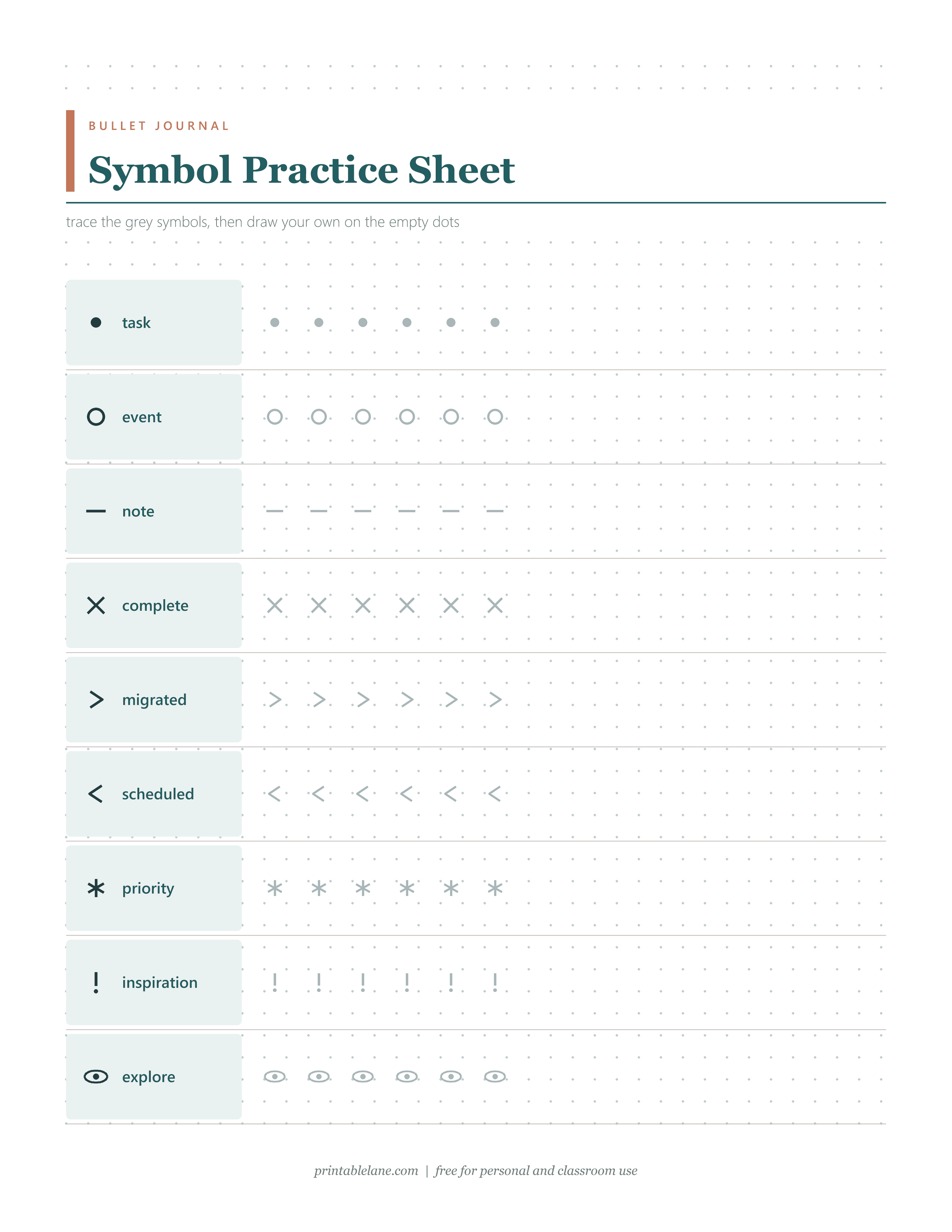
- Page 7: Symbol Practice Sheet
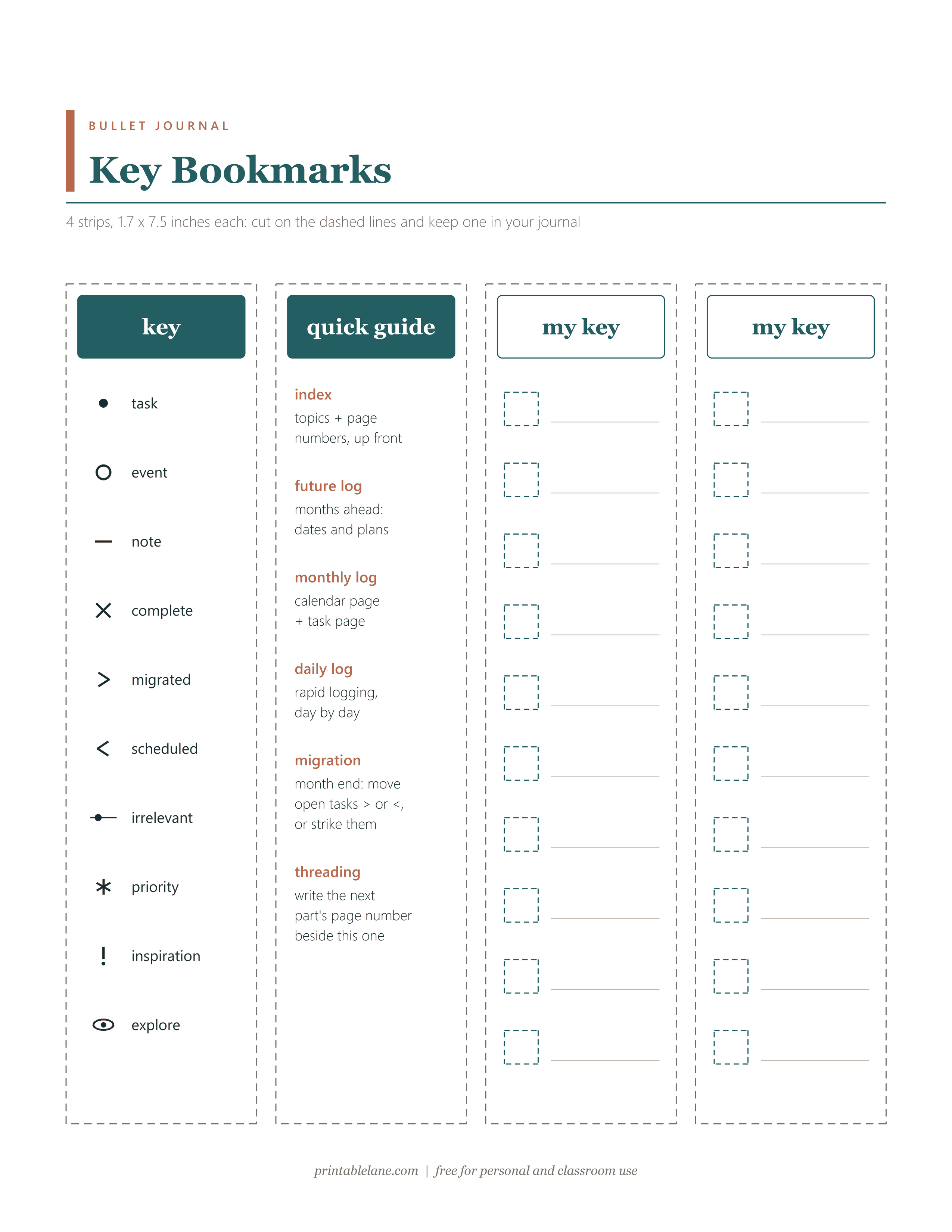
- Page 8: Key Bookmarks
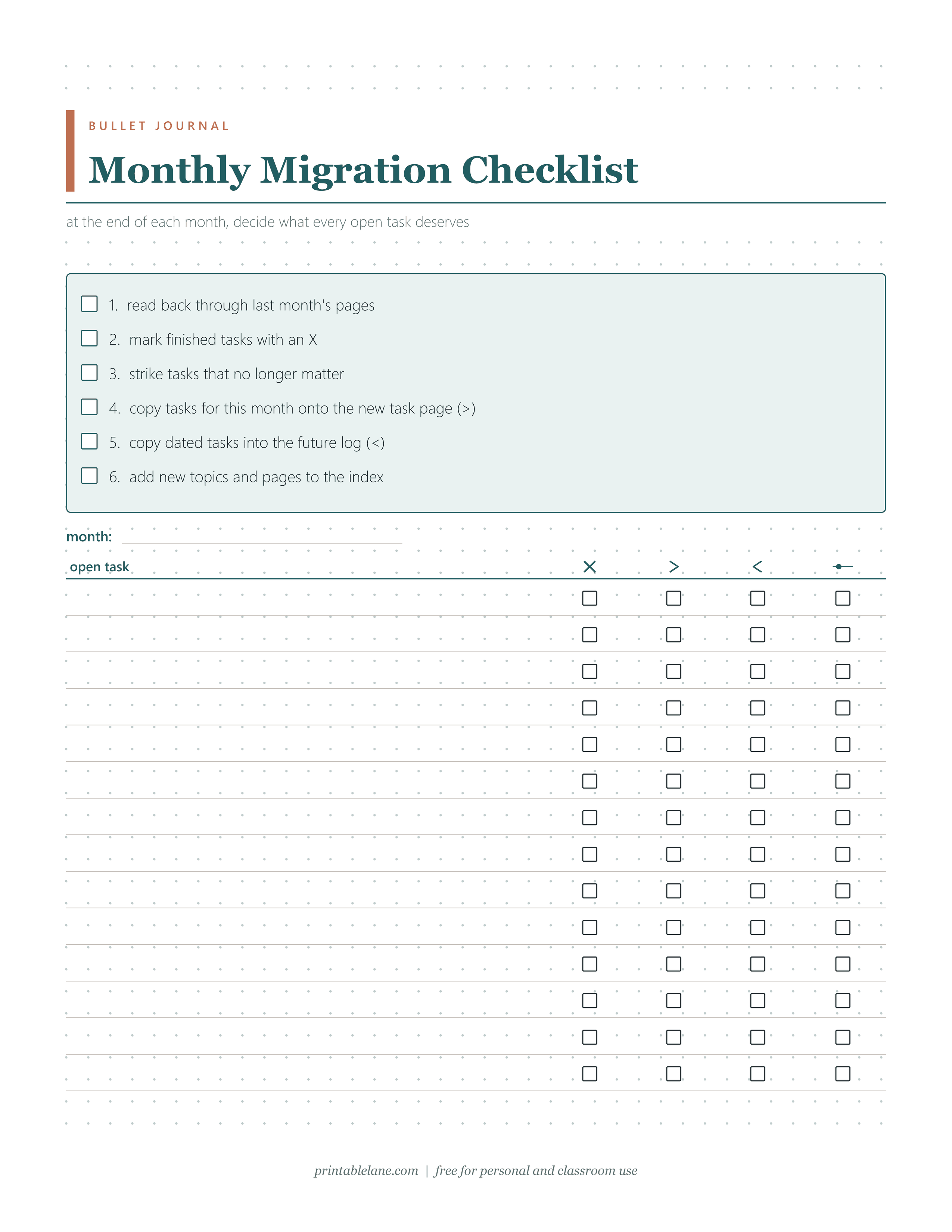
- Page 9: Monthly Migration Checklist
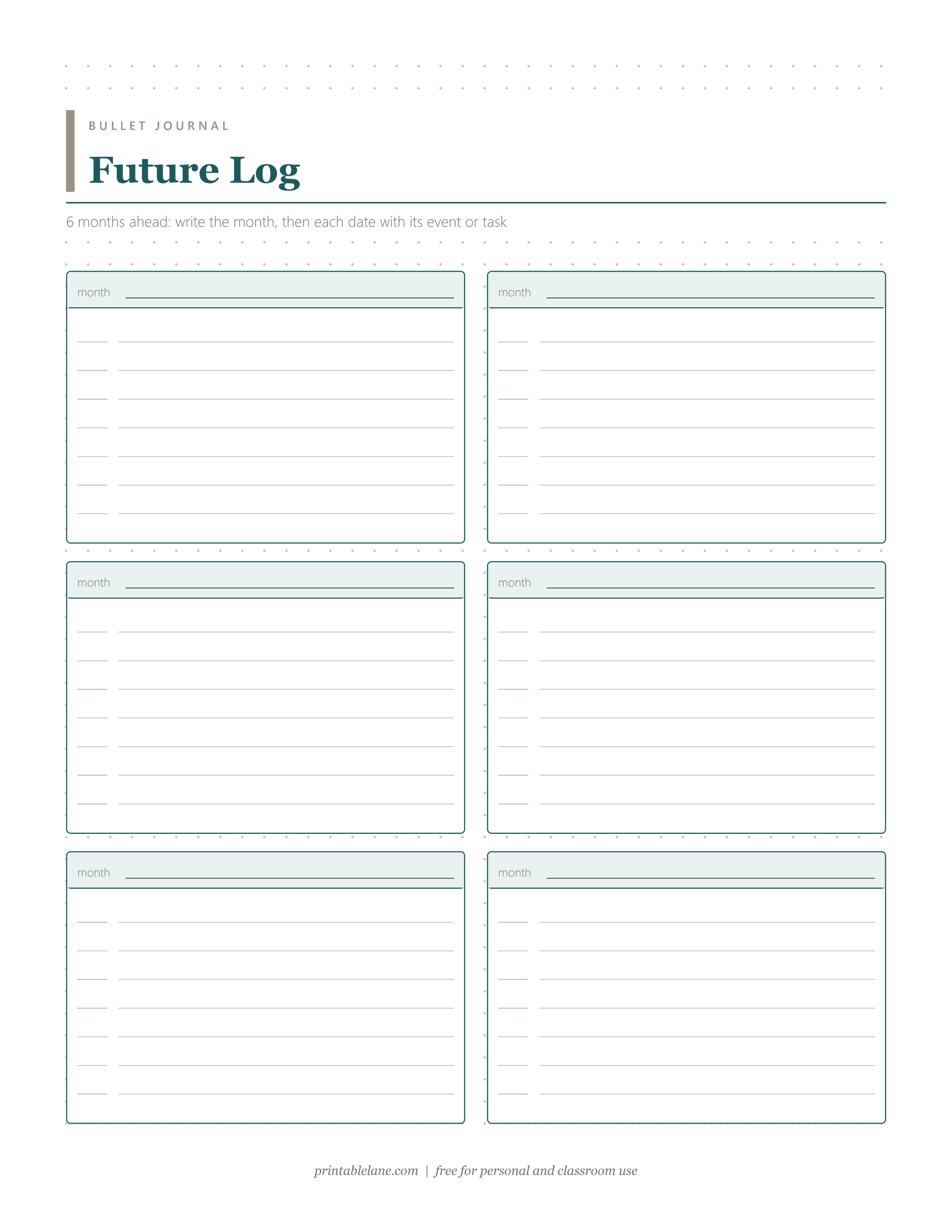
- Page 10: Future Log
Every page except the bookmarks sits on a light 5 mm dot grid, a common dotted-notebook spacing.
How rapid logging works
Rapid logging is the core of the original bullet journal method: short entries instead of full sentences, each with a symbol, called a bullet, in front. There are 3 basic bullets:
- Task (•): a dot for anything you need to do.
- Event (○): an open circle for date-related entries, such as an appointment or a birthday.
- Note (–): a short dash for facts, ideas and things you want to remember.
A task bullet changes as the task moves along:
- Complete (×): draw an X over the dot.
- Migrated (>): turn the dot into a right arrow when you carry the task forward to the next month or into a collection.
- Scheduled (<): turn it into a left arrow when the task belongs to a later month and you copy it into the future log.
- Irrelevant: strike through the whole line when the task no longer matters.
Signifiers are optional marks placed to the left of a bullet: commonly an asterisk (*) for priority, an exclamation mark (!) for inspiration and an eye for something to explore. Skip them or invent your own; the key is yours to adapt.
The index, threading and the future log
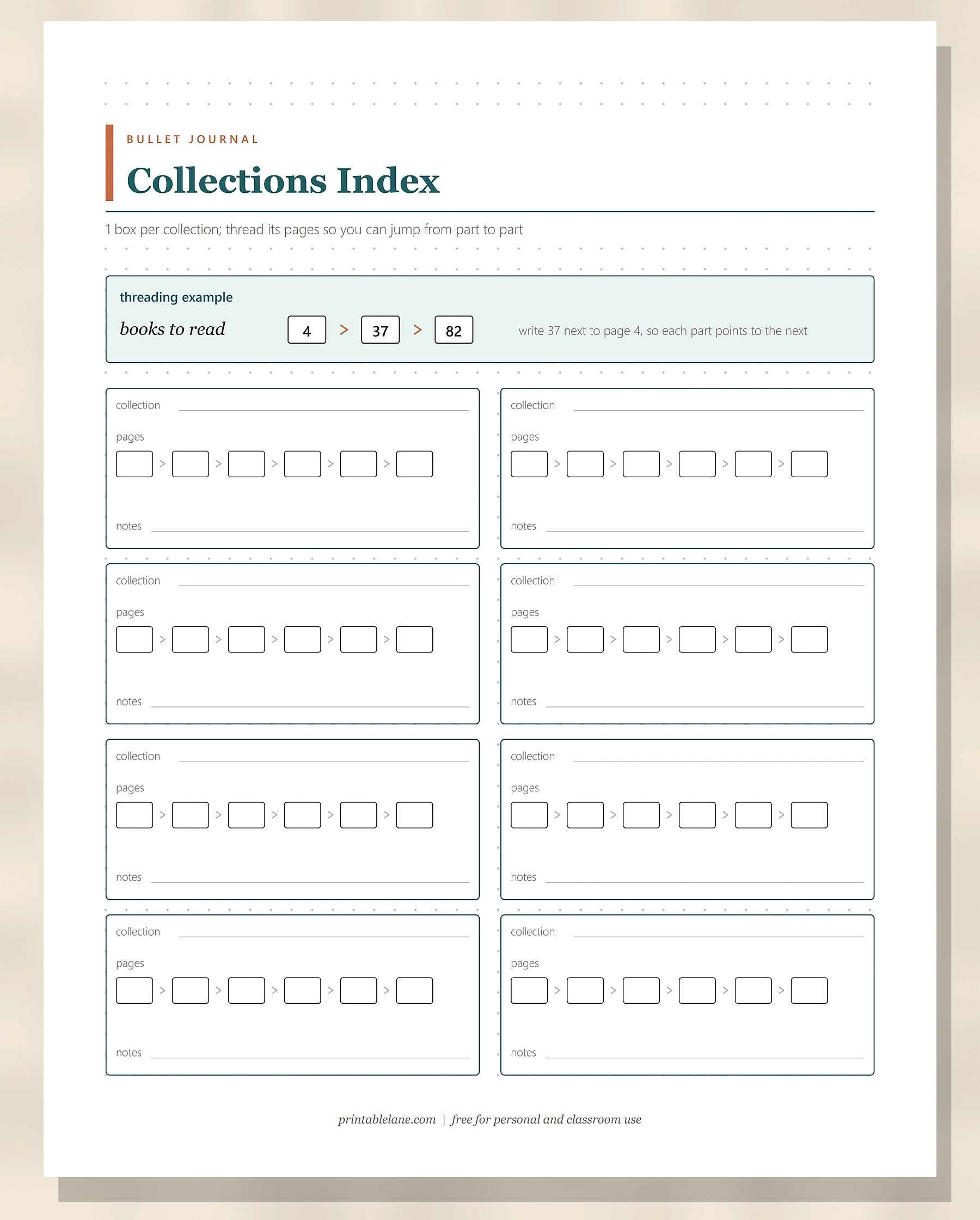
The index lives on the first pages of the notebook. You number every page, and each new topic or collection gets its name and page numbers in the index. A topic in several places gets several numbers, such as “Books to read: 4, 37, 82”.
Threading links those scattered parts directly. Next to the page number on page 4 you write 37, where the topic continues, and on page 37 you can write 4 to point back.
The future log is a few pages near the front split into upcoming months, for dated events and tasks beyond the current month. At the start of each month you copy anything due into your new monthly pages.
The 9 pages, one by one
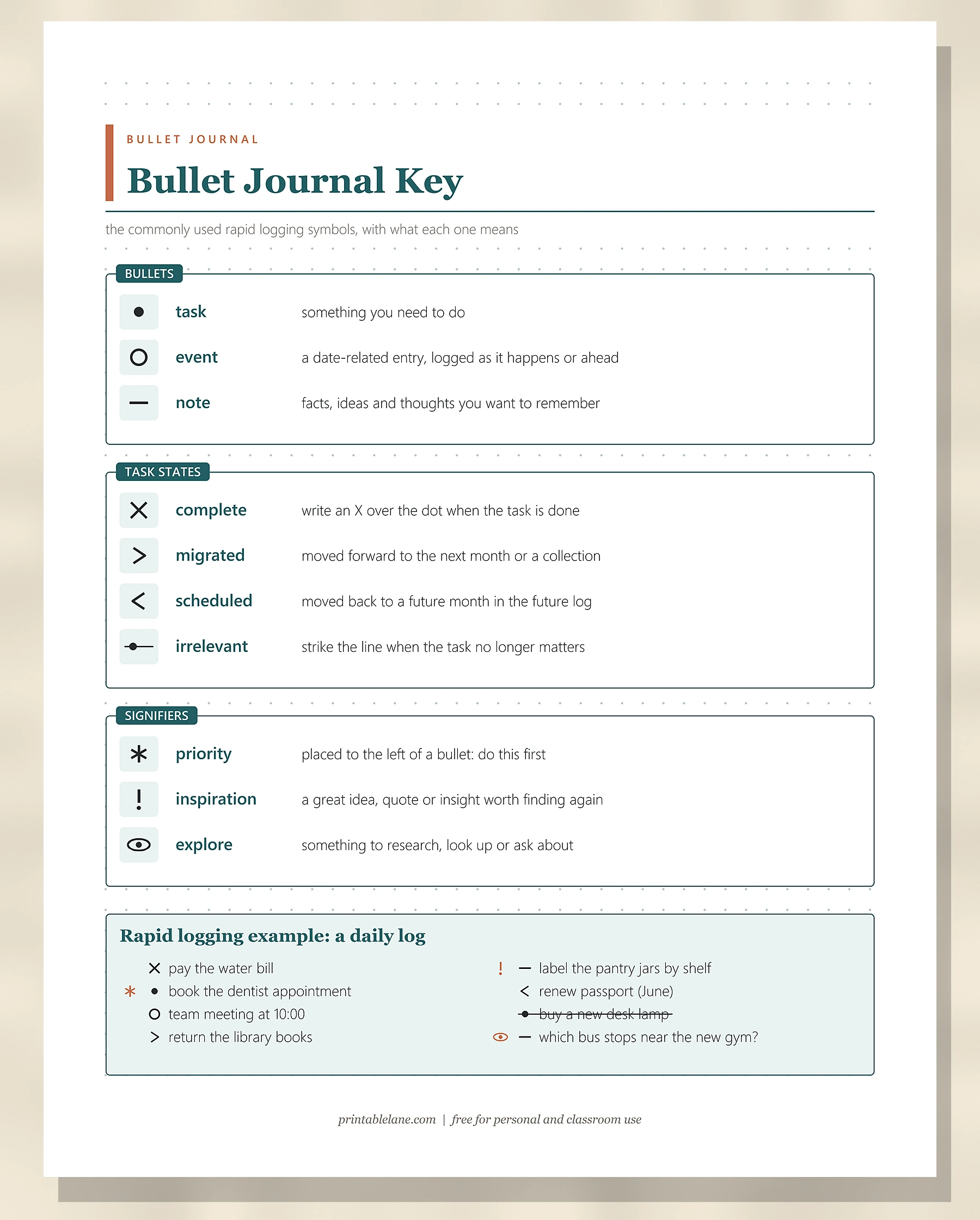
Bullet Journal Key
PDF page 2 is the printed reference. Its 3 boxes list the bullets (task, event, note), the 4 task states (complete, migrated, scheduled, irrelevant) and 3 signifiers (priority, inspiration, explore), each with its symbol and a 1-line meaning. A “Rapid logging example: a daily log” box shows 8 sample entries, such as a finished bill payment and a struck-out lamp purchase.
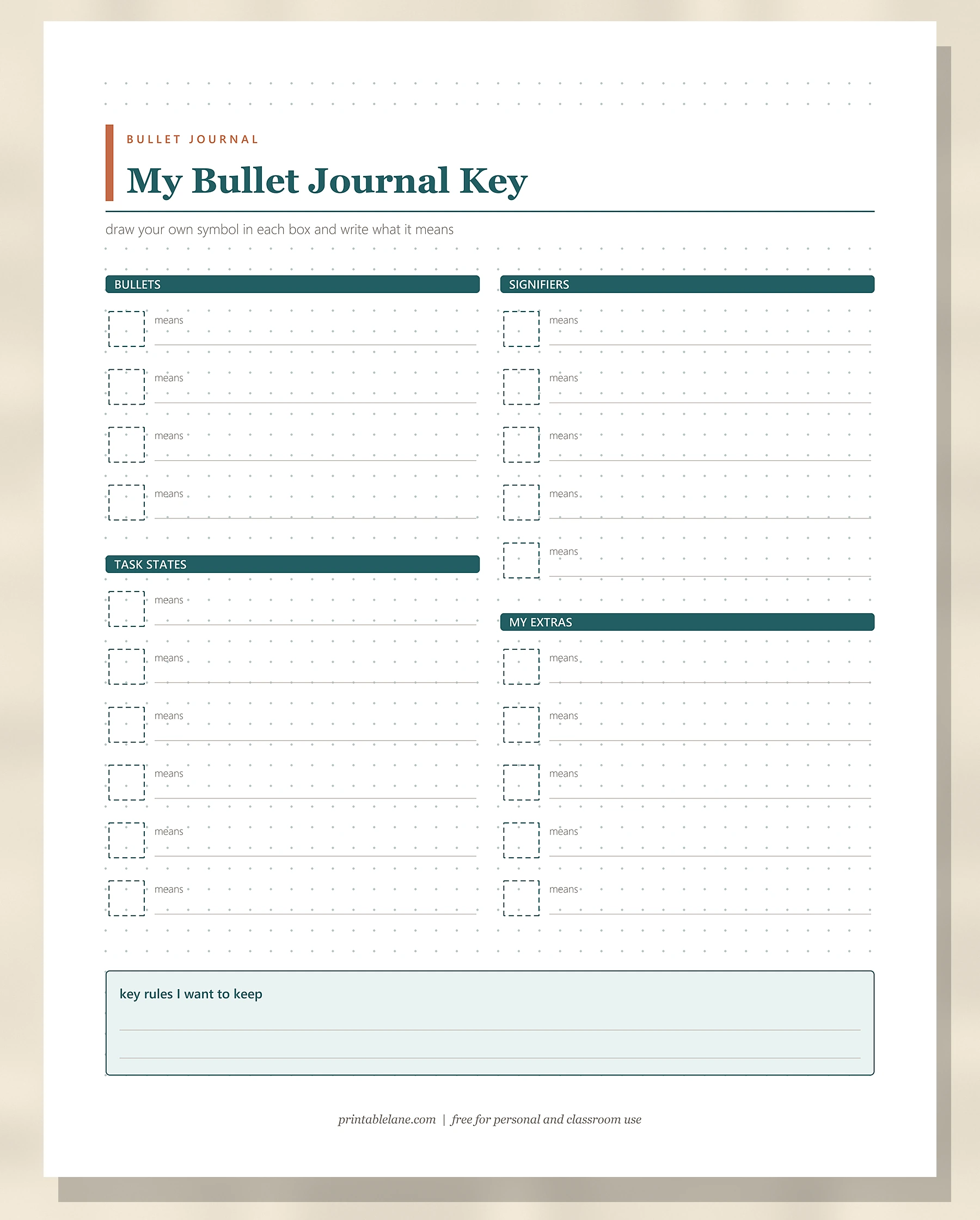
My Bullet Journal Key
PDF page 3 is the blank version: 20 dashed boxes with a “means” line beside each, grouped under bullets (4), task states (6), signifiers (5) and my extras (5). A “key rules I want to keep” box closes the page.
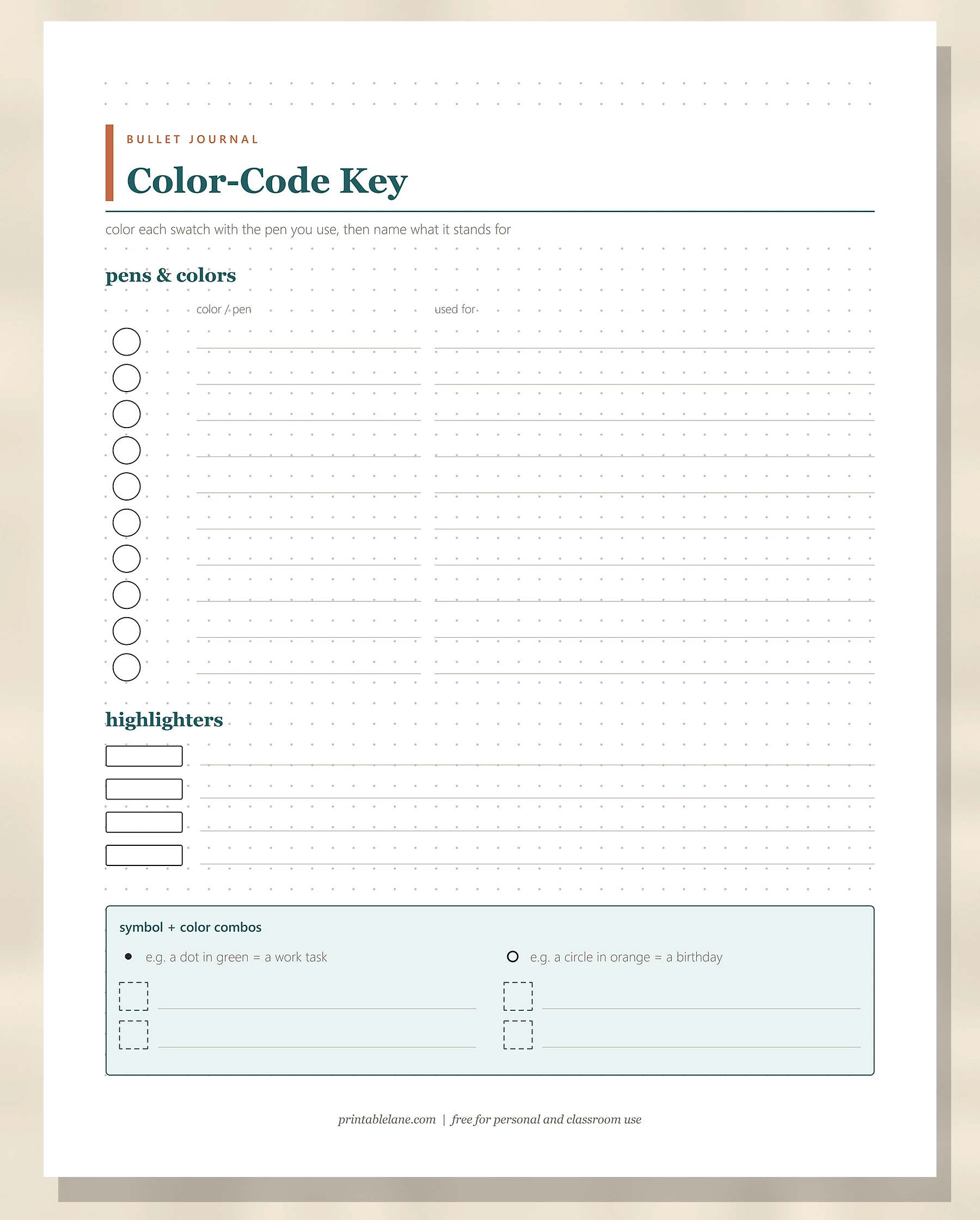
Color-Code Key
PDF page 4 has 10 blank circles to color in, each with a “color / pen” line and a “used for” line, then 4 highlighter swatches. The “symbol + color combos” box gives 2 examples and 4 dashed boxes for your own pairings.
Index
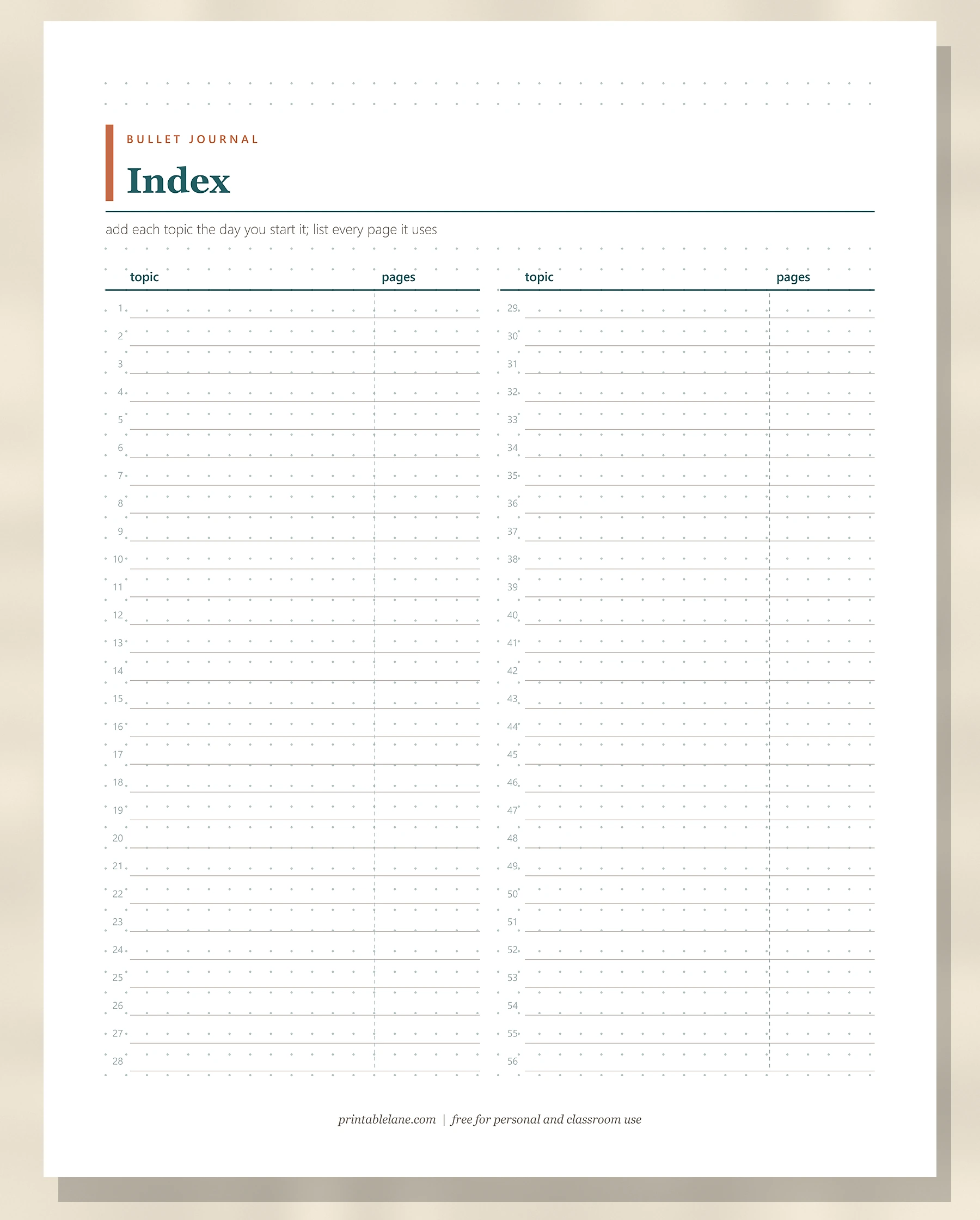
PDF page 5 has 2 columns of numbered lines, 1 to 56 in total, with a topic area and a narrower pages area split by a dashed line.
Collections Index
PDF page 6 starts with a threading example (books to read on pages 4, 37 and 82). Below are 8 boxes, each with a collection line, 6 linked page-number boxes and a notes line.
Symbol Practice Sheet
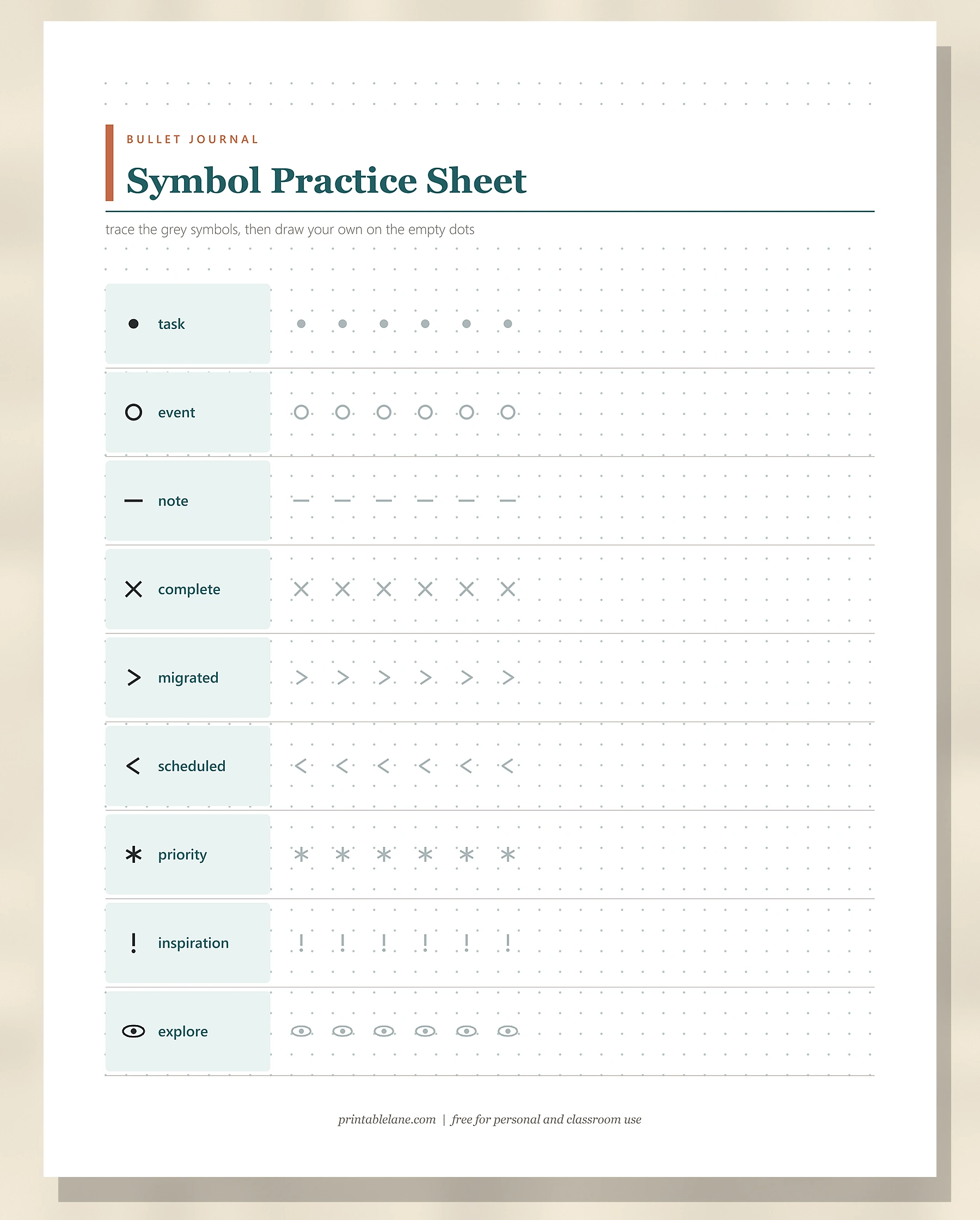
PDF page 7 has 9 rows, one per symbol: task, event, note, complete, migrated, scheduled, priority, inspiration and explore. Each row shows the symbol in ink, 6 grey copies to trace and empty dot grid to draw your own.
Key Bookmarks
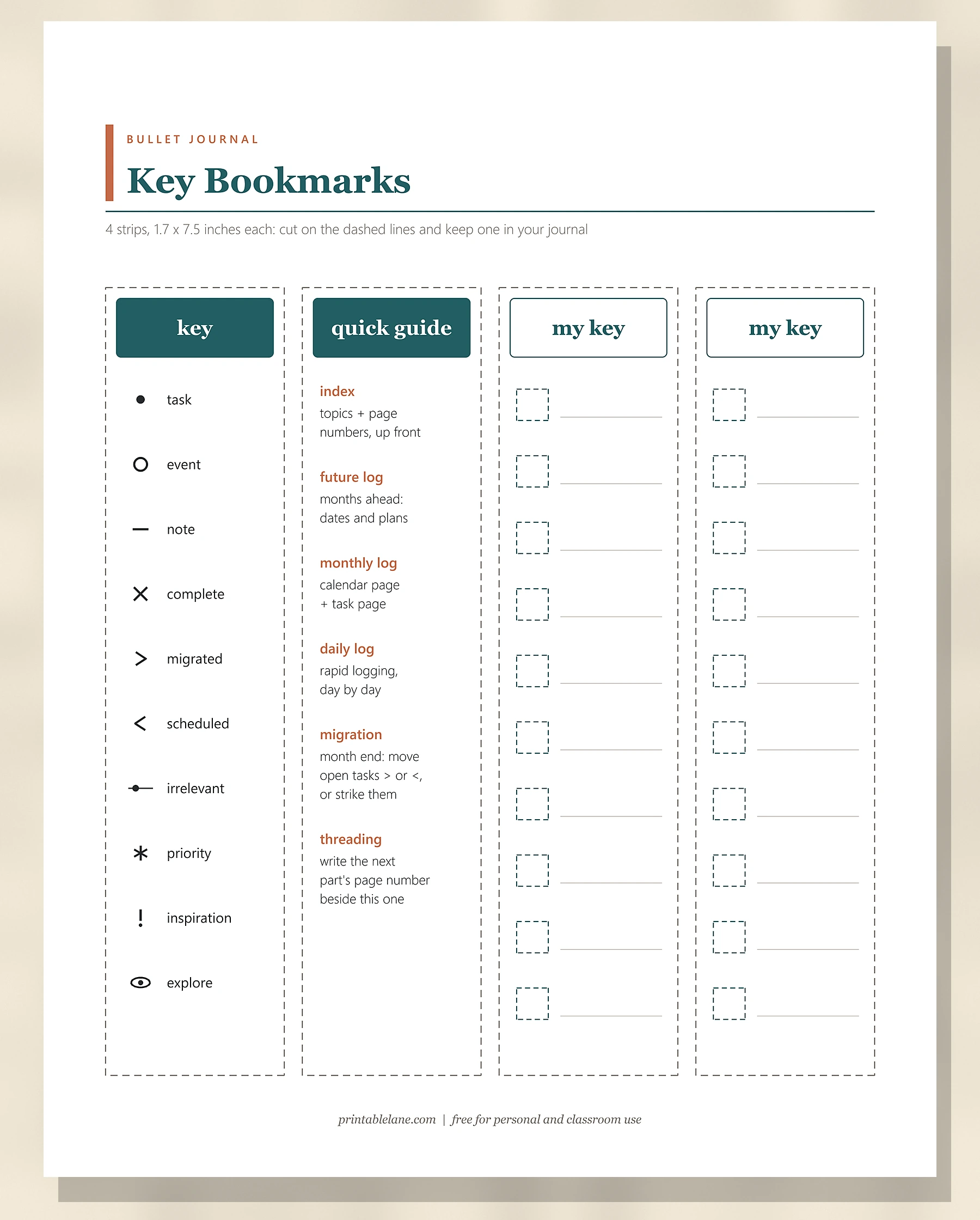
PDF page 8 holds 4 strips, each 1.7 x 7.5 inches, with dashed cut lines. The “key” strip lists all 10 symbols, the “quick guide” strip sums up 6 terms from index to threading, and the 2 “my key” strips have 10 blank boxes each.
Monthly Migration Checklist
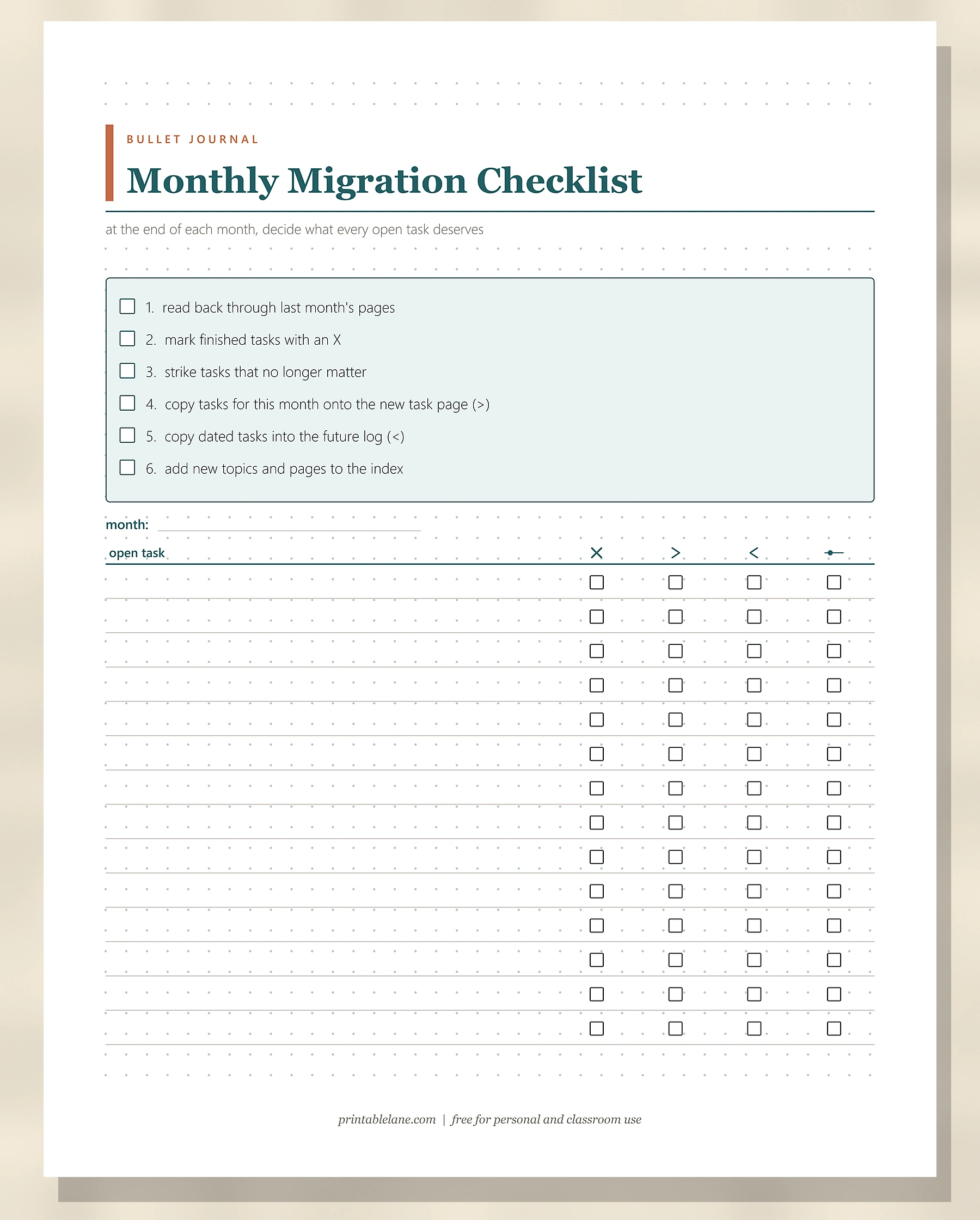
PDF page 9 lists 6 month-end steps with tick boxes, from reading back through last month to updating the index. Below, a table with a month line has 14 rows for open tasks, each with tick boxes under X, >, < and a strike symbol.
Future Log
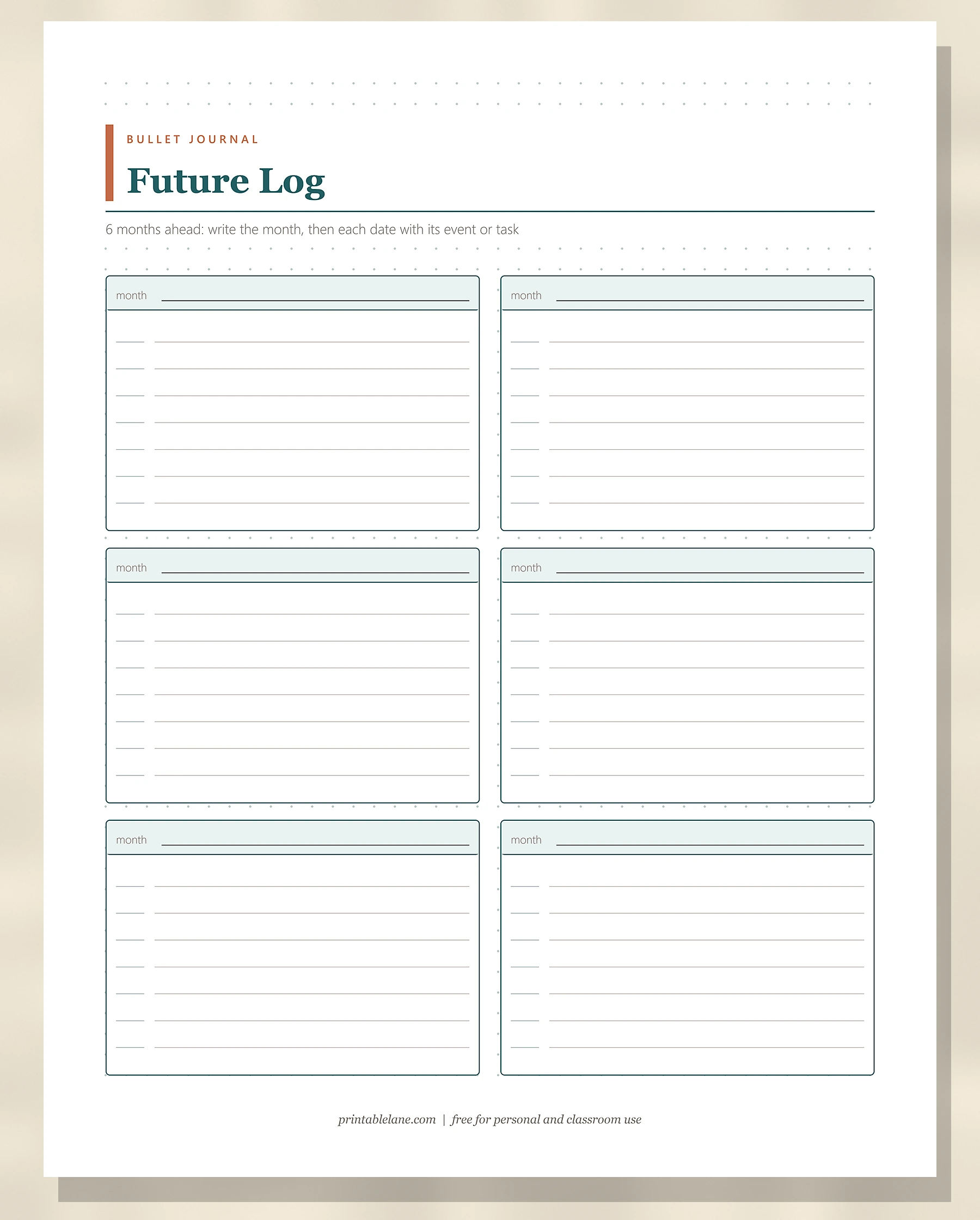
PDF page 10 has 6 month boxes, each with a month line and 7 entry lines with a short date blank in front.
How to set up your key in 15 minutes
- Read the printed key (page 2) and circle the symbols you want to keep.
- Trace each one on the practice sheet until your X and arrows look the same every time.
- Copy your final set onto the blank key (page 3), plus any extras, such as a heart for gratitude.
- Choose colors only if you will use them; 1 black pen works fine.
- Cut a bookmark to keep in the notebook.
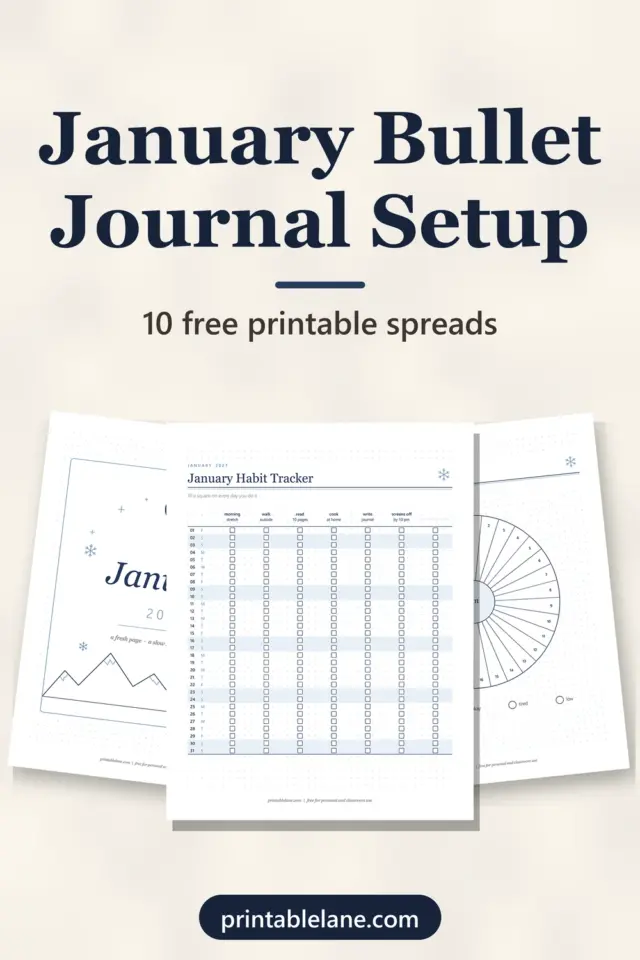
Once your key is ready, the next step is the pages it organizes. The weekly spread ideas and the January bullet journal setup both use these same bullets, and a printable habit tracker fits nicely as a collection you can list on the collections index.
Printing tips
- US Letter: print at 100% (Actual size).
- A4: 100% or Fit to page both work. With Fit to page, the bookmarks shrink by about 3%, to roughly 1.65 x 7.3 inches.
- Paper: 24 lb (90 gsm) paper for pages you will punch and keep in a binder; cardstock for the bookmarks.
- Pens: test markers on the color-code key first; some bleed through thin paper.
Download single pages
Need a second index page or a fresh future log for a new notebook? Each page below is a full-size US Letter file.
- Bullet Journal Key (PNG)
- My Bullet Journal Key (PNG)
- Color-Code Key (PNG)
- Index (PNG)
- Collections Index (PNG)
- Symbol Practice Sheet (PNG)
- Key Bookmarks (PNG)
- Monthly Migration Checklist (PNG)
- Future Log (PNG)
Planning dates for the future log? The 2027 calendar printable shows every month on its own page.
Frequently asked questions
How many pages are in the PDF?
10 pages: the cover on page 1, then 9 dot grid pages from the printed key on page 2 to the future log on page 10.
Can I print the bullet journal key pages on A4 paper?
Yes, at 100% or with Fit to page. Only the bookmarks change size noticeably, and they still fit a standard notebook.
What is the difference between migrated and scheduled?
A migrated task (>) moves forward into the next month or a collection. A scheduled task (<) has a date in a later month, so it goes into the future log.
Do I have to use the original symbols?
No. The dot, circle and dash are popular because they are fast to draw, but you can swap any of them. The blank key and the 2 blank bookmarks are for your own set.
Where should the index go in my notebook?
On the first 2 to 4 pages, right after any title page, so you can find it without searching.