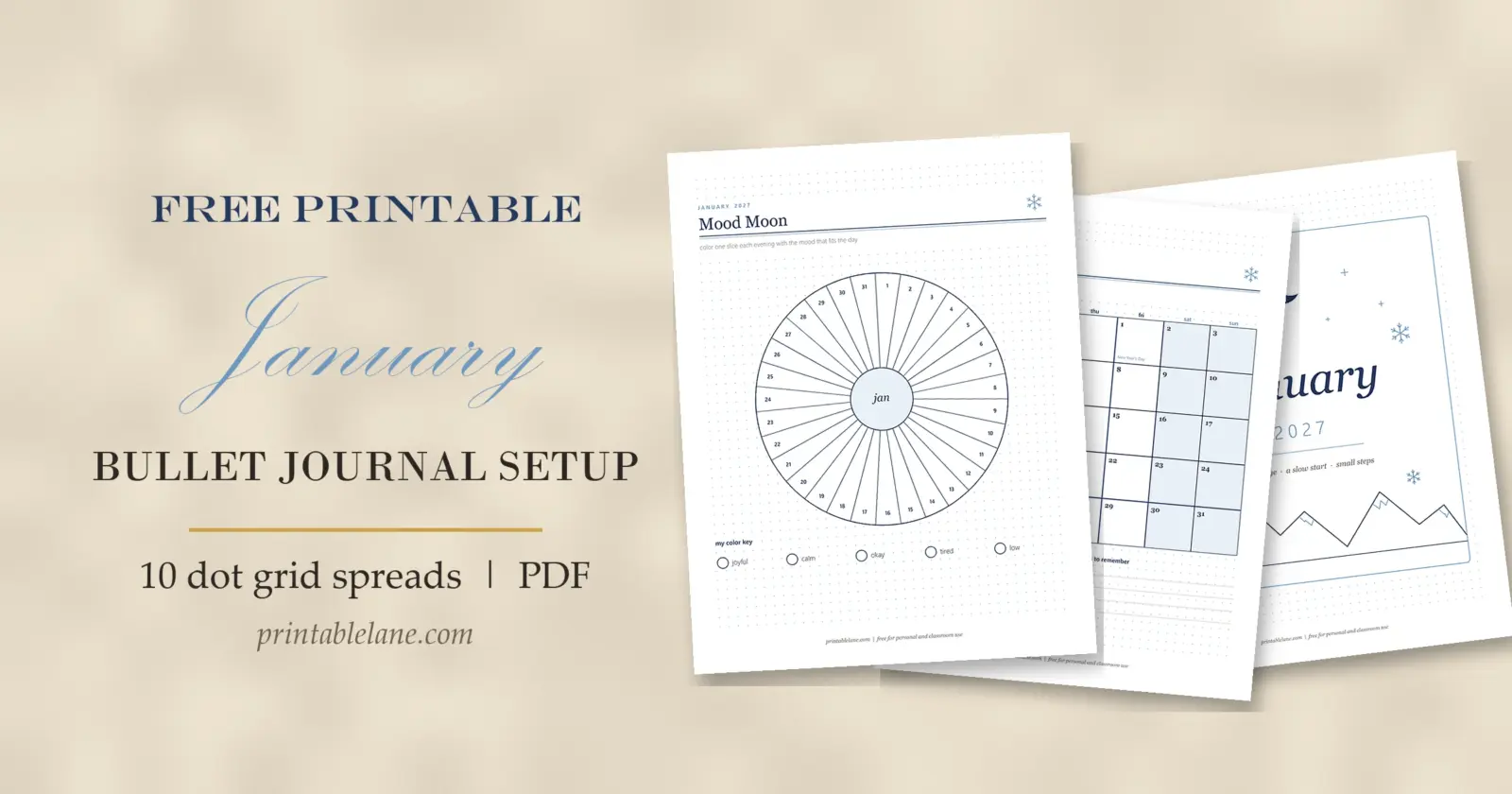
A new notebook in January feels like a blank field of snow, and that is exactly why the first spreads can feel hard to start. This January bullet journal setup gives you 10 ready-to-copy layouts for January 2027, drawn in navy and soft ice blue on a 5 mm dot grid, with a winter and new-year feel and nothing festive left over from December.
Below: how to plan the pages, the best order to set them up, and what each spread is for. Copy the layouts into your own dotted notebook, or print the free PDF and glue or clip the pages in.
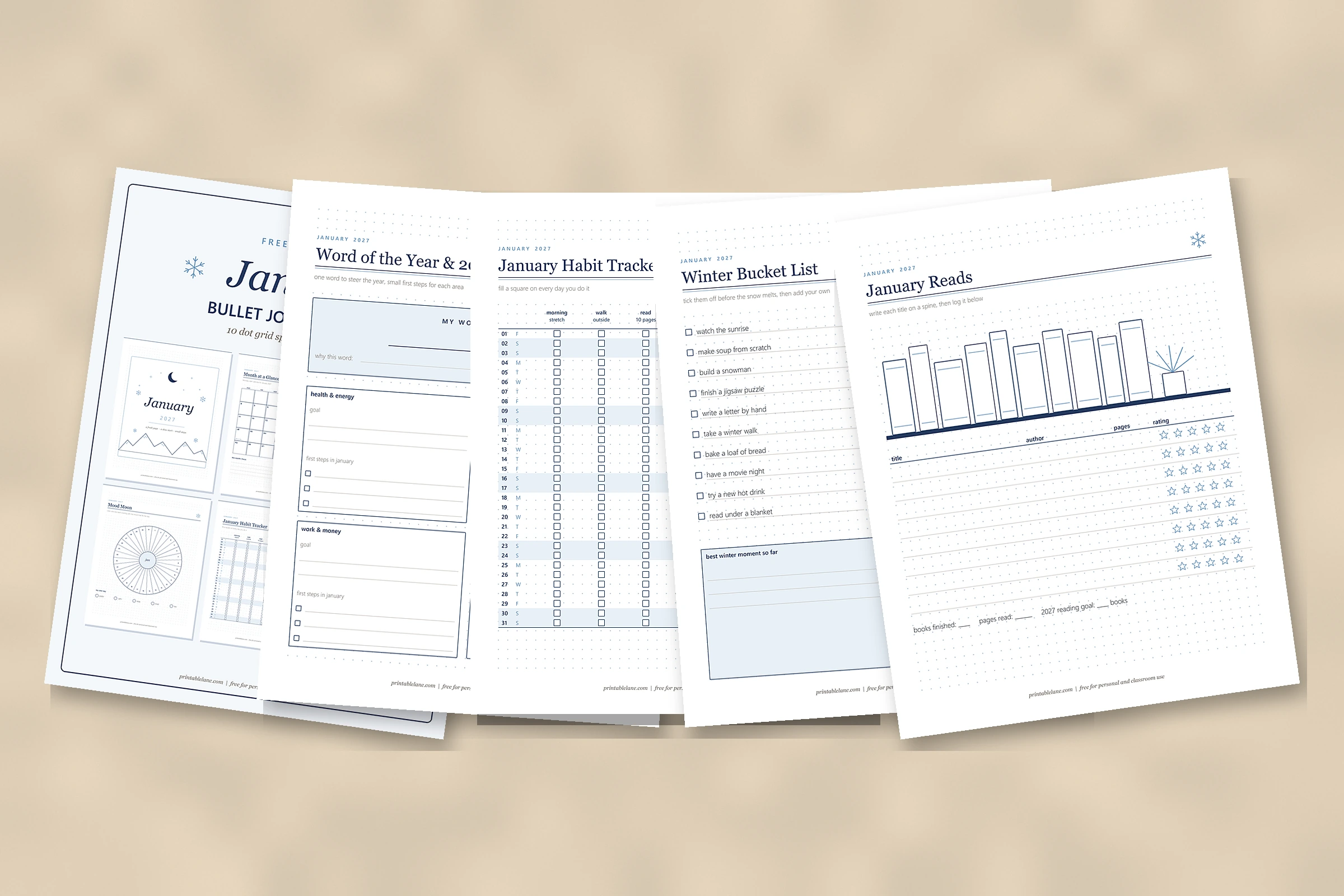
What’s in the PDF (11 pages)
- Page 1: cover
- Page 2: January 2027 (title page)
- Page 3: 2026 Look Back
- Page 4: Word of the Year & 2027 Goals
- Page 5: Month at a Glance
- Page 6: January Habit Tracker
- Page 7: Mood Moon
- Page 8: Weekly Spread: Jan 4 – 10
- Page 9: Winter Bucket List
- Page 10: No-Spend January
- Page 11: January Reads
That is 10 spreads plus a cover, 11 pages in total, all with the same “JANUARY 2027” label at the top.
How to set up January in a dotted notebook
- Write your key first. Keep it to 5 symbols: • task, × done, > moved, – note, ○ event.
- Count pages before you draw anything. Use the page plan below and number the pages in pencil, so no tracker ends up squeezed onto half a page.
- Set up in this order: look back, goals, month, trackers, then weekly pages. Reflecting first means your goals grow out of what really happened in 2026.
- Pencil, then ink. Mark box corners in pencil by counting dots, ink the lines, and erase when the ink is dry.
- Draw weekly pages week by week. Only the first week goes in during setup; add the next each Sunday.
Page plan for January 2027:
- Title page, look back, goals: 3 pages
- Month at a glance: 1 page (or 2 if you want a full spread with notes on the facing page)
- Habit tracker and mood tracker: 2 pages
- Weekly pages: 5 (December 28 – January 3, then January 4 – 10, 11 – 17, 18 – 24 and 25 – 31)
- Winter bucket list, no-spend tracker, reading log: 3 pages
- Spare pages for notes or a brain dump: 2
That adds up to 16 pages. As a rough guide, the 9 monthly pages plus the first weekly page take about 2 to 3 hours to draw by hand with a ruler. If you print the pages at 2 per sheet and glue them in, the same setup takes well under an hour.
The 10 January spreads, page by page
January 2027
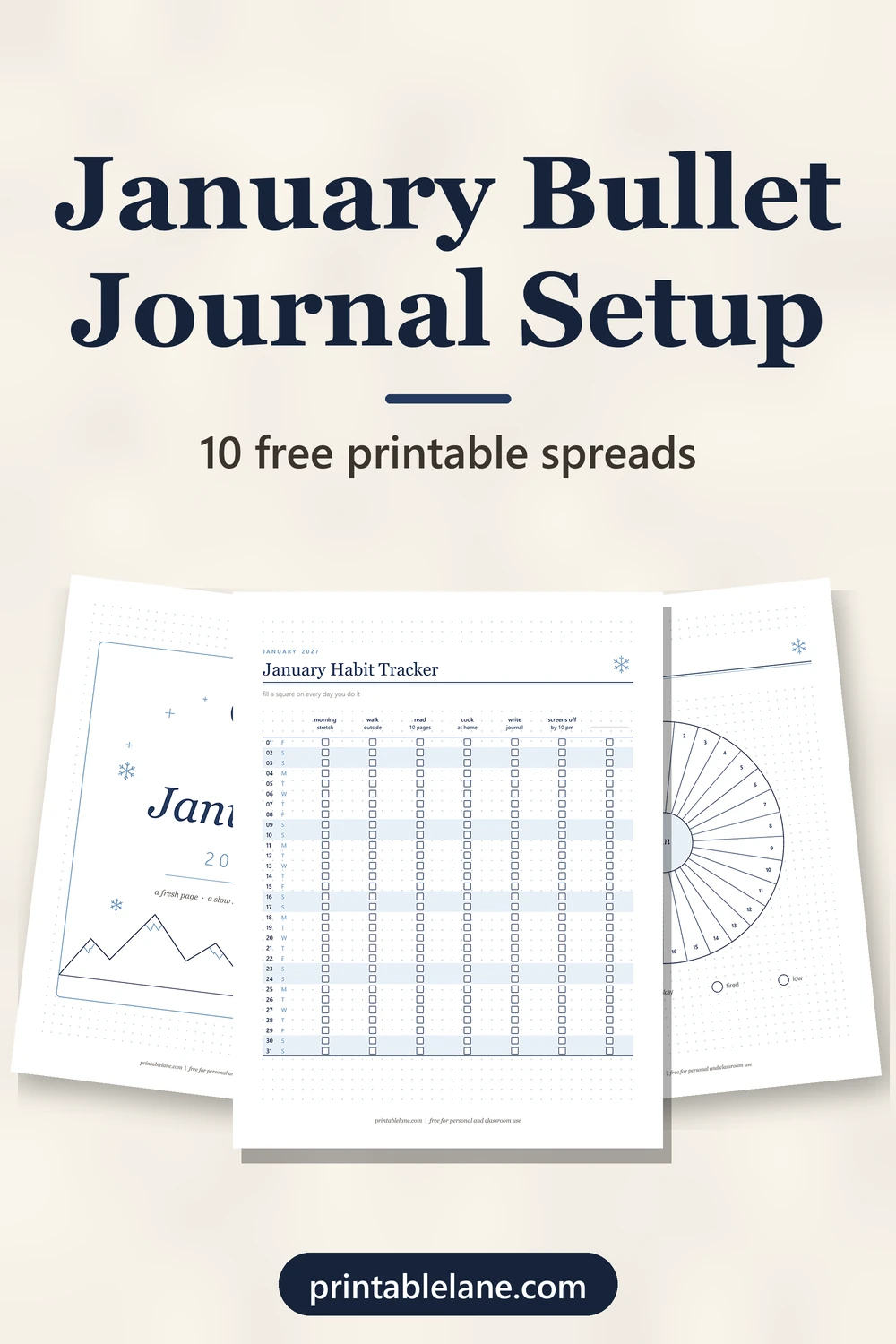
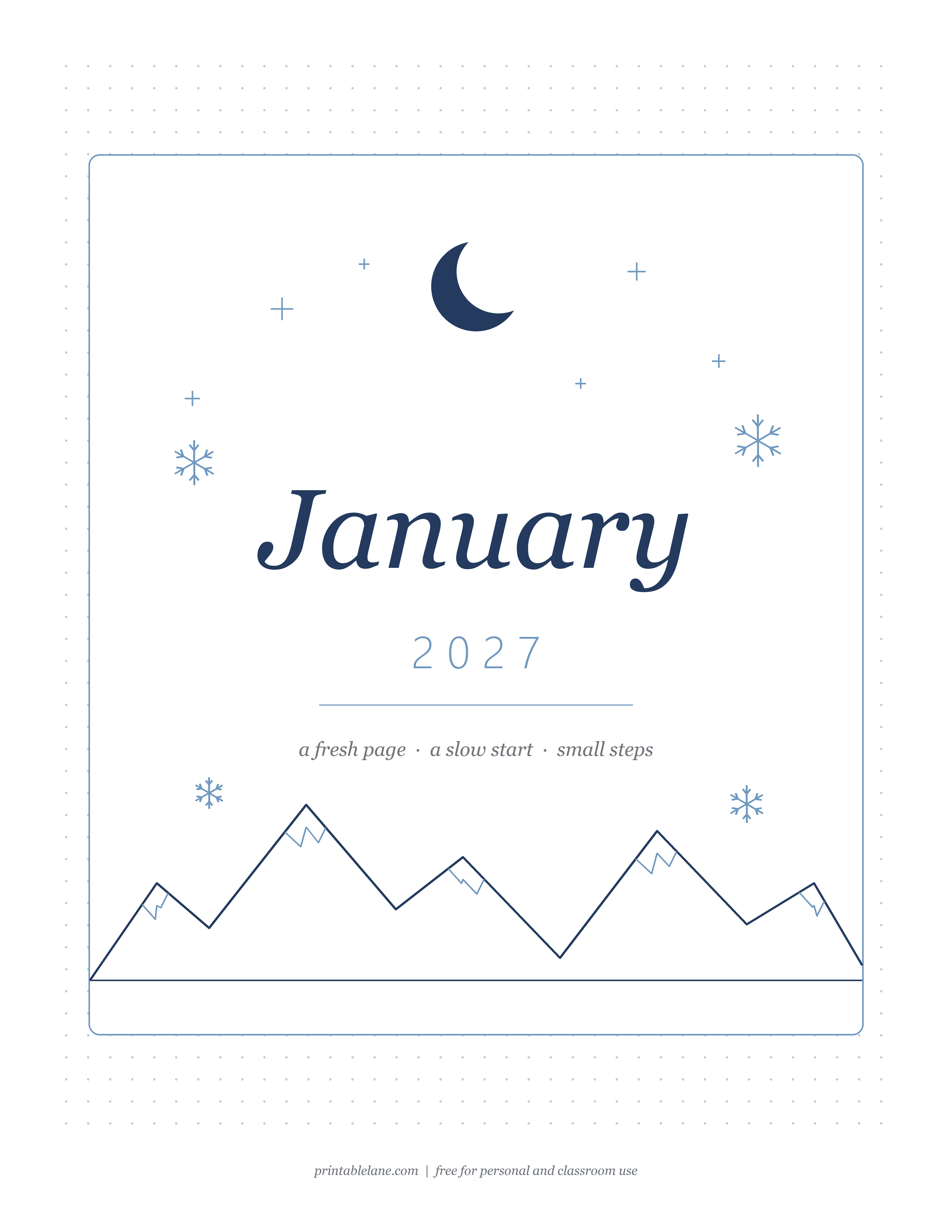
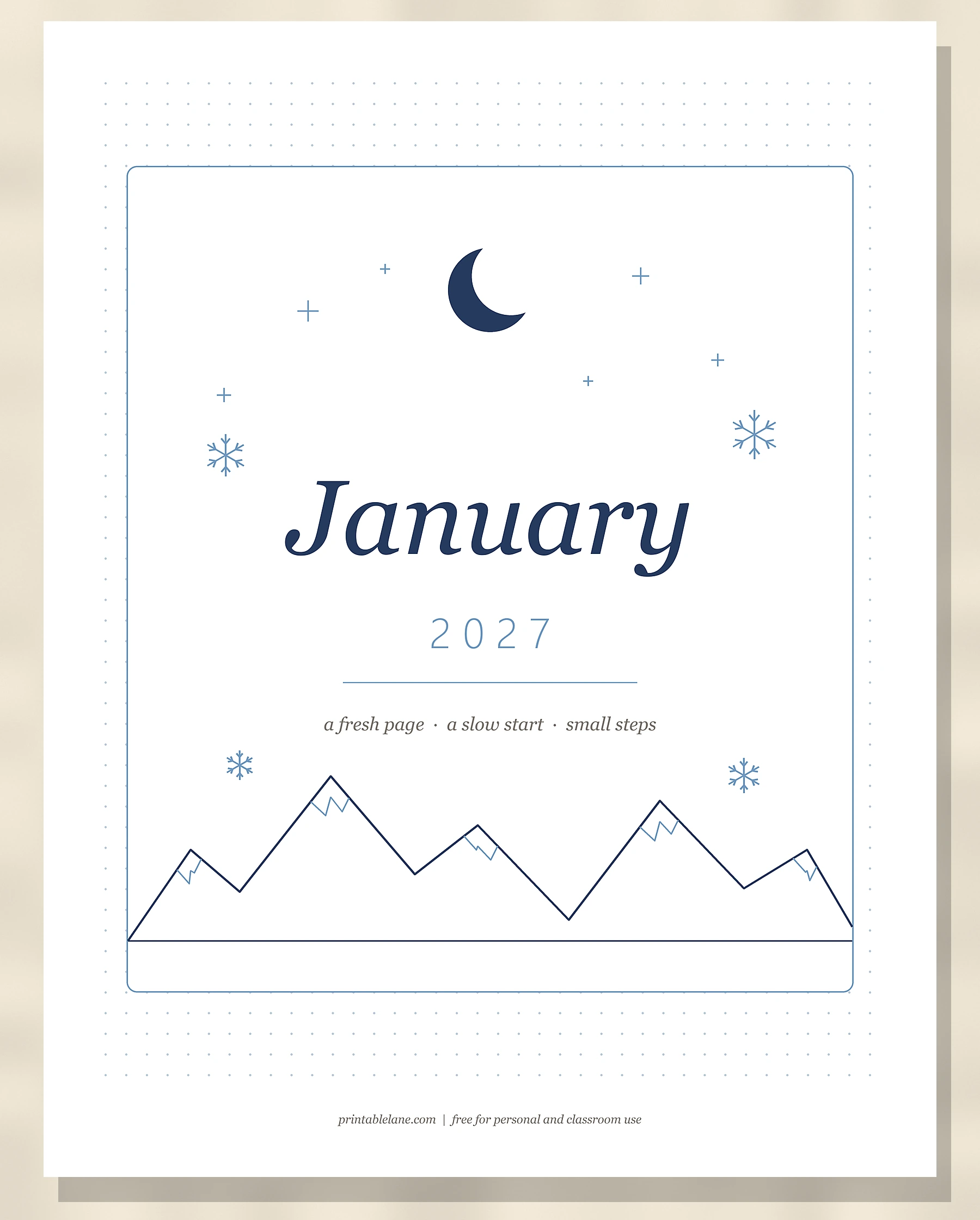
PDF page 2 is the title page: a crescent moon with small cross-shaped stars, 4 snowflakes, “January” with “2027” under it, the line “a fresh page · a slow start · small steps” and a snow-capped mountain range, all inside a rounded frame.
2026 Look Back
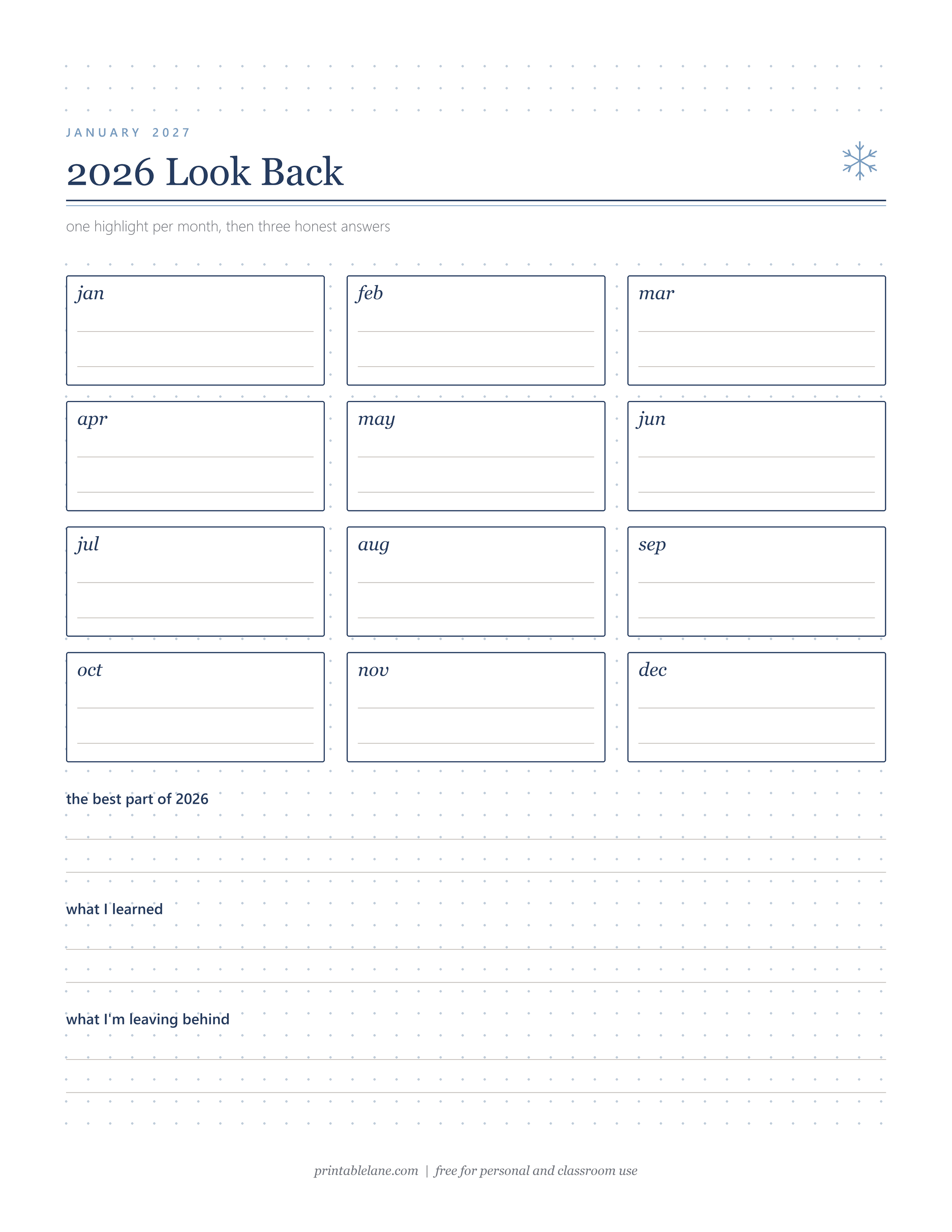
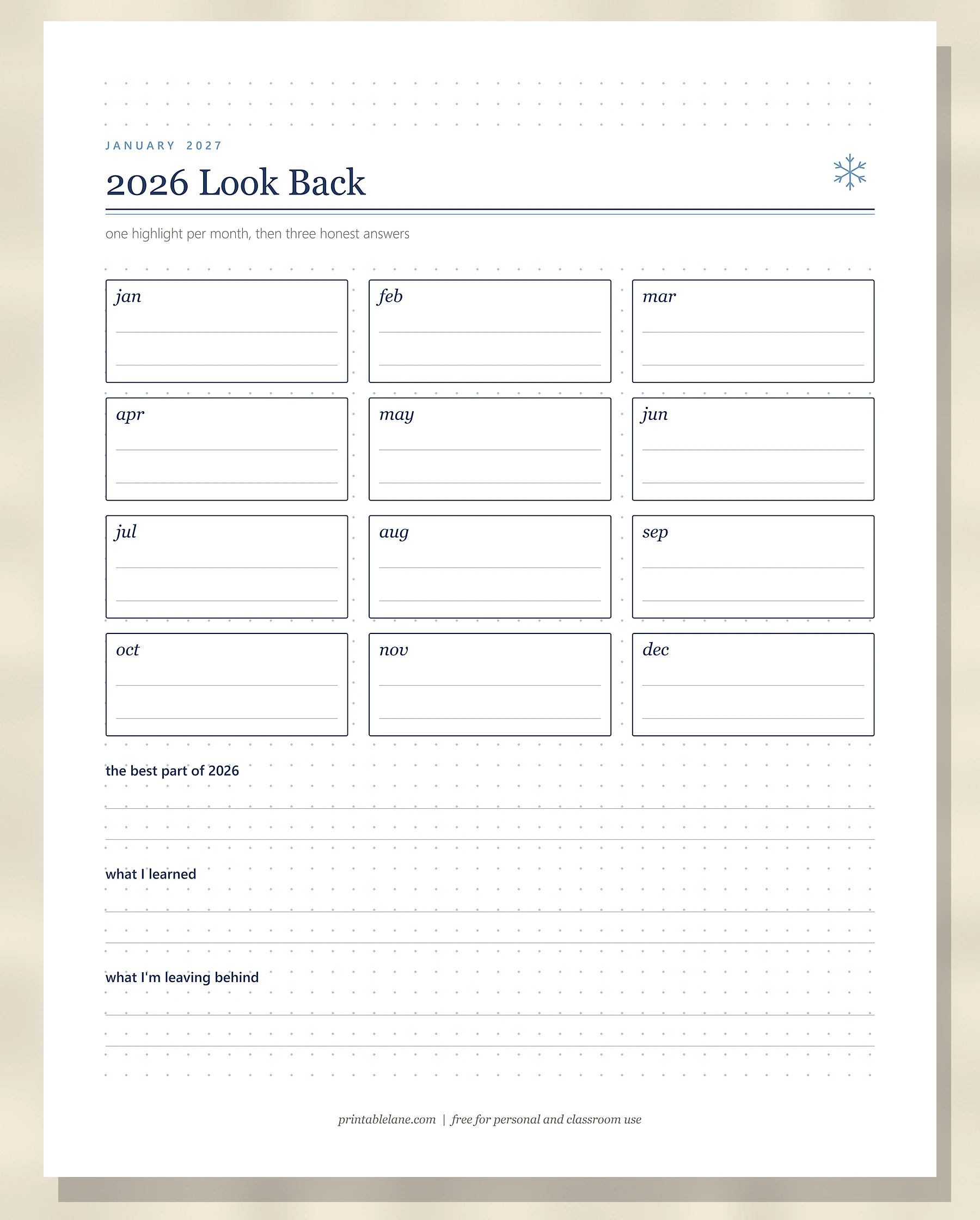
PDF page 3 has 12 small boxes, jan to dec, each with 2 lines for a highlight from that month. Under them are 3 prompts with 2 lines each: “the best part of 2026”, “what I learned” and “what I’m leaving behind”. Scrolling through your phone photos month by month fills the boxes fast. For deeper questions, try these self reflection journal prompts.
Word of the Year & 2027 Goals
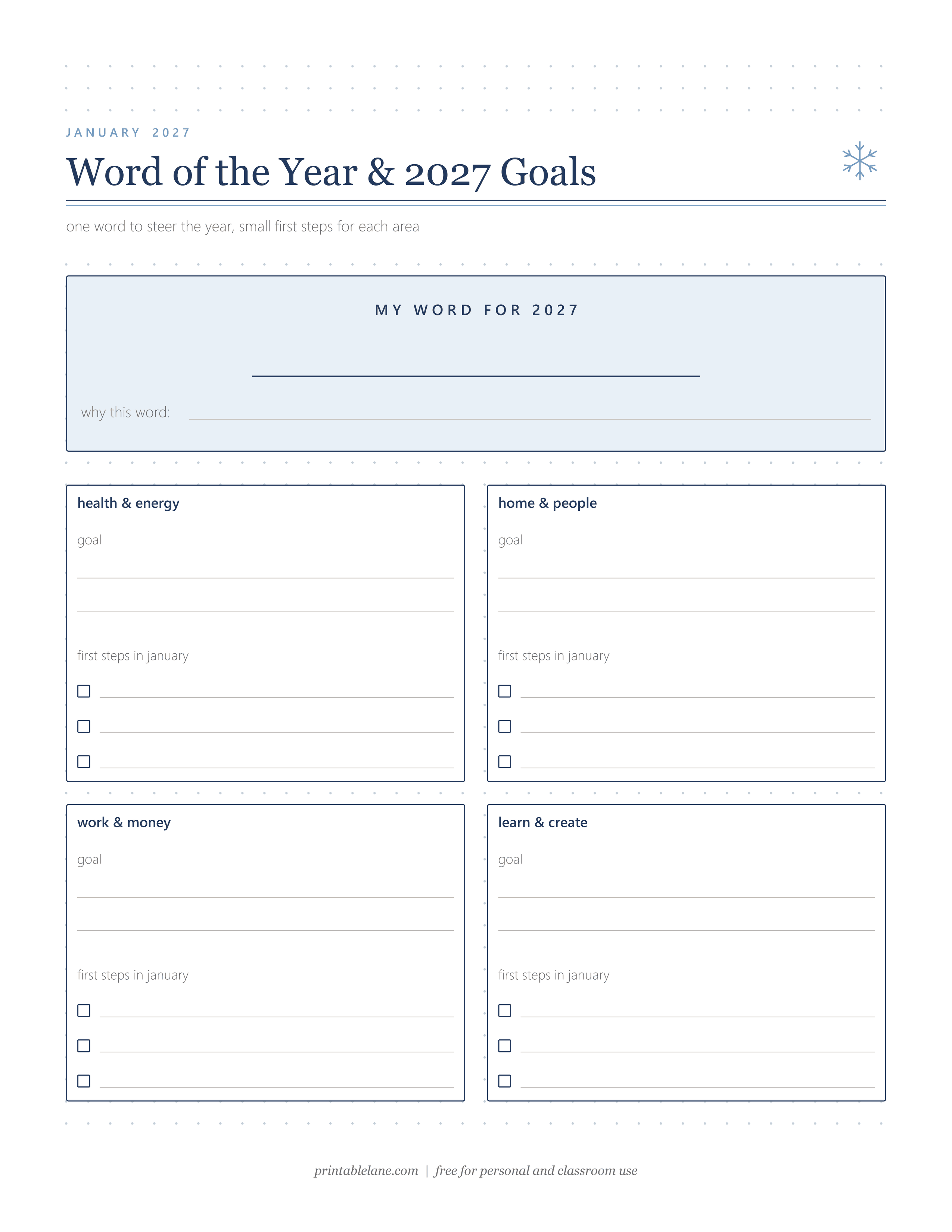
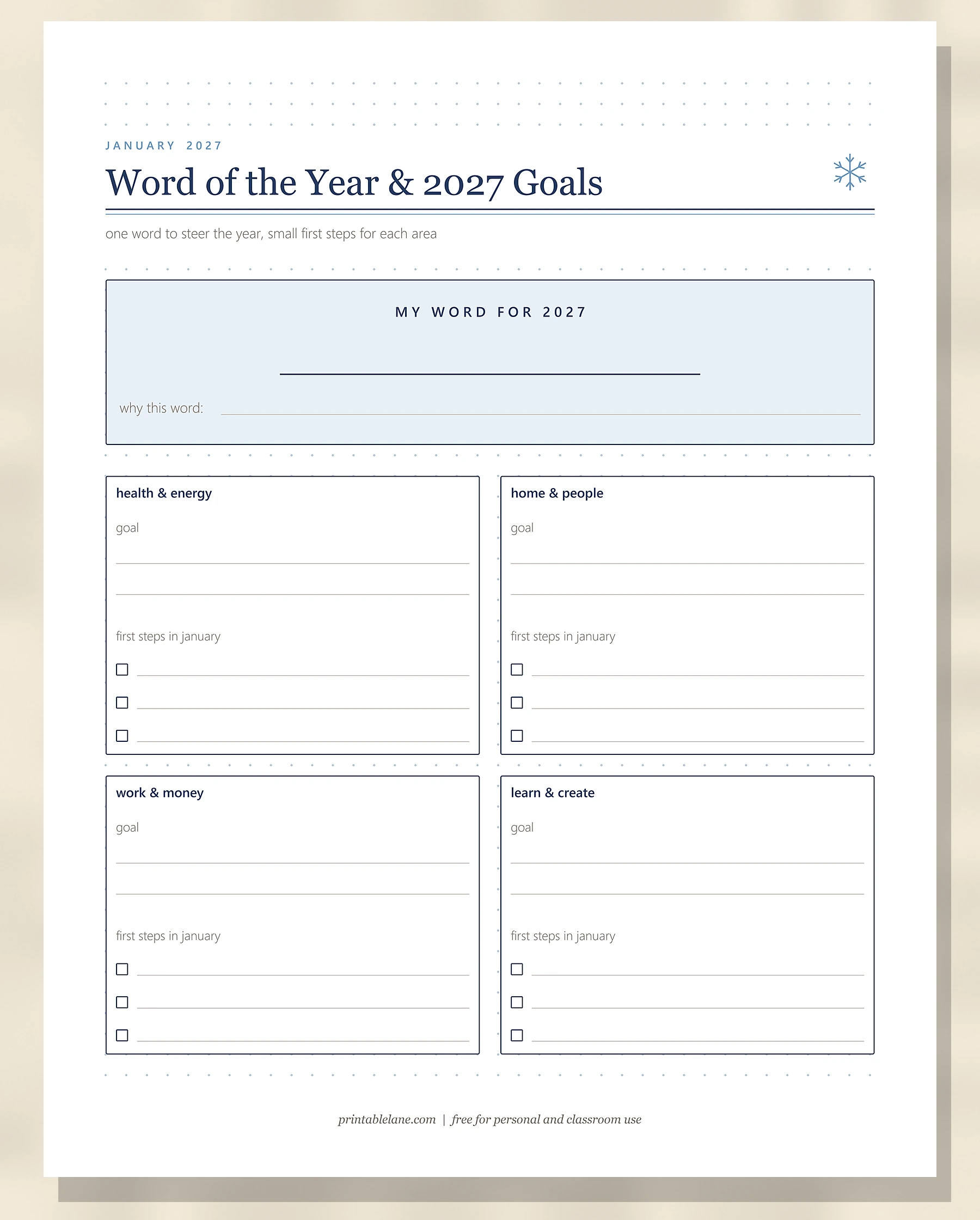
PDF page 4 opens with a shaded box for “MY WORD FOR 2027” and a “why this word:” line. Below it are 4 goal boxes: health & energy, home & people, work & money, and learn & create. Each box has 2 lines for the goal and 3 checkboxes for “first steps in january”.
Month at a Glance
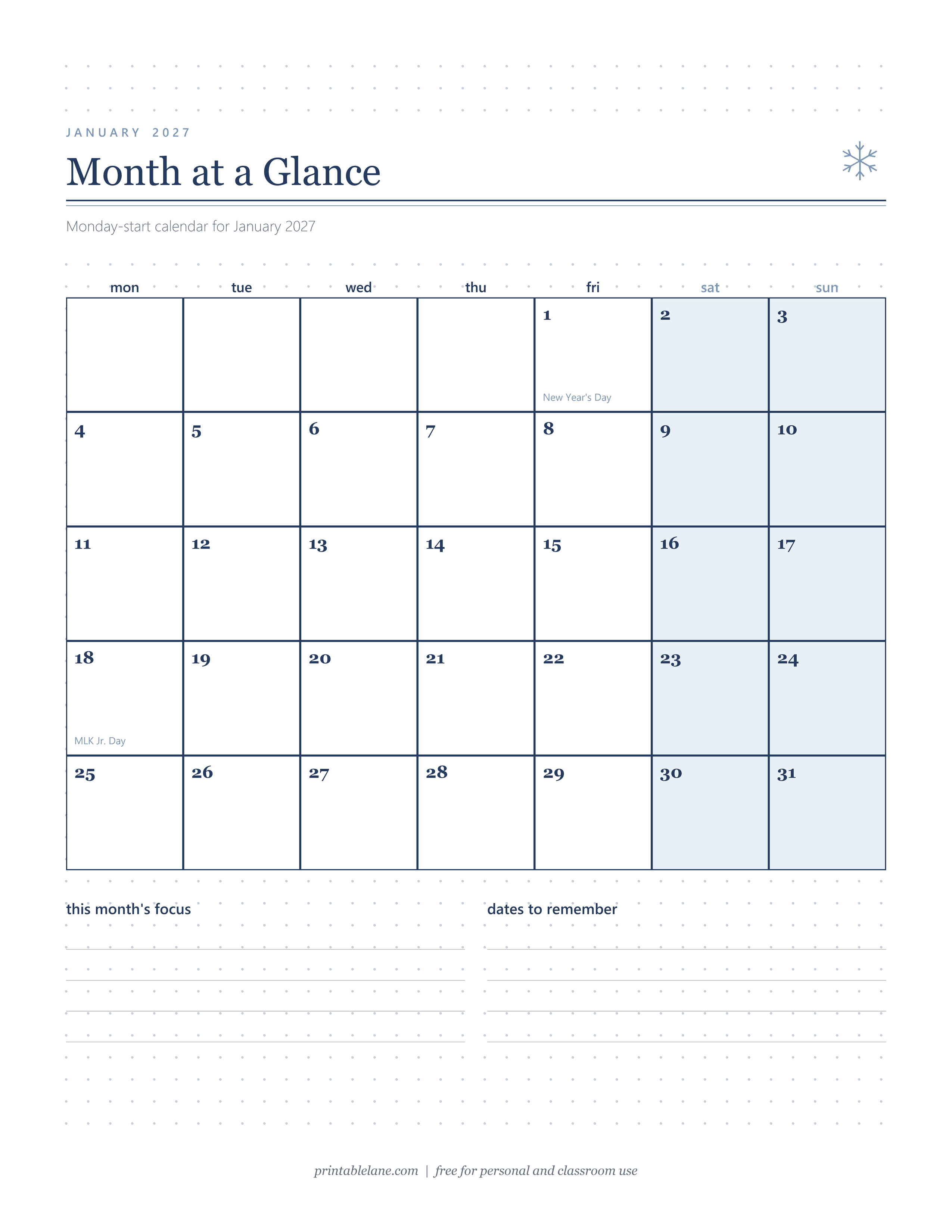
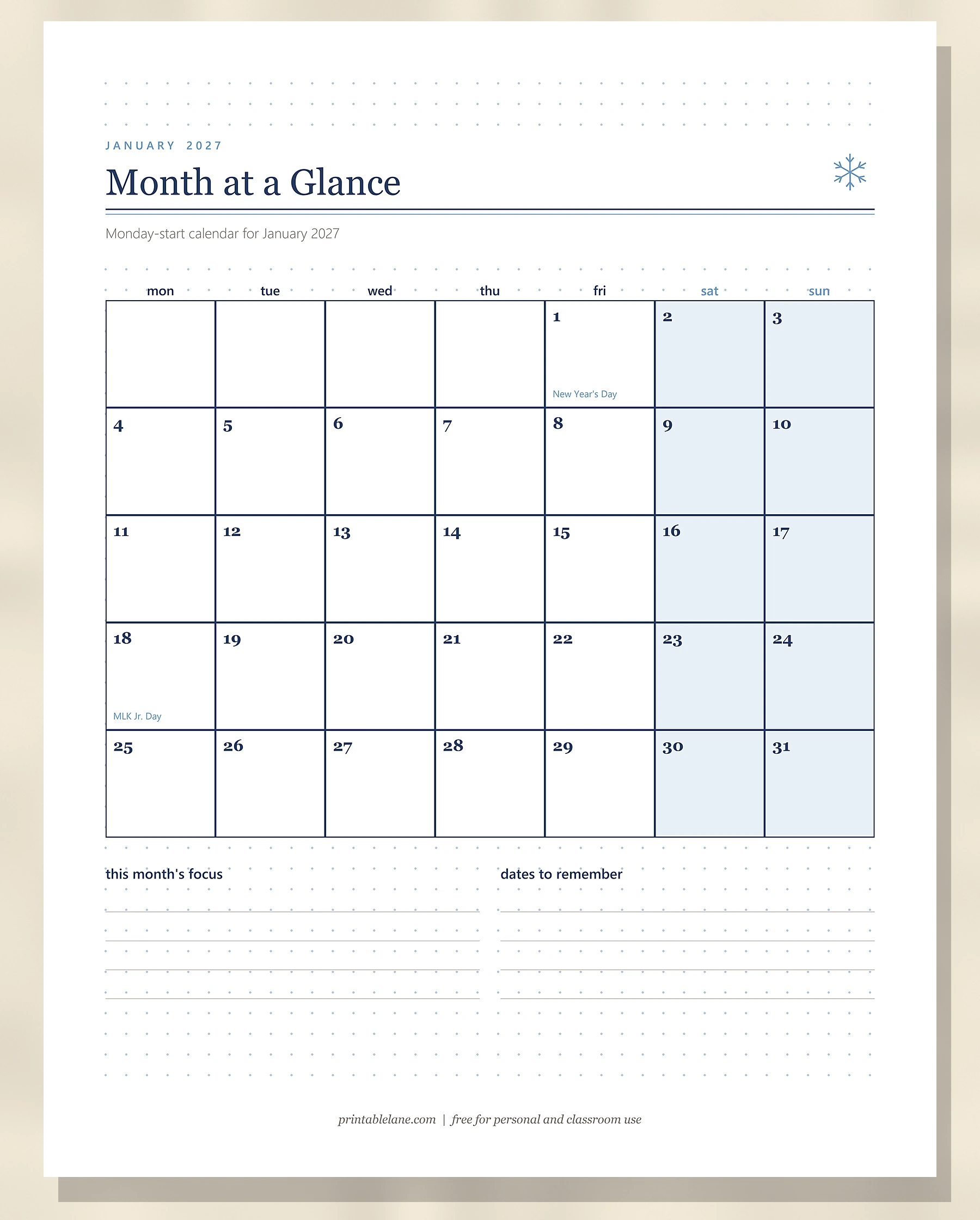
PDF page 5 is a Monday-start calendar for January 2027 with the weekend columns shaded. January 1 is marked New Year’s Day and January 18 is marked MLK Jr. Day. Below it are 2 lists of 4 lines: “this month’s focus” and “dates to remember”. For a full year of matching months, see the free printable 2027 calendar.
January Habit Tracker
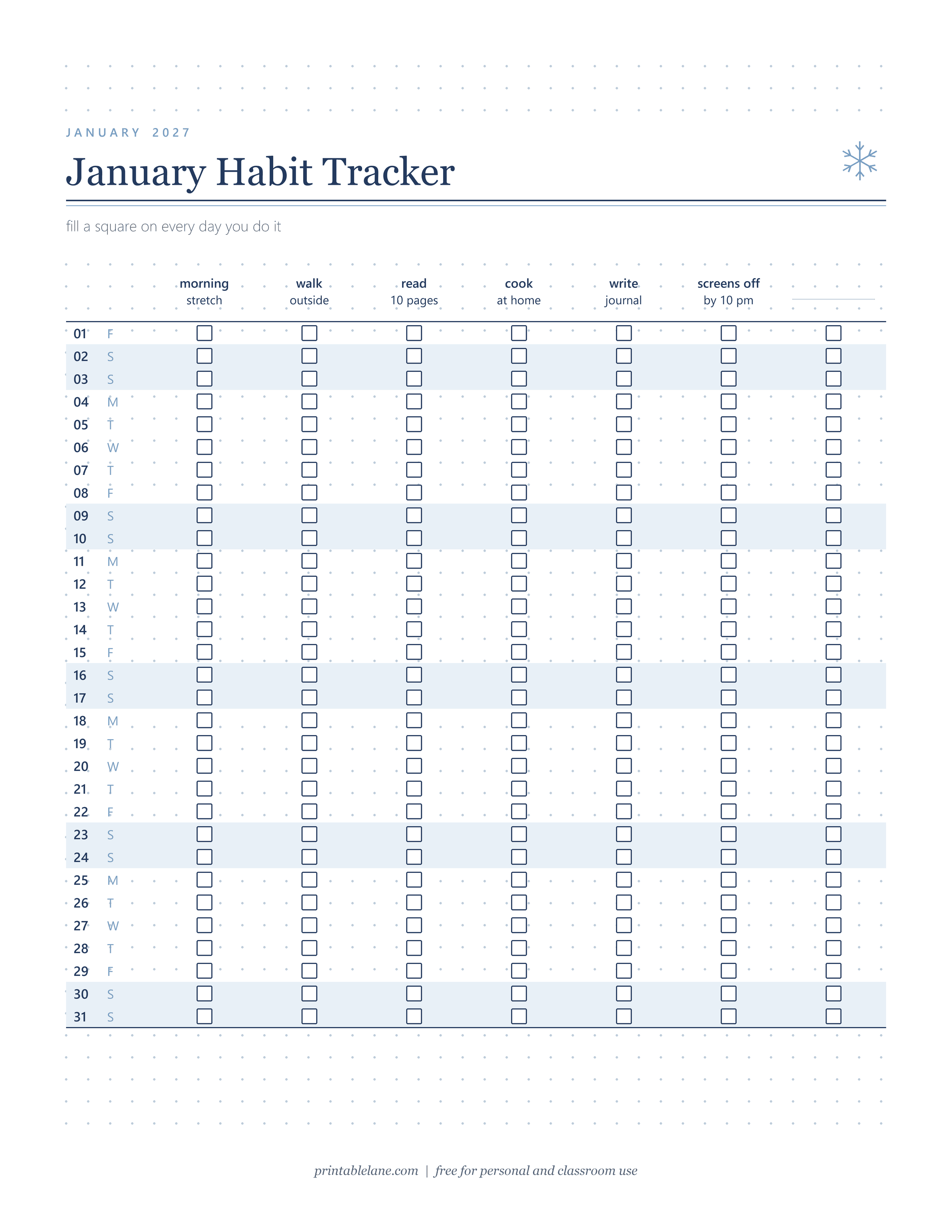
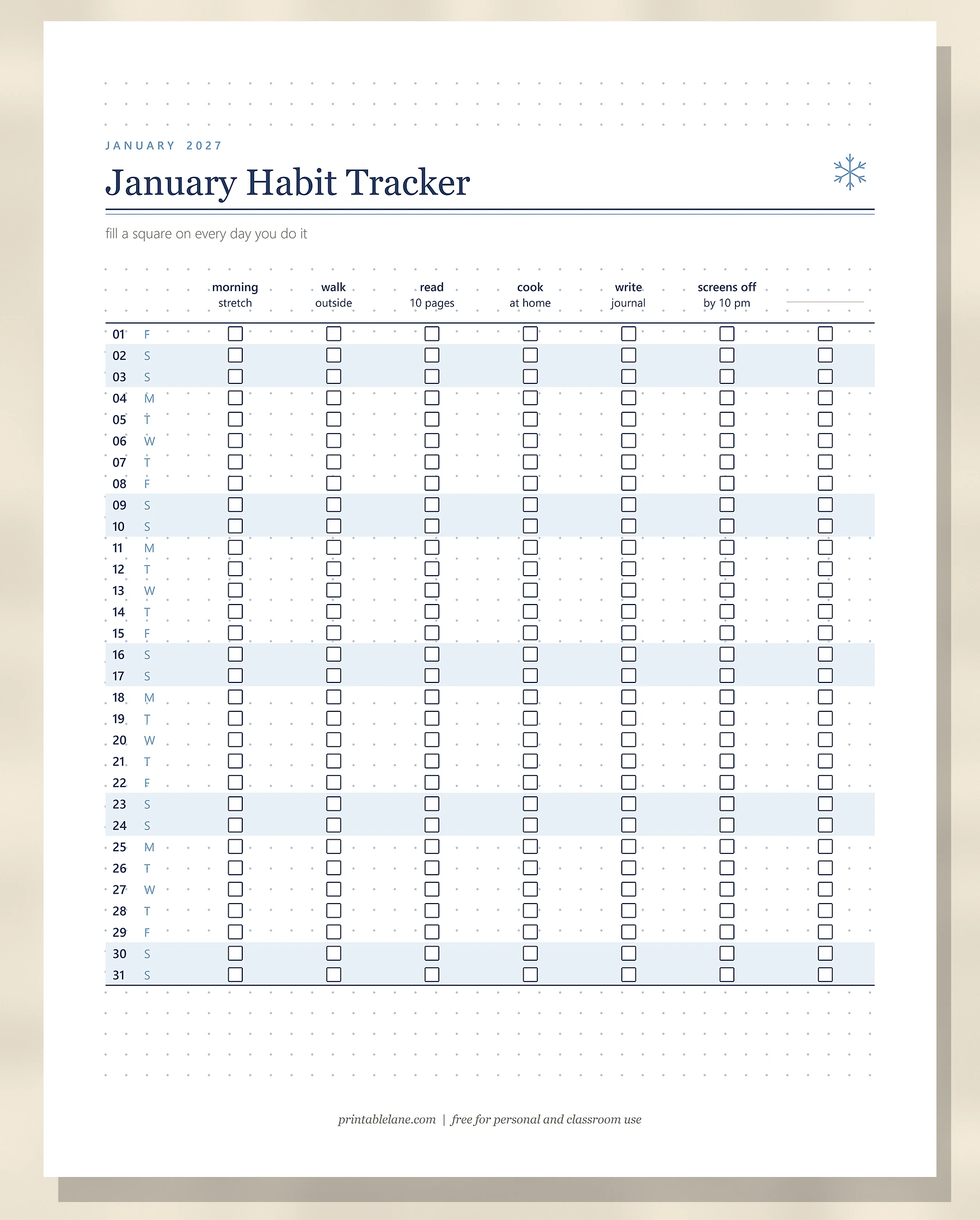
PDF page 6 runs days 01 to 31 down the page with their weekday letter, and 7 habit columns across. 6 are filled in (morning stretch, walk outside, read 10 pages, cook at home, write journal, screens off by 10 pm) and the seventh is blank for your own. Weekend rows are shaded. The free printable habit tracker has more layouts and 50 habit ideas.
Mood Moon
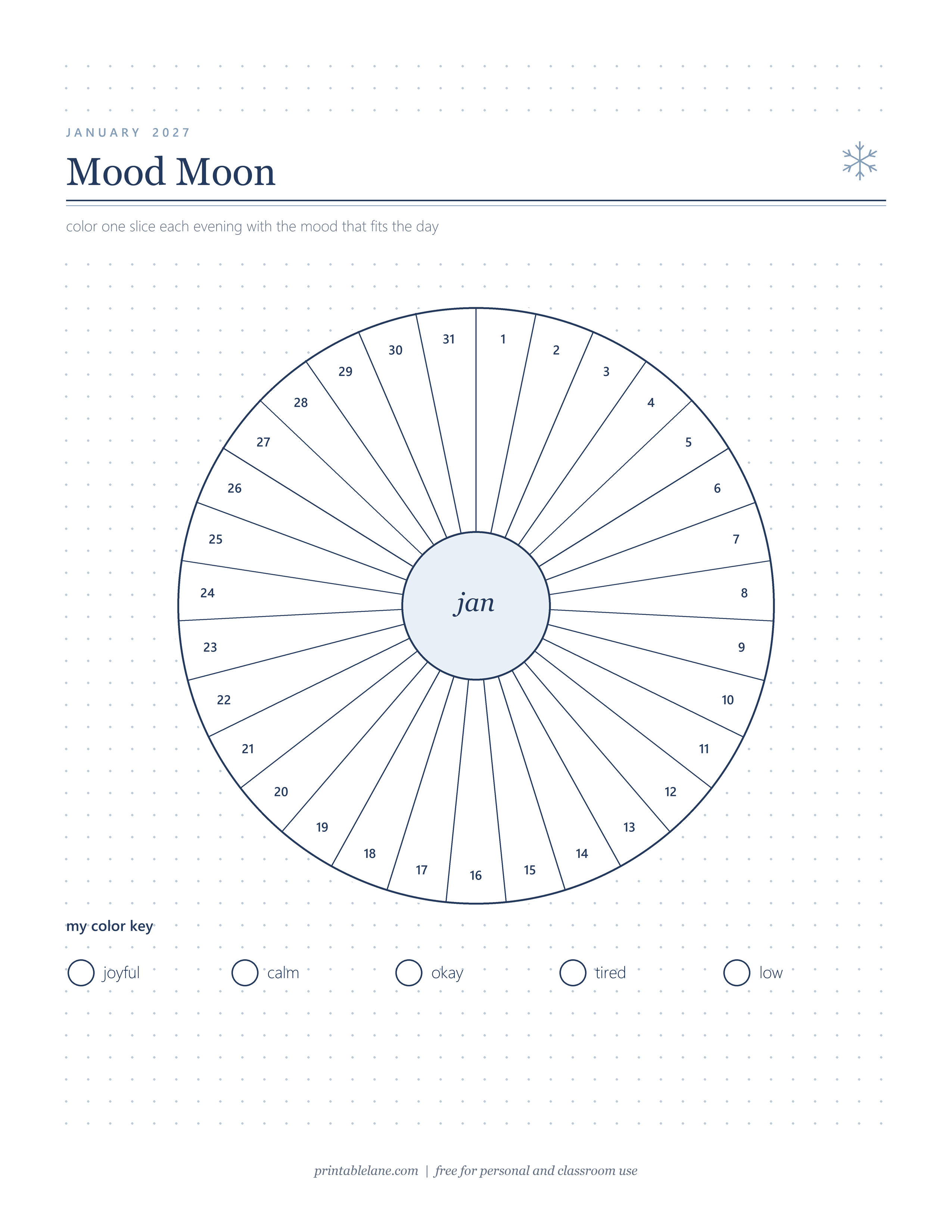
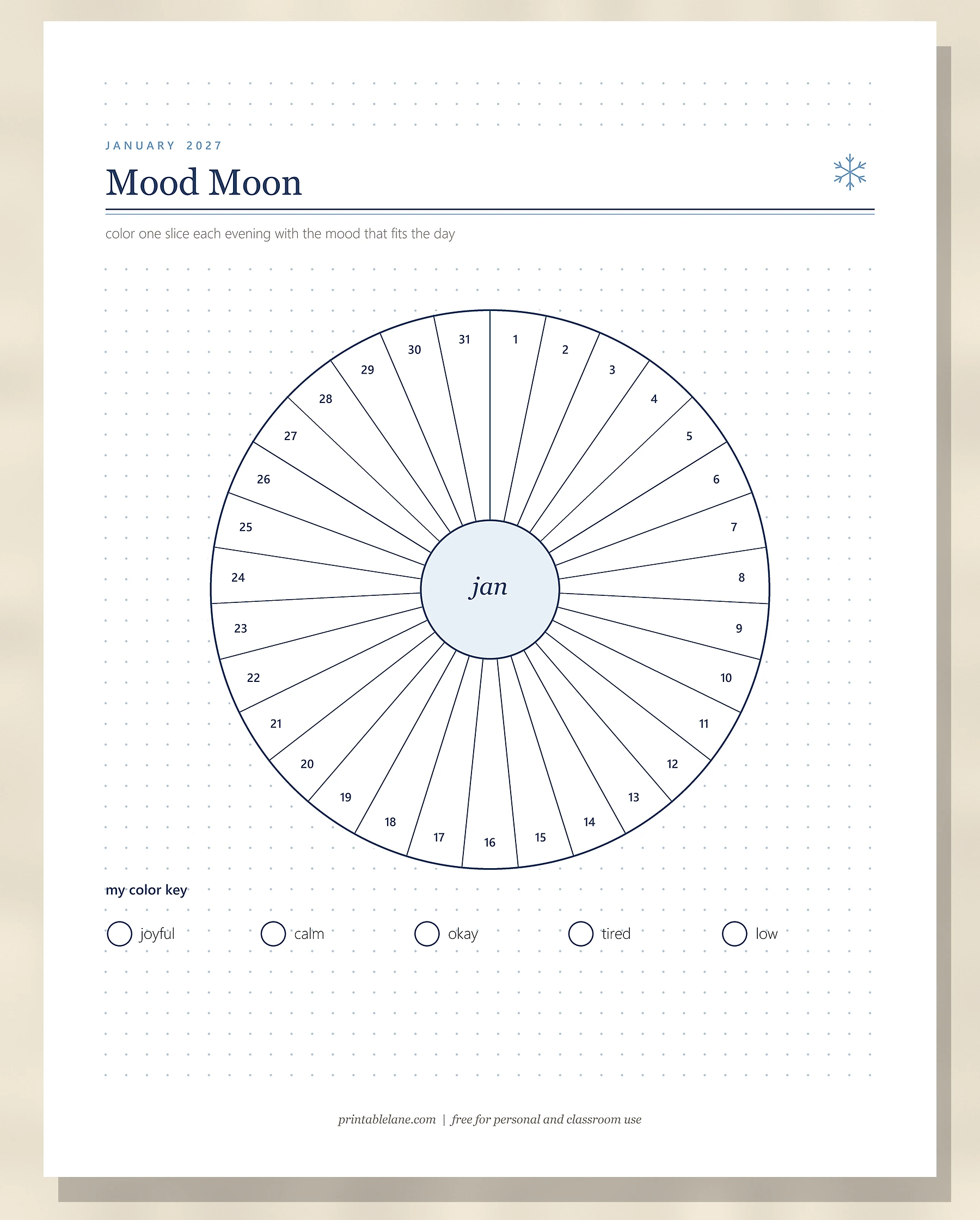
PDF page 7 is a large circle split into 31 numbered slices around a center that says “jan”. The color key under the moon has 5 moods: joyful, calm, okay, tired and low, each with an empty circle for your color.
Weekly Spread: Jan 4 – 10
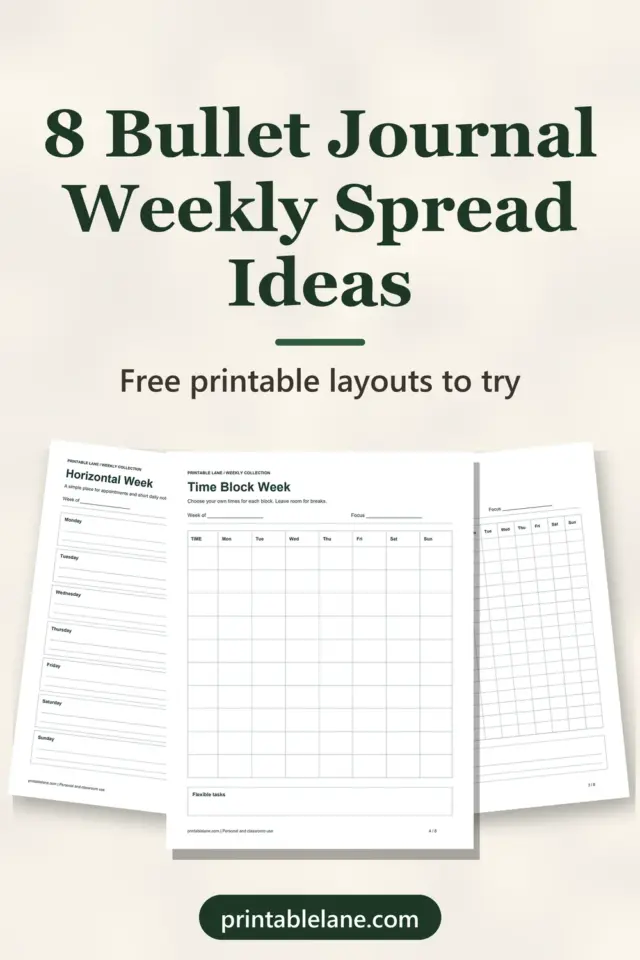
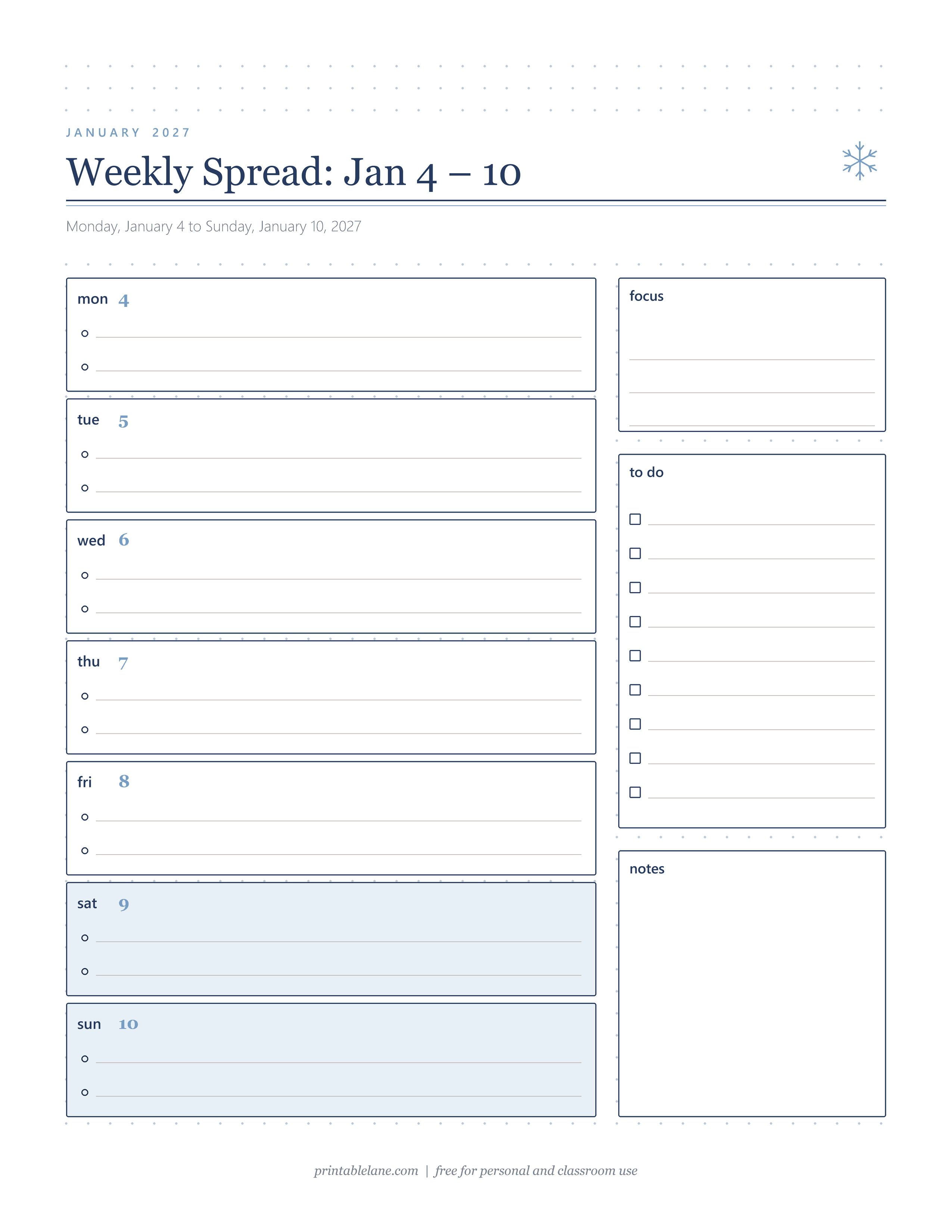
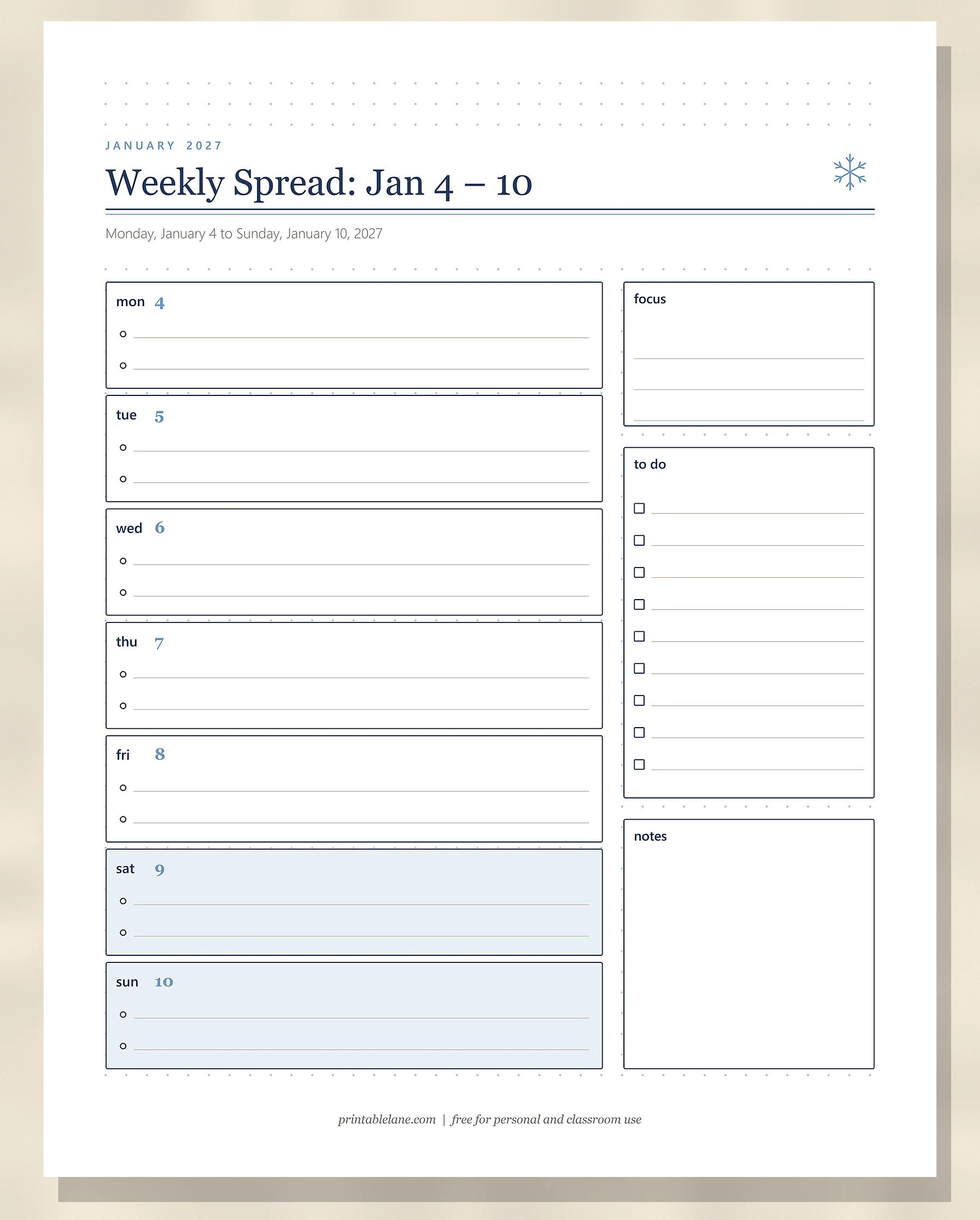
PDF page 8 covers the first full week, Monday, January 4 to Sunday, January 10, 2027. The 7 day boxes are stacked on the left with 2 bullet lines each, and Saturday and Sunday are shaded. On the right are a “focus” box with 3 lines, a “to do” box with 9 checkboxes and an open “notes” box. For other layouts, see these bullet journal weekly spread ideas.
Winter Bucket List
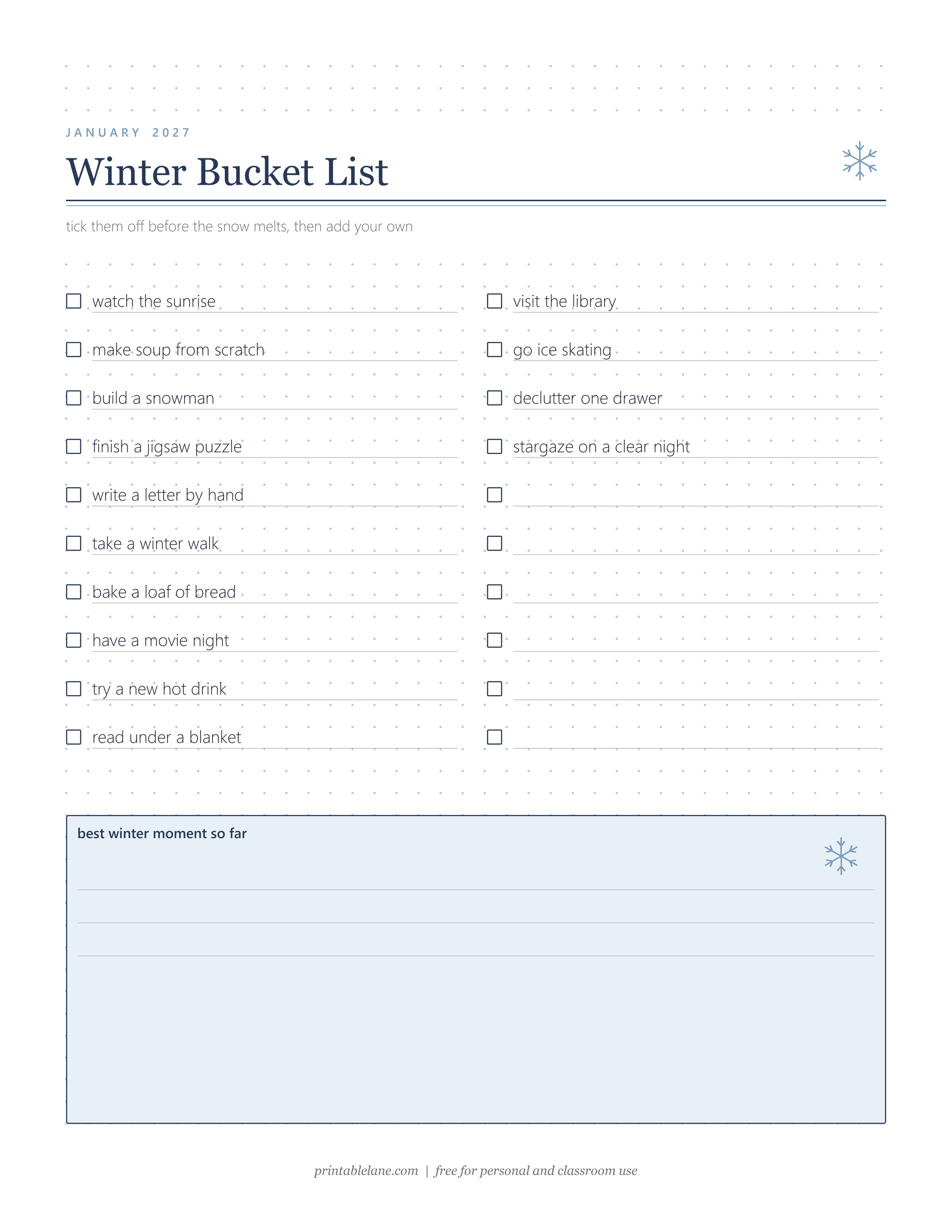
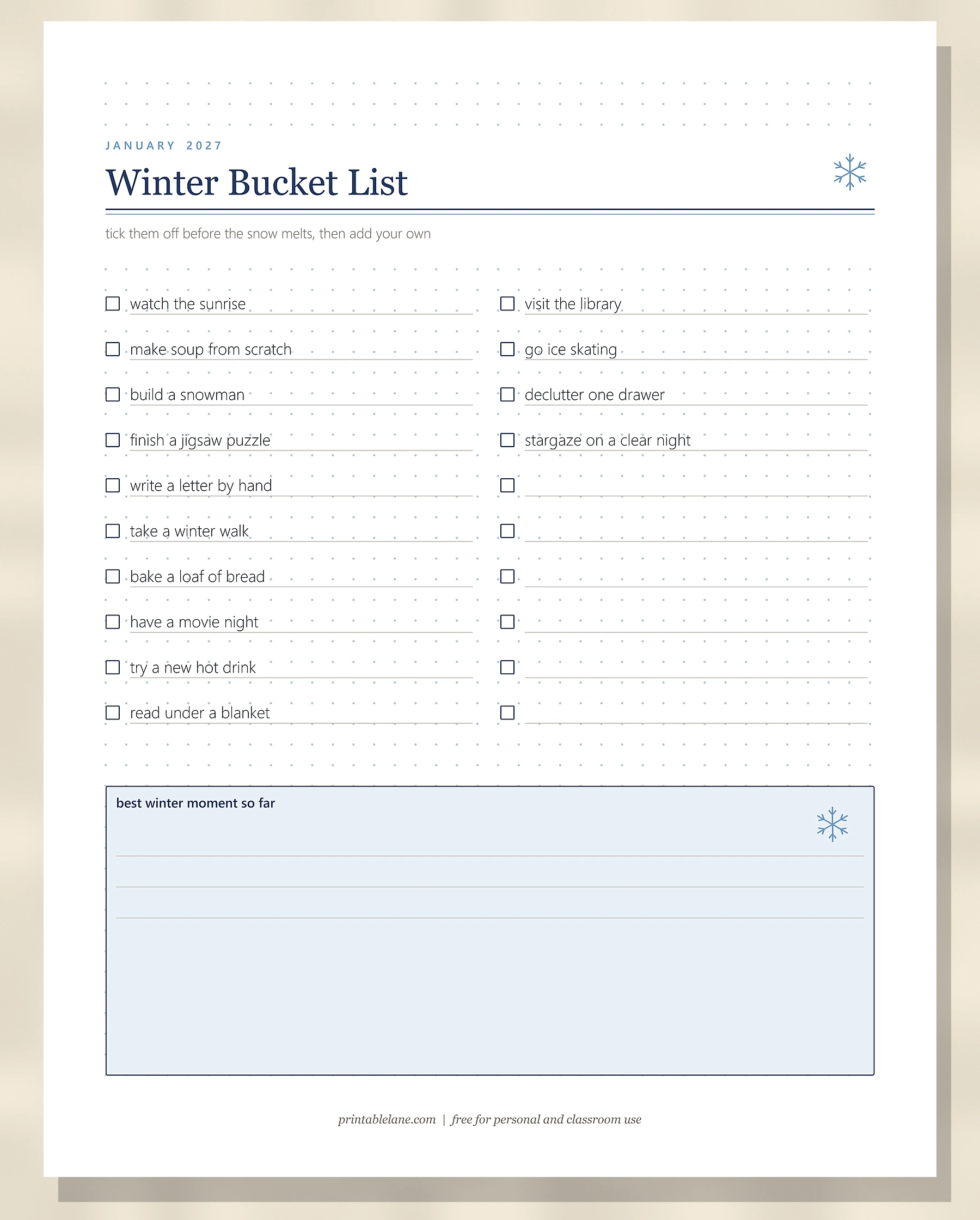
PDF page 9 lists 14 cozy winter ideas with checkboxes, from “watch the sunrise” and “make soup from scratch” to “go ice skating” and “stargaze on a clear night”, plus 6 blank lines for your own. At the bottom a shaded box asks for your “best winter moment so far”.
No-Spend January
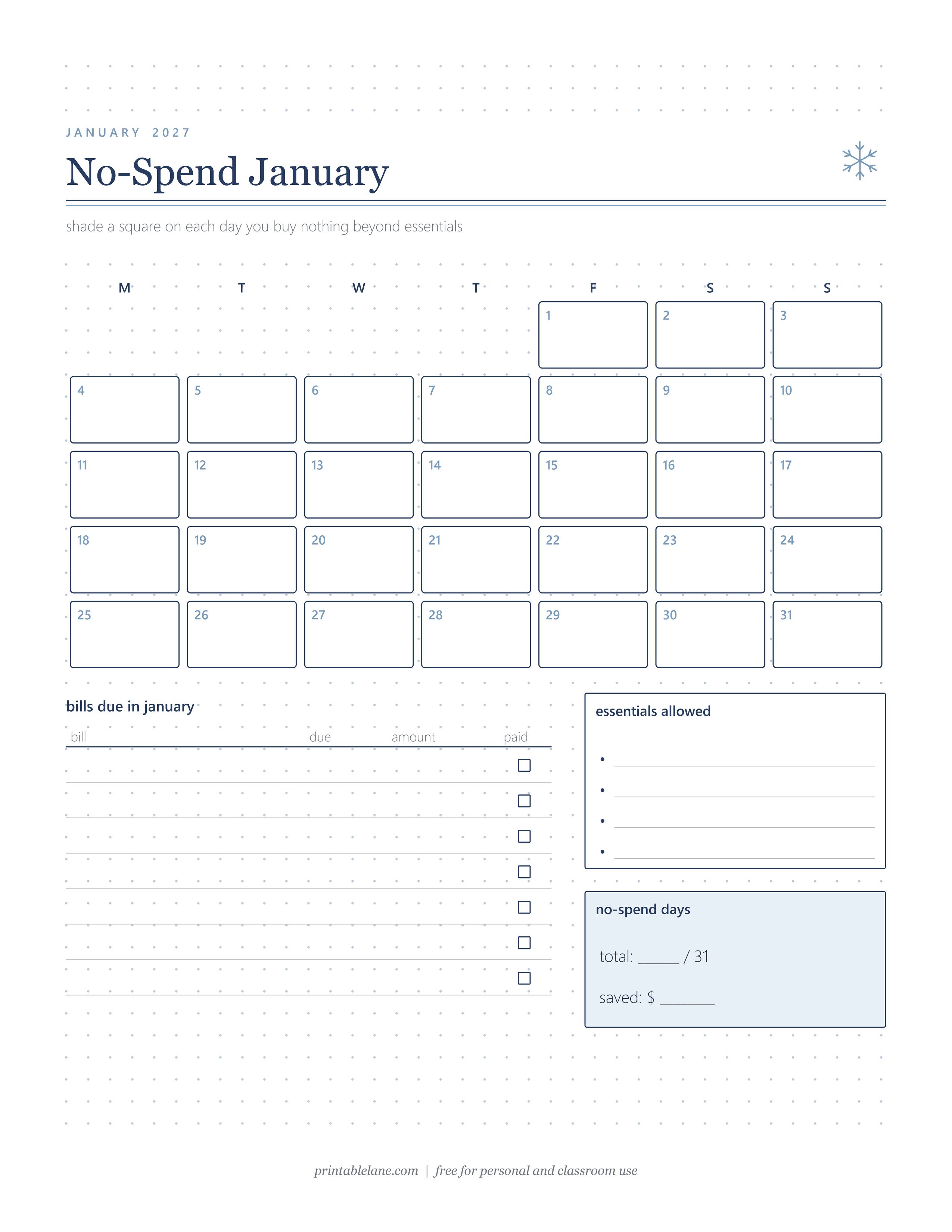
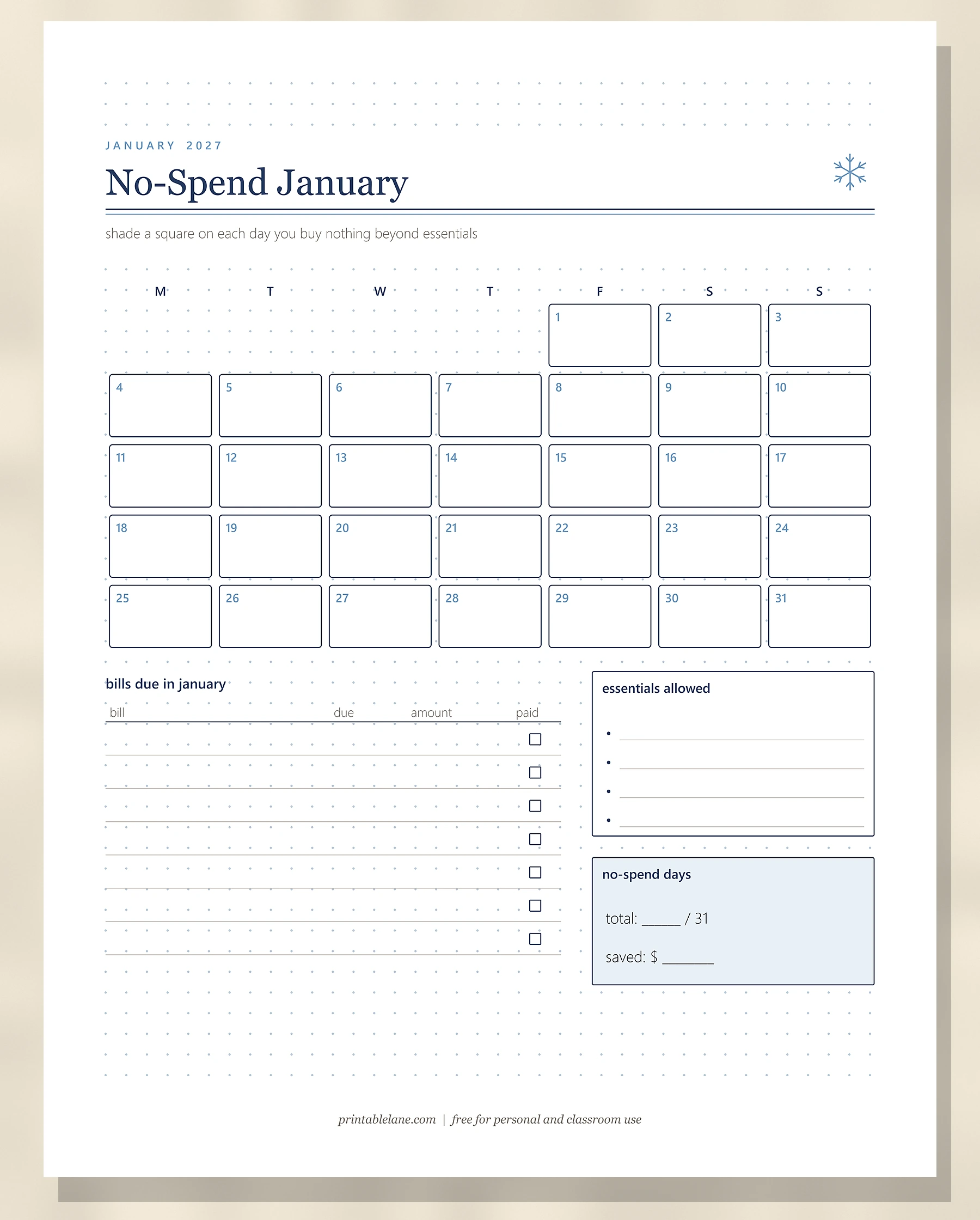
PDF page 10 has 31 numbered squares laid out Monday to Sunday; shade a square on each day you buy nothing beyond essentials. Below is a “bills due in january” table with bill, due, amount and paid columns and 7 rows, an “essentials allowed” box with 4 bullet lines, and a “no-spend days” box for your total out of 31 and the money saved. Pair it with the 2027 budget planner if you want to plan the whole year.
January Reads
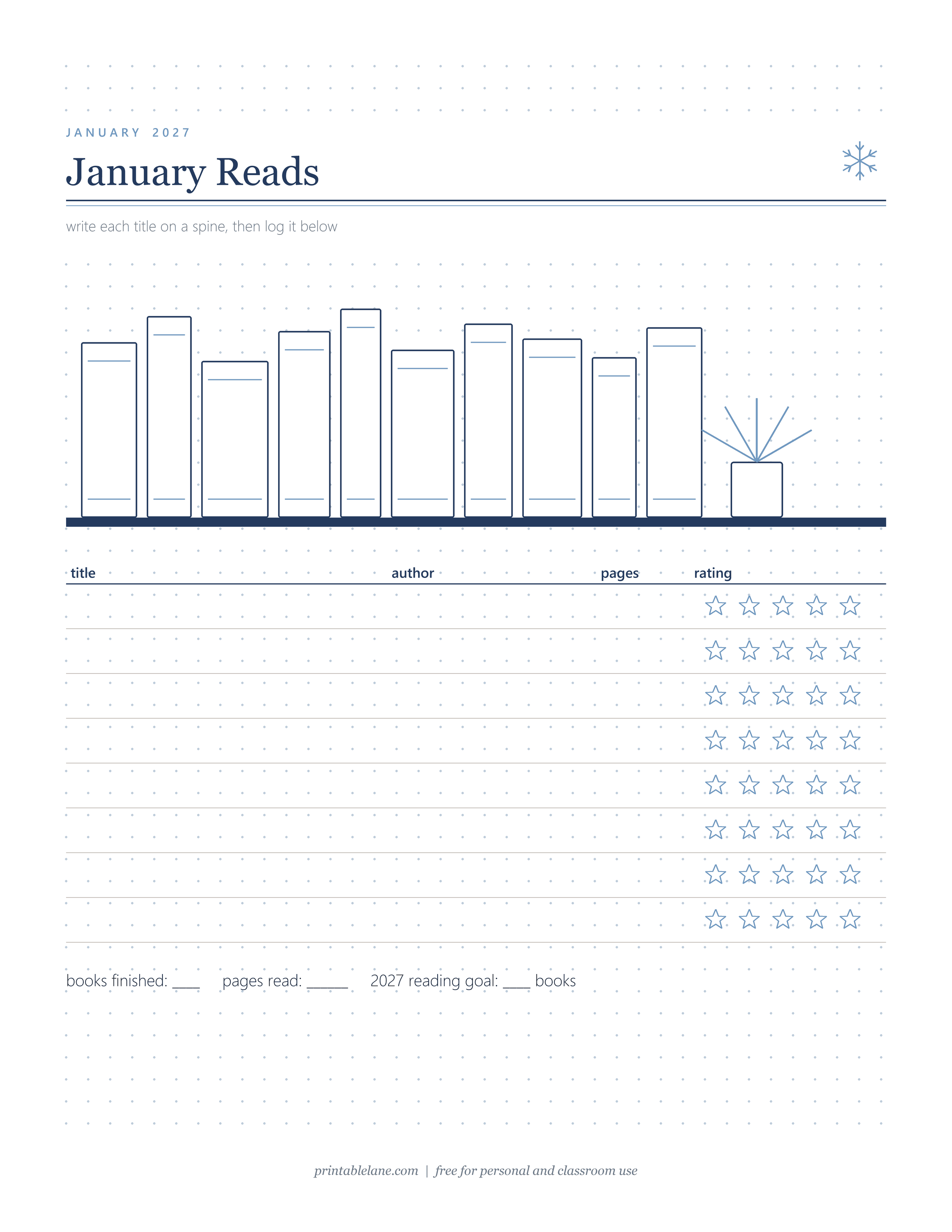
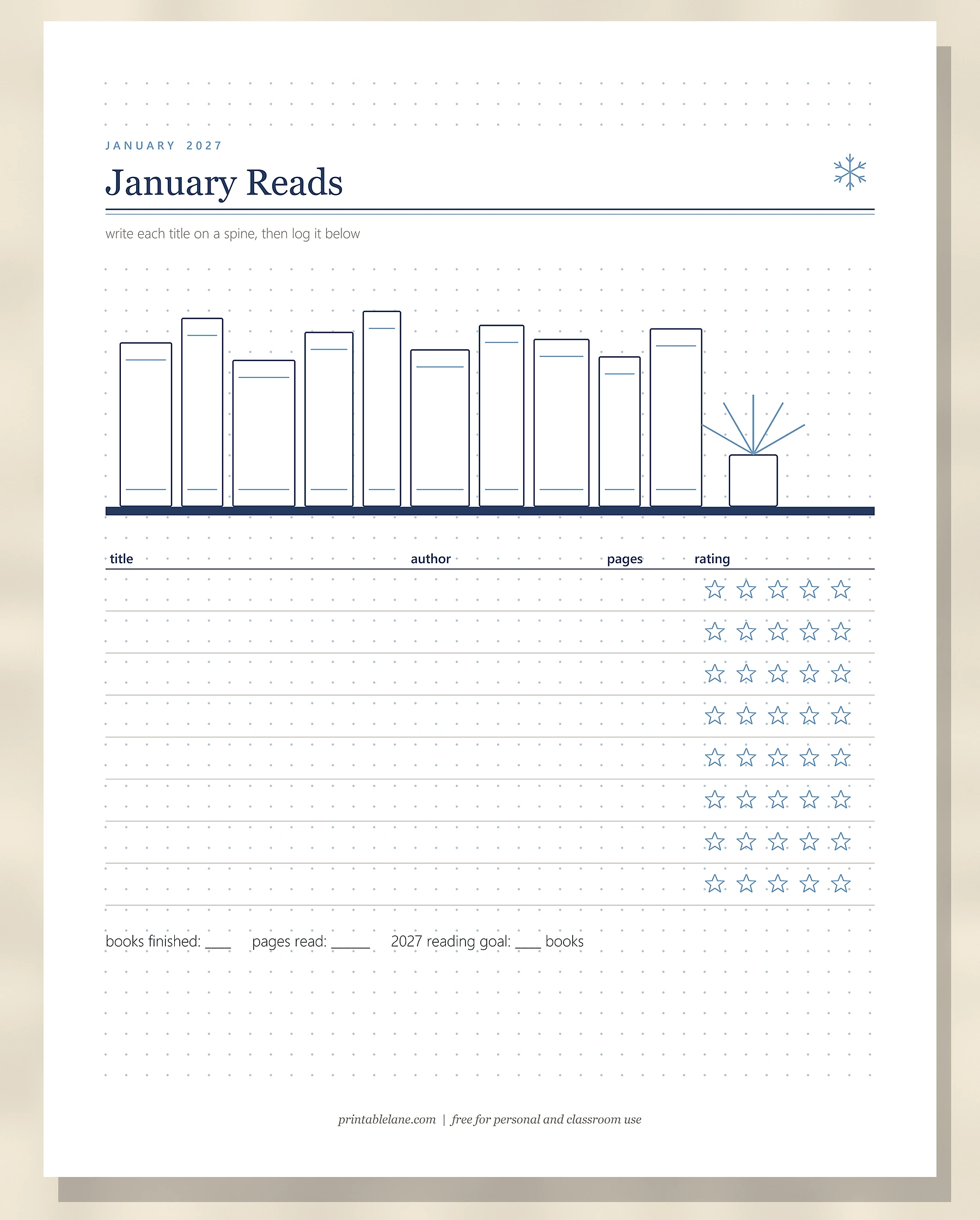
PDF page 11 starts with a shelf of 10 blank book spines and a small potted plant. Below the shelf is a log with title, author, pages and a 5-star rating for 8 books, plus a line for books finished, pages read and your 2027 reading goal.
January 2027 at a glance: dates worth knowing
- January 1, 2027 is a Friday, so the first weekend arrives right away on January 2 and 3.
- January has 31 days: 21 weekdays and 10 weekend days in 2027.
- MLK Jr. Day is the third Monday of January: January 18, 2027. The Mondays are January 4, 11, 18 and 25.
- January 31, 2027 is a Sunday, so a Monday-start calendar needs 5 rows, while a Sunday-start calendar needs 6 rows because the 31st sits alone on the last line.
Printing tips
- The PDF is US Letter. On A4 paper, print at 100% or choose Fit to page; the margins are wide, so nothing gets cut off.
- To glue pages into an A5 dotted notebook, print with “2 pages per sheet” (about 65% size) and trim each half. A Letter page scaled to 65% is about 140 x 181 mm, which fits inside A5 (148 x 210 mm).
- Regular 80 gsm (20 lb) copy paper is fine for gel pens and fine liners. For the mood moon and markers, use 100–120 gsm (24–32 lb) paper so the color does not show through.
Download single pages
Each January spread below is its own PNG, so you can reprint a weekly page or the habit tracker without the rest. They start with the title page, since page 1 of the PDF is the cover.
- January 2027 (PNG)
- 2026 Look Back (PNG)
- Word of the Year & 2027 Goals (PNG)
- Month at a Glance (PNG)
- January Habit Tracker (PNG)
- Mood Moon (PNG)
- Weekly Spread: Jan 4 – 10 (PNG)
- Winter Bucket List (PNG)
- No-Spend January (PNG)
- January Reads (PNG)
Still finishing the year? The minimalist December bullet journal spreads cover the month before, and the 100 gratitude journal prompts are a gentle way to fill quiet January evenings.
Frequently asked questions
How many pages are in the PDF?
The PDF has 11 pages: a cover on page 1 and 10 bullet journal spreads on pages 2 to 11.
How do I print the January spreads on A4 paper?
Print at 100% or choose Fit to page in your print dialog. The pages are US Letter with wide margins, so nothing important is cut off on A4.
Is the calendar Monday-start or Sunday-start?
The Month at a Glance, the habit tracker weekdays and the No-Spend January grid all start on Monday. If you prefer Sunday, copy the layout by hand and add a 6th row, because January 31, 2027 falls on a Sunday.
How many pages should I reserve for January in my notebook?
About 16: 9 setup pages, 5 weekly pages for the weeks that touch January, and 2 spare pages. Number them in pencil before you start drawing.
When should I set up my January bullet journal?
The last week of December works well. Do the 2026 Look Back first while the year is fresh, then the goals, the month and the trackers, and draw the weekly pages week by week.