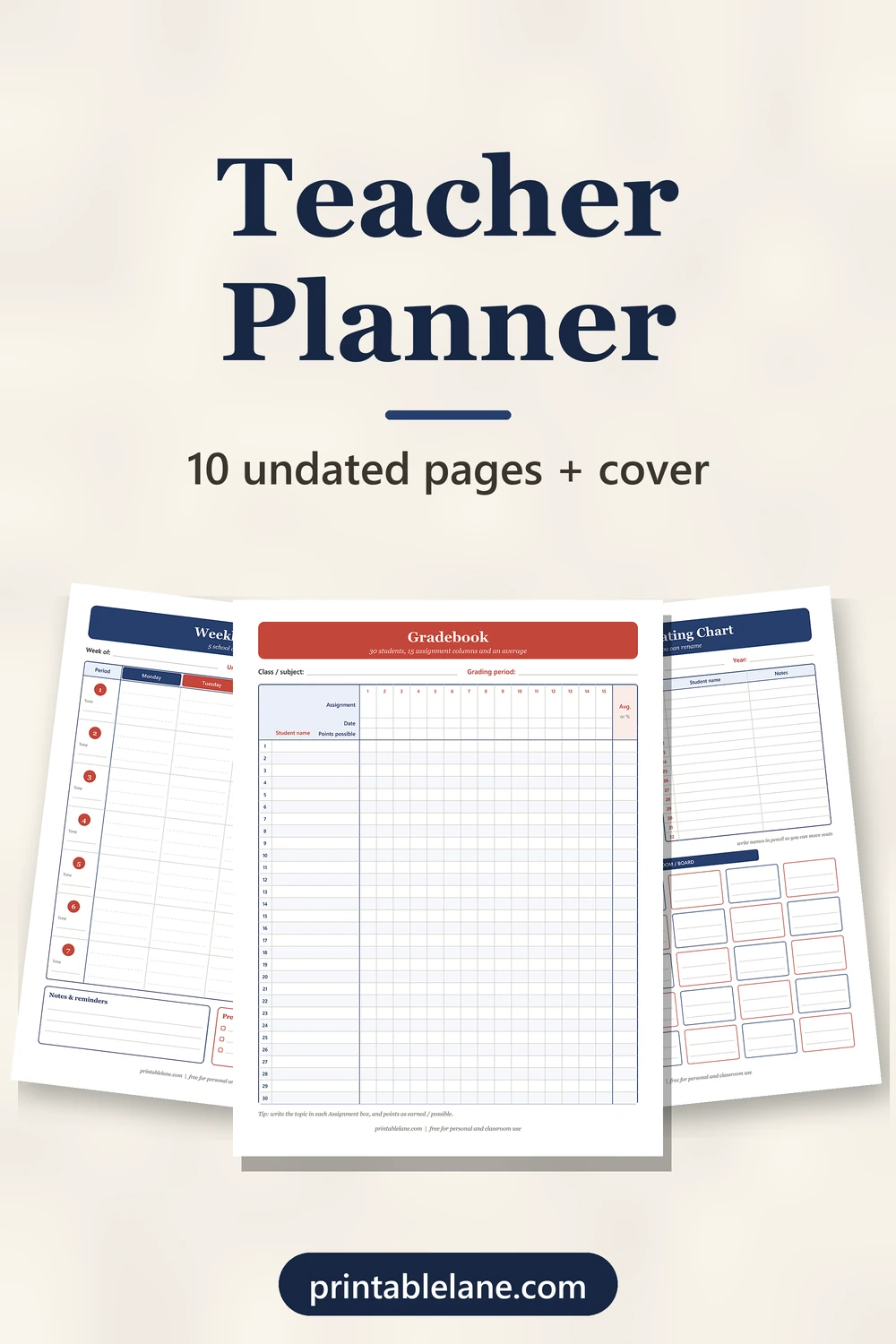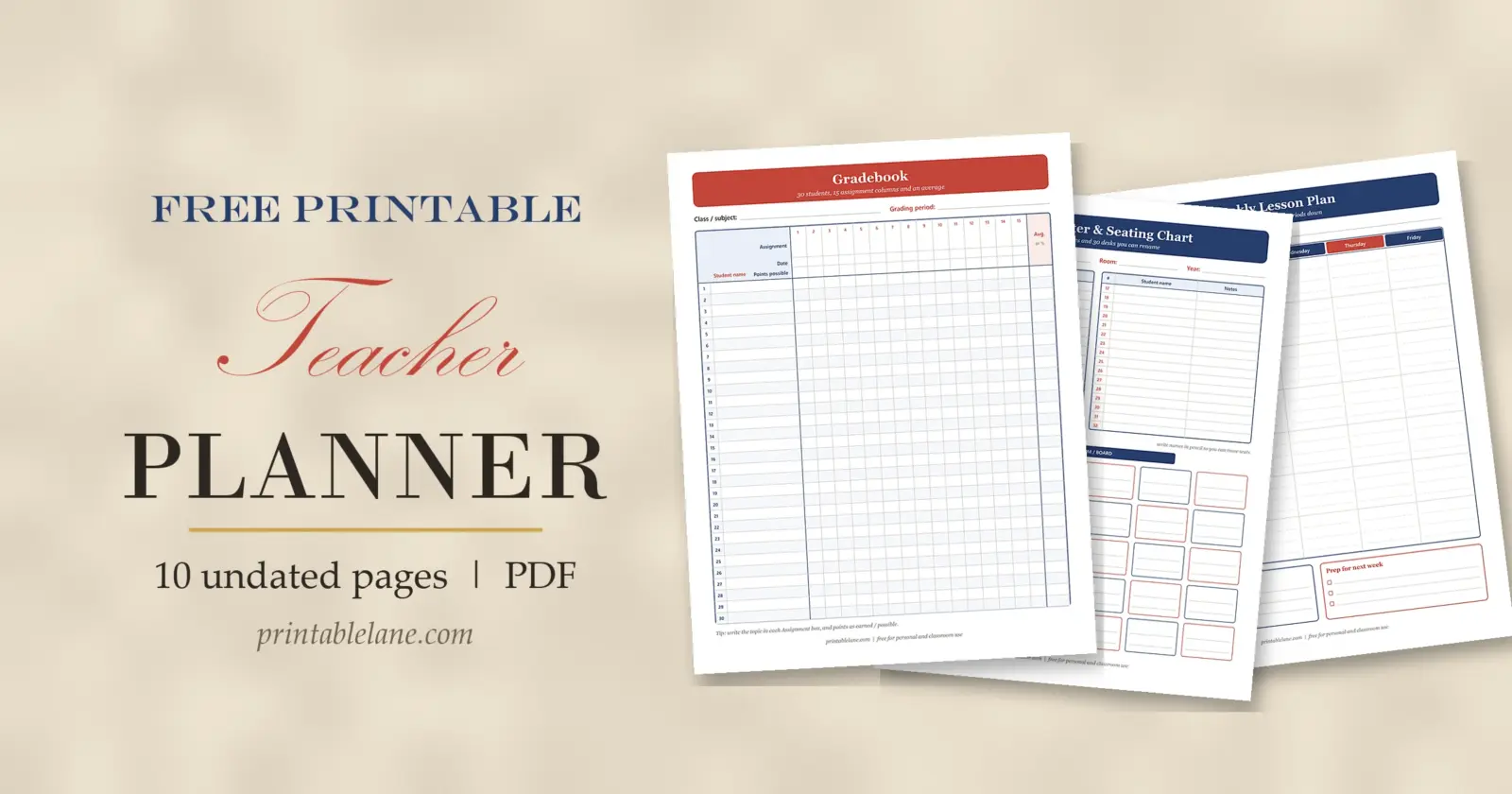
A good teacher planner printable keeps lessons, grades, attendance and parent calls in one binder instead of on sticky notes spread across your desk. Because nothing on these pages is dated, you can start in August, in January or halfway through a term, and print only what you need.
This free set has 10 classroom pages plus a cover. Punch them for a binder and reprint single sheets as they fill up.
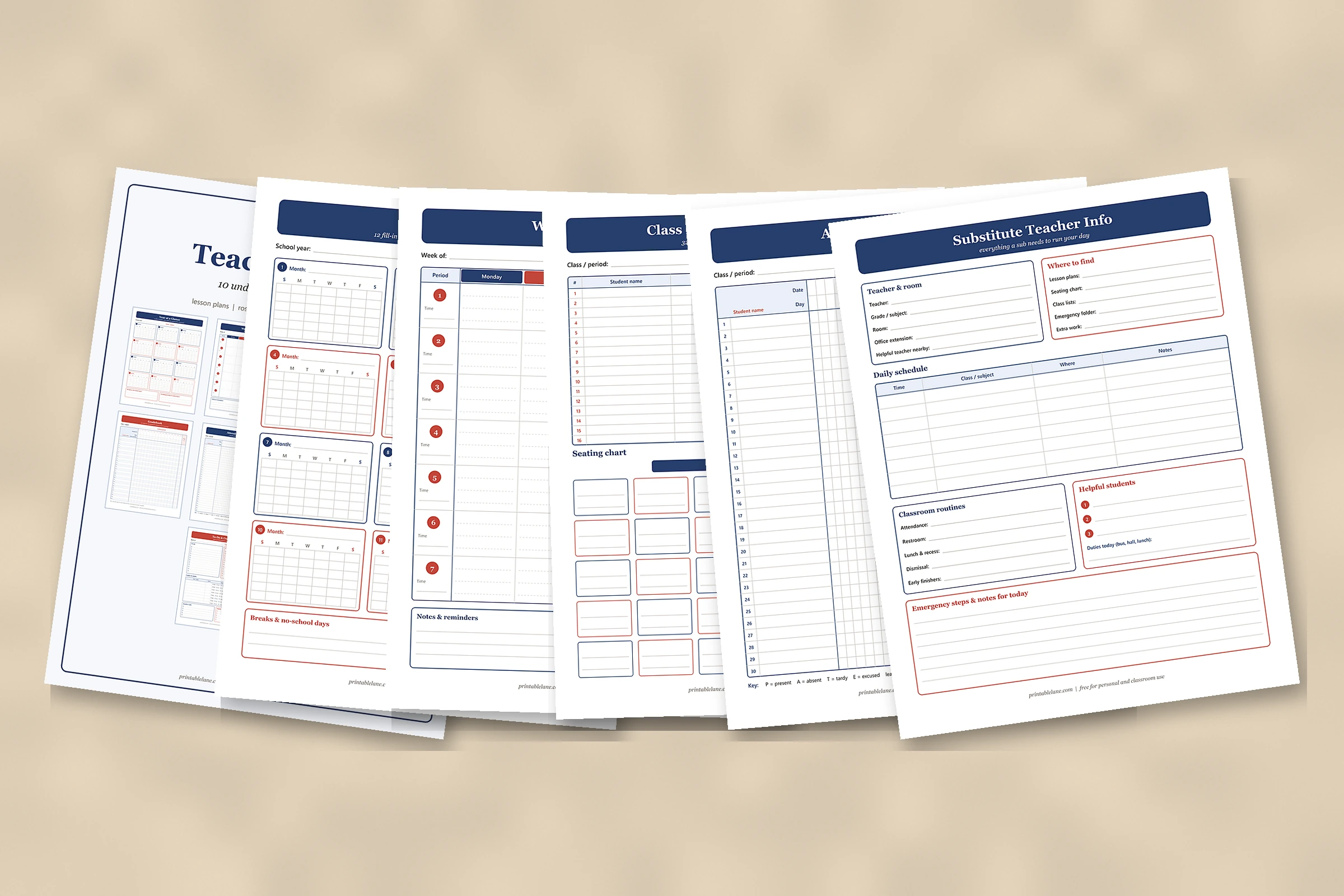
What’s in the PDF (11 pages)
- Page 1: cover with small previews of the 10 planner pages
- Page 2: Year at a Glance
- Page 3: Weekly Lesson Plan
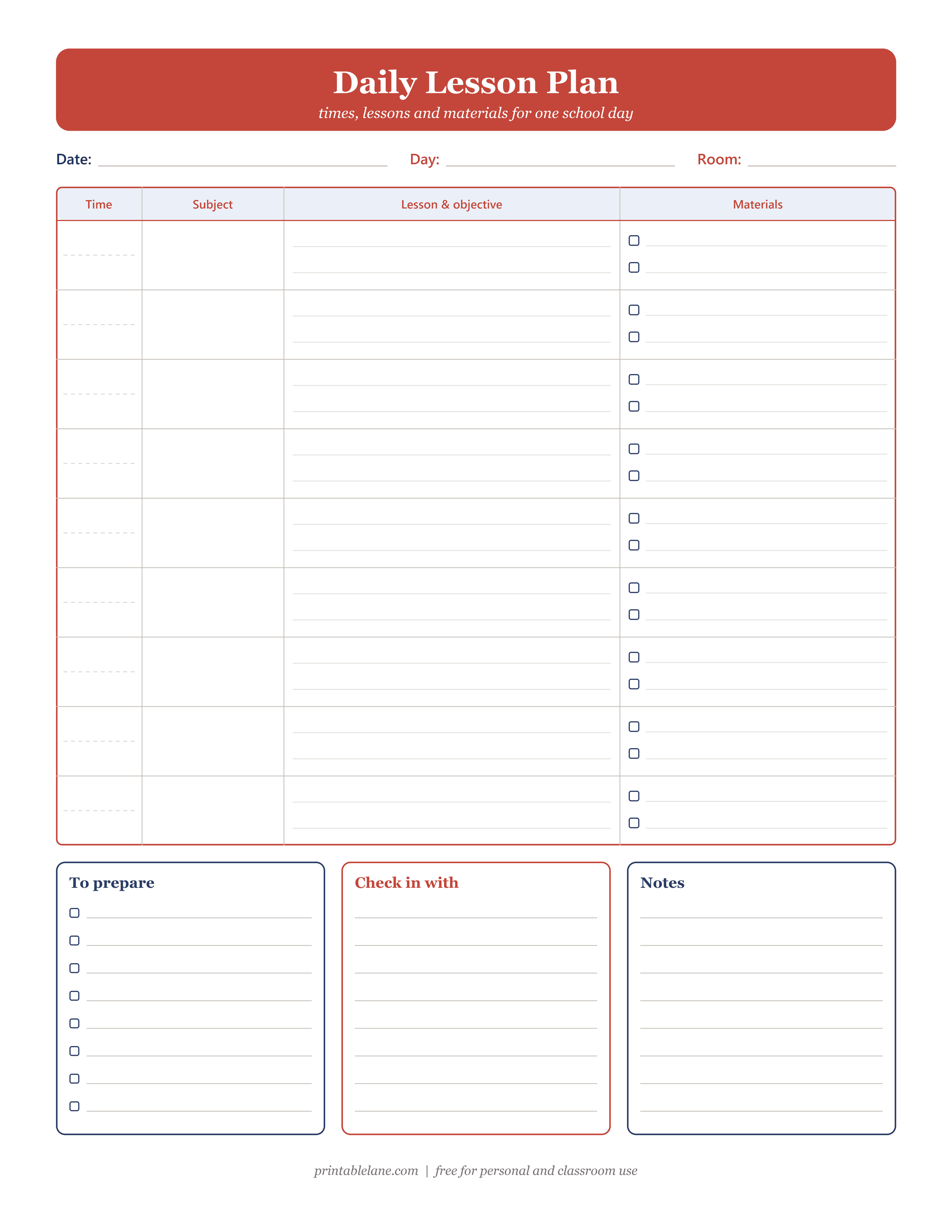
- Page 4: Daily Lesson Plan
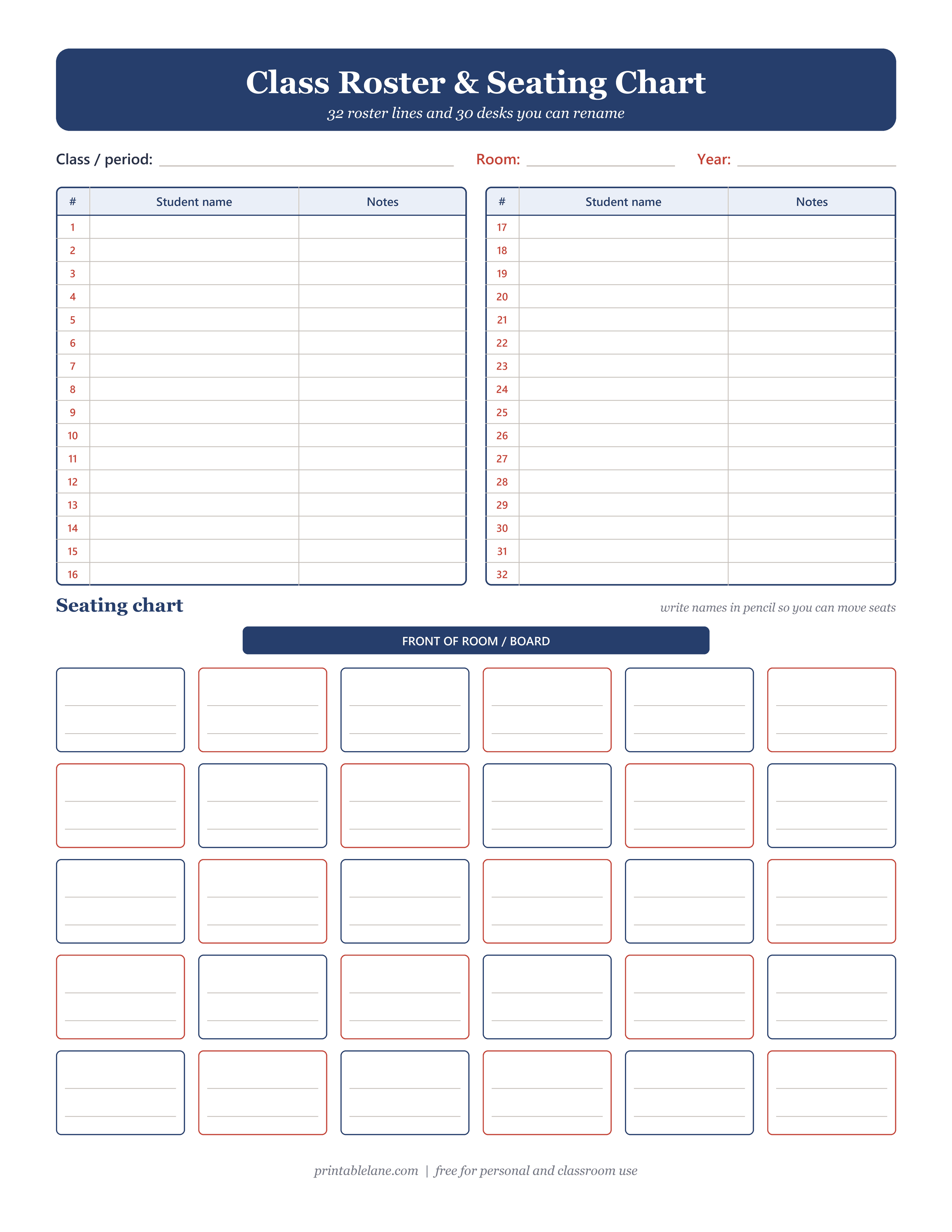
- Page 5: Class Roster & Seating Chart
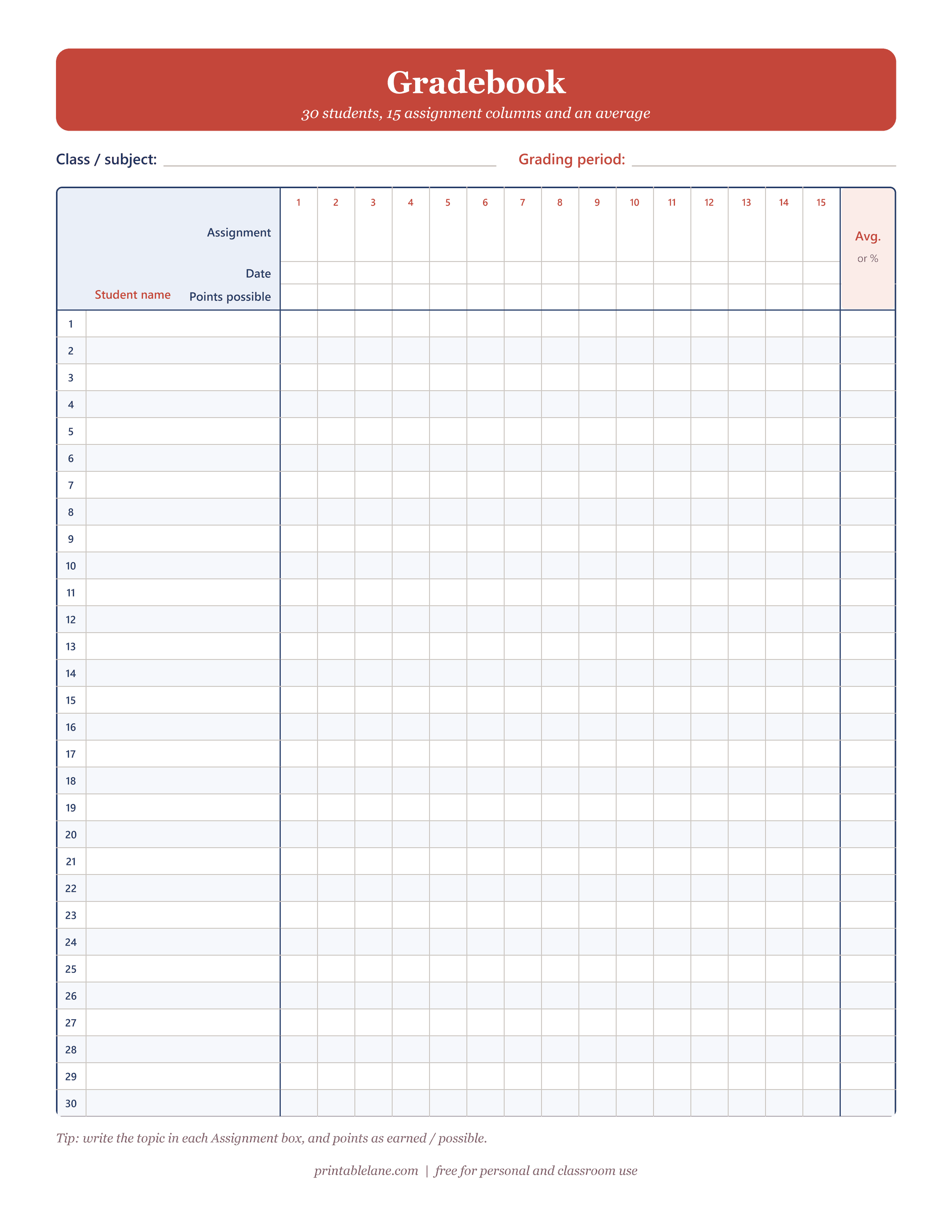
- Page 6: Gradebook
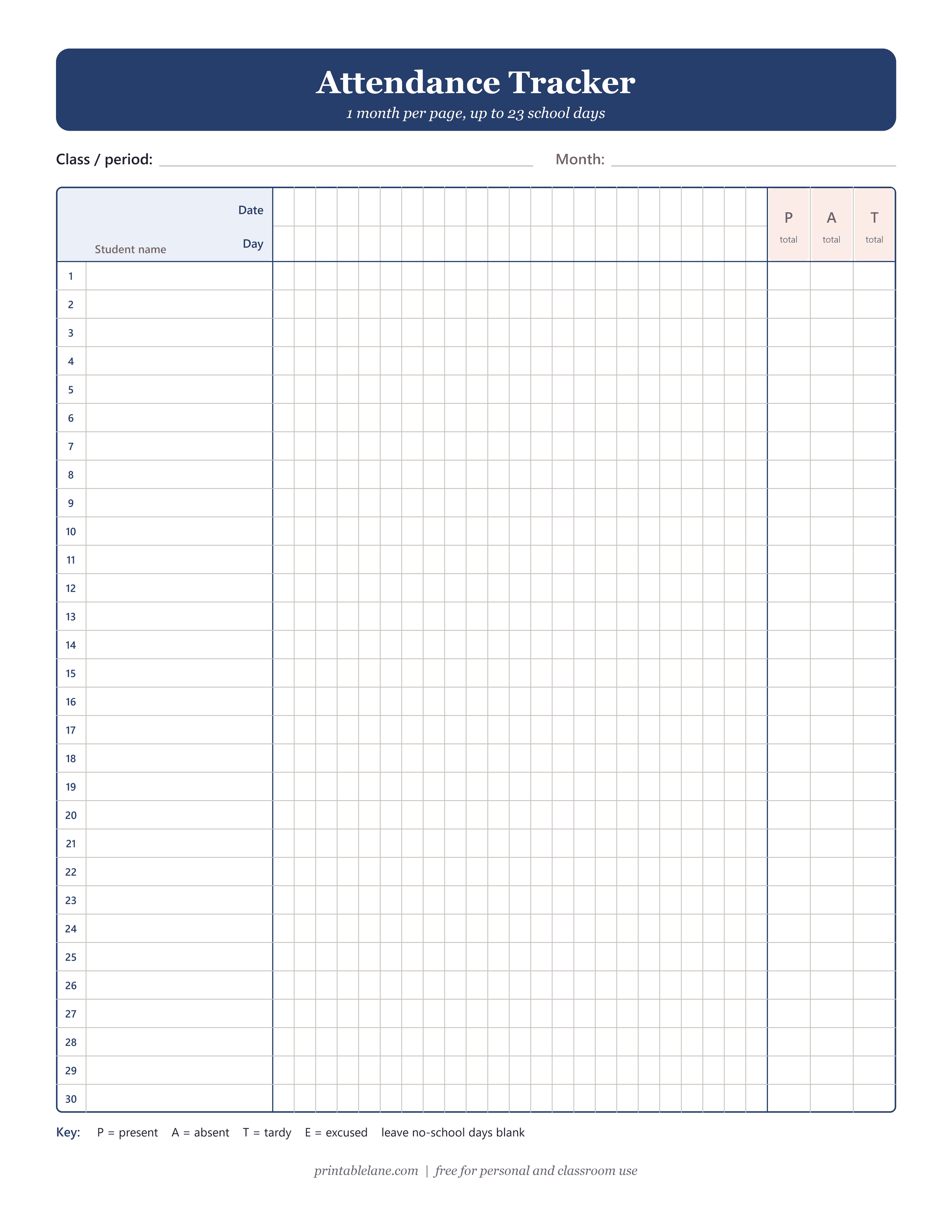
- Page 7: Attendance Tracker
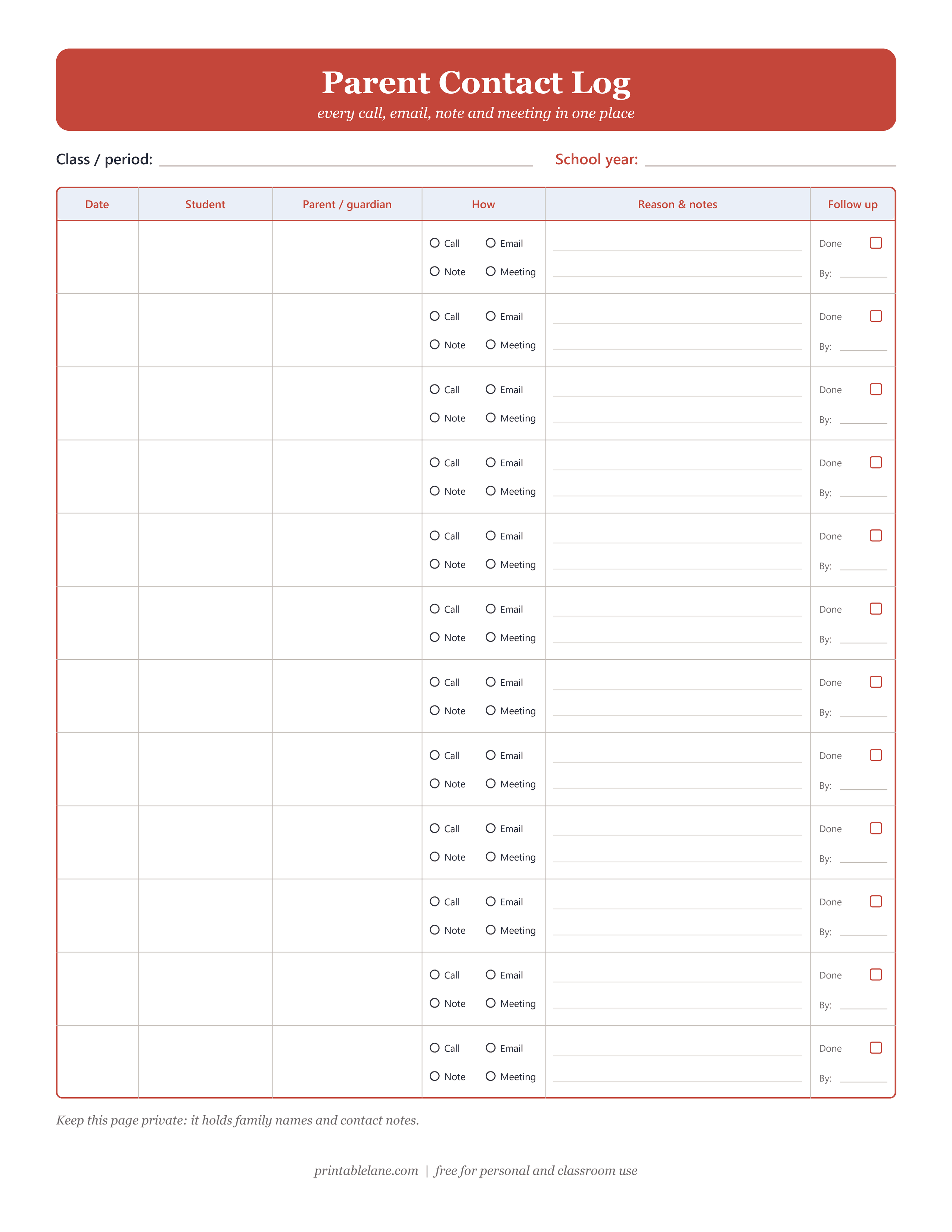
- Page 8: Parent Contact Log
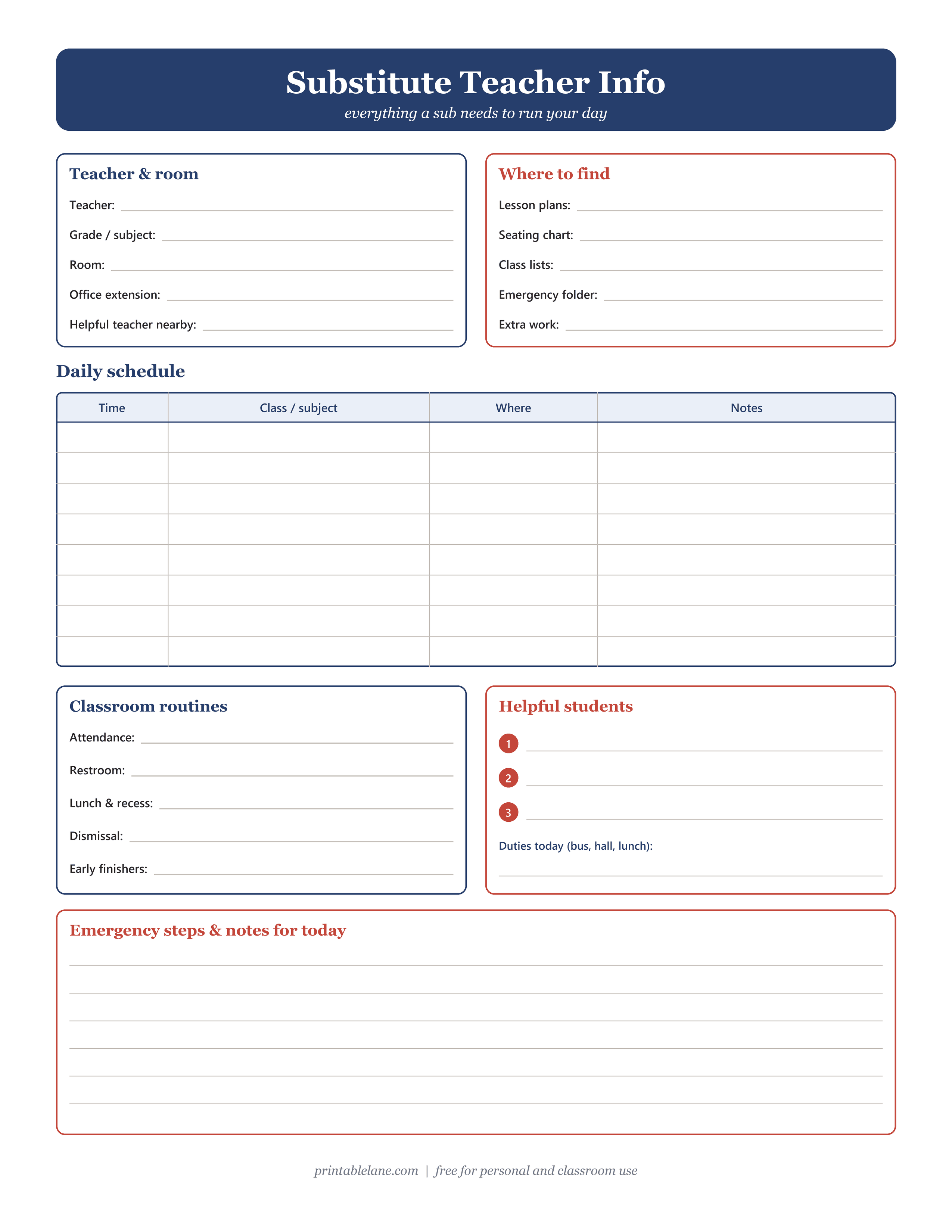
- Page 9: Substitute Teacher Info
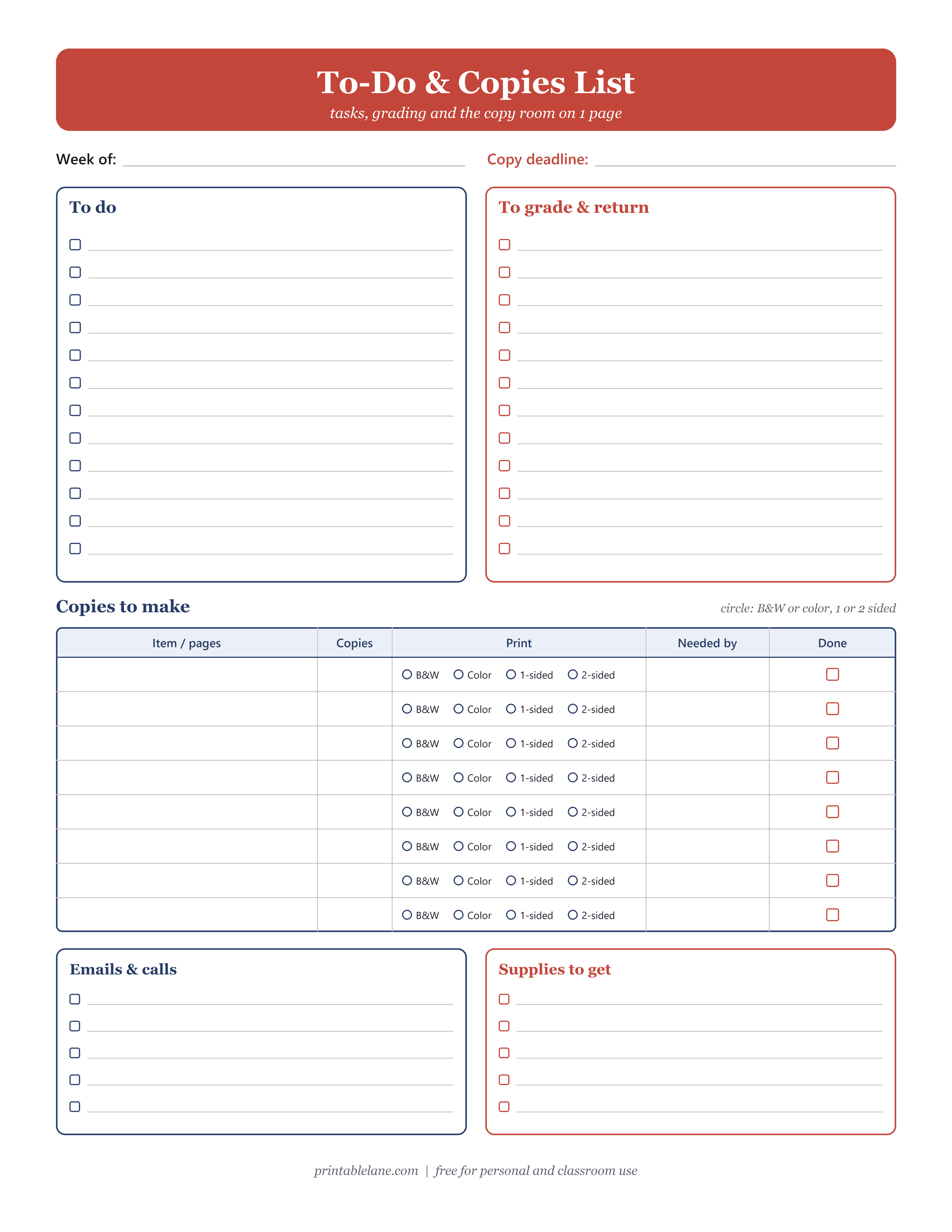
- Page 10: To-Do & Copies List
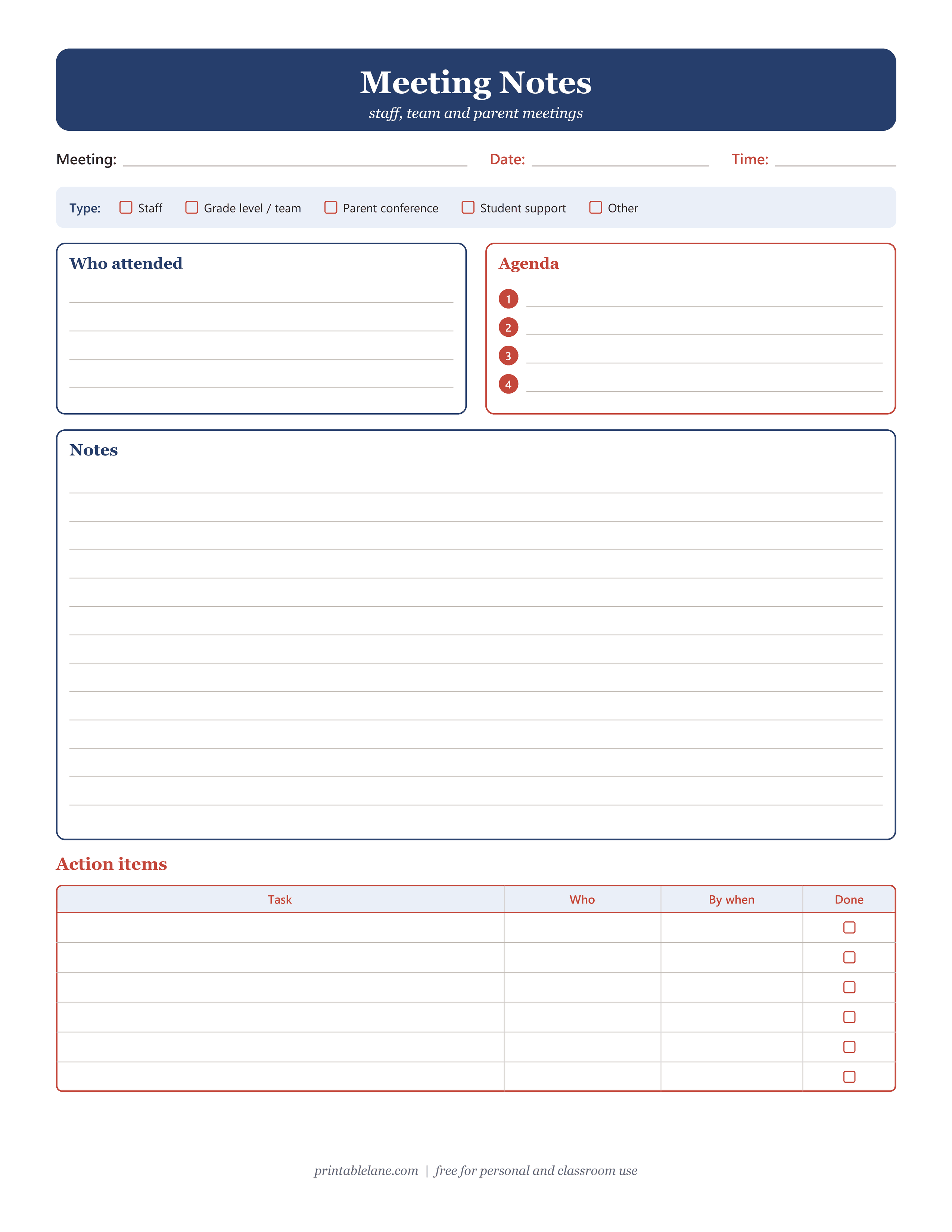
- Page 11: Meeting Notes
A closer look at each classroom page
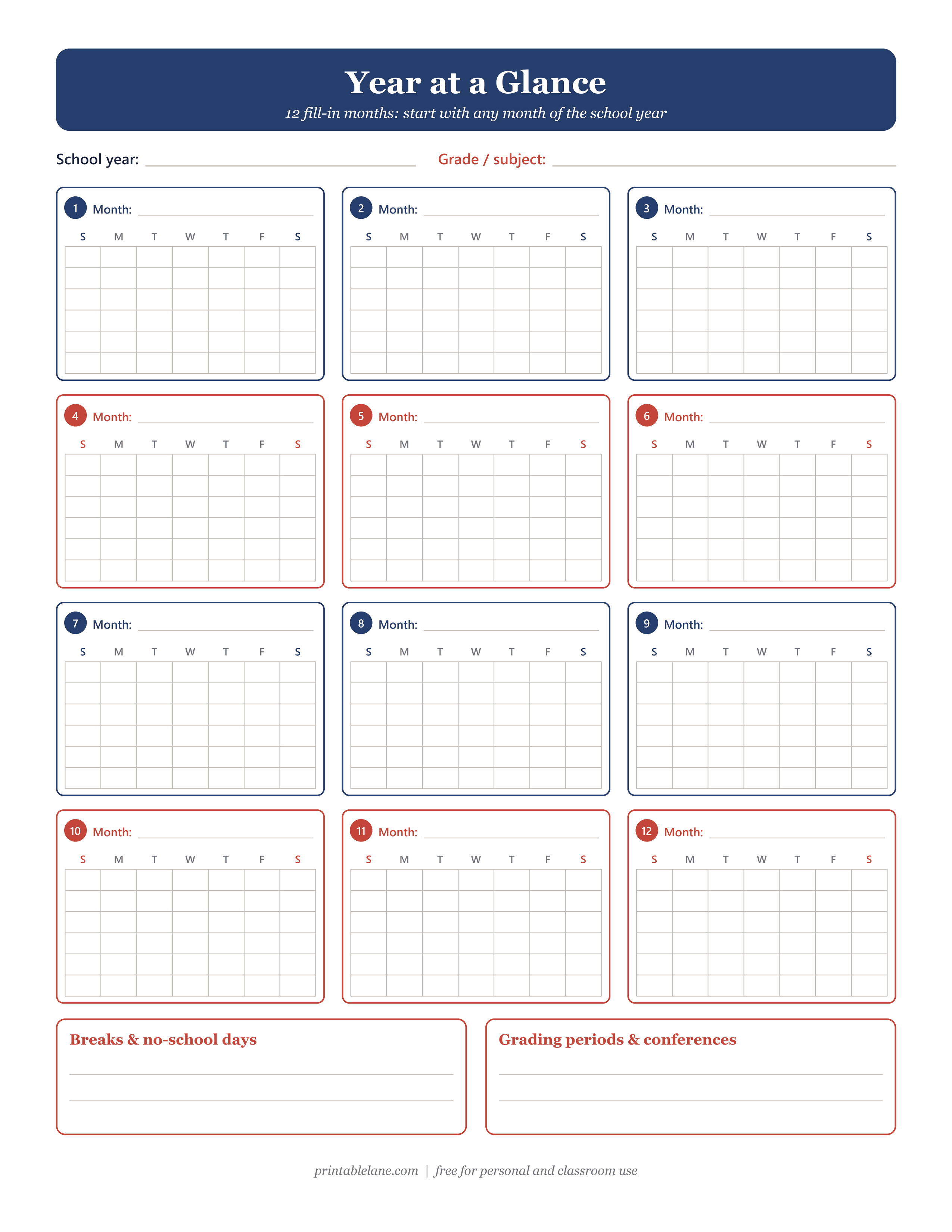
Year at a Glance
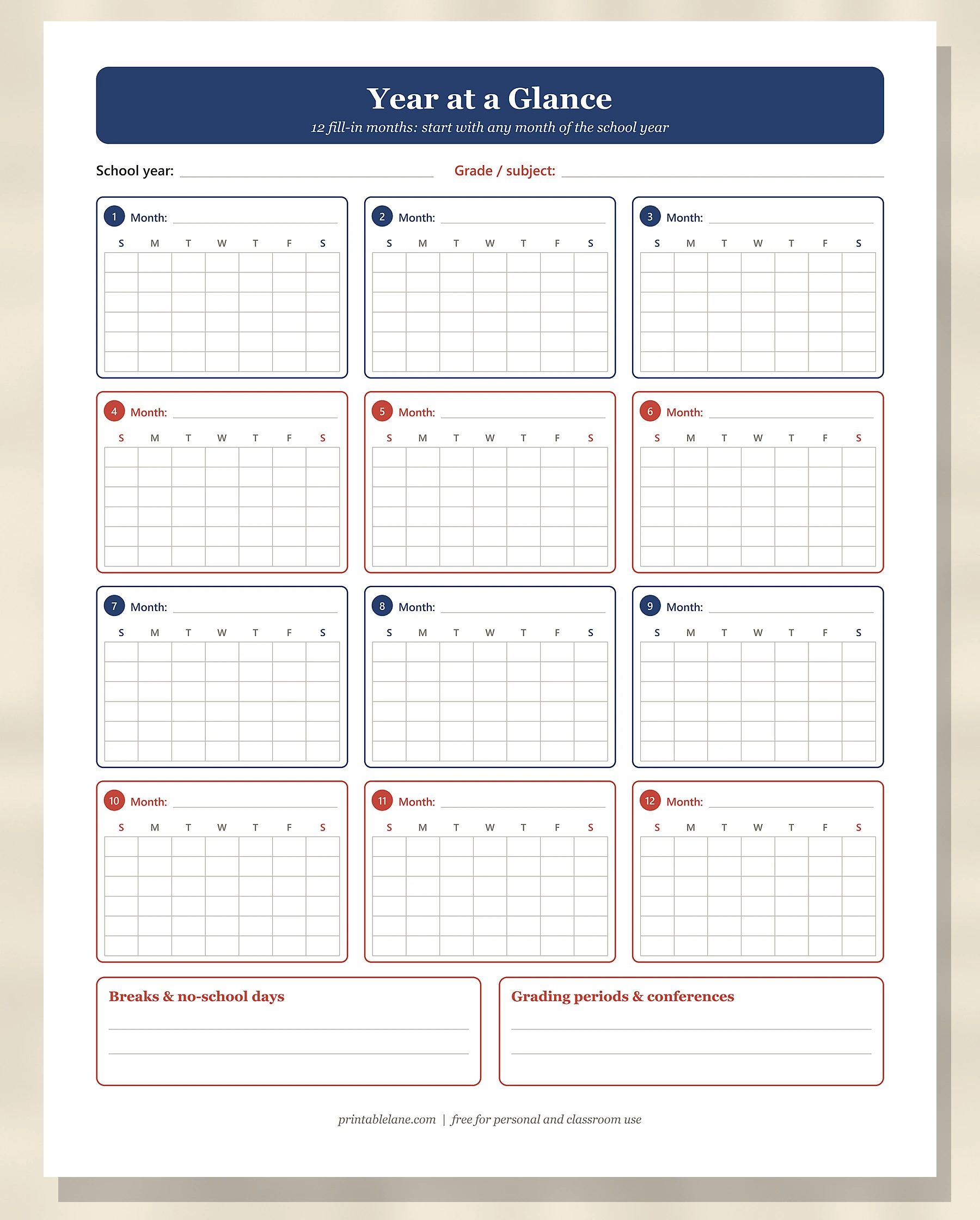
PDF page 2 has School year and Grade / subject lines, then 12 numbered month boxes. Each box has a Month line and an empty grid headed S M T W T F S, 6 rows deep, so you write in the dates yourself. 2 boxes at the bottom collect Breaks & no-school days and Grading periods & conferences.
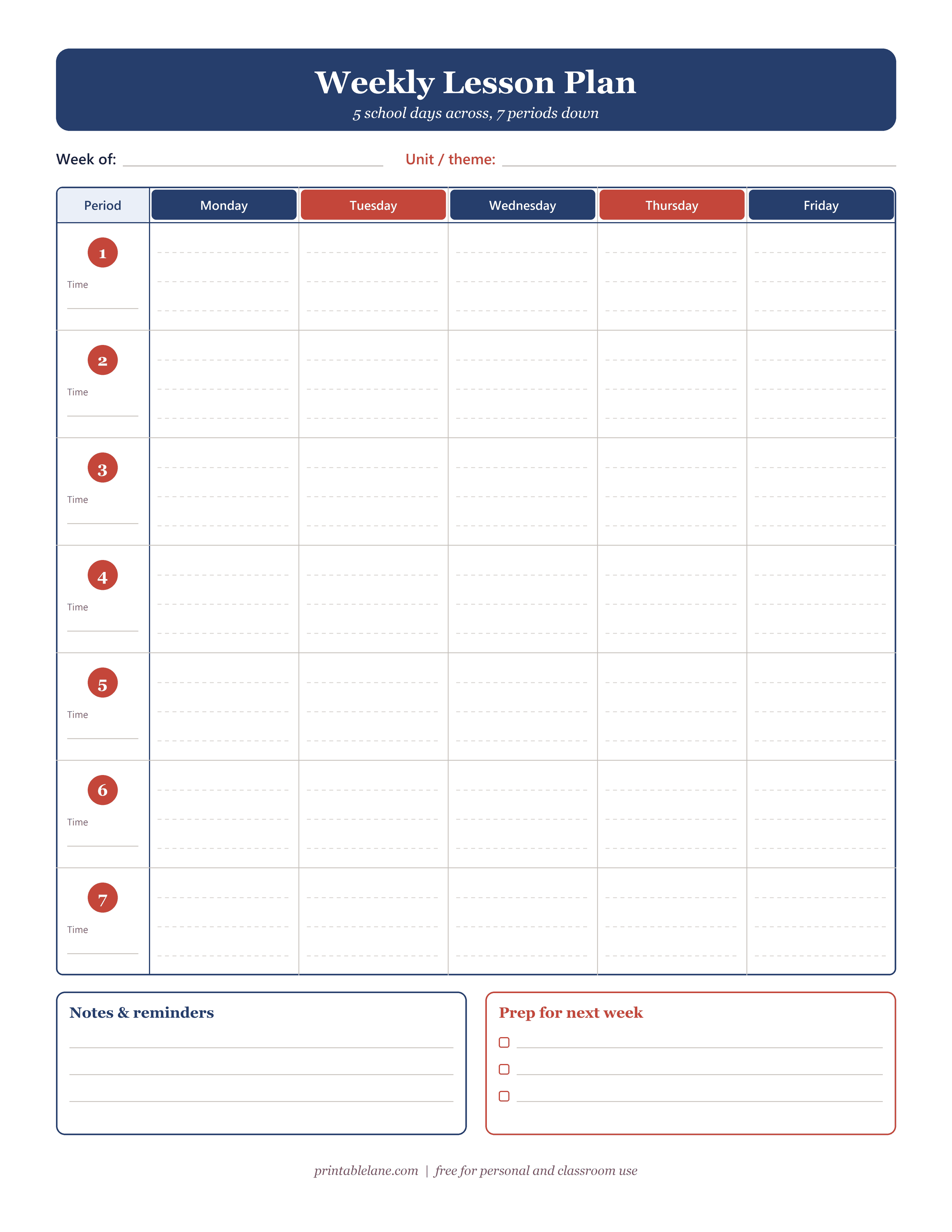
Weekly Lesson Plan
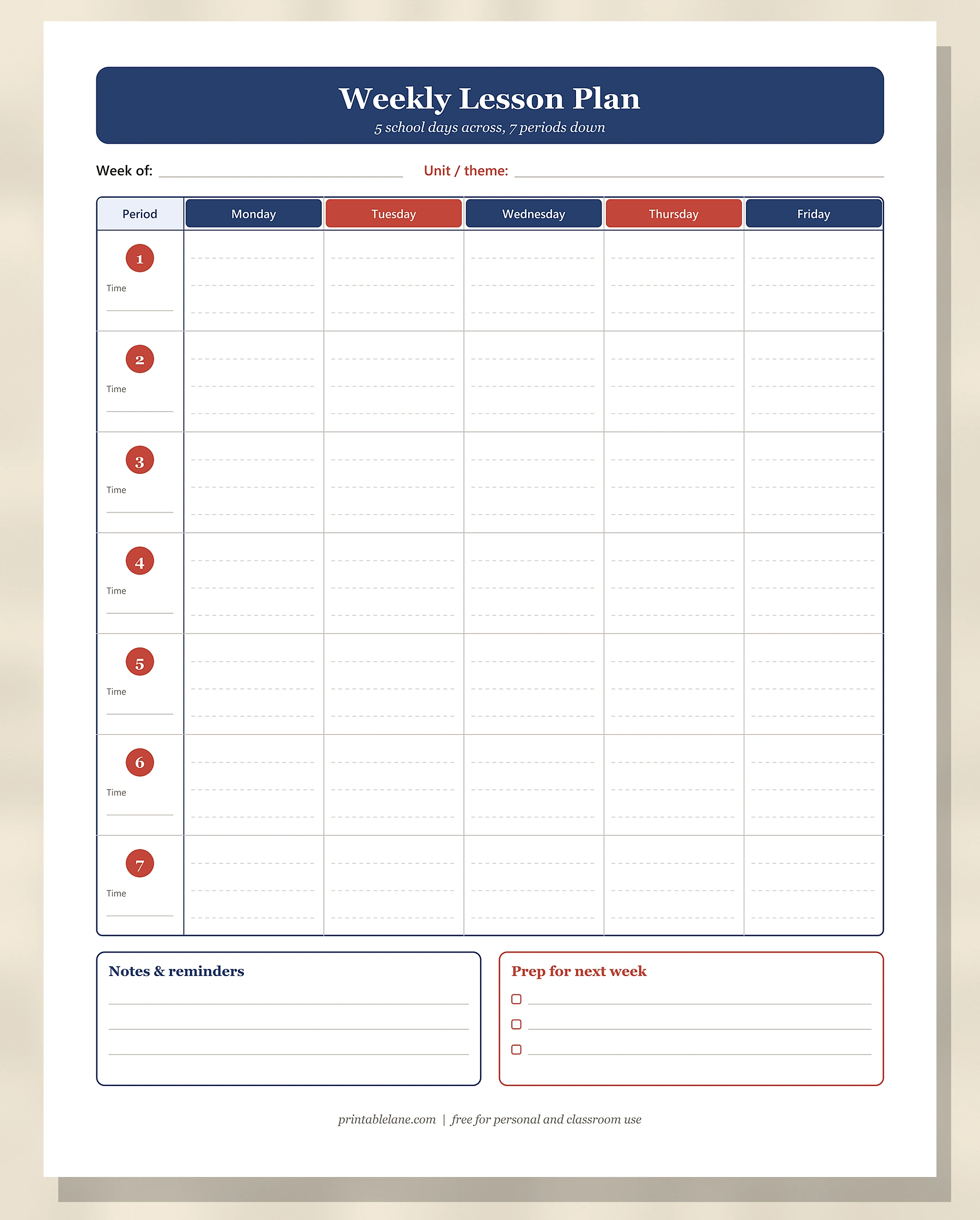
PDF page 3 is the core of any printable teacher planner: Monday to Friday across the top and 7 numbered periods down the side, each with a Time line. Week of and Unit / theme sit above the grid; Notes & reminders and Prep for next week sit below it.
Daily Lesson Plan
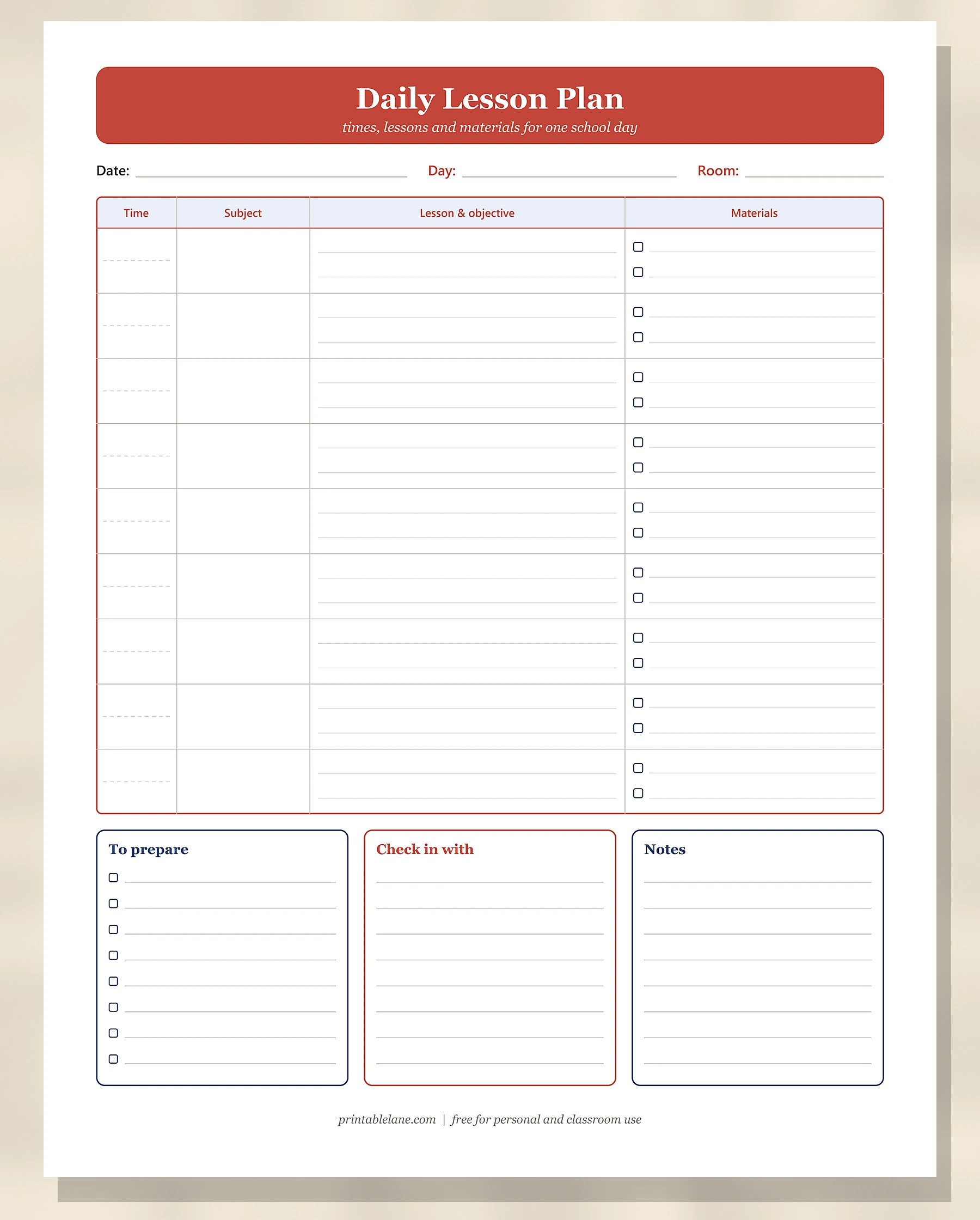
PDF page 4 covers one day: Date, Day and Room lines, a 9-row table (Time, Subject, Lesson & objective, Materials with 2 tick boxes) and 3 boxes below for To prepare, Check in with and Notes.
Class Roster & Seating Chart
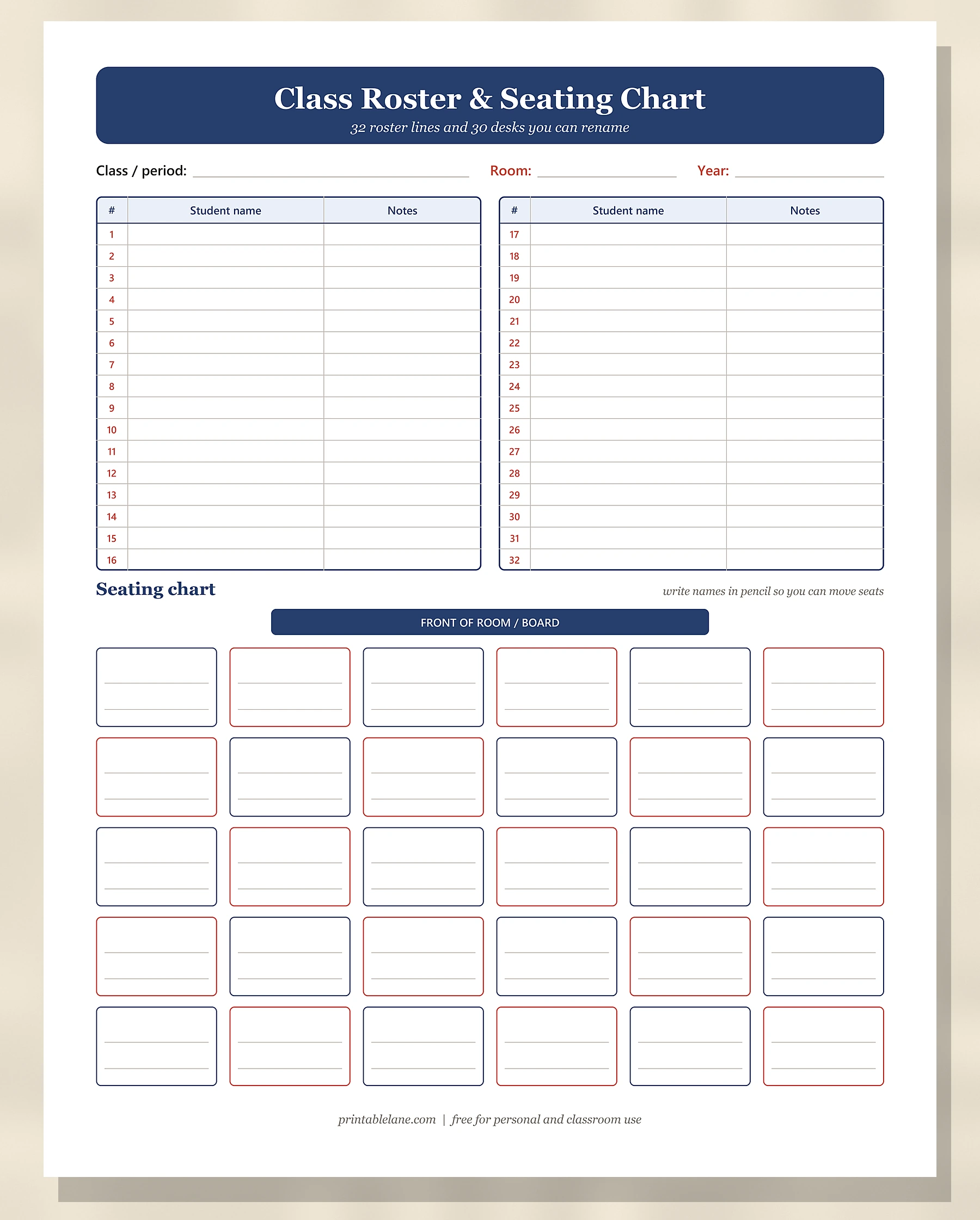
PDF page 5 holds 32 numbered roster lines (#, Student name, Notes). The seating chart below has a Front of room / board bar and 30 desk boxes, 6 across and 5 rows deep.
Gradebook
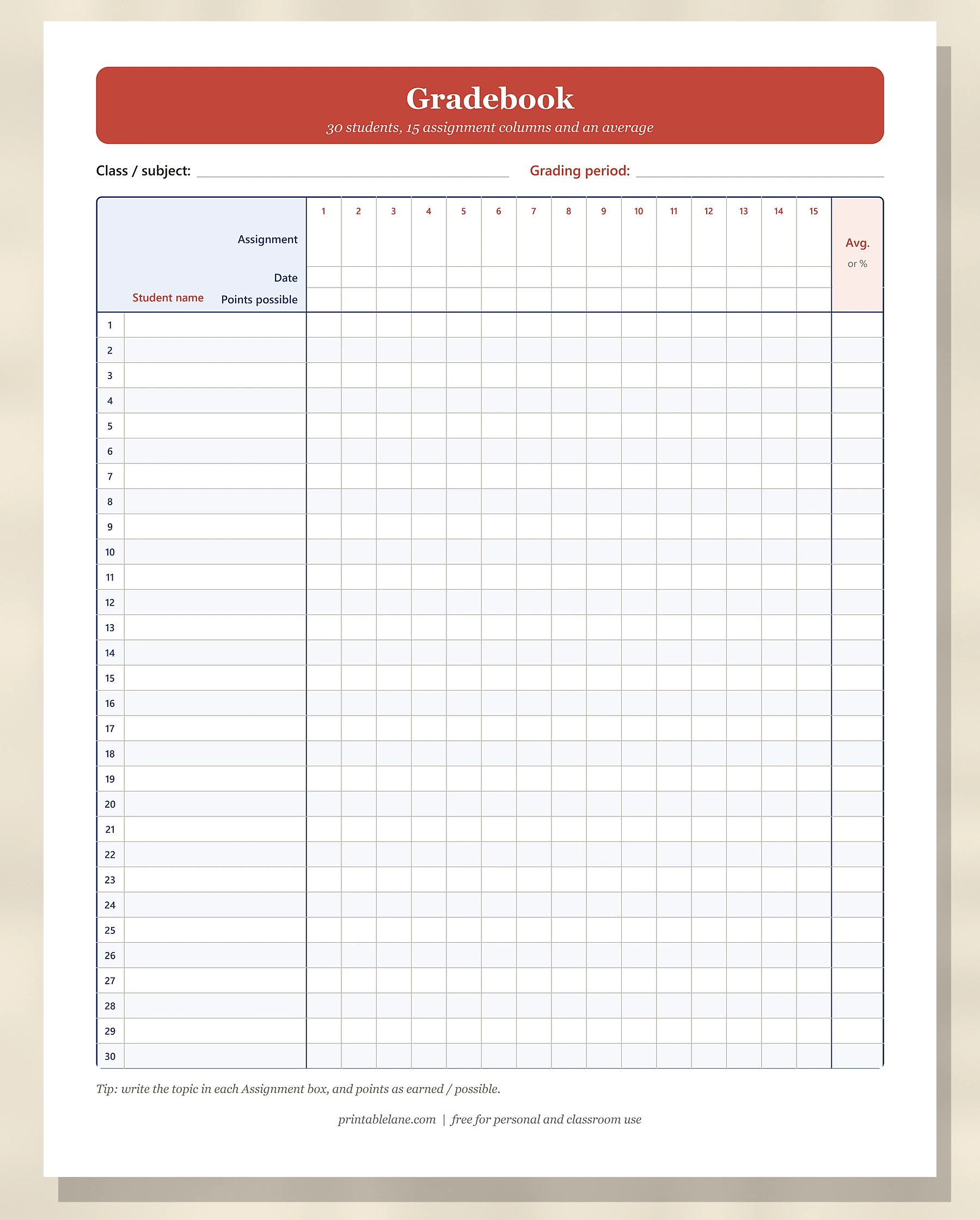
PDF page 6 has 30 numbered student rows and 15 numbered assignment columns. Each column has rows for the Assignment name, Date and Points possible, and the last column is Avg. or %.
Attendance Tracker
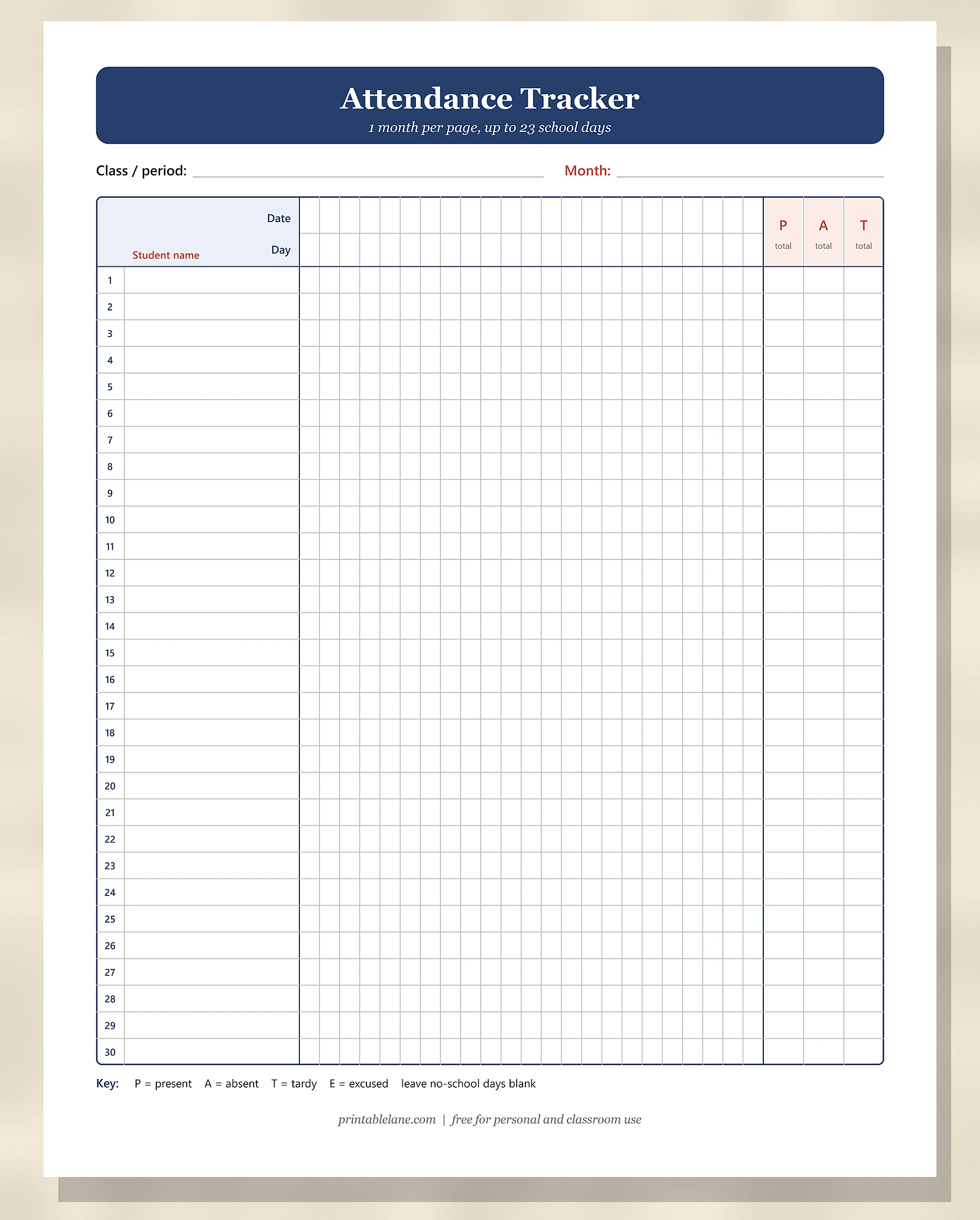
PDF page 7 covers 1 month per sheet: 30 student rows, 23 day columns with a Date row and a Day row, and P, A and T total columns at the right. The key reads P = present, A = absent, T = tardy, E = excused, and no-school days stay blank.
Parent Contact Log
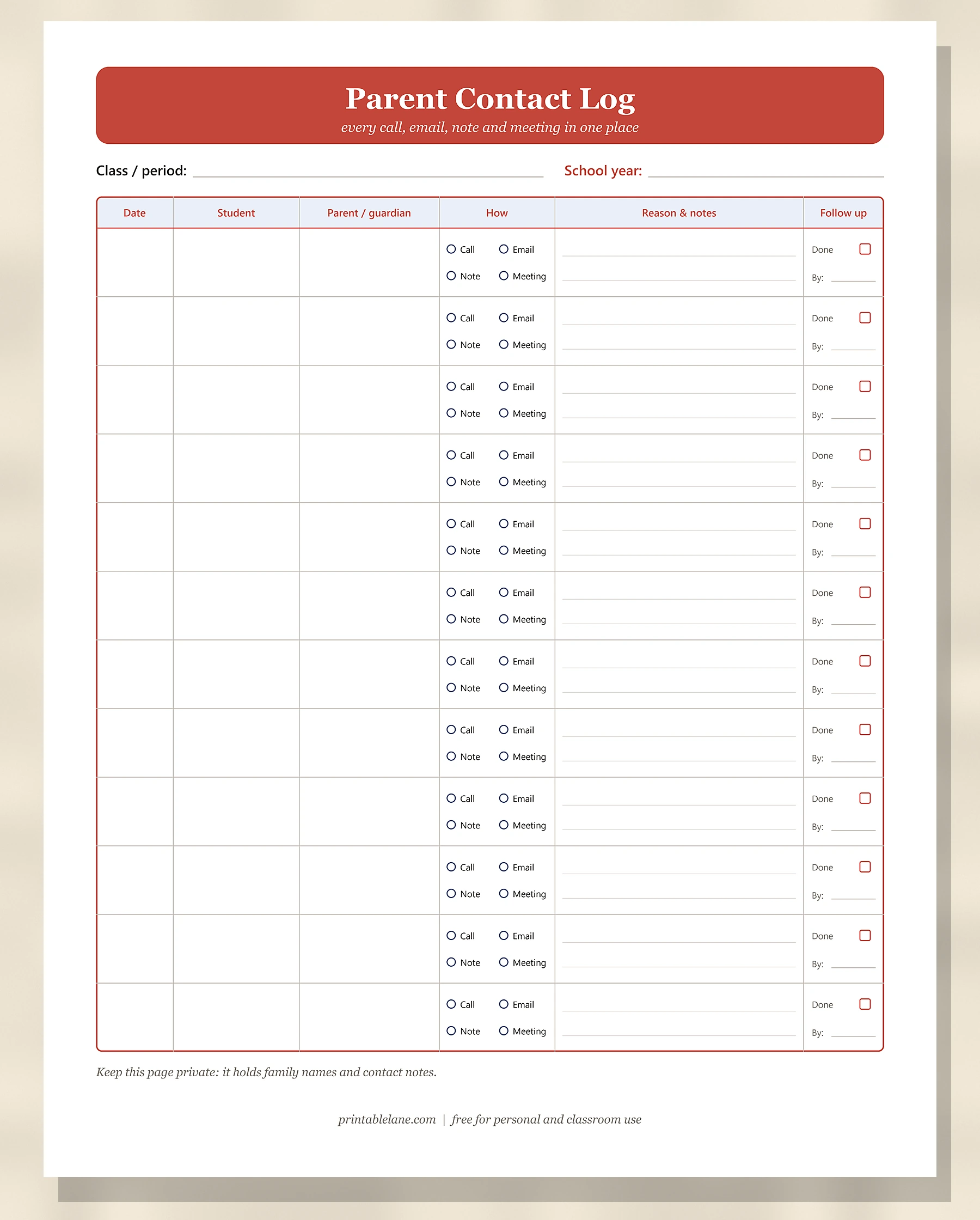
PDF page 8 has 12 entry rows with Date, Student, Parent / guardian, How (circle Call, Email, Note or Meeting), Reason & notes on 2 lines and a Follow up box with Done and By. A reminder under the table says to keep the page private.
Substitute Teacher Info
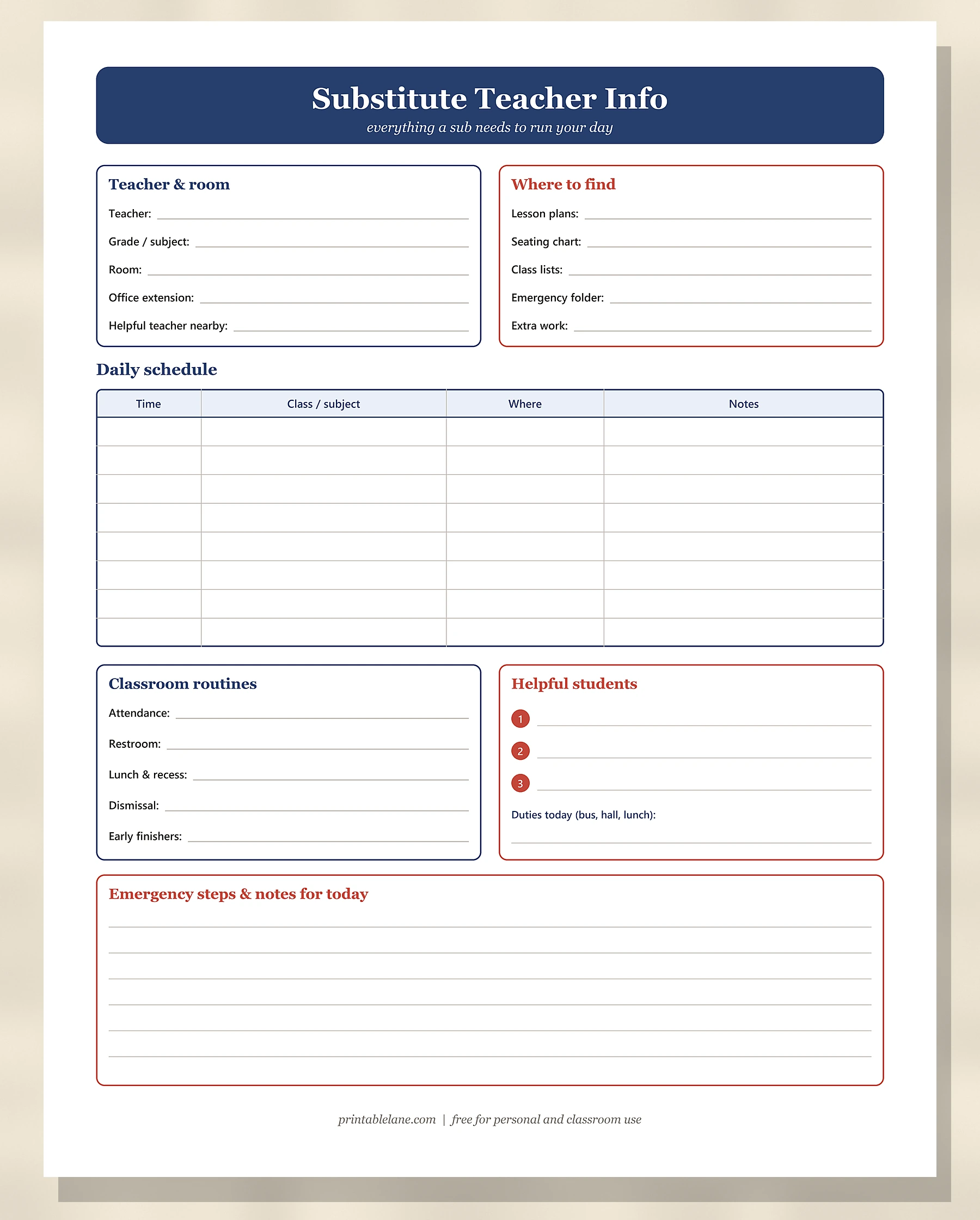
PDF page 9 is the sheet you leave for a substitute. It has 2 boxes of fill-in lines, Teacher & room and Where to find (lesson plans, seating chart, class lists, emergency folder, extra work), an 8-row Daily schedule, Classroom routines, 3 Helpful students, a Duties today line and a box for Emergency steps & notes for today.
To-Do & Copies List
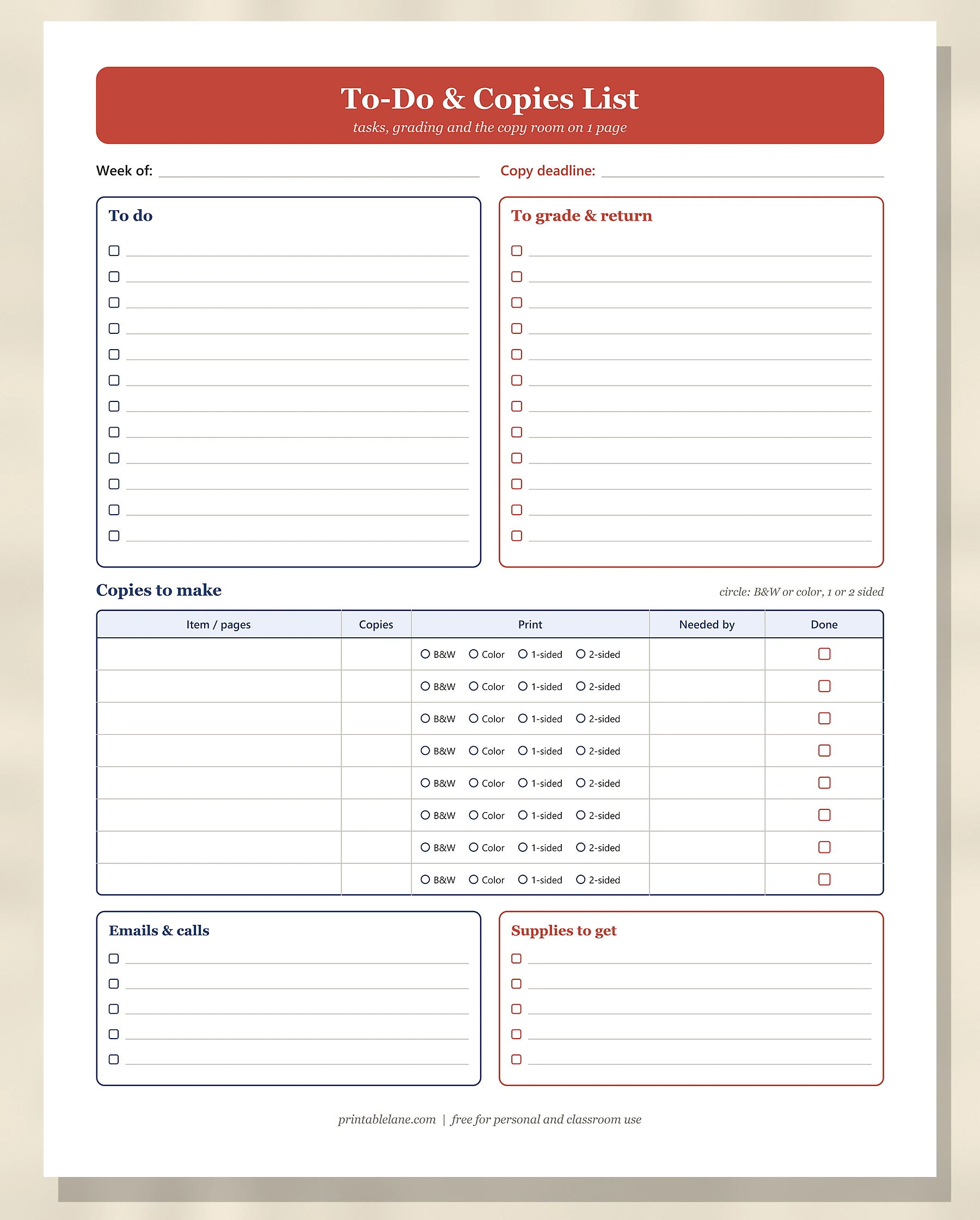
PDF page 10 starts with Week of and Copy deadline lines, then To do and To grade & return, 12 tick lines each. Copies to make is an 8-row table with Item / pages, Copies, Print (circle B&W, Color, 1-sided or 2-sided), Needed by and Done. Emails & calls and Supplies to get have 5 tick lines each.
Meeting Notes
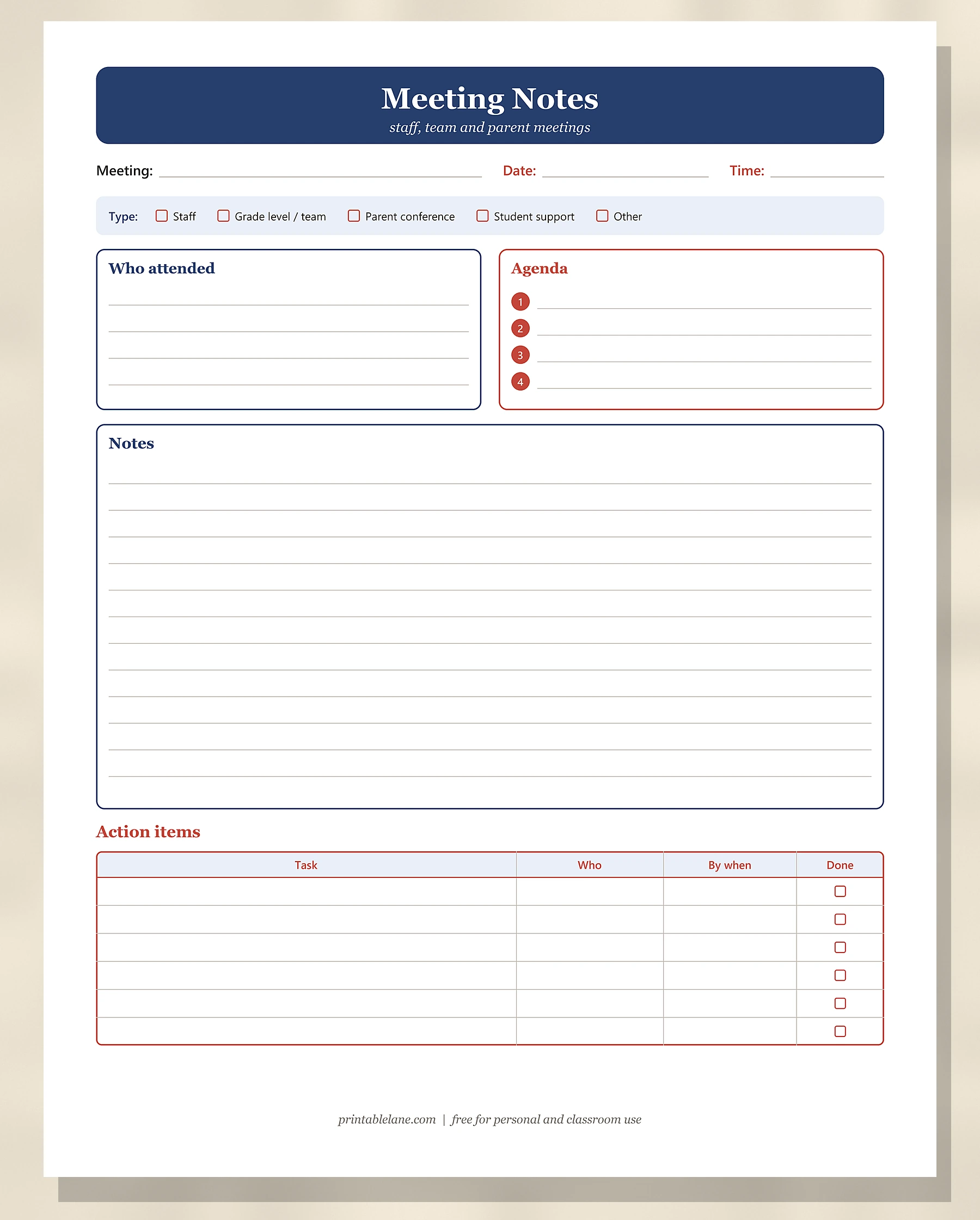
PDF page 11 opens with Meeting, Date and Time lines and a Type row with tick boxes for Staff, Grade level / team, Parent conference, Student support and Other. Who attended has 4 lines, Agenda 4 numbered lines and Notes 12 lines, and an Action items table (Task, Who, By when, Done) has 6 rows.
Setting up the binder before the first day
- Fill the Year at a Glance. Write the month names, add dates from the school calendar and list breaks in the bottom boxes.
- Write the roster once. Give each student a number from 1 to 32. Use the same number on the gradebook and attendance pages so rows always line up.
- Print by the term, not the year. Print 9 or 10 weekly lesson plans at a time and add more when the stack runs low.
- Prepare the sub sheet early. Everything except the schedule rarely changes, so a filled copy can wait in the emergency folder.
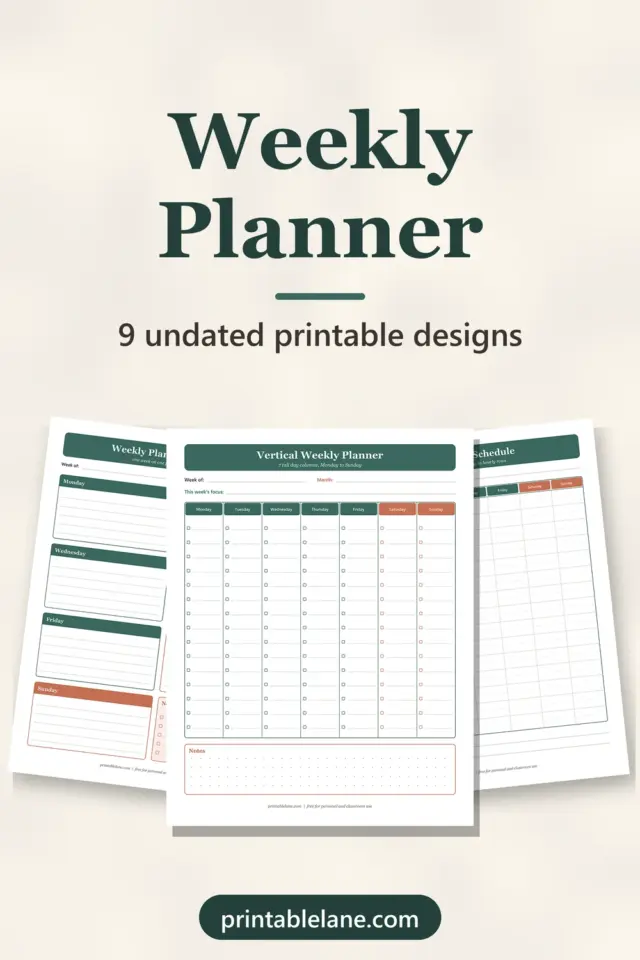
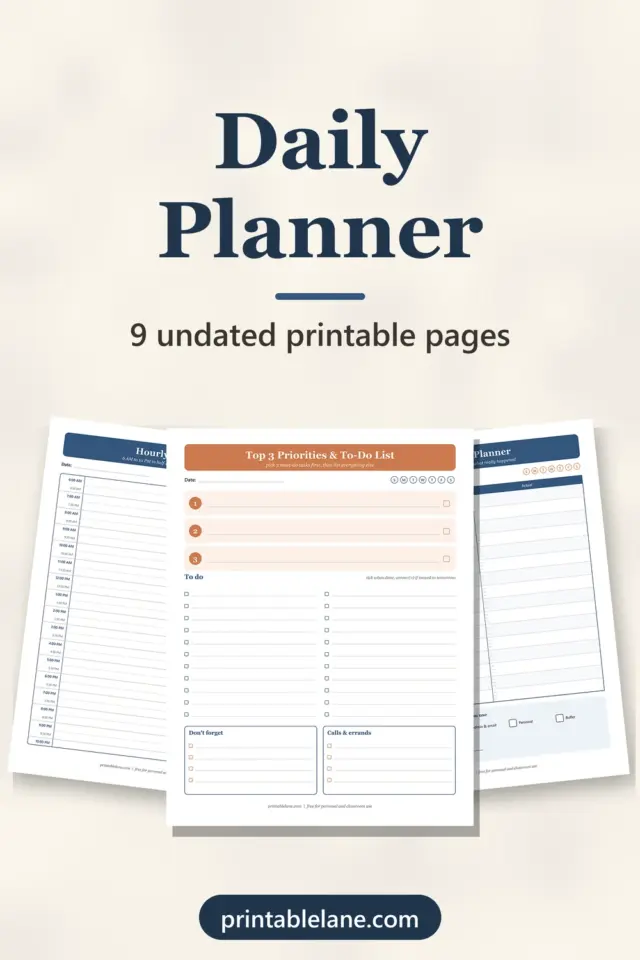
If you also plan at home in the evening, the free weekly planner printable covers your own week, and the free printable daily planner works for busy single days such as conference nights.
Turning gradebook points into a percentage
Because the gradebook has a Points possible row, the Avg. or % column is easy to fill by hand. Add each student’s earned points across the row, add the points possible for the same columns, divide and multiply by 100. For example, 42 points out of 50 is 42 ÷ 50 = 0.84, or 84%.
- Skip blank columns: if a student was excused from an assignment, leave the box empty and remove its points from that student’s total possible.
- Check against your official system: a paper gradebook is a working copy; the school’s grading software stays the official record.
Printing and binding the pages
- US Letter: print at 100% (Actual size) on 8.5 x 11 in paper.
- A4: 100% or Fit to page both work. A4 is 210 x 297 mm, about 0.23 in narrower than Letter, and the 0.5 in side margins keep the grids on the sheet.
- Paper: 20 lb (75 gsm) copy paper is fine for most pages. Print the roster, seating chart and sub sheet on 65 lb cardstock, since you handle those all year.
- Binding: a 1.5 in 3-ring binder leaves room for weekly pages to pile up. Punch on the left edge.
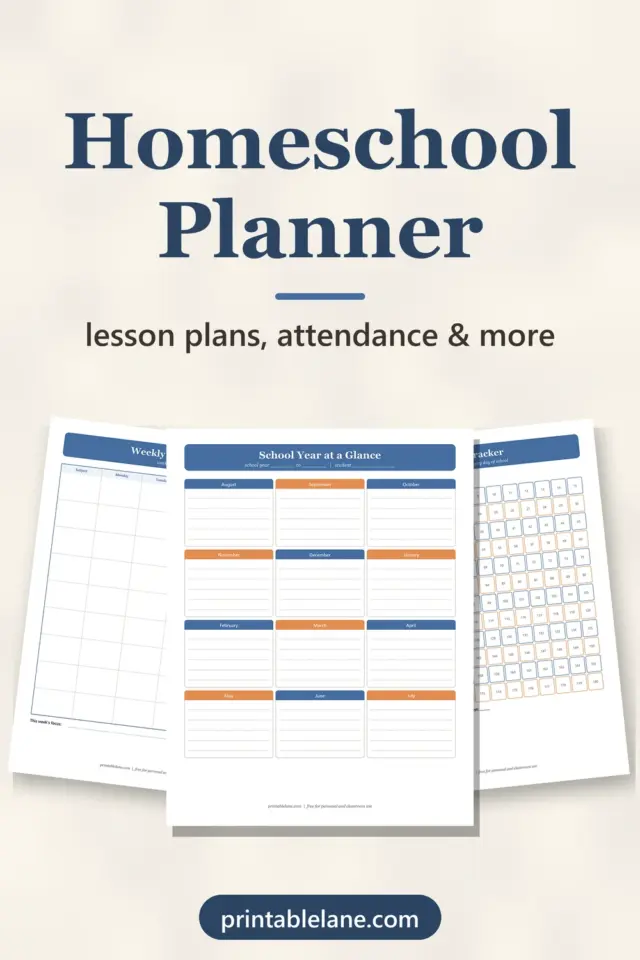
Homeschool families can find a parent-focused version in the free homeschool planner printables, and a dated wall view of the year is in the free printable 2027 calendar.
Print a single page again
Gradebook and attendance sheets fill up first, so each page is also its own PNG file:
- Year at a Glance (PNG)
- Weekly Lesson Plan (PNG)
- Daily Lesson Plan (PNG)
- Class Roster & Seating Chart (PNG)
- Gradebook (PNG)
- Attendance Tracker (PNG)
- Parent Contact Log (PNG)
- Substitute Teacher Info (PNG)
- To-Do & Copies List (PNG)
- Meeting Notes (PNG)
Frequently asked questions
How many pages are in the PDF?
11 pages: a cover on page 1 and the 10 planner pages on pages 2 to 11. To print only the gradebook from the PDF, type 6 in the pages box of your print dialog.
Can I print the teacher planner on A4 paper?
Yes. On A4, print at 100% or choose Fit to page. The 0.5 in side margins leave enough room, so no grid lines are cut off.
Why does the attendance tracker have 23 day columns?
A month can have at most 23 weekdays. That happens when a 31-day month starts on a Monday (days 1–5, 8–12, 15–19, 22–26 and 29–31). So 1 sheet fits any school month.
How many students fit on the roster and gradebook?
The roster has 32 numbered lines and the seating chart has 30 desks. The gradebook and the attendance tracker each have 30 rows; for a bigger class, use a second copy for the remaining students.
Where should I keep the parent contact log?
In a closed binder or a locked drawer, not on an open desk. It holds family names and notes, so follow your school’s rules for student records.