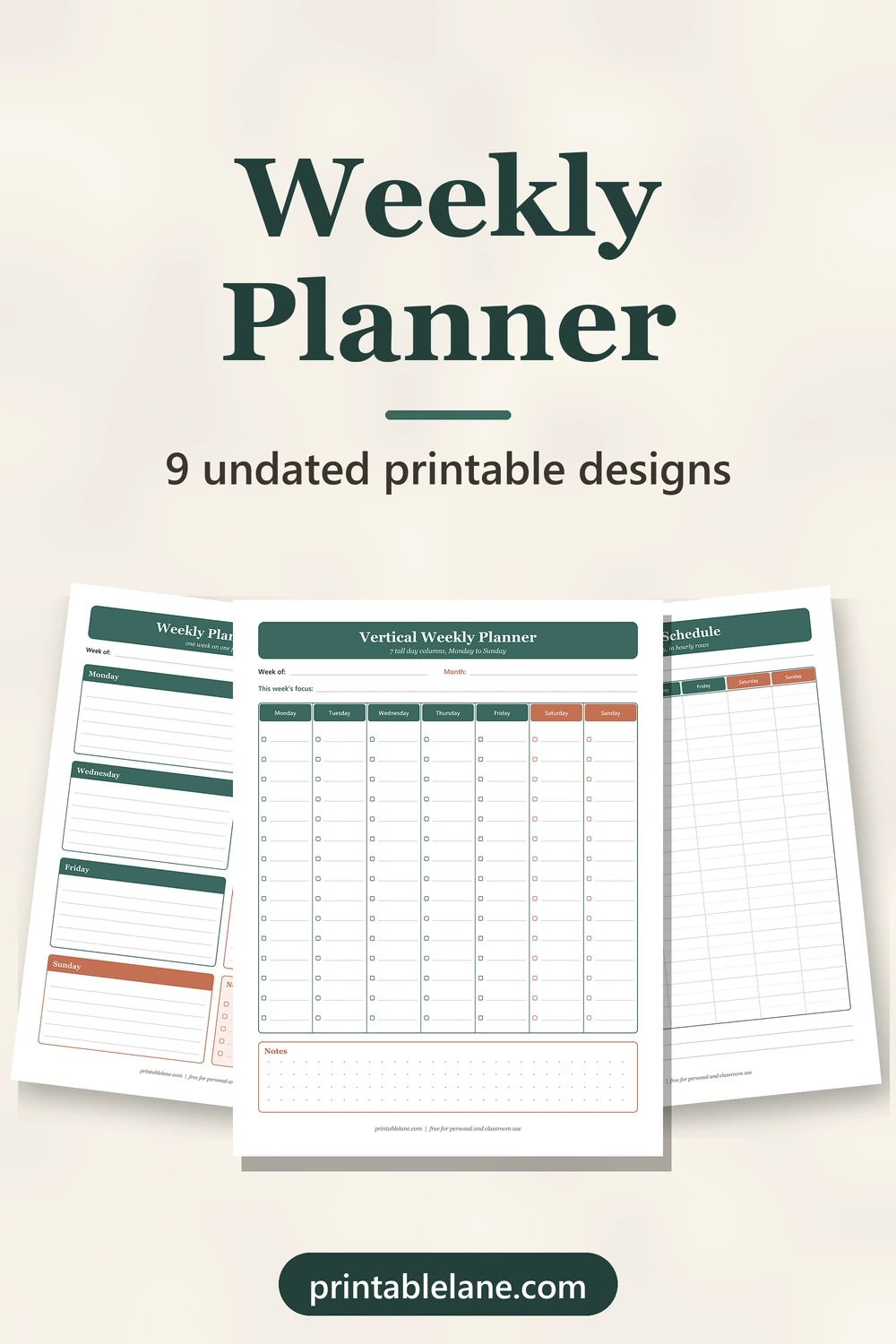
A weekly planner printable lets you see all 7 days at once, which a daily page cannot do. You spot the crowded Wednesday before it arrives, notice that Saturday is still empty and move tasks around before the week starts.
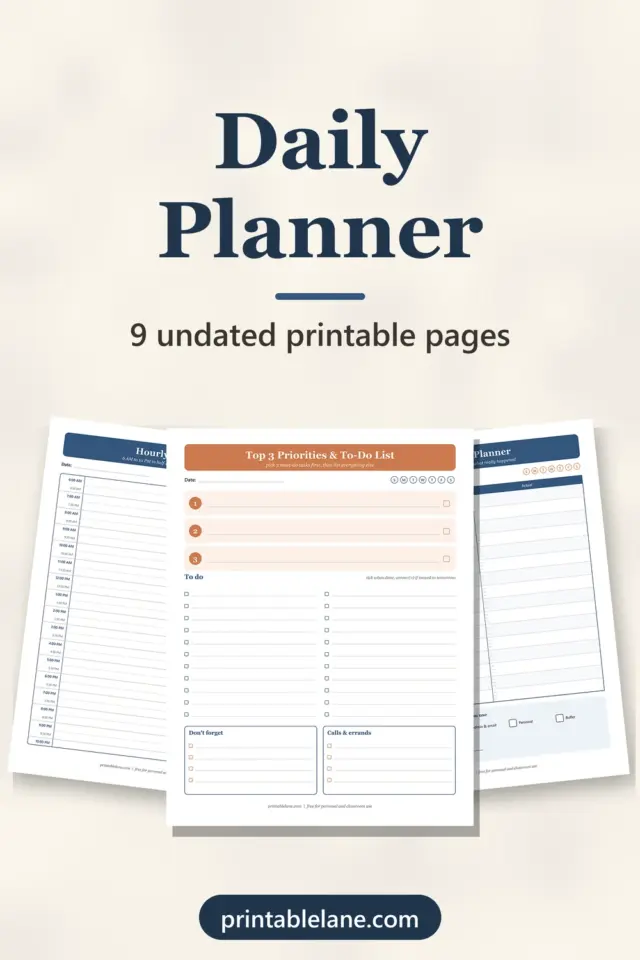
This free set has 9 undated designs, so you can print the same page every week or switch layouts when your week changes. If you want one page per day, the free printable daily planner goes deeper; these pages stay at week-at-a-glance level.
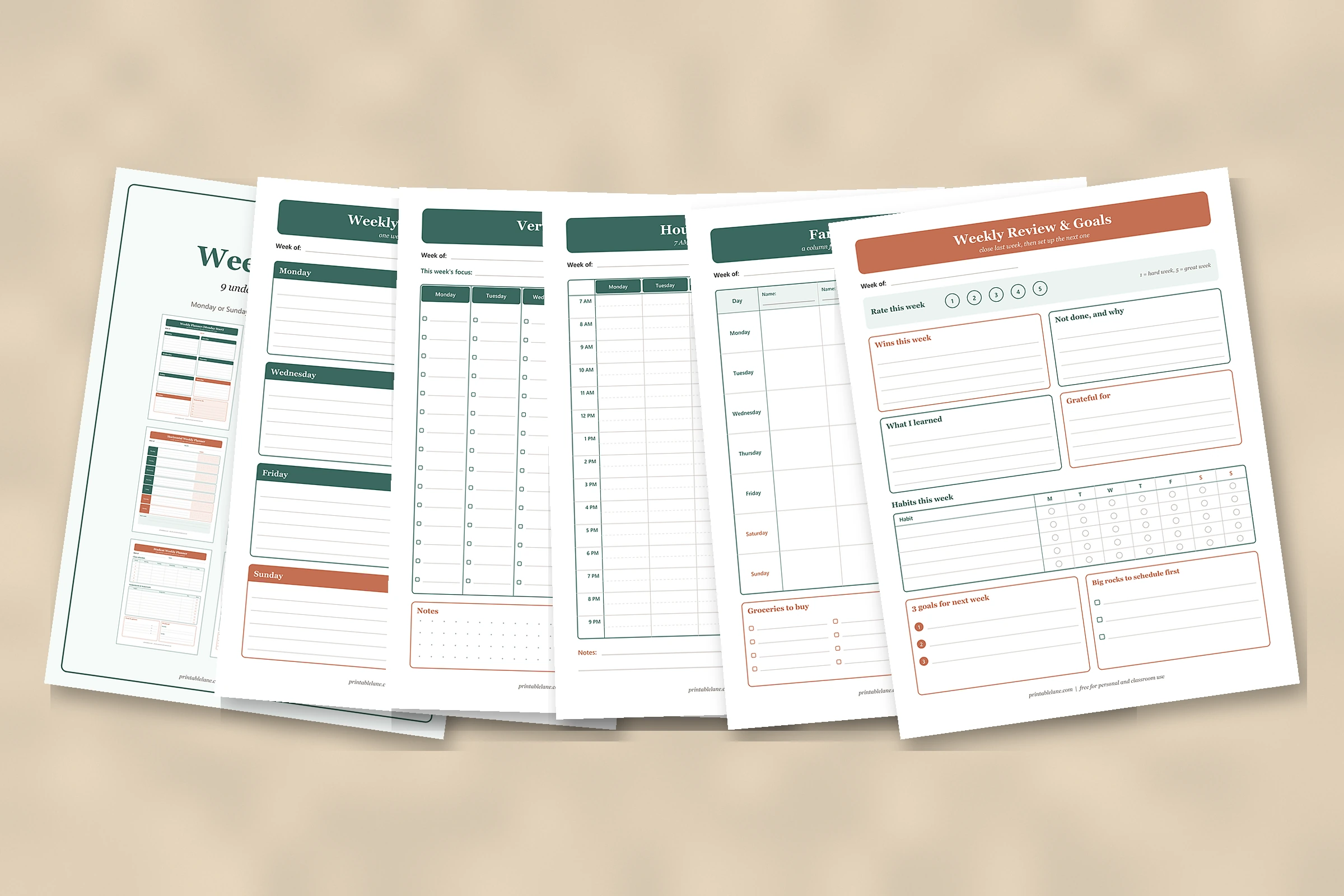
What’s in the PDF (10 pages)
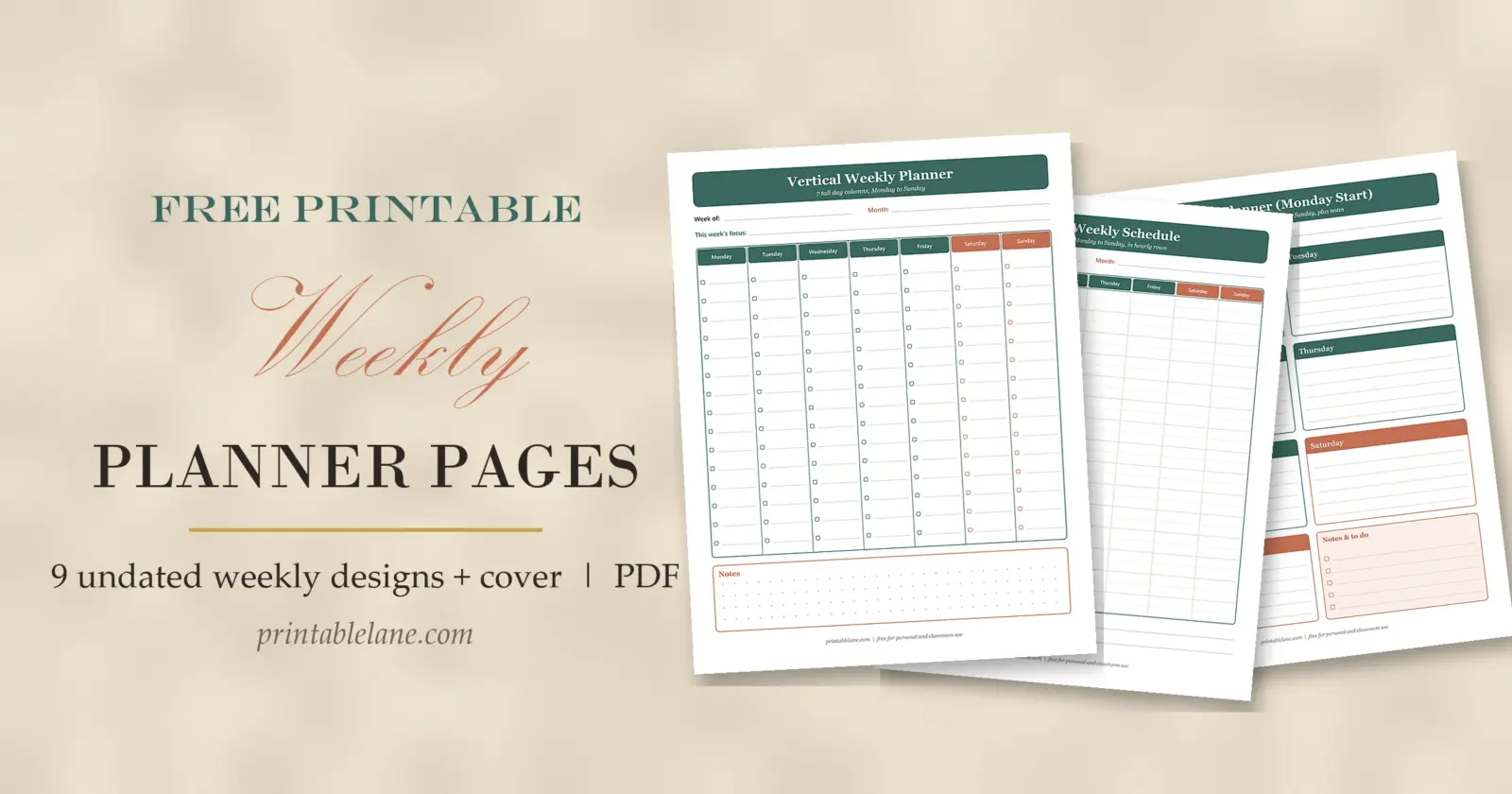
- Page 1: cover showing small previews of the 9 weekly layouts.
- Page 2: Weekly Planner (Monday Start).
- Page 3: Weekly Planner (Sunday Start).
- Page 4: Vertical Weekly Planner.
- Page 5: Horizontal Weekly Planner.
- Page 6: Weekly To-Do List & Priorities.
- Page 7: Hourly Weekly Schedule.
- Page 8: Student Weekly Planner.
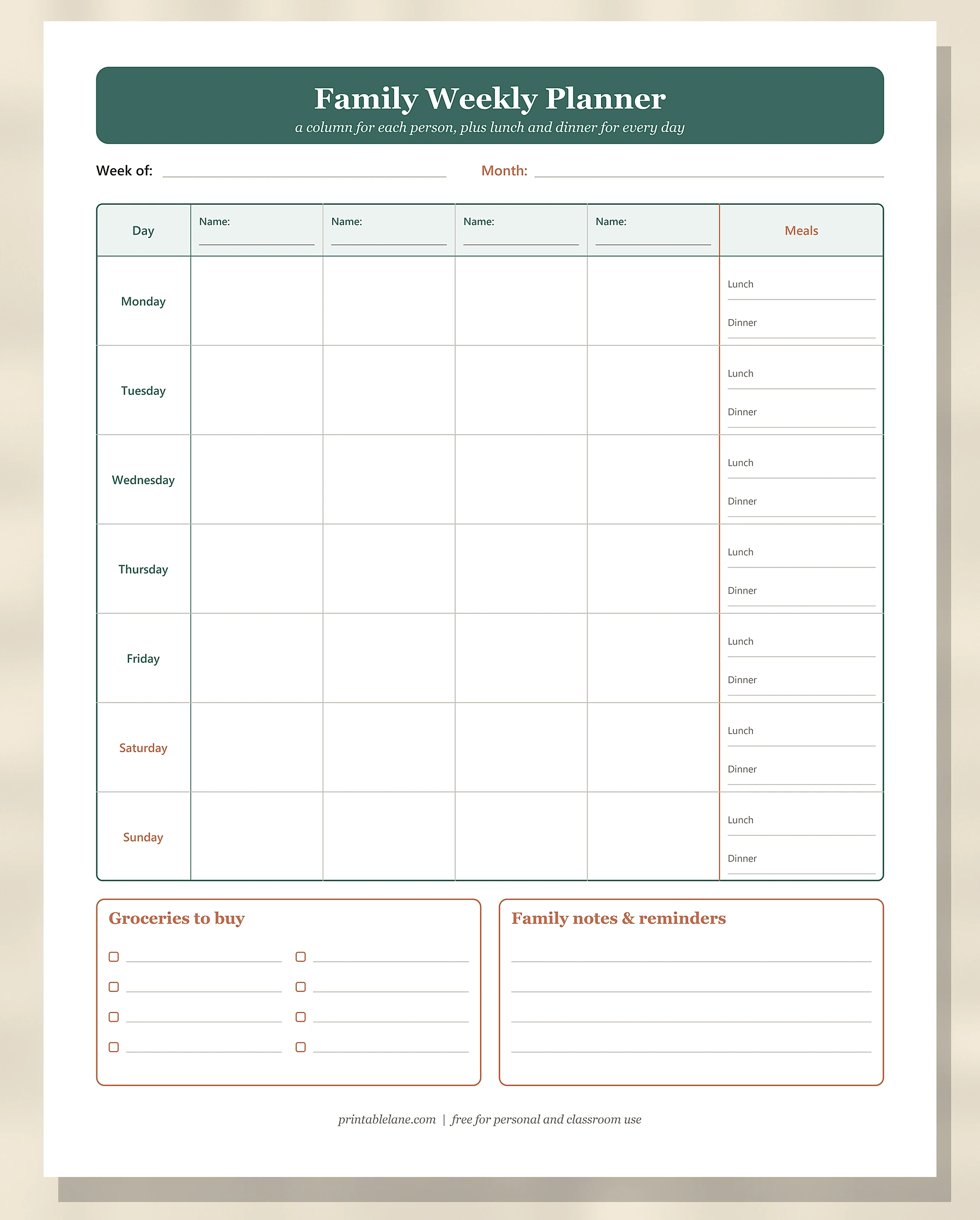
- Page 9: Family Weekly Planner.
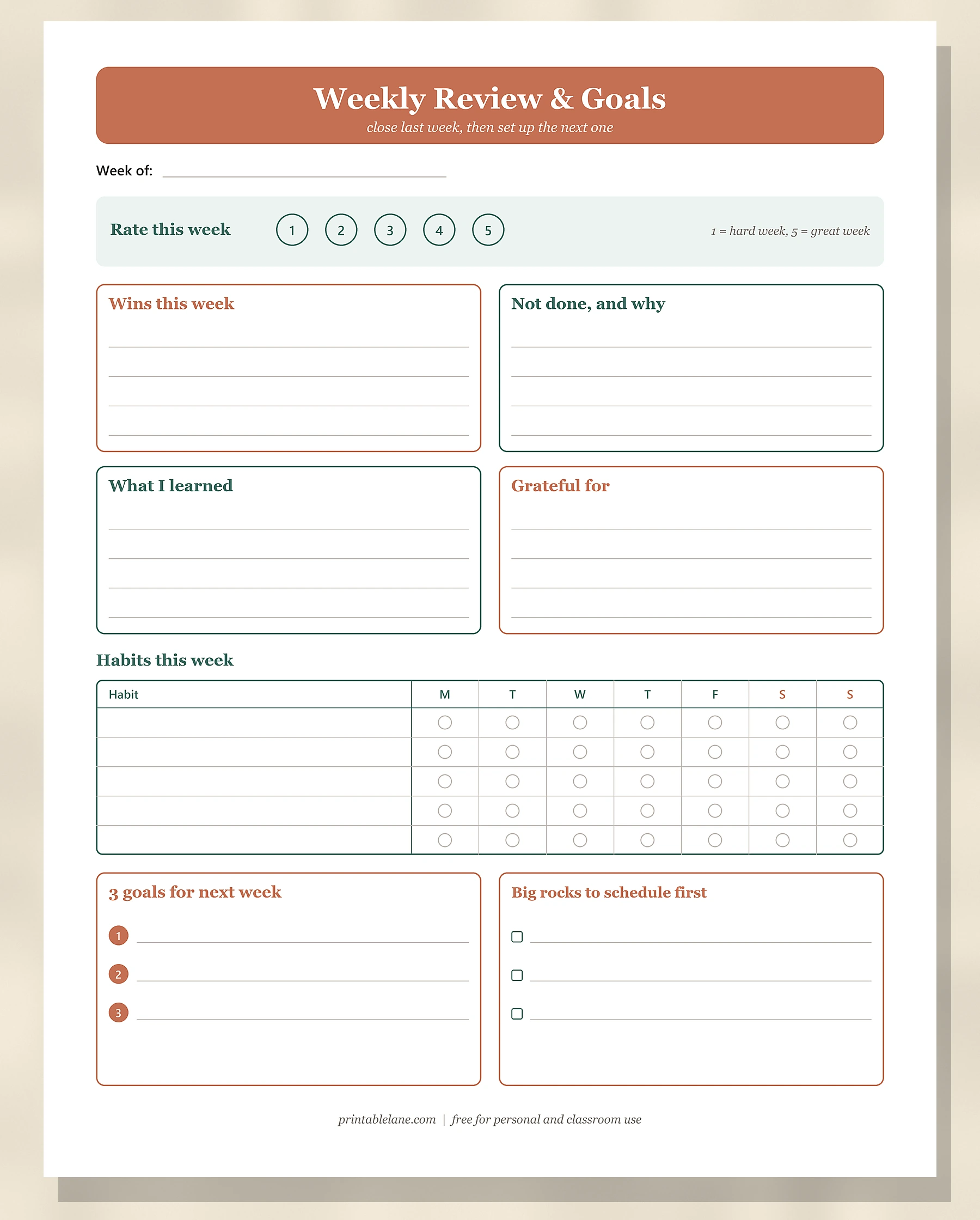
- Page 10: Weekly Review & Goals.
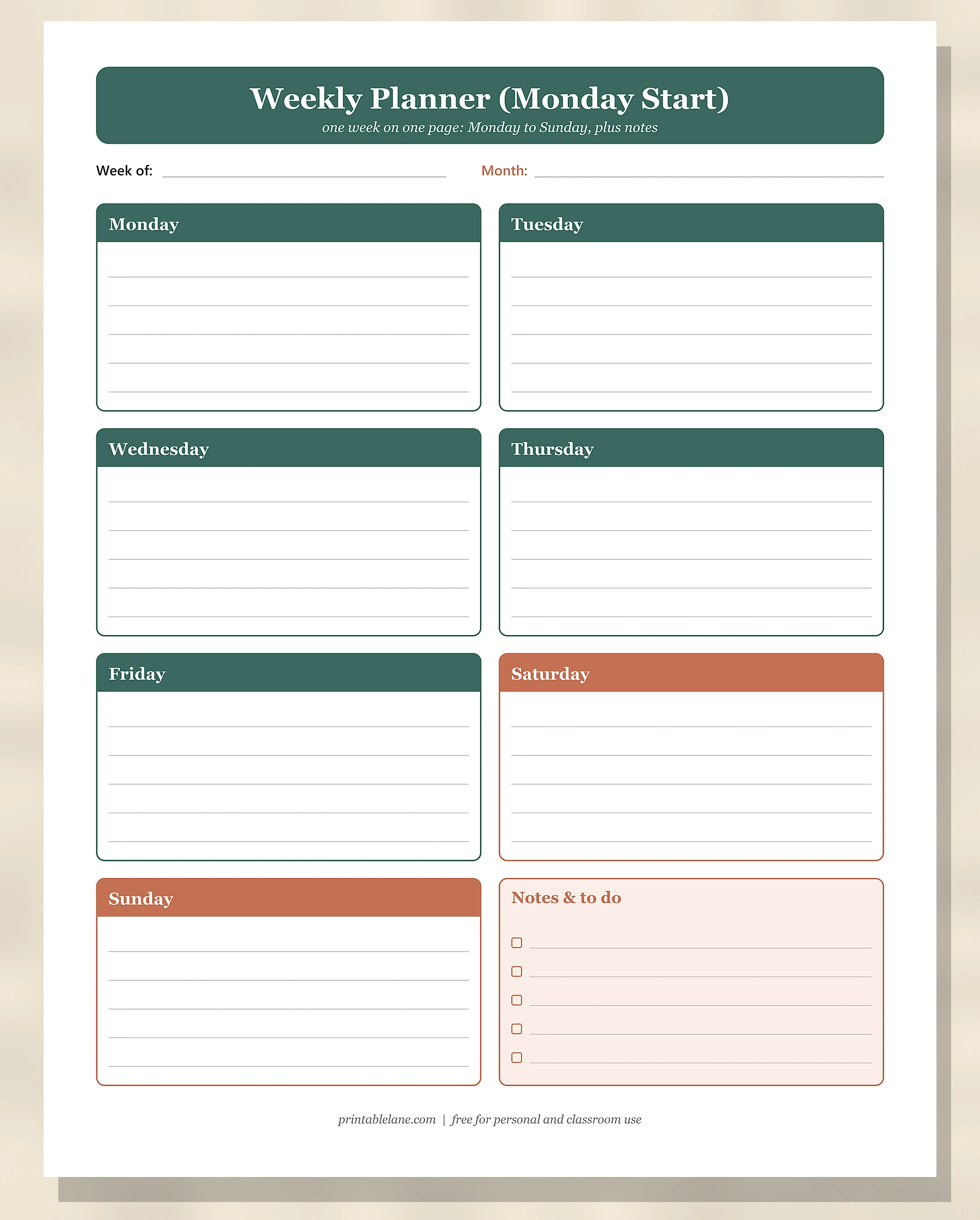
Weekly Planner (Monday Start)
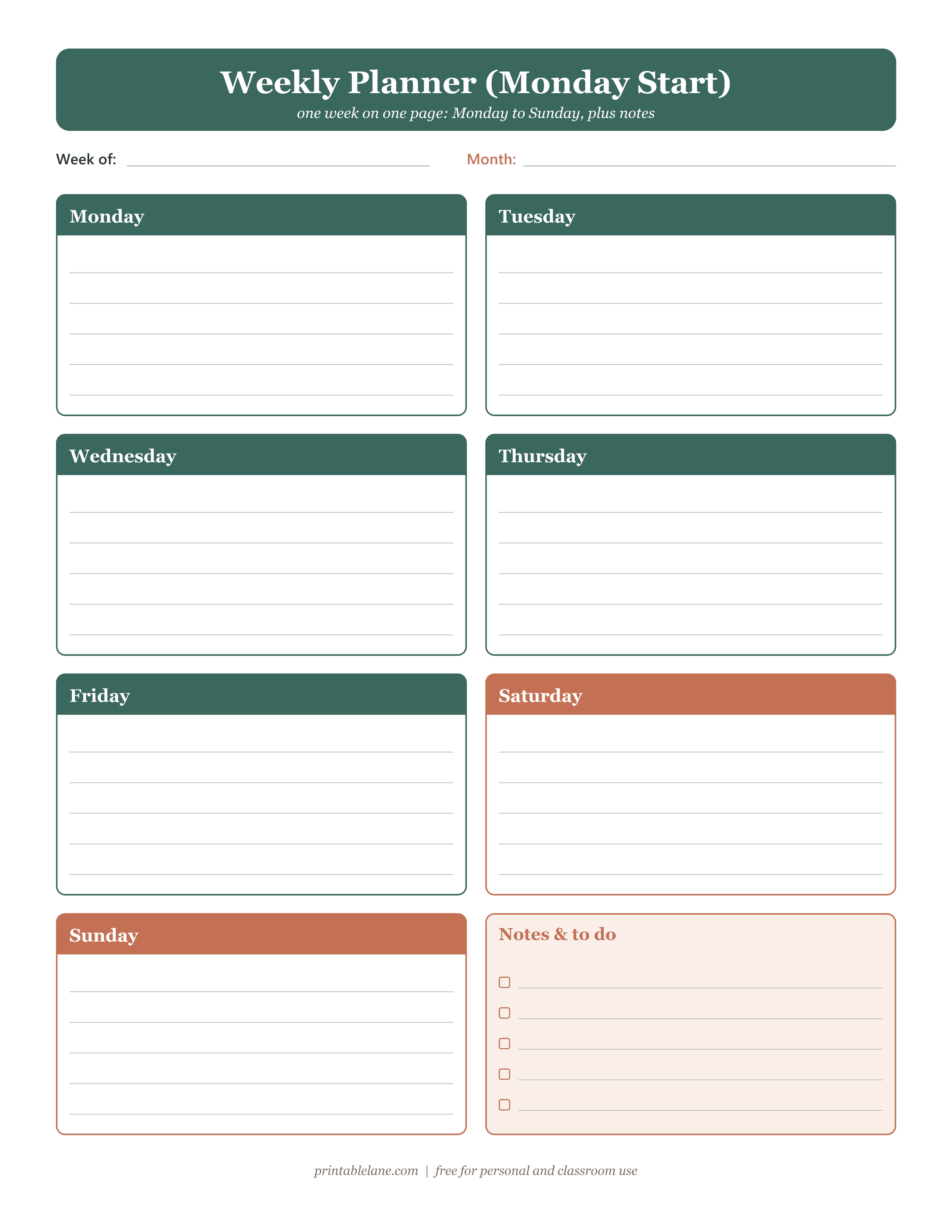
PDF page 2 is the classic week on one page: 8 boxes in 2 columns, Monday to Sunday in order, each with 5 lines. The weekend boxes have terracotta headers, and the 8th box, Notes & to do, has 5 tick lines.
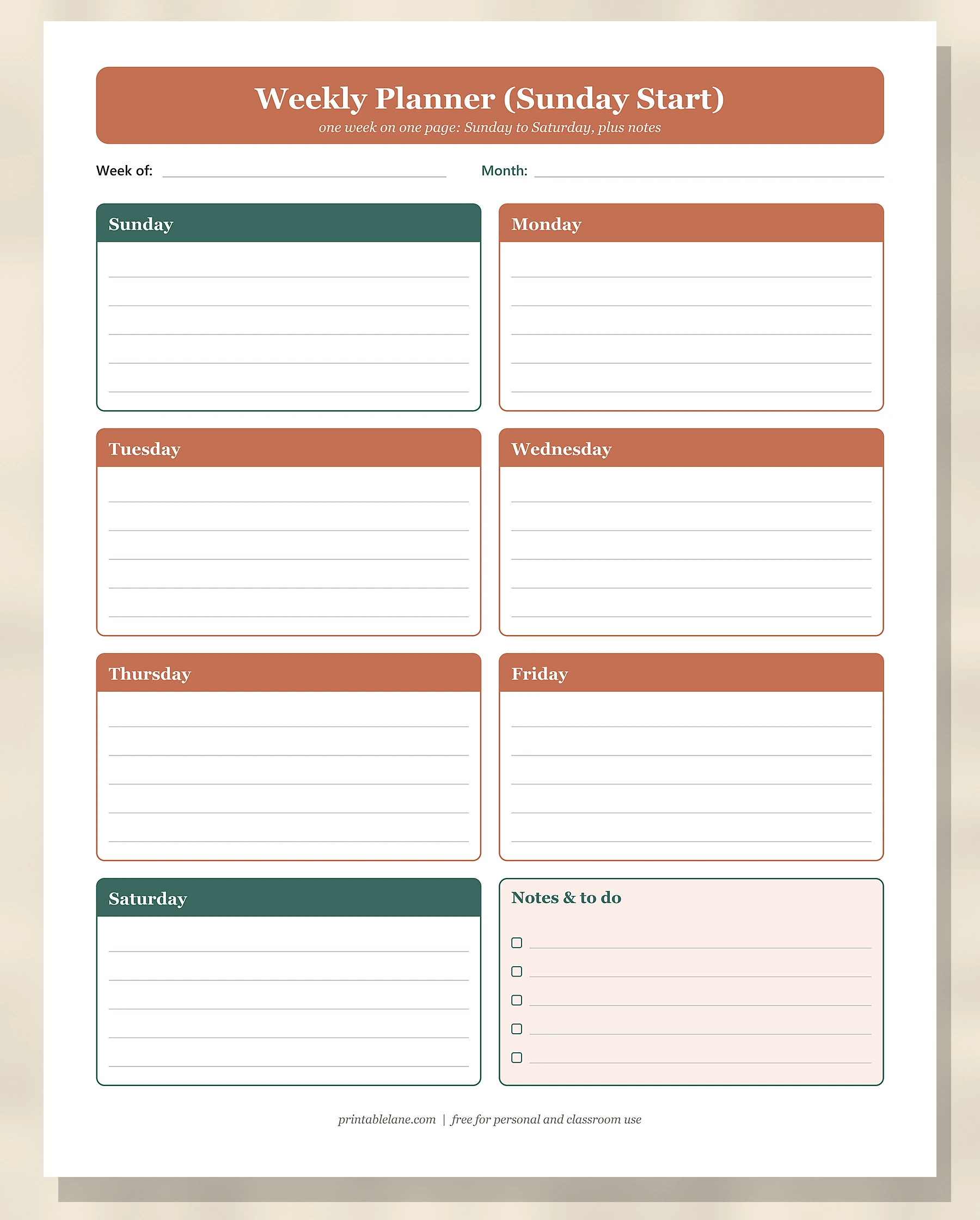
Weekly Planner (Sunday Start)
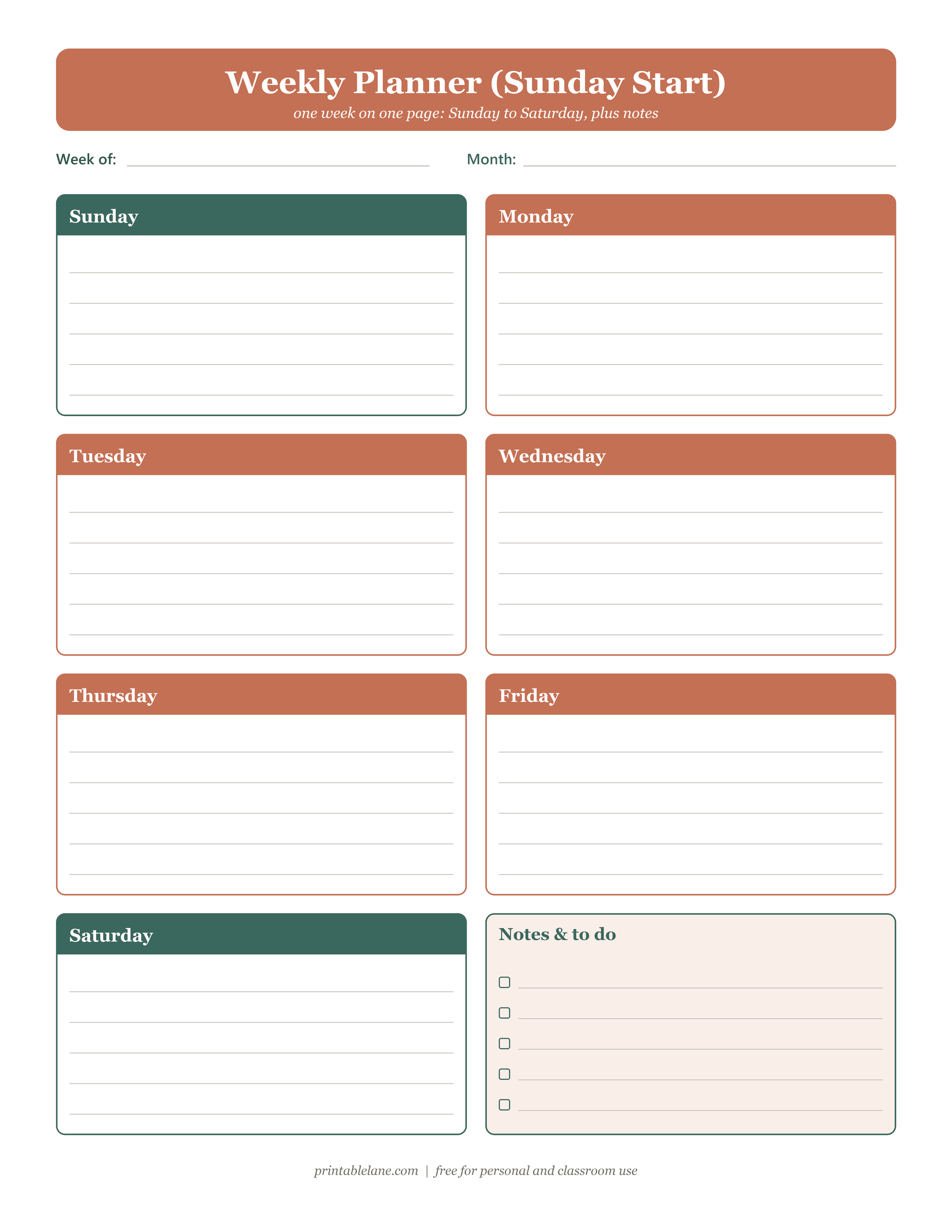
PDF page 3 has the same layout, but the week runs Sunday to Saturday, the way most US wall calendars are printed. Here the weekdays get terracotta headers and Saturday and Sunday are green, so you can tell the 2 versions apart in a binder.
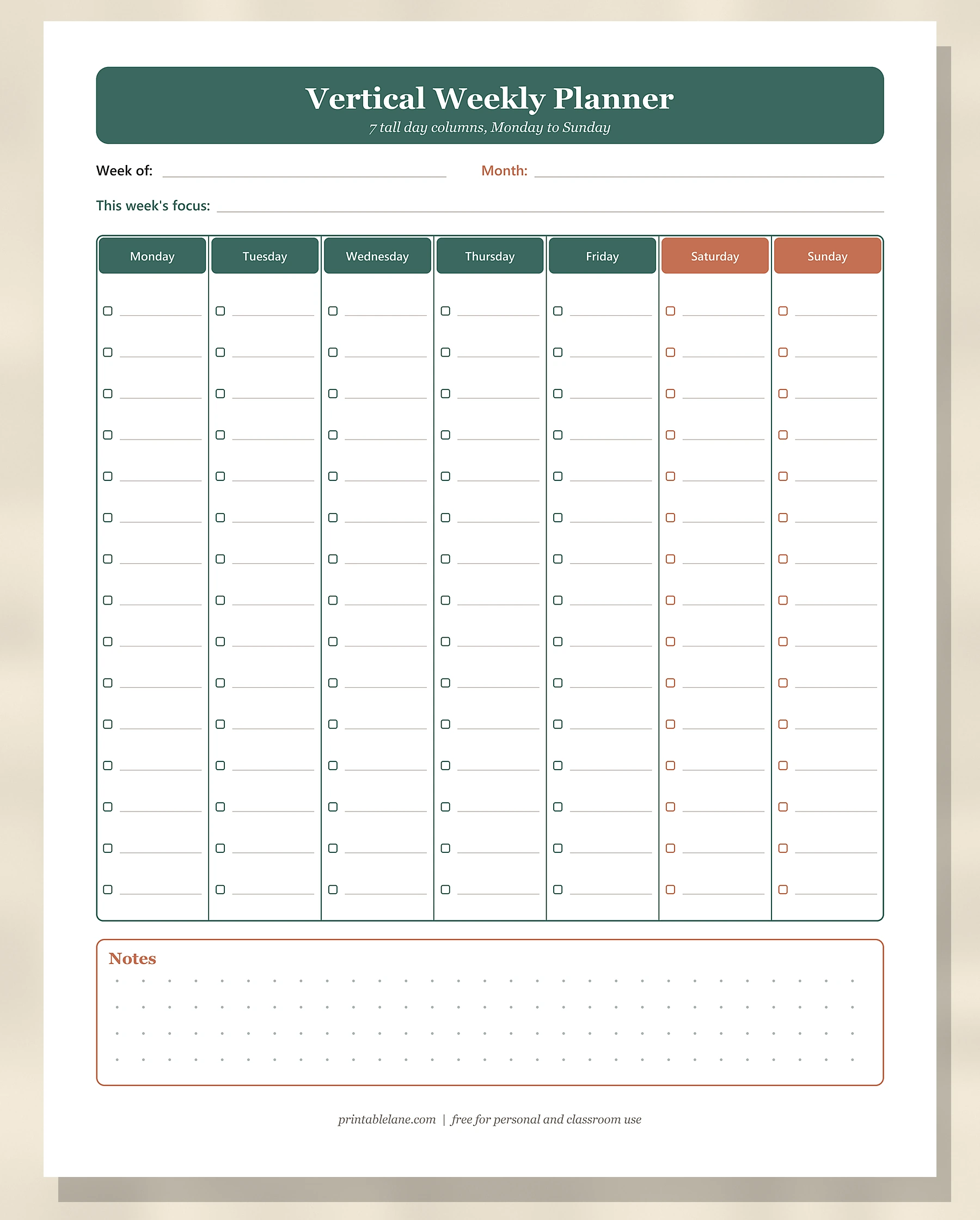
Vertical Weekly Planner
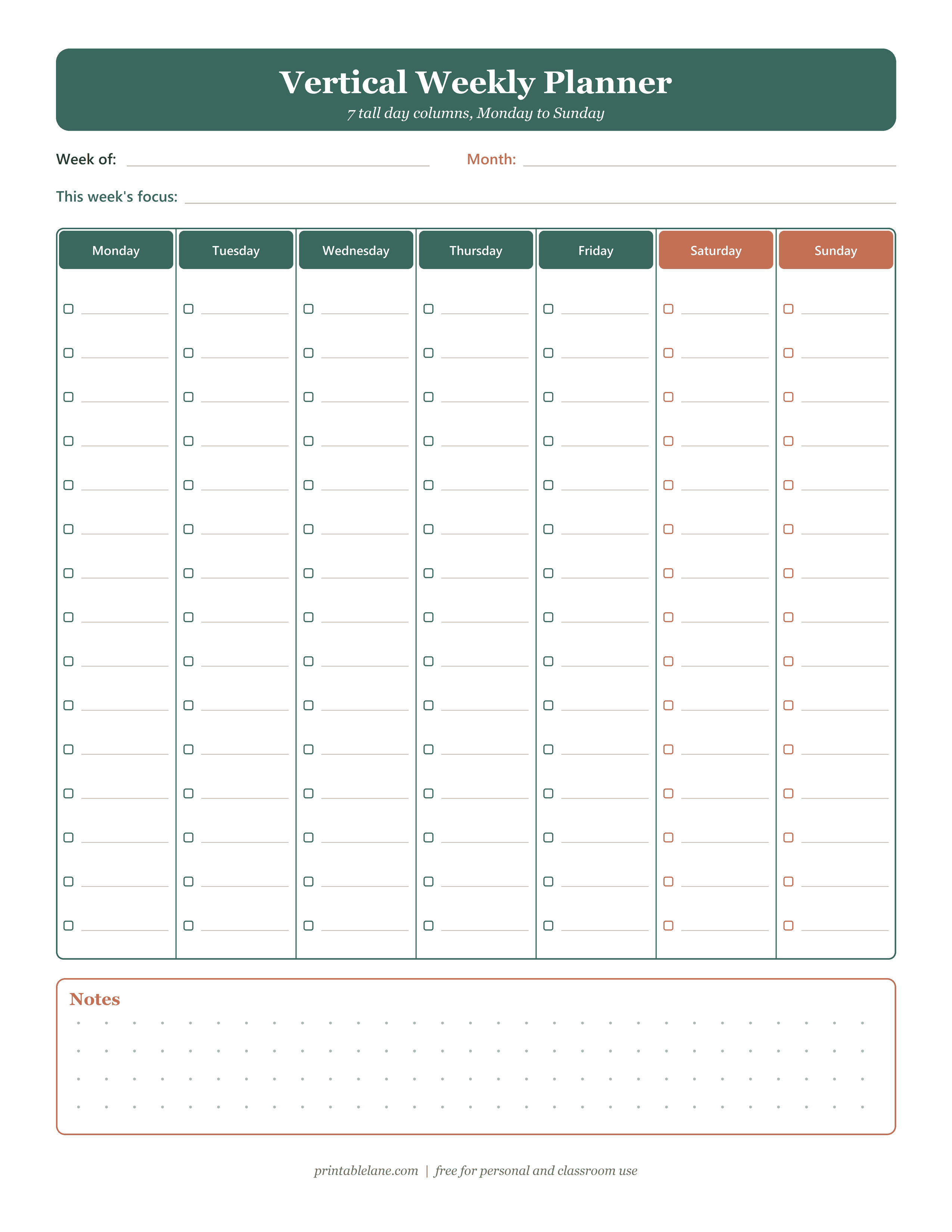
PDF page 4 has a This week’s focus line, then 7 tall columns from Monday to Sunday with 15 tick lines each. A dot grid Notes box sits along the bottom.
Horizontal Weekly Planner
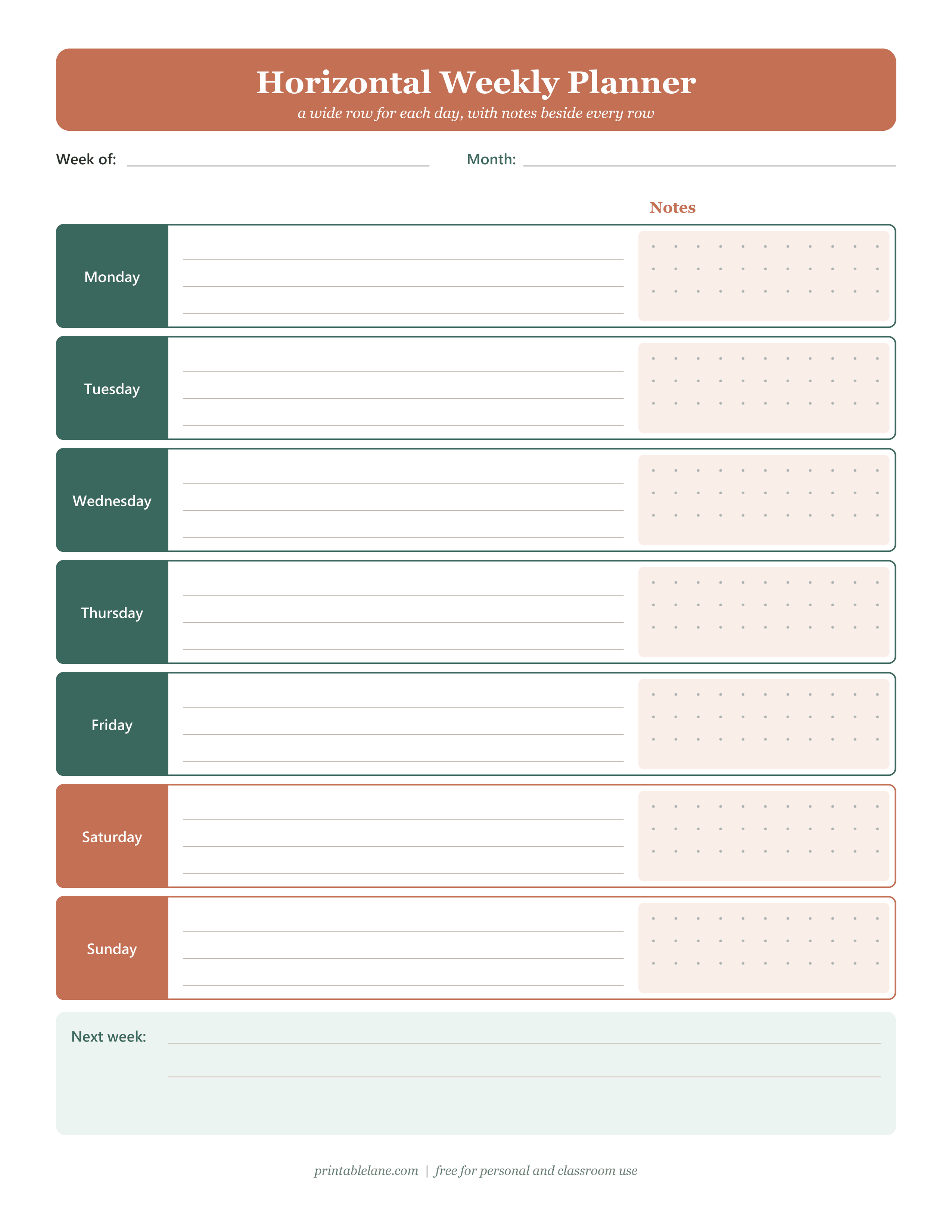
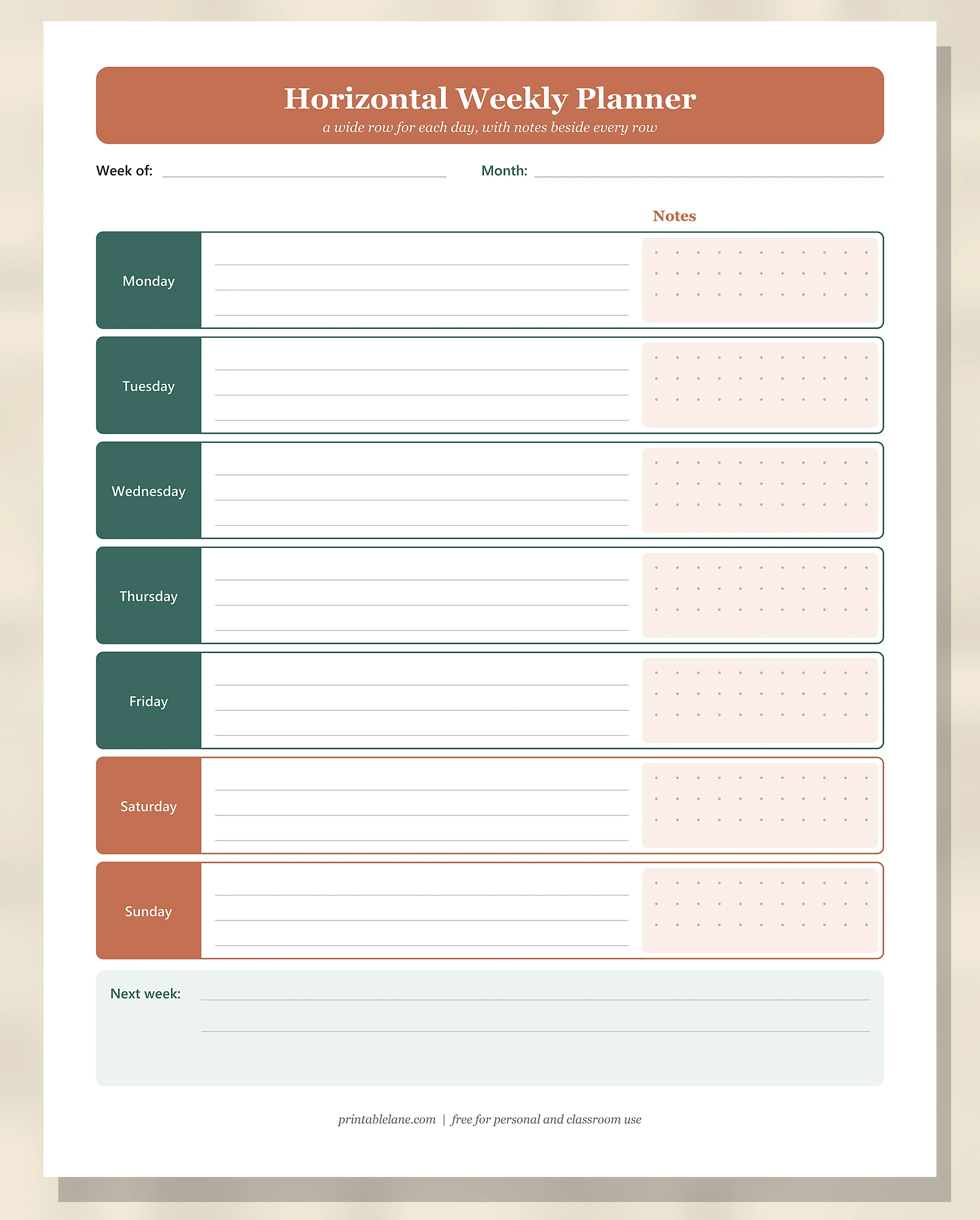
PDF page 5 gives each day, Monday to Sunday, a wide row with 3 writing lines and a dot grid notes area at the right end of the row. A Next week box with 2 lines closes the page.
Weekly To-Do List & Priorities
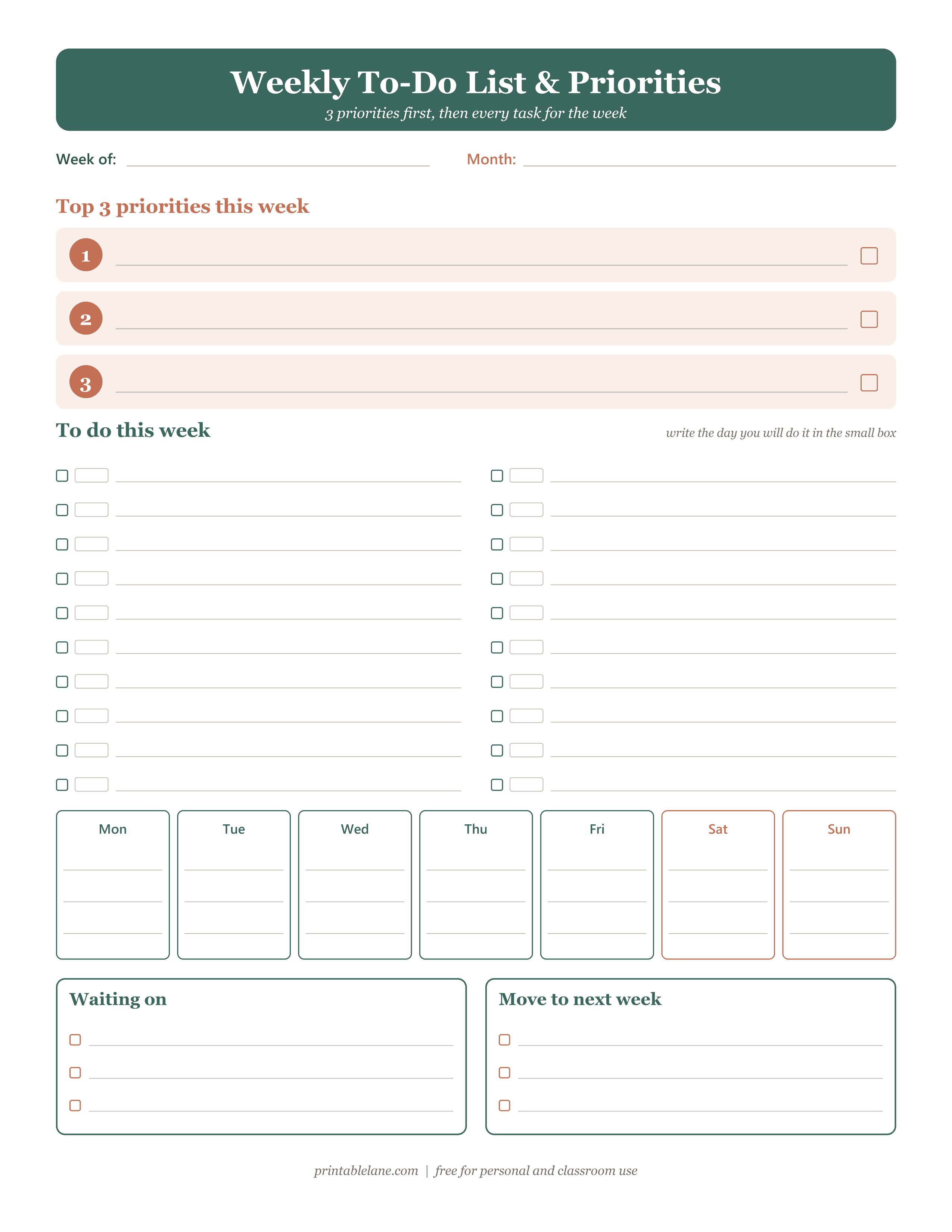
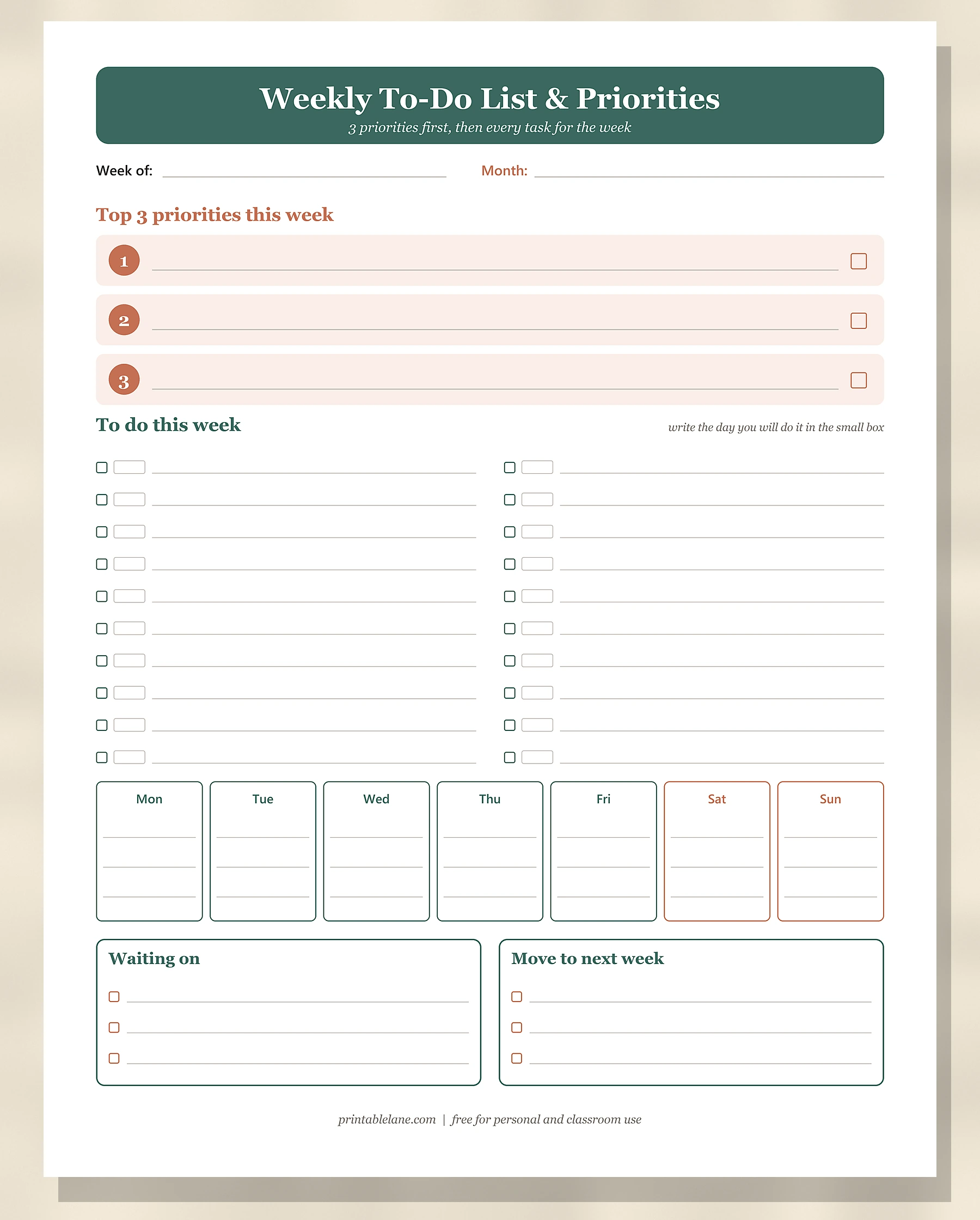
PDF page 6 starts with Top 3 priorities this week, 3 numbered bars with tick boxes. To do this week has 20 tick lines in 2 columns, and each line has a small box for the day you plan to do it. Below are 7 small day boxes, Mon to Sun, with 3 lines each, then Waiting on and Move to next week with 3 tick lines each.
Hourly Weekly Schedule
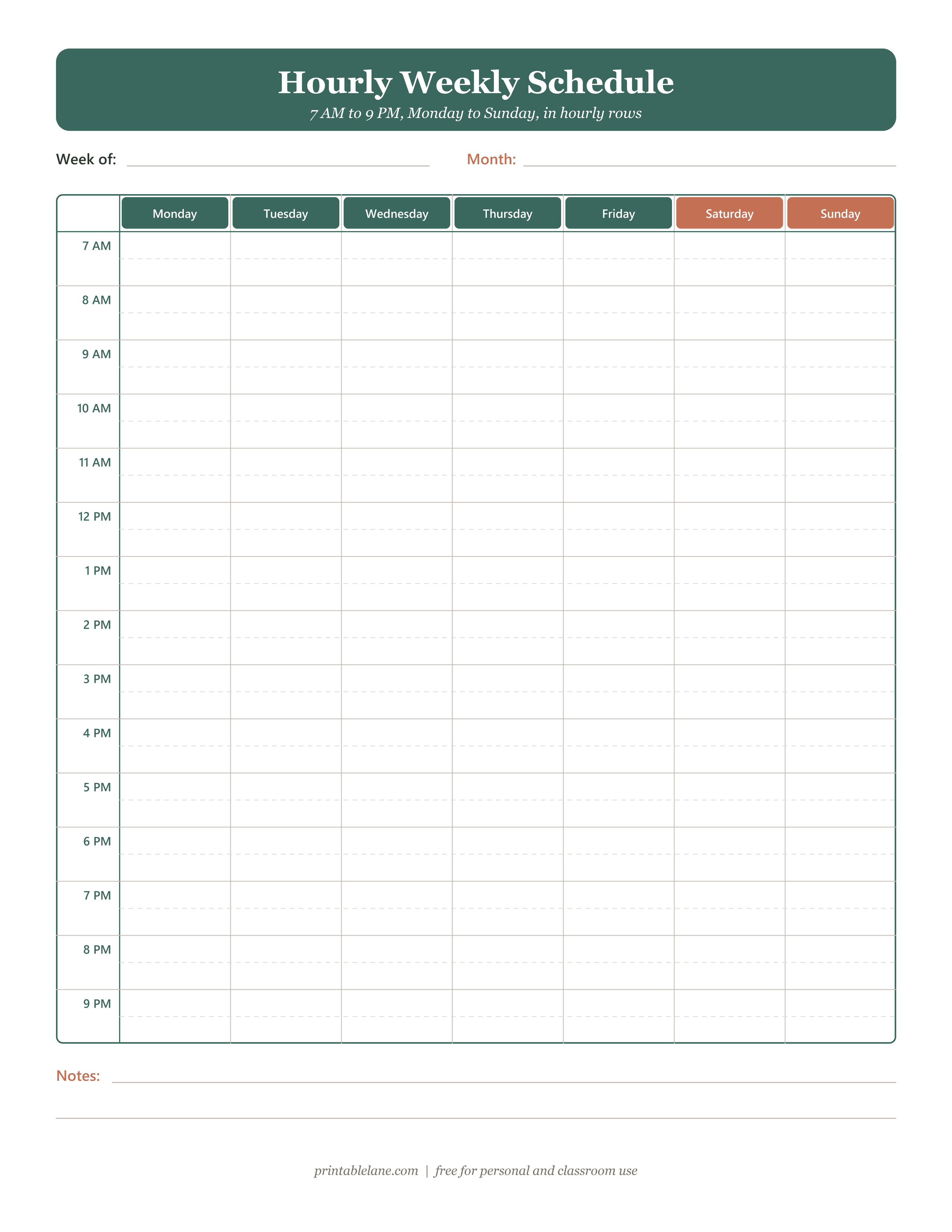
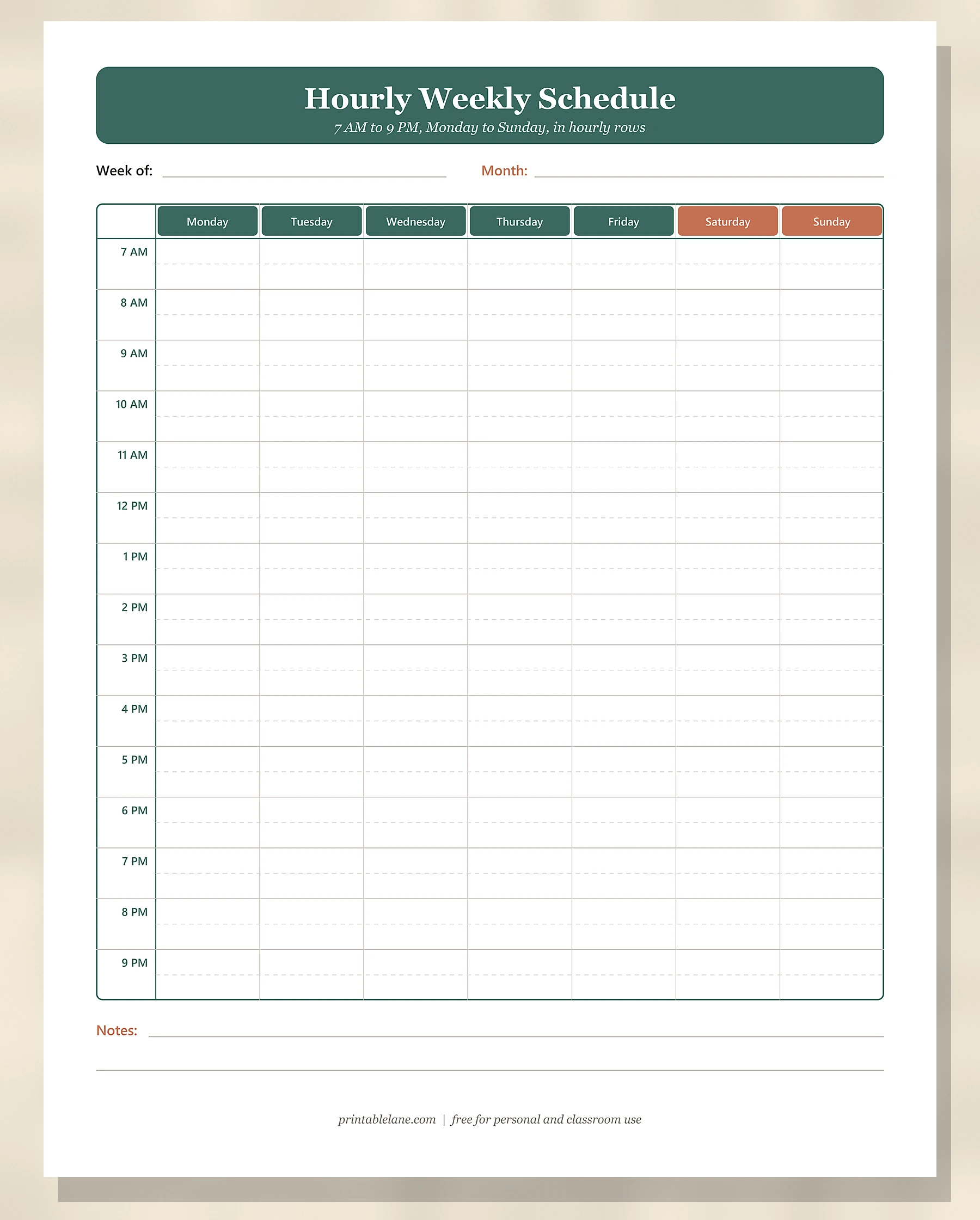
PDF page 7 is a time grid: 7 columns from Monday to Sunday and 15 hourly rows labeled 7 AM to 9 PM, with a dashed line marking each half hour. 2 Notes lines run under the grid.
Student Weekly Planner
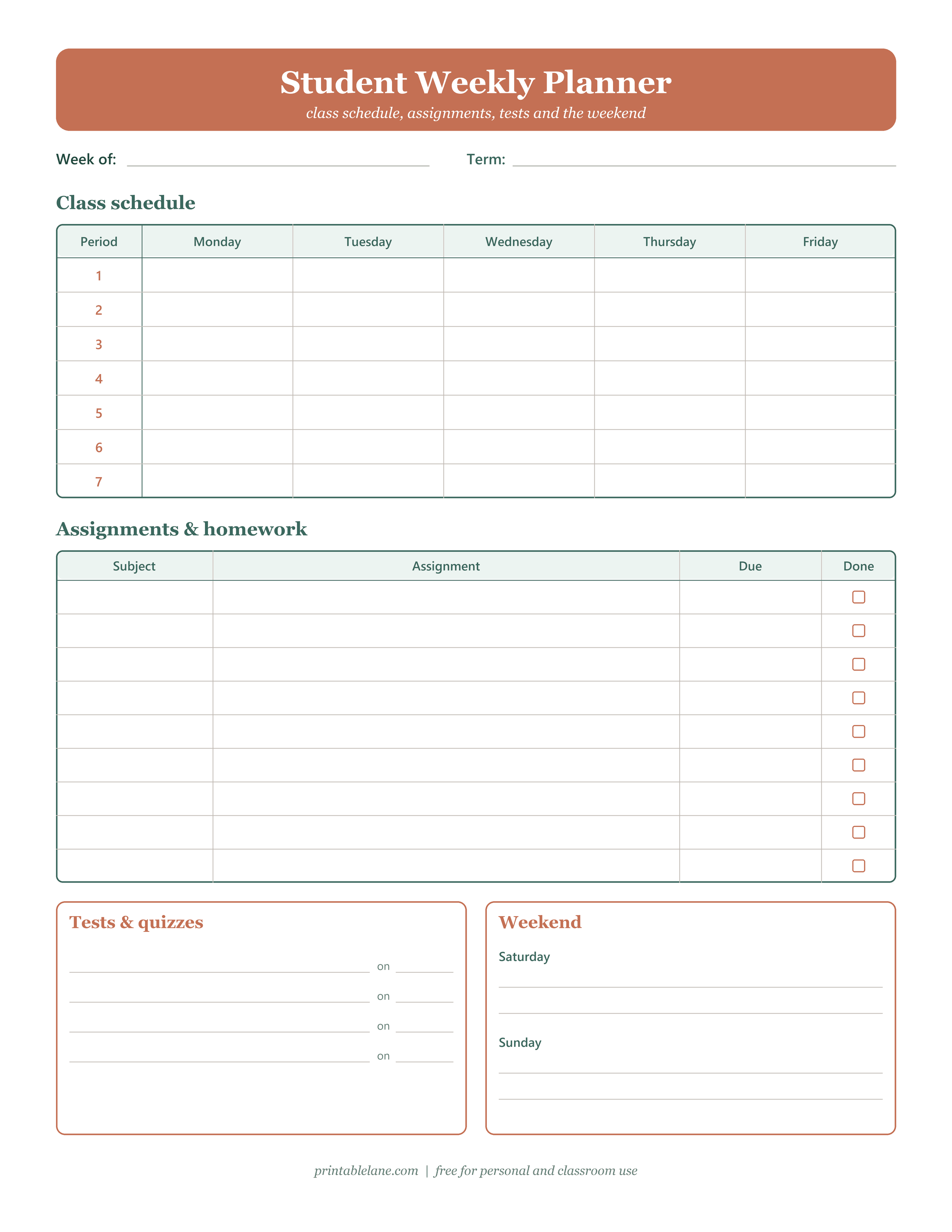
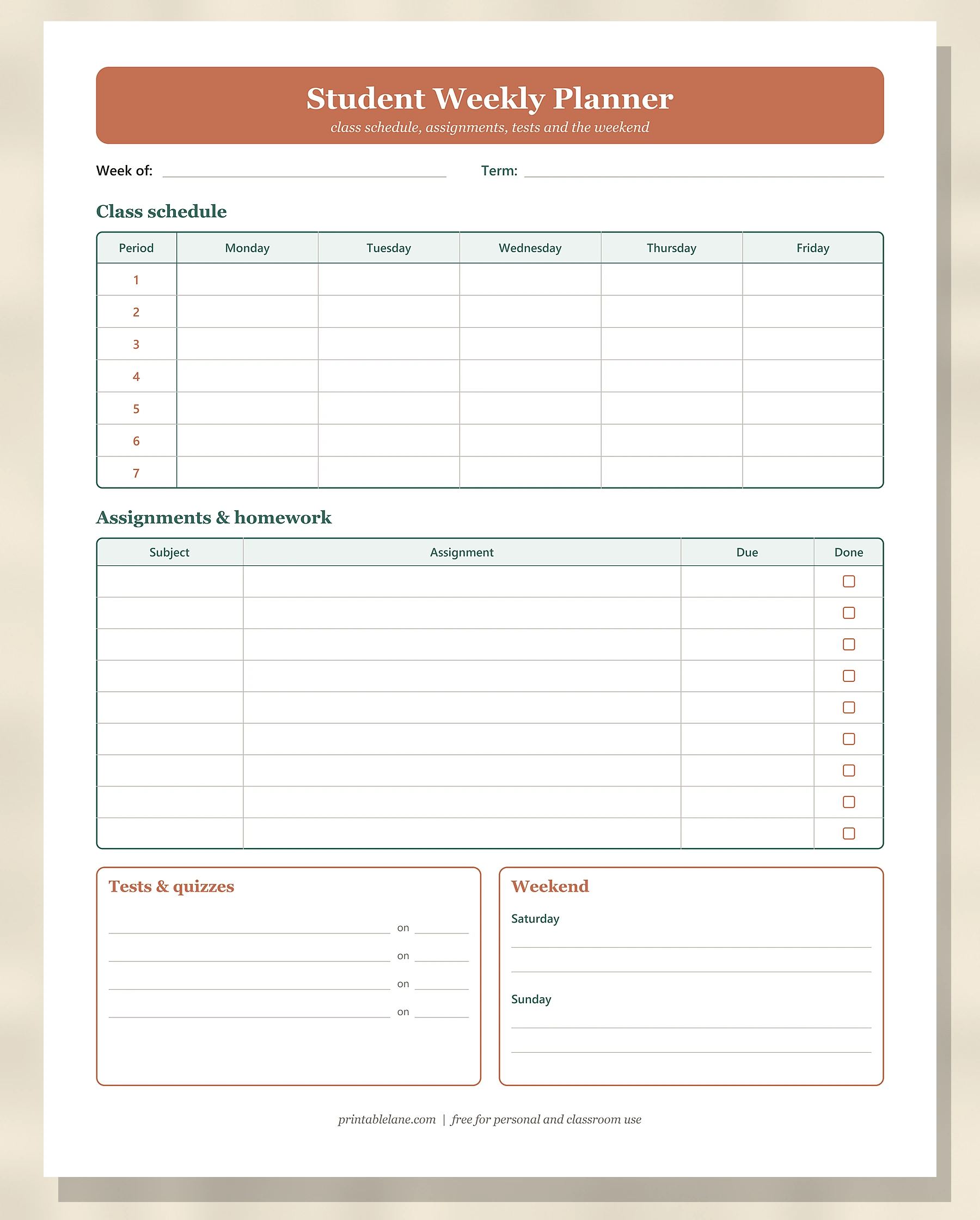
PDF page 8 has a Term line, a Class schedule with 7 periods for Monday to Friday, and an Assignments & homework table with 9 rows (Subject, Assignment, Due, Done). At the bottom, Tests & quizzes has 4 lines with an on date, and Weekend has 2 lines each for Saturday and Sunday.
Family Weekly Planner
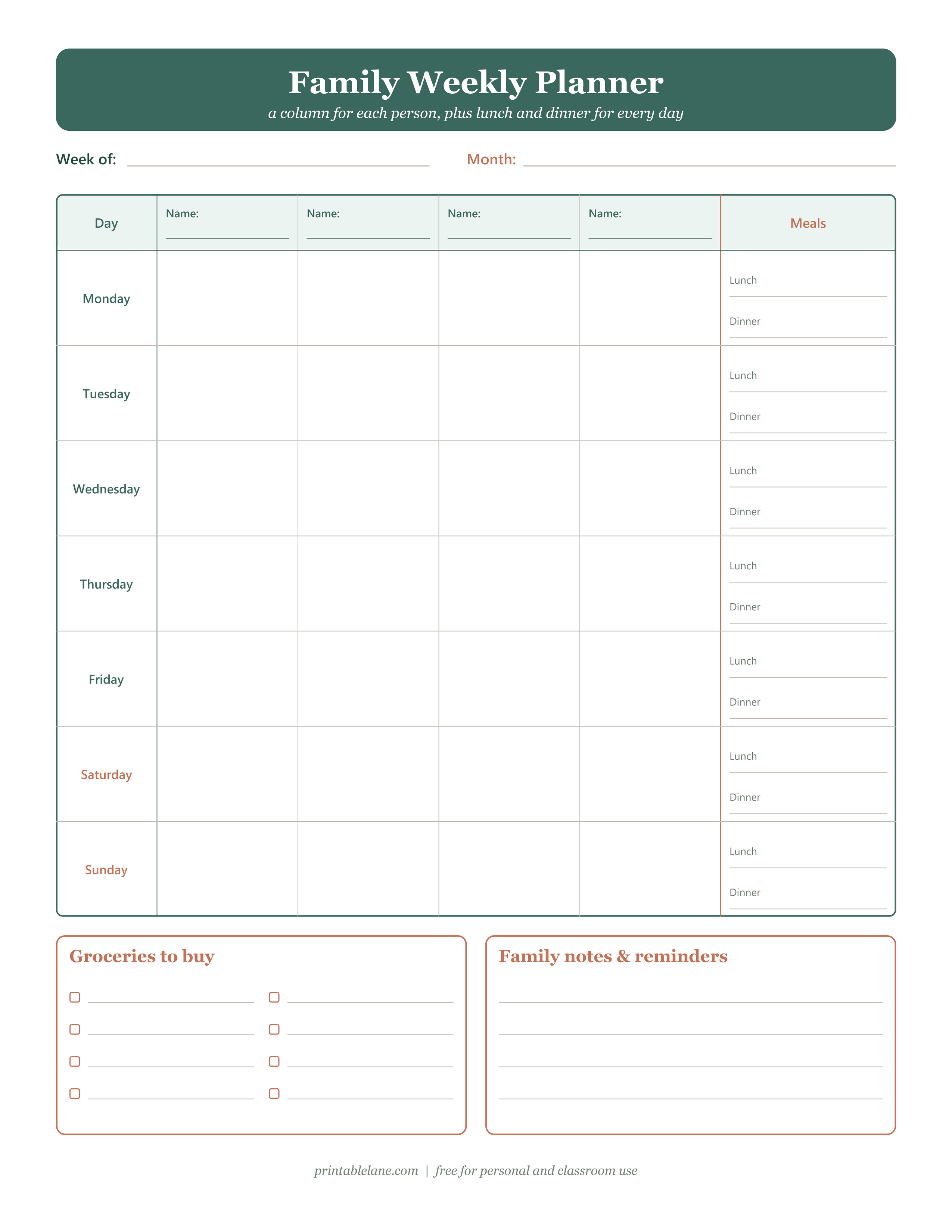
PDF page 9 is a table with a Day column (Monday to Sunday), 4 columns with a blank Name line at the top, and a Meals column with Lunch and Dinner lines for every day. Under the table are Groceries to buy (8 tick lines) and Family notes & reminders (4 lines).
When dinners need more room, plan them on the free printable weekly meal planner and copy only the dinner names here.
Weekly Review & Goals
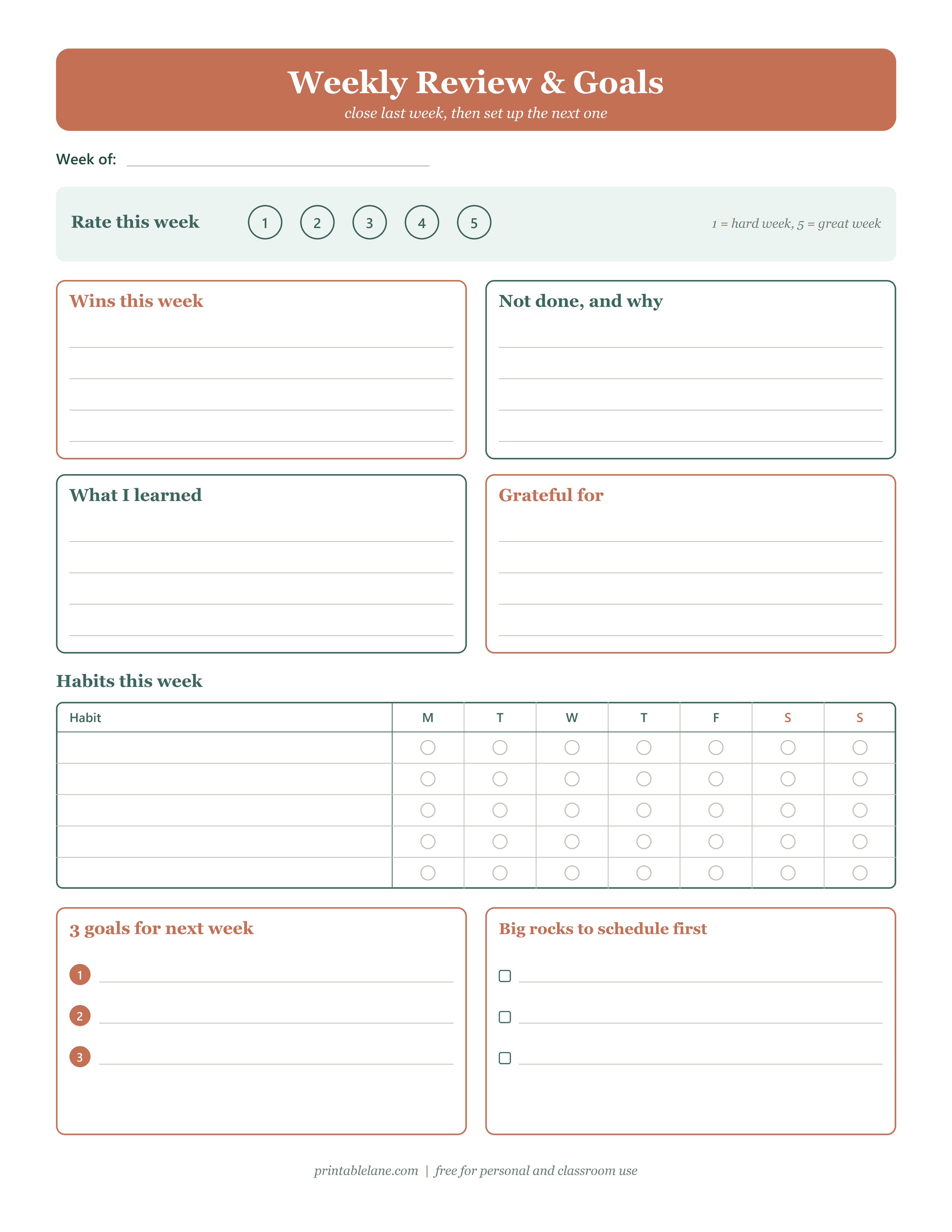
PDF page 10 opens with Rate this week (1 to 5). 4 boxes follow: Wins this week, Not done, and why, What I learned and Grateful for. Habits this week has 5 habit rows with circles for M T W T F S S, and the page ends with 3 goals for next week and Big rocks to schedule first (3 tick lines).
How to plan your week in 20 minutes
Choose a fixed time, such as Sunday evening or Monday before work, and keep it every week. Then work through these steps on the pages above:
- Review last week first. Fill the Weekly Review & Goals page: what worked, what slipped and why. Unfinished tasks either move to the new week or get crossed off for good.
- Write fixed commitments. Work shifts, classes, appointments, practices and birthdays go in before anything flexible.
- Put the big rocks in first. Big rocks are the 2 or 3 things that would make the week a success, like a report draft or a long run. Give each a day and a time before small tasks fill the space.
- Spread the small tasks. Give each one a day on the to-do page, and move extras from a crowded day to a lighter one now.
- Leave buffer. Keep at least 1 block per day unplanned. Errands and calls usually take longer than you expect, and empty space absorbs that without pushing the whole week back.
- Check in midweek. On Wednesday, look at the page for 2 minutes and move anything that is already slipping.
Which weekly layout should you use?
- Simple and quick: Weekly Planner (Monday Start) or (Sunday Start).
- Task-heavy weeks: Vertical Weekly Planner, with 105 tick lines in total (7 columns of 15).
- Lots of notes, few tasks: Horizontal Weekly Planner.
- Too many tasks, unclear focus: Weekly To-Do List & Priorities.
- Meetings, shifts or lessons at set times: Hourly Weekly Schedule.
- Middle school to college: Student Weekly Planner.
- A household with several schedules: Family Weekly Planner.
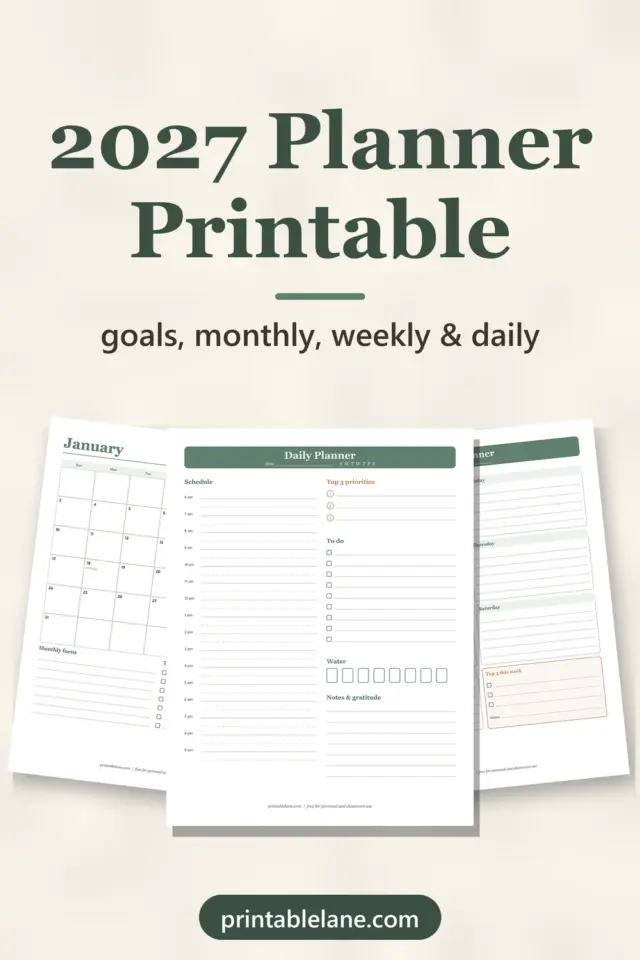
Monday or Sunday start is a matter of habit. The ISO 8601 standard counts Monday as day 1 of the week, which is why many planners begin there, while most US calendars put Sunday first. Pick the one that matches the calendar you already use. For a dated year with monthly pages, use the 2027 planner printable; if you draw your own week, the bullet journal weekly spread ideas show hand-drawn layouts.
Printing tips
- US Letter: 8.5 x 11 in paper at 100% (Actual size) keeps the boxes at their drawn size.
- A4: choose Fit to page. A4 is 210 x 297 mm (about 8.27 x 11.69 in), slightly narrower than Letter, so the page scales down a little and nothing is cut off.
- Paper: regular 20 lb (75 gsm) copy paper is fine for pencil and ballpoint. For highlighters or gel pens, 24 to 32 lb paper shows through less.
Download single pages
Need a fresh hourly grid every Monday, or just the family table for the fridge? Each design has its own file:
- Weekly Planner (Monday Start) (PNG)
- Weekly Planner (Sunday Start) (PNG)
- Vertical Weekly Planner (PNG)
- Horizontal Weekly Planner (PNG)
- Weekly To-Do List & Priorities (PNG)
- Hourly Weekly Schedule (PNG)
- Student Weekly Planner (PNG)
- Family Weekly Planner (PNG)
- Weekly Review & Goals (PNG)
Frequently asked questions
How many pages are in the PDF?
10 pages: the cover is page 1, and the 9 weekly designs are pages 2 to 10. To print only the hourly schedule, enter page 7 in your print dialog.
Can I print the weekly planner on A4 paper?
Yes. Choose Fit to page in the print dialog; the layout shrinks slightly to fit the narrower A4 sheet and keeps every box.
Are the weekly planner pages dated?
No. Each page has a blank Week of line, so you can start any week of any year and skip weeks without wasting paper.
What hours does the hourly weekly schedule cover?
It has 15 hourly rows labeled 7 AM to 9 PM, so the last row is the 9 PM hour. Each row is split by a dashed half-hour line.
How many people fit on the family weekly planner?
4 name columns, plus a shared Meals column. For a larger household, print 2 copies or put 2 younger kids in 1 column.