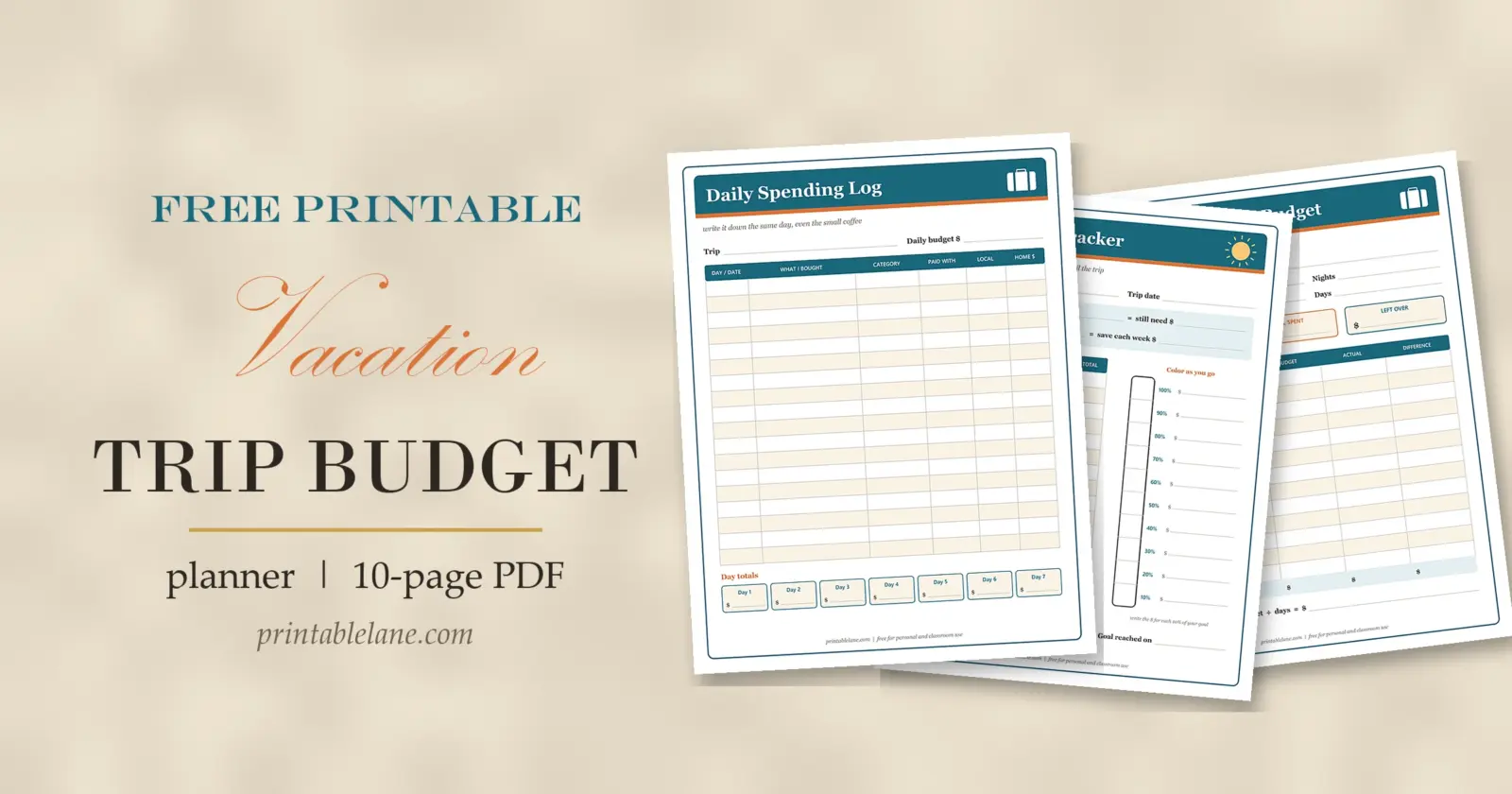
A trip feels expensive twice: when you book it and when you check your bank app on the last day. This trip budget planner puts both moments on paper, so the total you set at home is the one you compare against at the end.
It works for a weekend drive, a family beach week or a city break abroad. Every amount is yours to fill in; no page assumes a price or a currency.
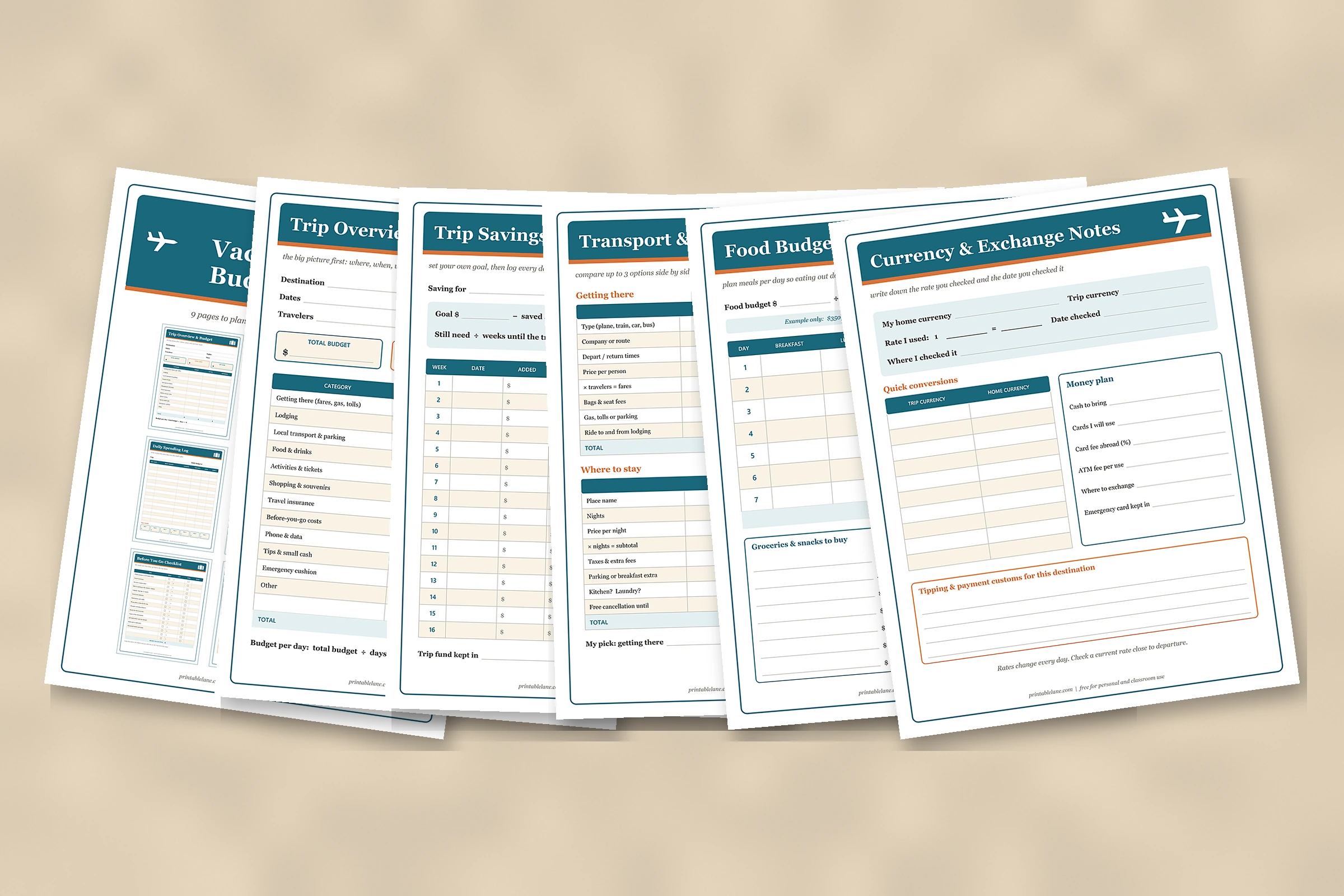
What’s in the PDF (10 pages)
- Page 1: cover
- Page 2: Trip Overview & Budget
- Page 3: Trip Savings Tracker
- Page 4: Transport & Lodging (3-option comparison)
- Page 5: Daily Spending Log
- Page 6: Food Budget
- Page 7: Activities & Tickets
- Page 8: Before You Go Checklist
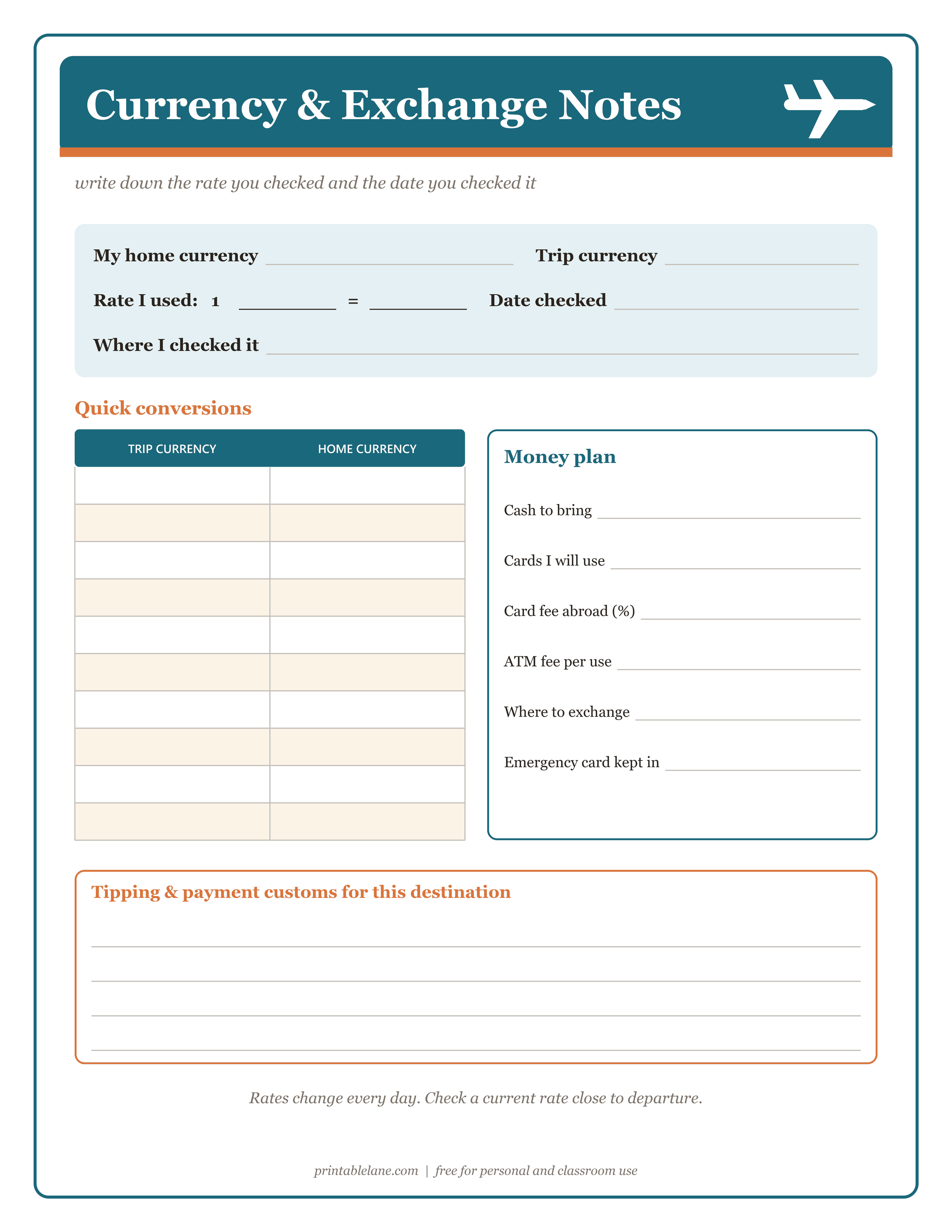
- Page 9: Currency & Exchange Notes
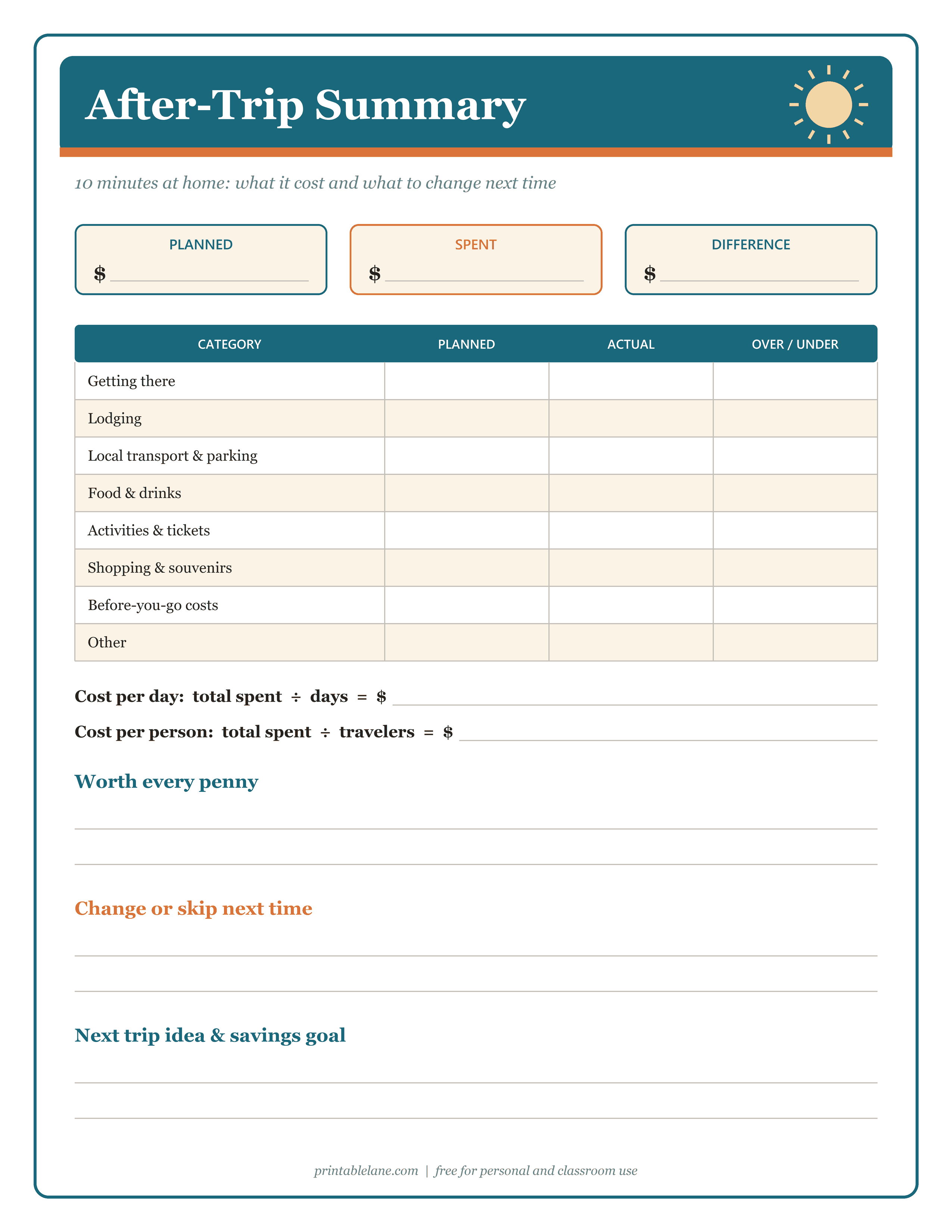
- Page 10: After-Trip Summary
Before you book: set the total and compare prices
Trip Overview & Budget
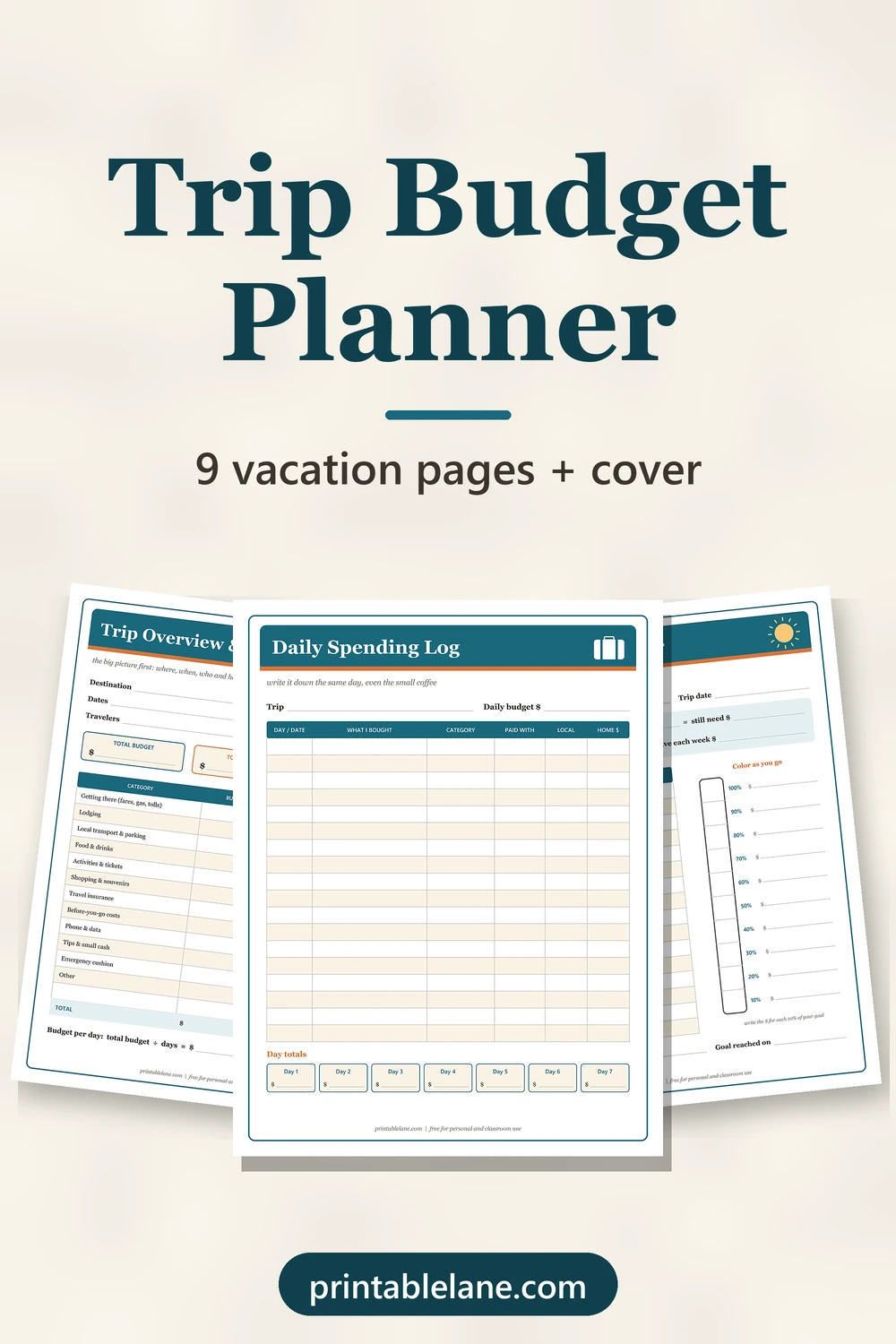
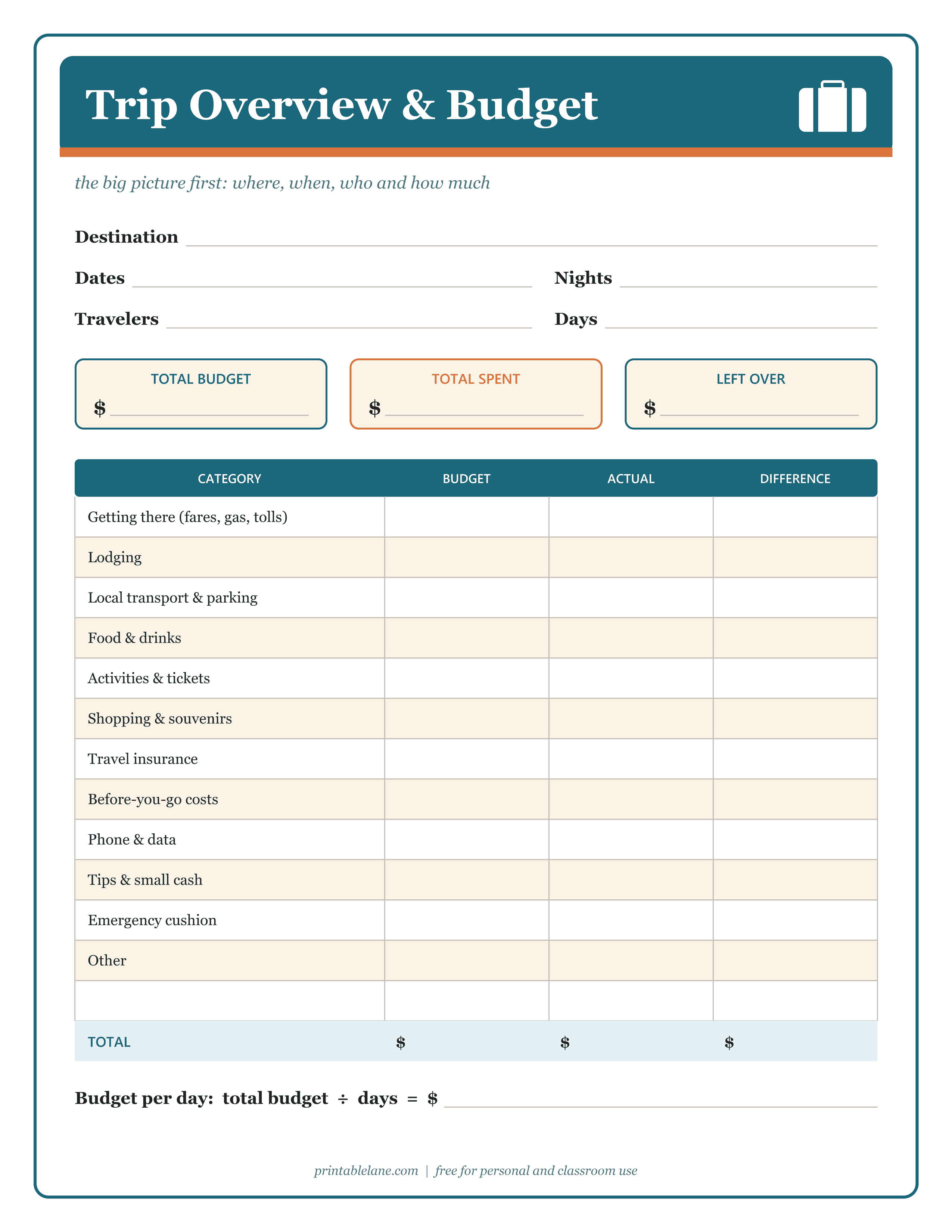
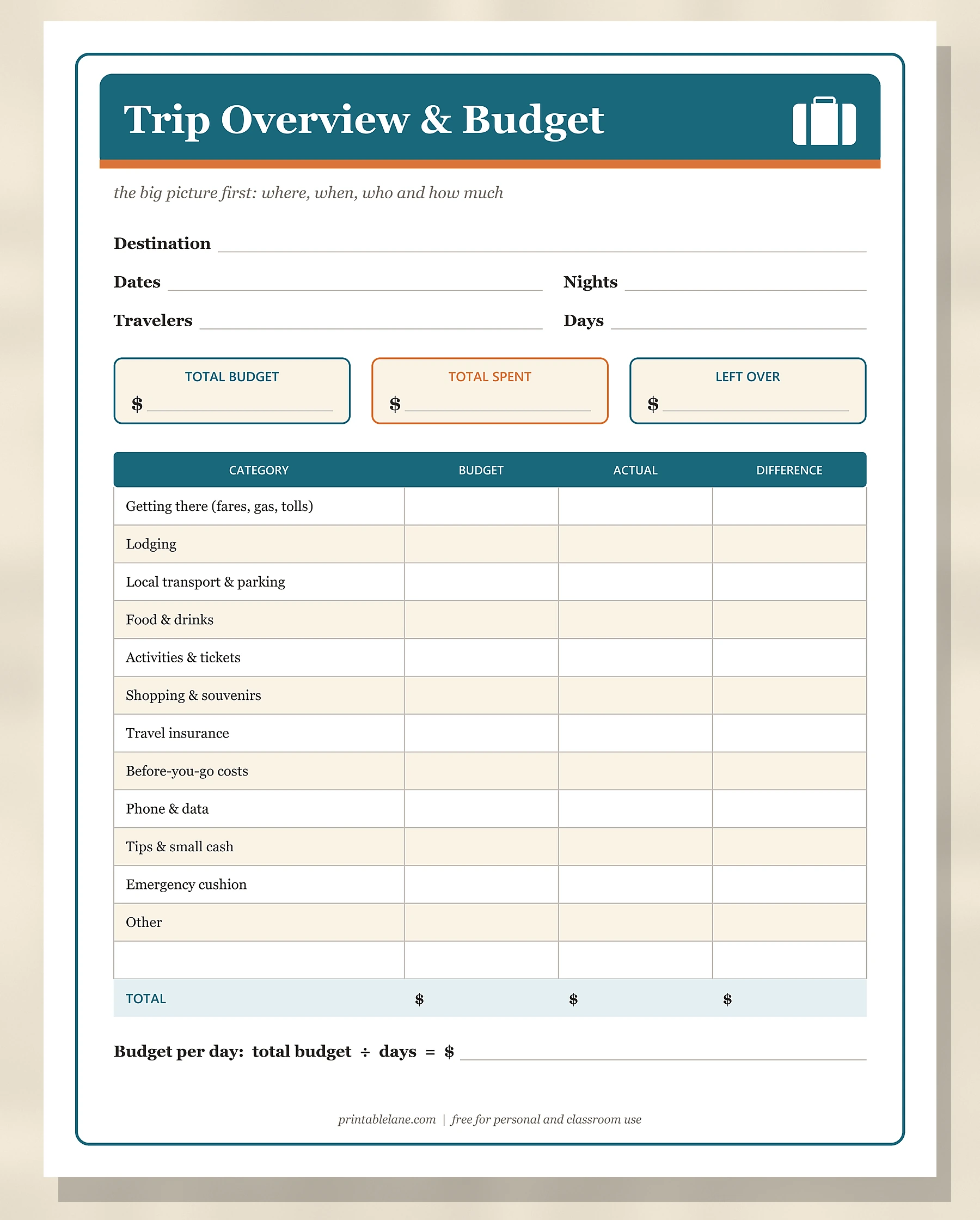
PDF page 2 starts with Destination, Dates, Nights, Travelers and Days lines, then 3 boxes: Total Budget, Total Spent and Left Over. The table lists 12 categories, from Getting there (fares, gas, tolls) and Lodging to Phone & data, Tips & small cash and an Emergency cushion, plus 1 blank row. Each row has Budget, Actual and Difference columns, and a Budget per day line closes the page.
Trip Savings Tracker
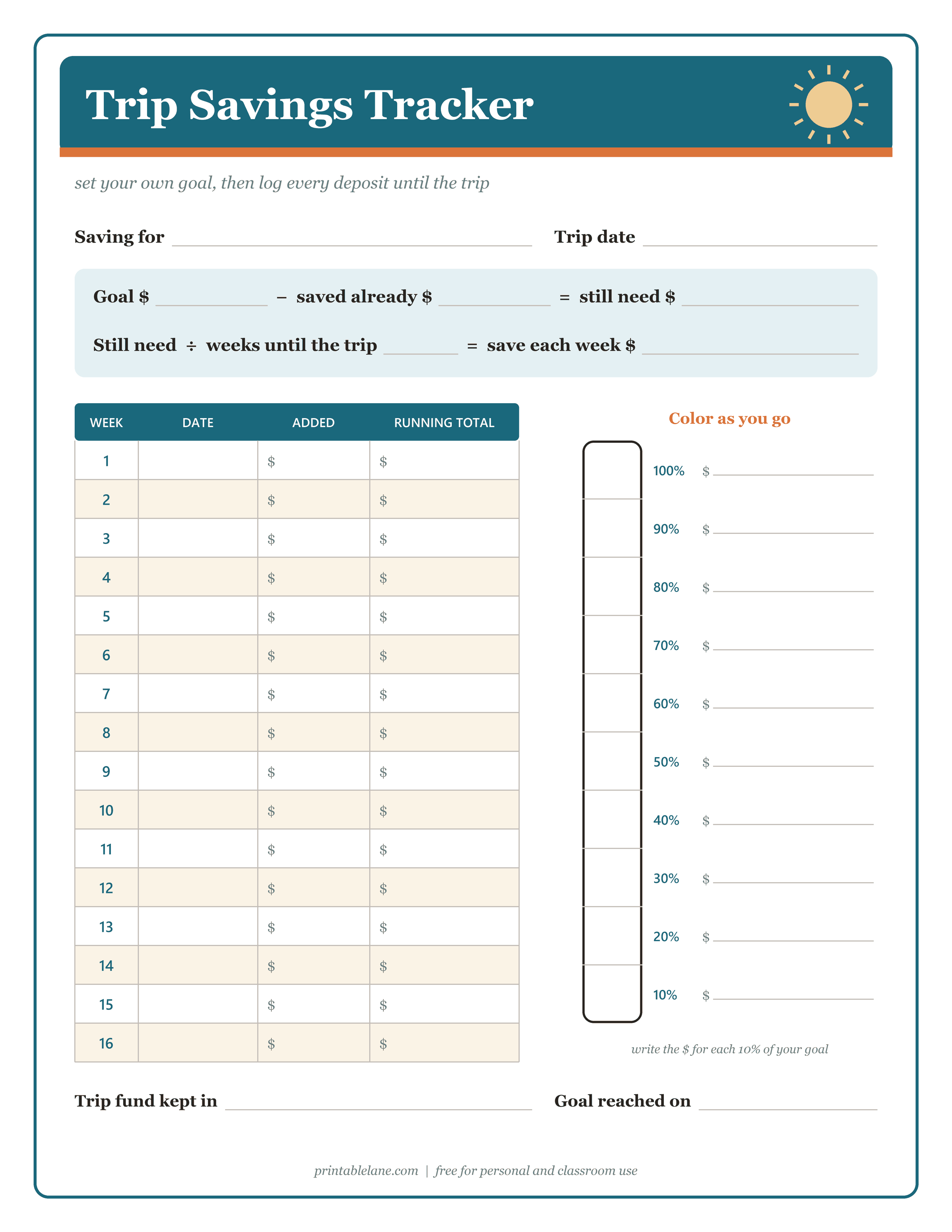
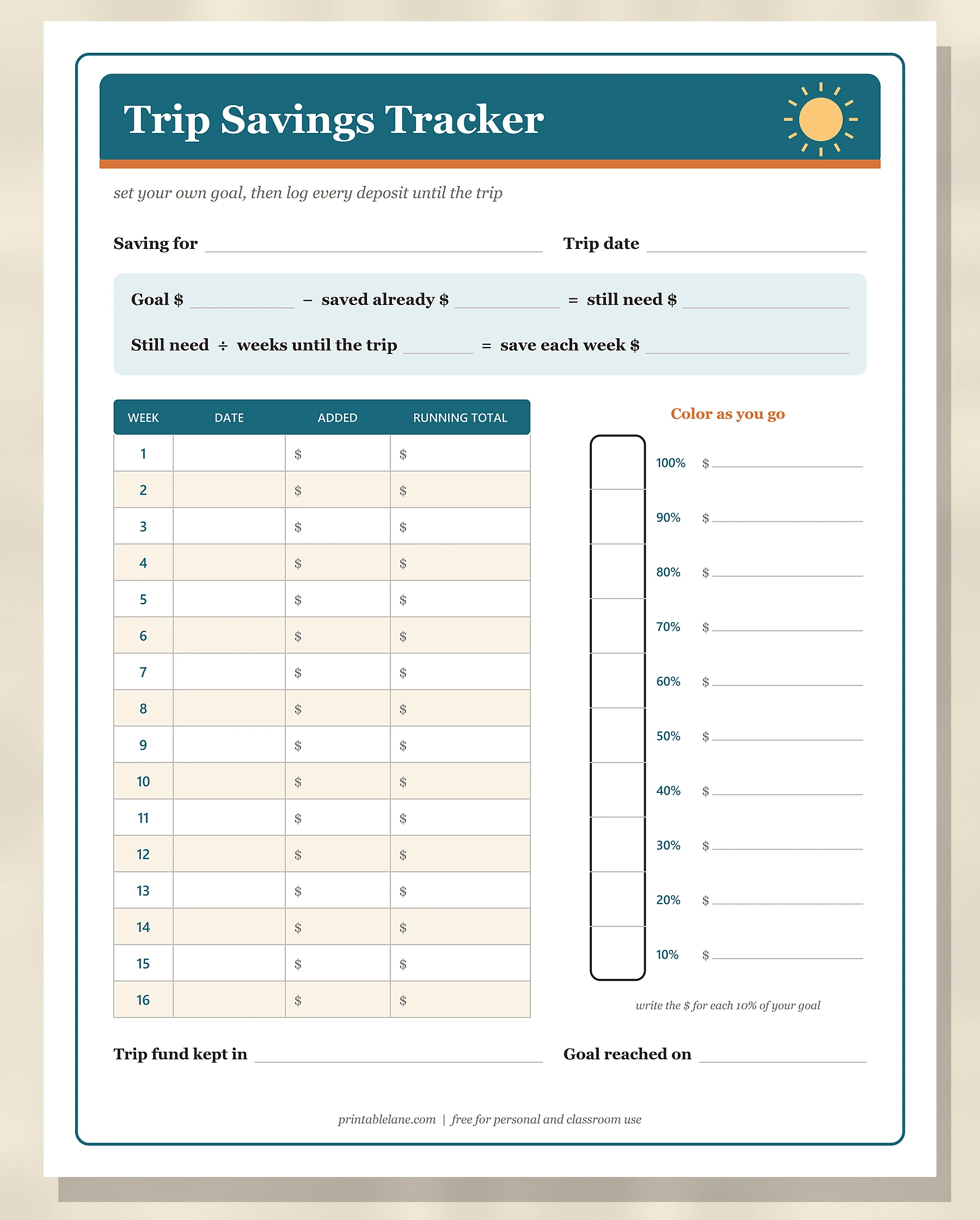
PDF page 3 opens with 2 formulas: Goal minus saved already equals still need, and still need ÷ weeks until the trip equals save each week. A 16-week table has Date, Added and Running Total columns. Beside it, a bar split into 10 segments (10% to 100%, each with a $ line) gets colored as you pass each milestone.
Transport & Lodging
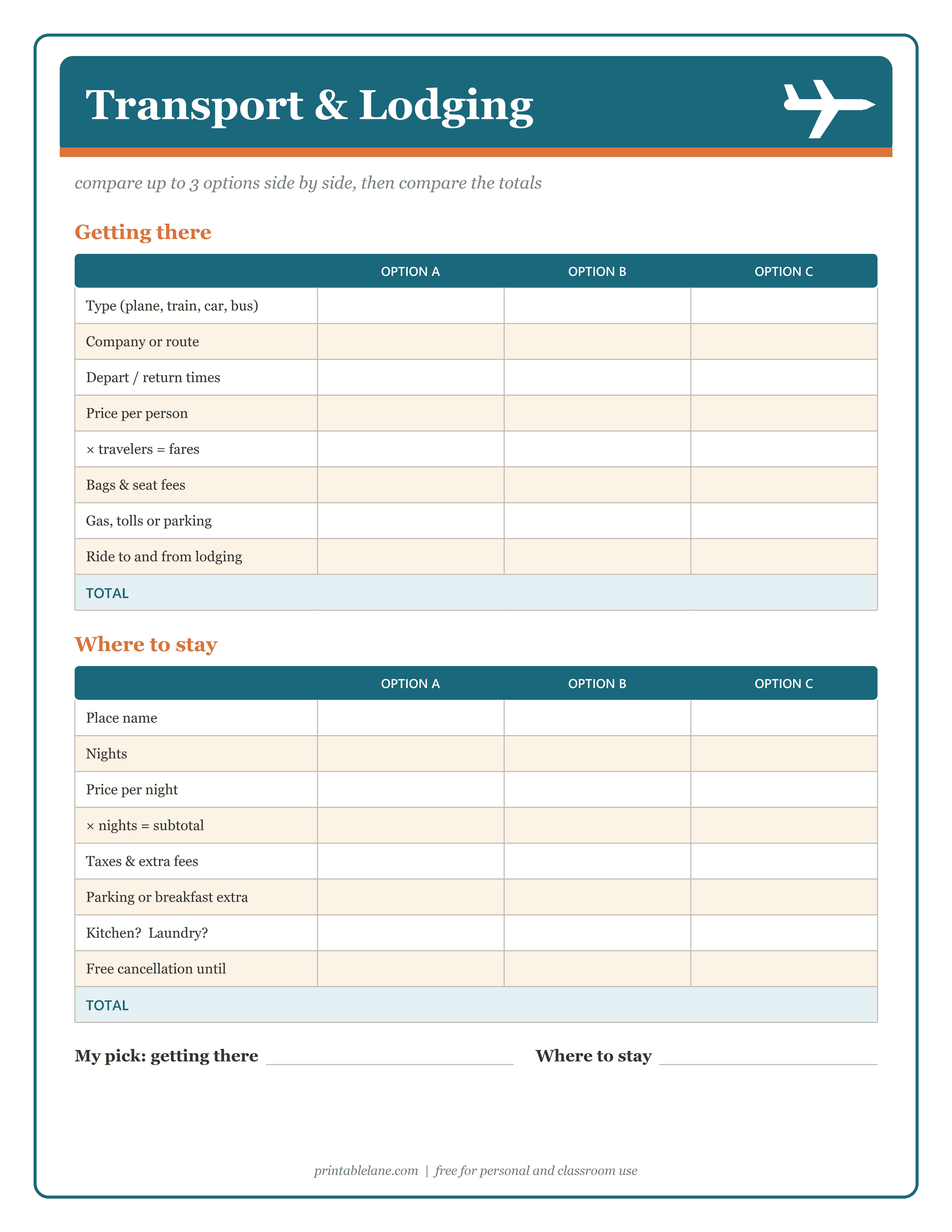
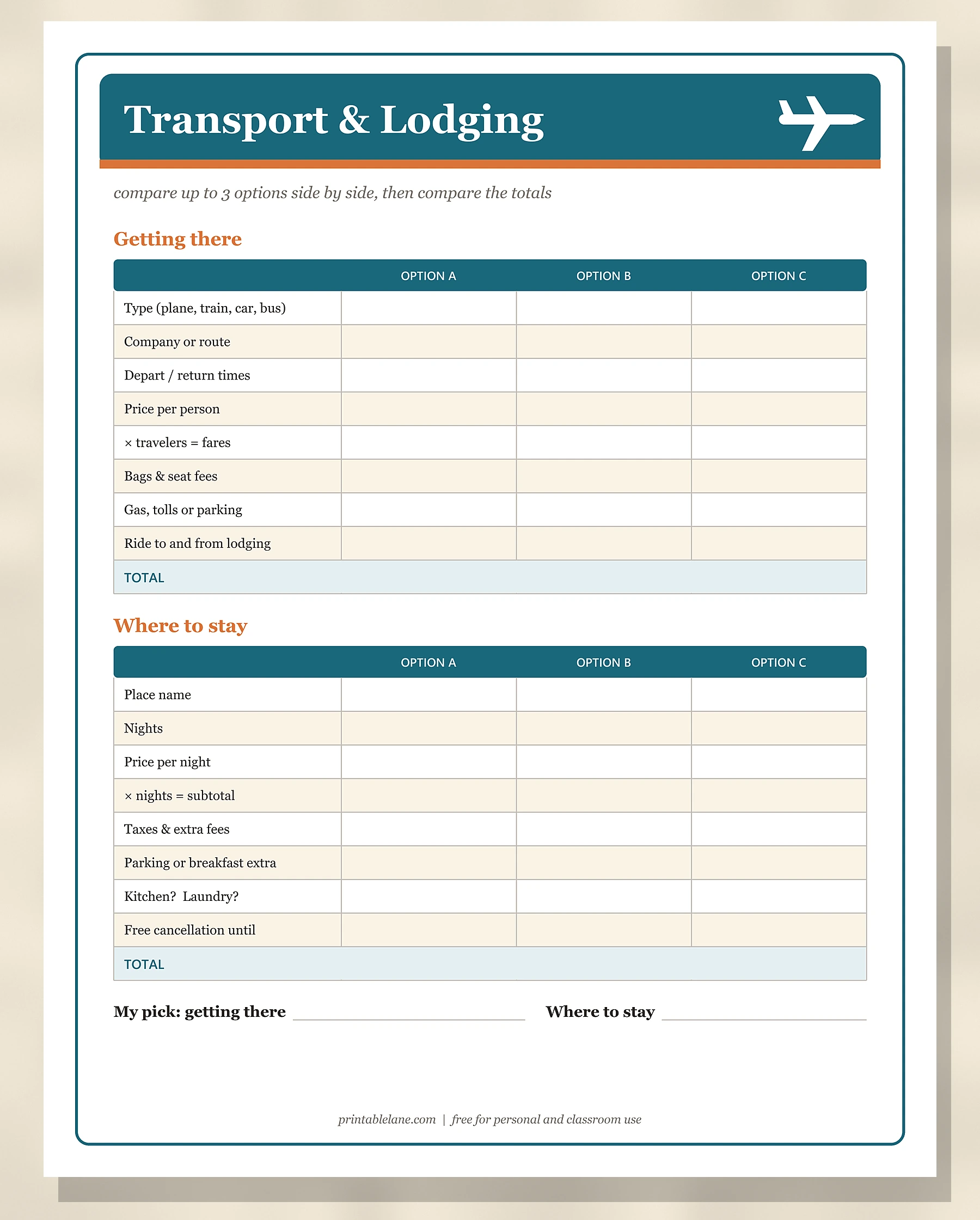
PDF page 4 compares up to 3 options in 2 grids. Getting there has rows for type, route, times, price per person, fares for all travelers, bag and seat fees, gas, tolls or parking, and the ride to lodging. Where to stay has rows for nights, price per night, subtotal, taxes and extra fees, parking or breakfast extras, kitchen or laundry, and the free cancellation date. Each grid ends in a TOTAL row, and 2 lines record your pick.
On the trip: track it the same day
Daily Spending Log
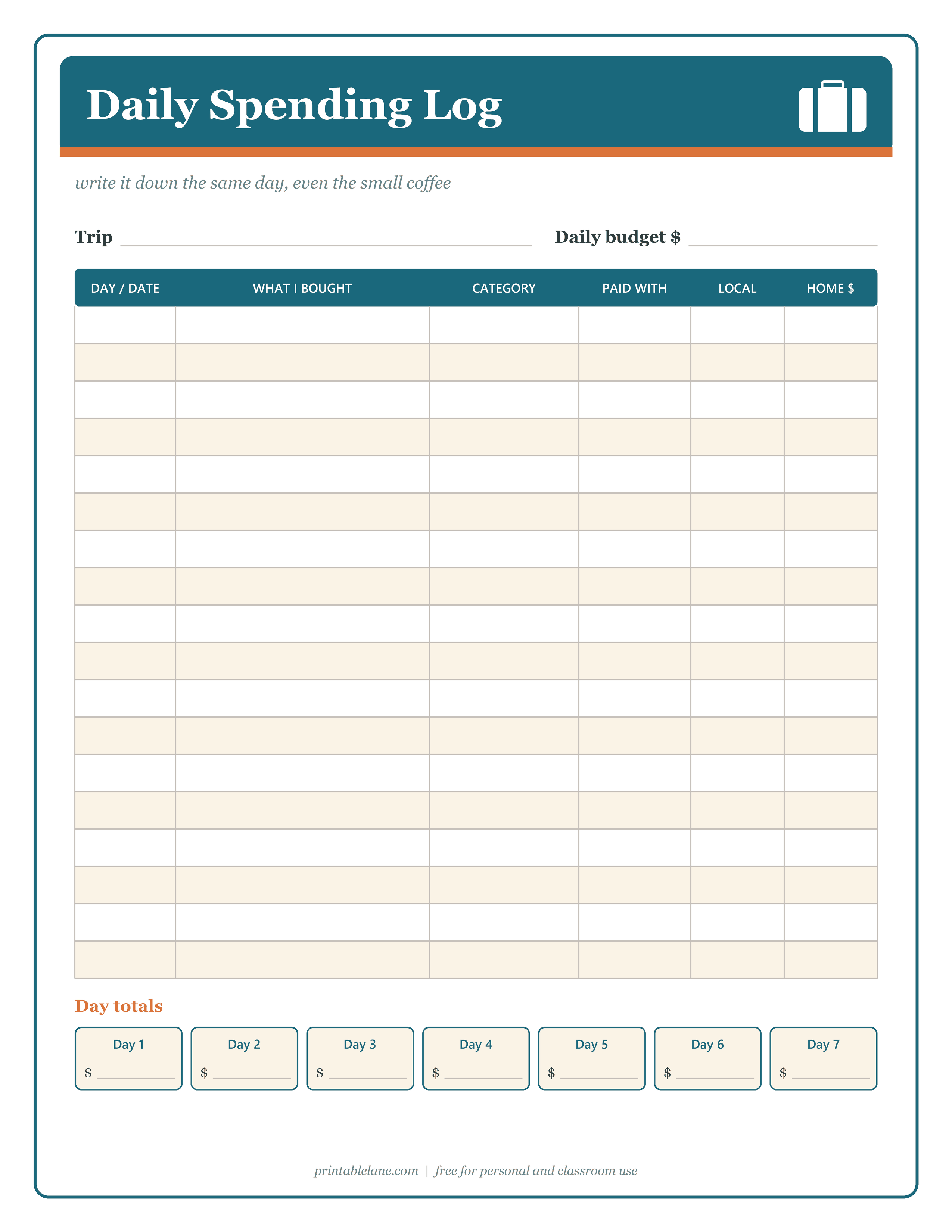
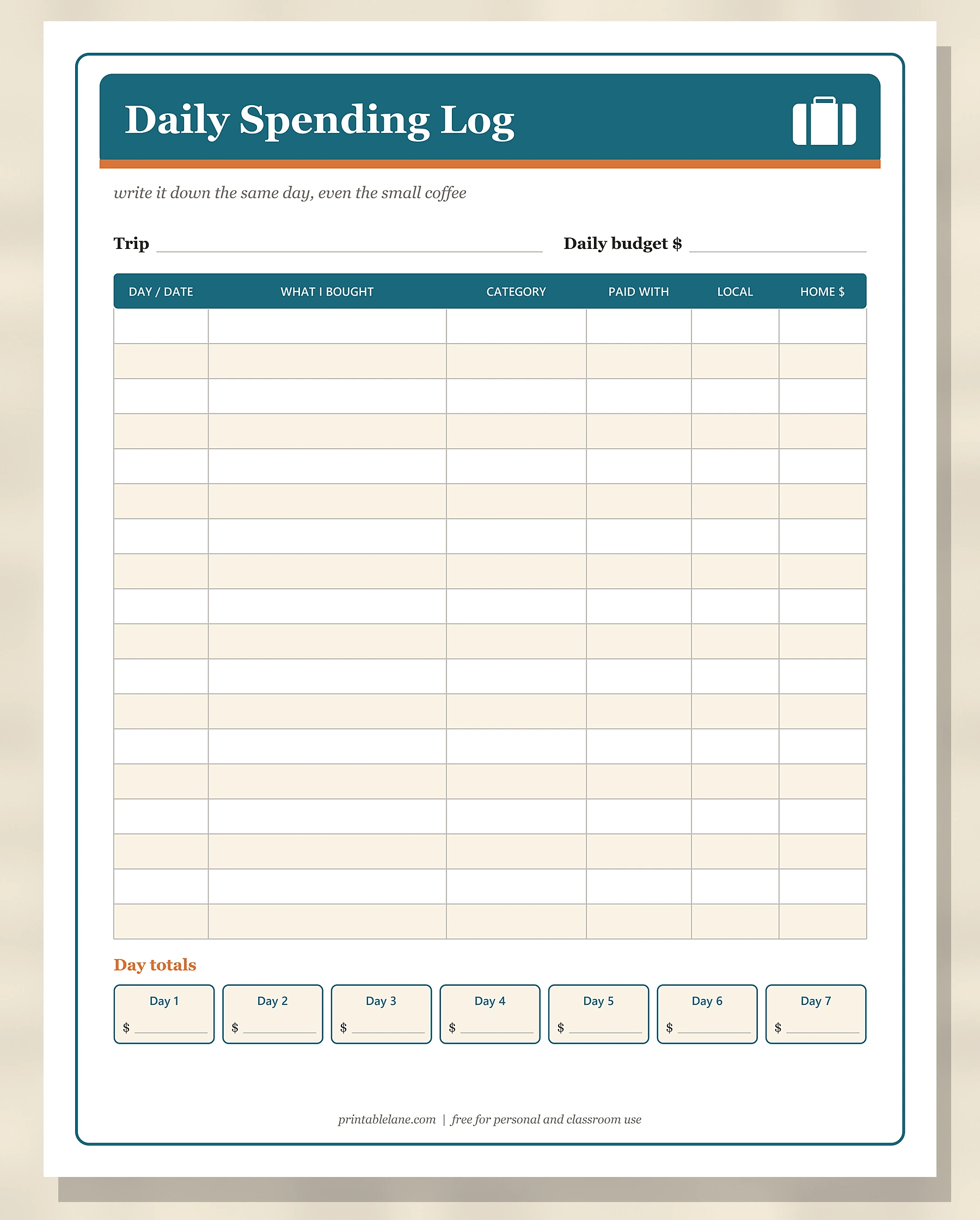
PDF page 5 has a Trip line, a Daily budget line and 18 rows with Day / Date, What I Bought, Category, Paid With, Local and Home $ columns. The 2 money columns let you write the price as charged and the amount in your own currency. Day totals for Day 1 to Day 7 sit in boxes at the bottom.
Food Budget
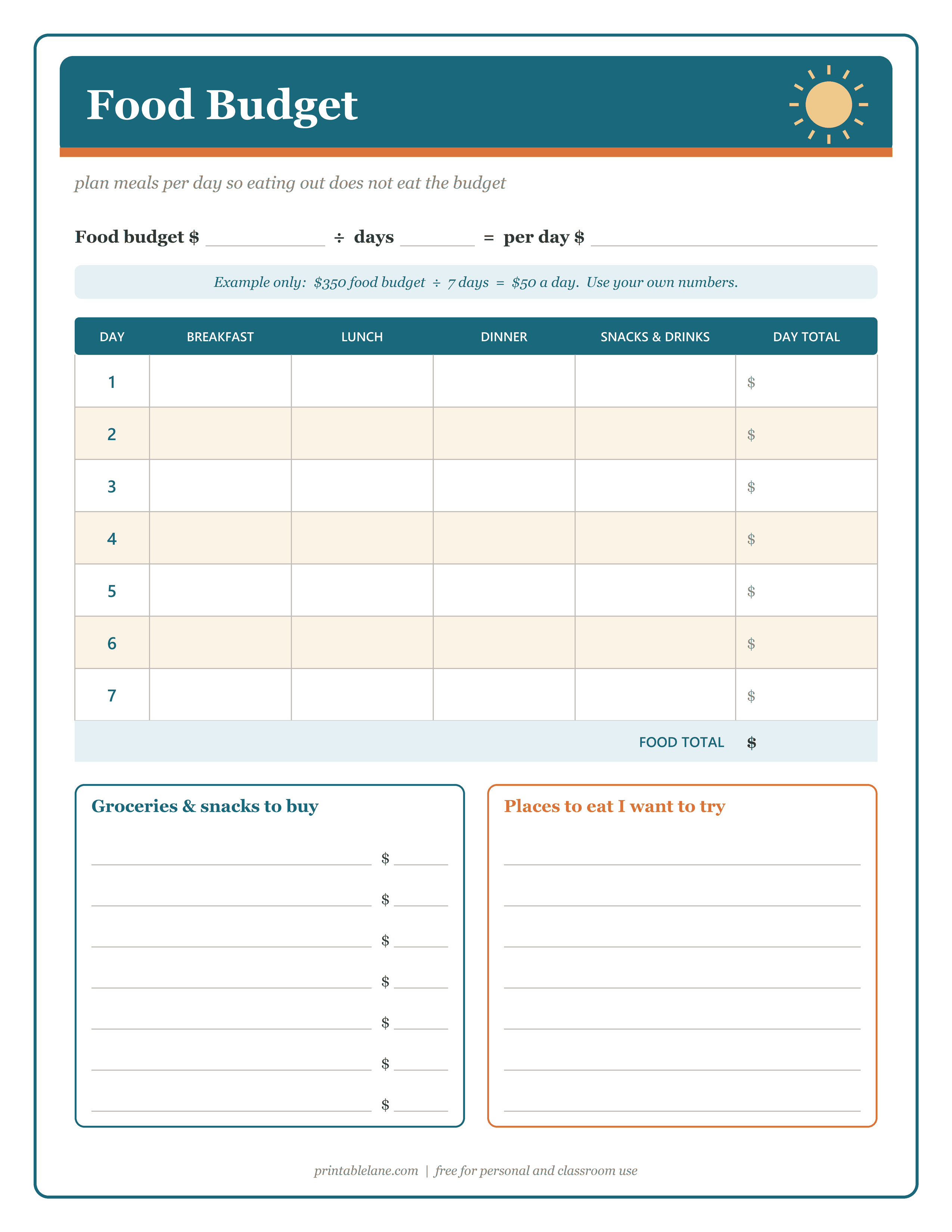
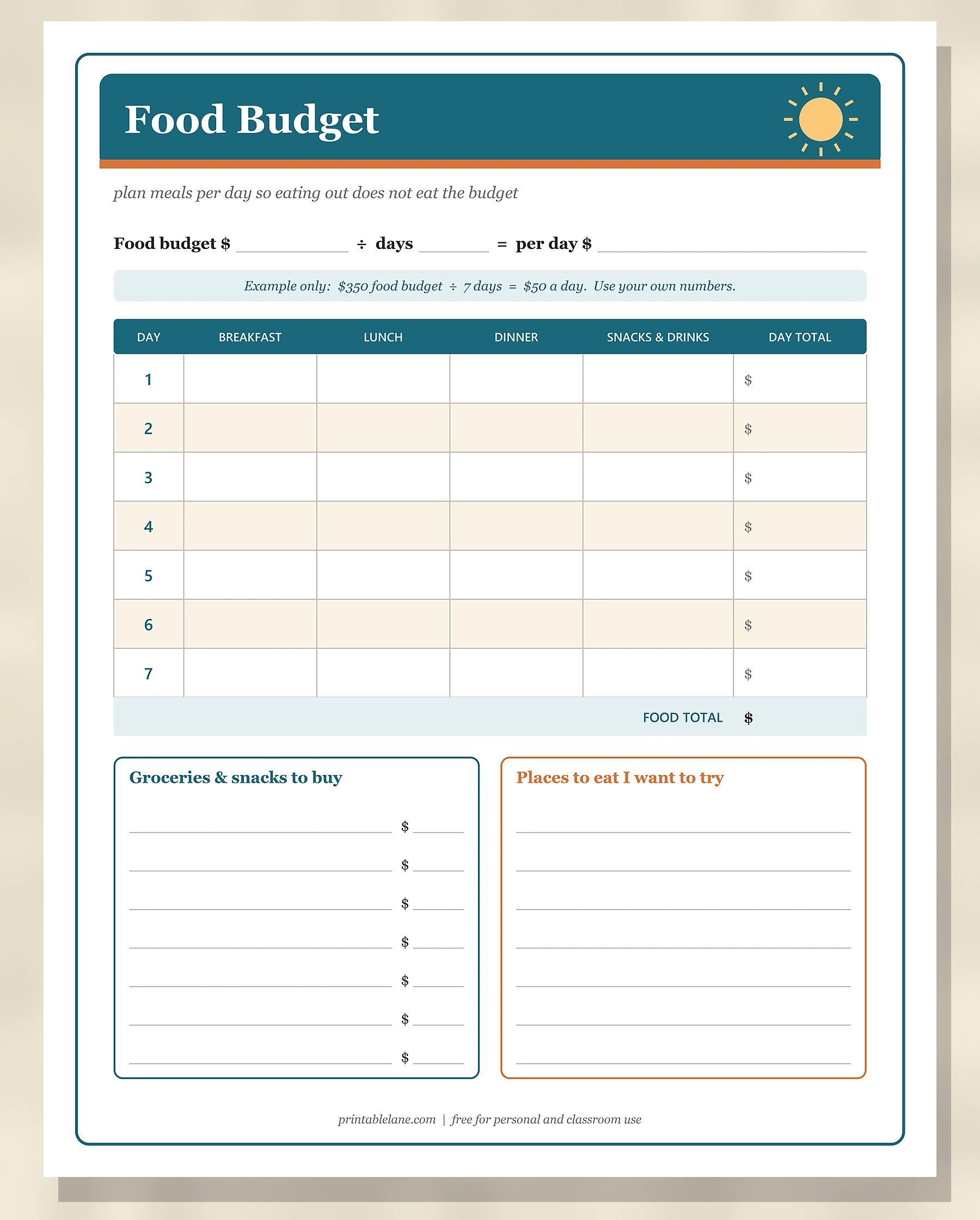
PDF page 6 divides the food budget by the number of days to get a per-day amount. A shaded line shows an example only ($350 ÷ 7 days = $50 a day), then a 7-day grid gives Breakfast, Lunch, Dinner, Snacks & Drinks and Day Total columns, with a Food Total row. Below are 2 boxes: Groceries & snacks to buy, with 7 lines and $ spaces, and Places to eat I want to try, with 7 lines.
Activities & Tickets
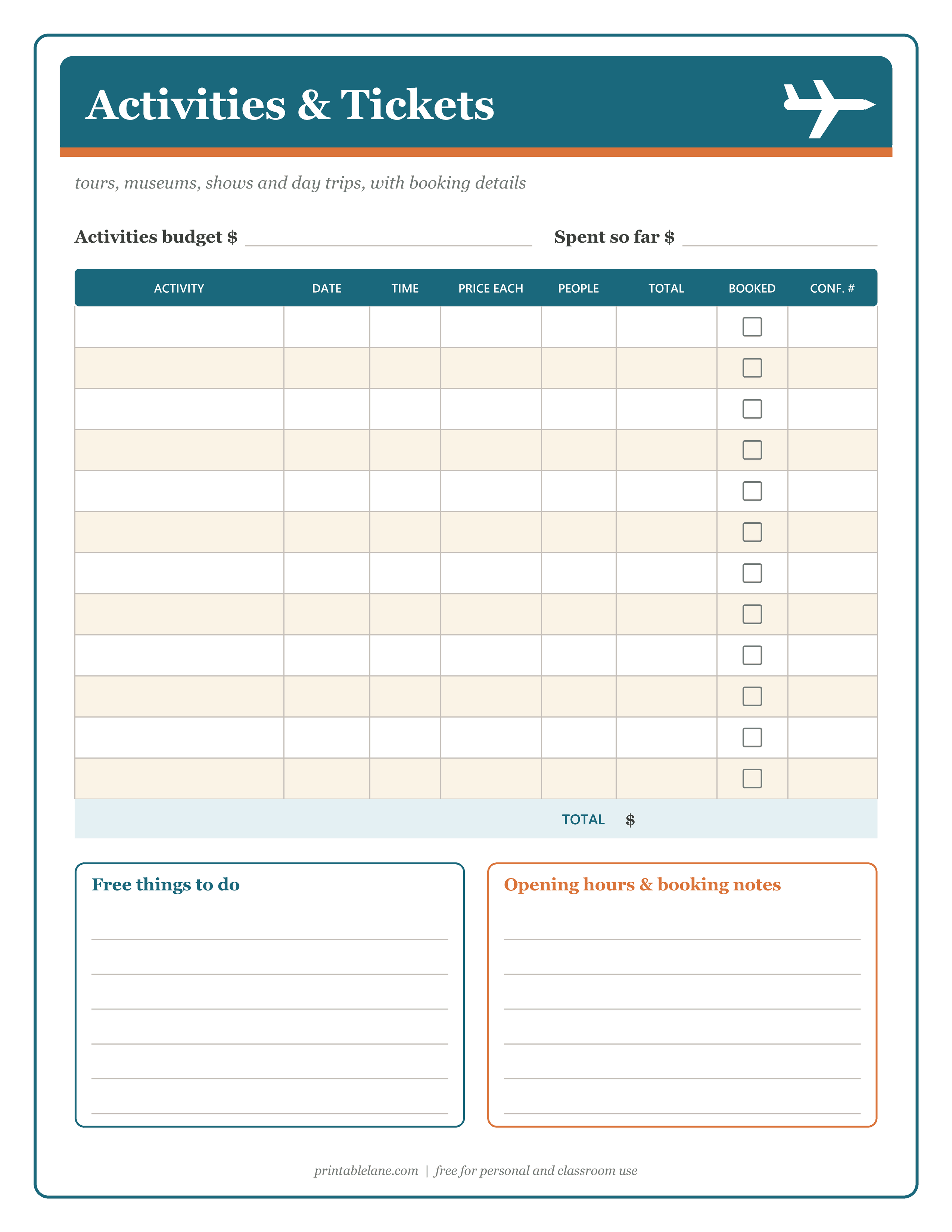
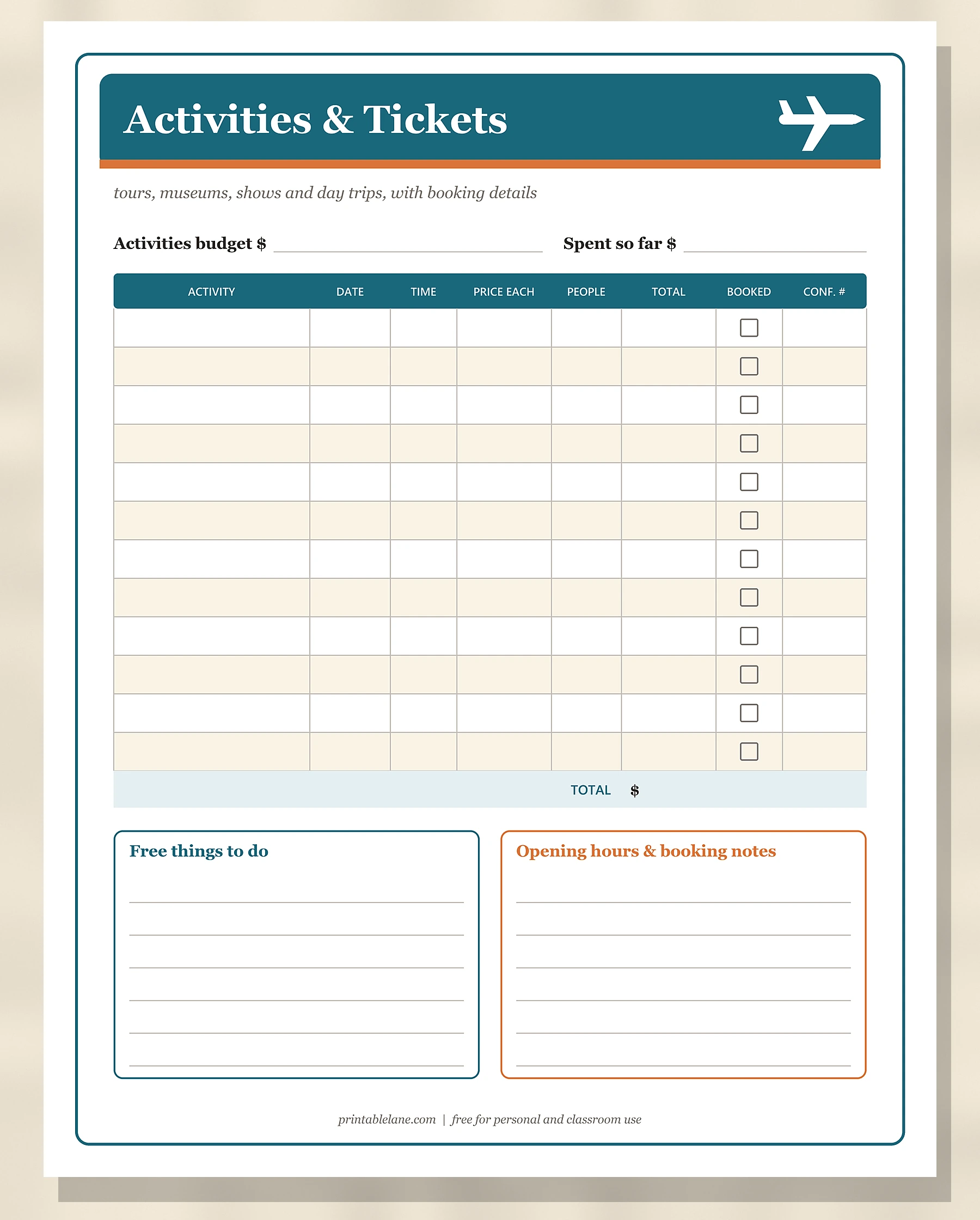
PDF page 7 has Activities budget and Spent so far lines, then 12 rows for Activity, Date, Time, Price Each, People, Total, a Booked checkbox and a confirmation number. After the TOTAL row come 2 boxes of 6 lines: Free things to do and Opening hours & booking notes.
The week before departure
Before You Go Checklist
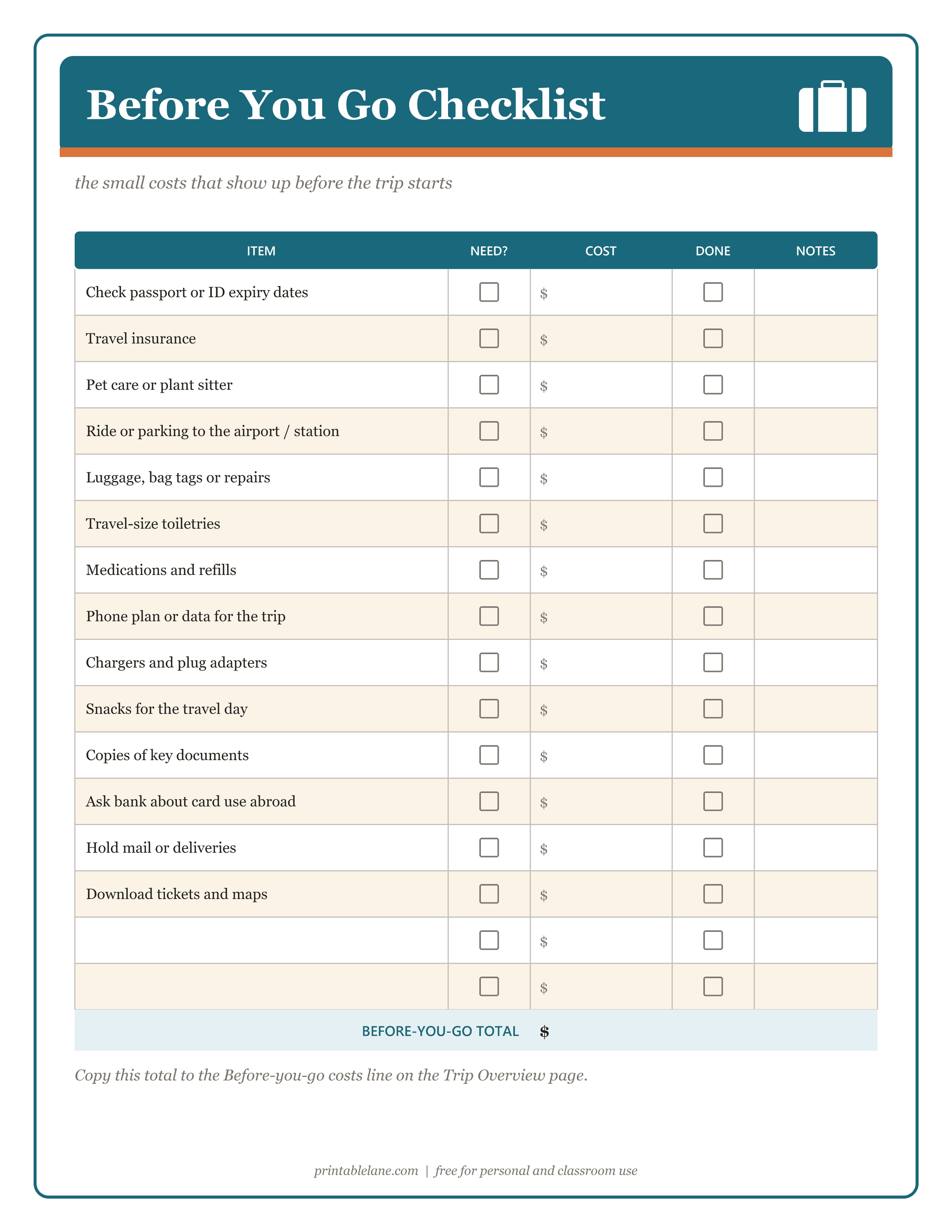
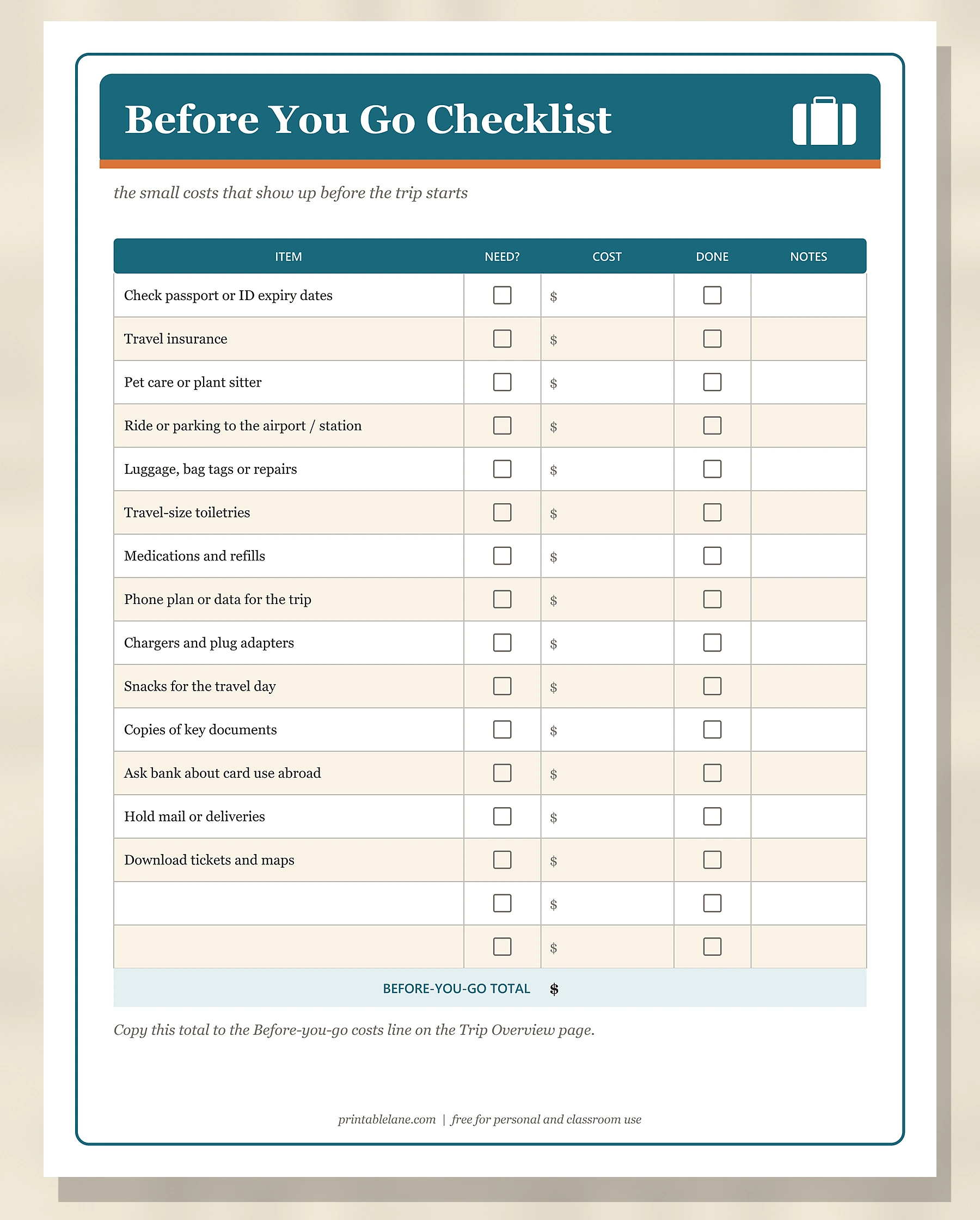
PDF page 8 lists 14 tasks that often cost a little, such as travel insurance, a pet or plant sitter, travel-size toiletries, medication refills, a phone data plan, plug adapters and asking your bank about card use abroad. Columns: Need?, Cost, Done and Notes, plus 2 blank rows for your own items. The Before-You-Go Total goes onto the overview page.
Currency & Exchange Notes
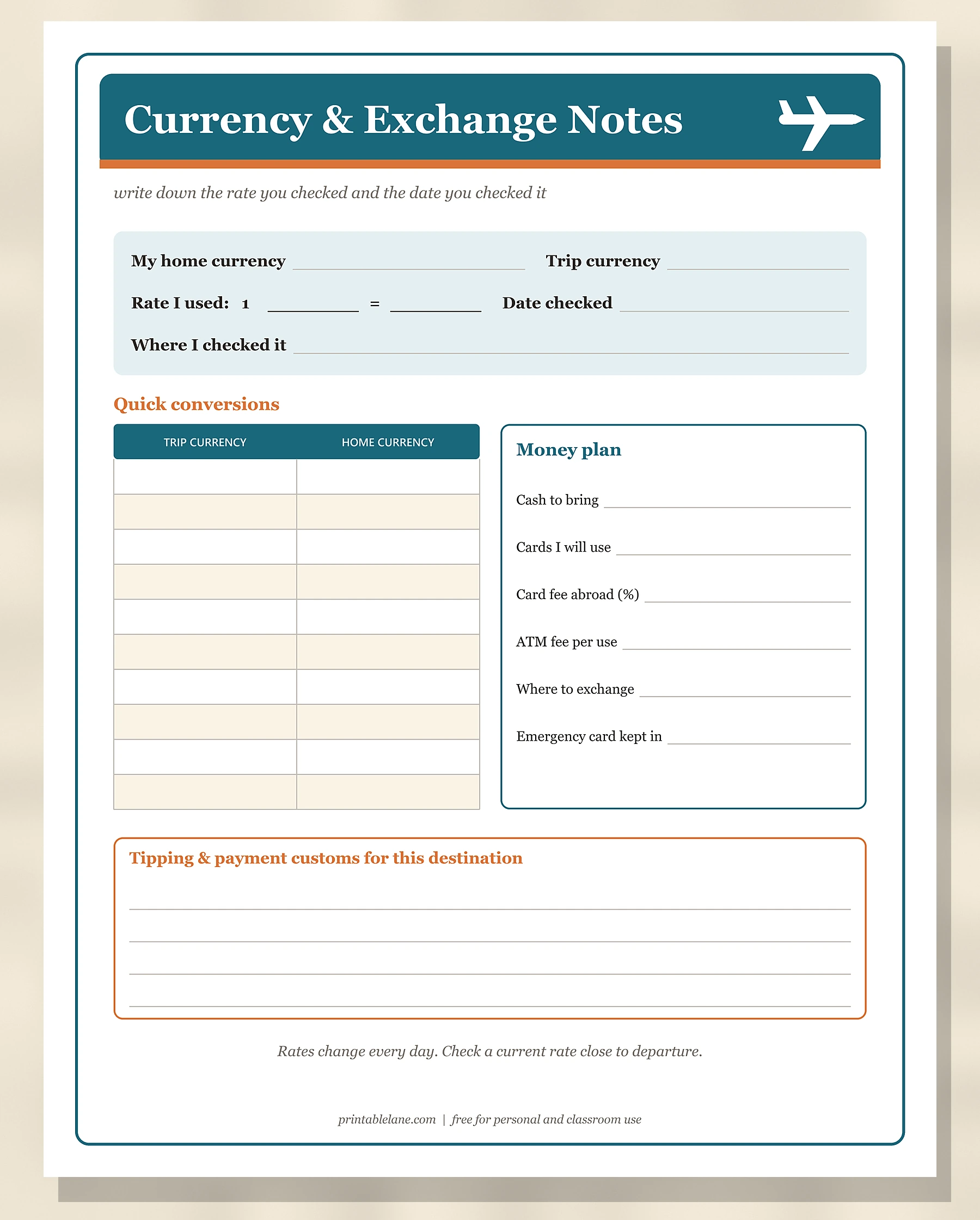
PDF page 9 has lines for your home currency, the trip currency, the rate you used (1 ___ = ___), the date checked and where you checked it. Quick conversions gives 10 blank rows. The Money plan box covers cash to bring, cards, card fee abroad (%), ATM fee per use, where to exchange and where the emergency card is kept; a 4-line box holds tipping and payment customs. No rates are printed, since they change daily.
Back home: the 10-minute review
After-Trip Summary
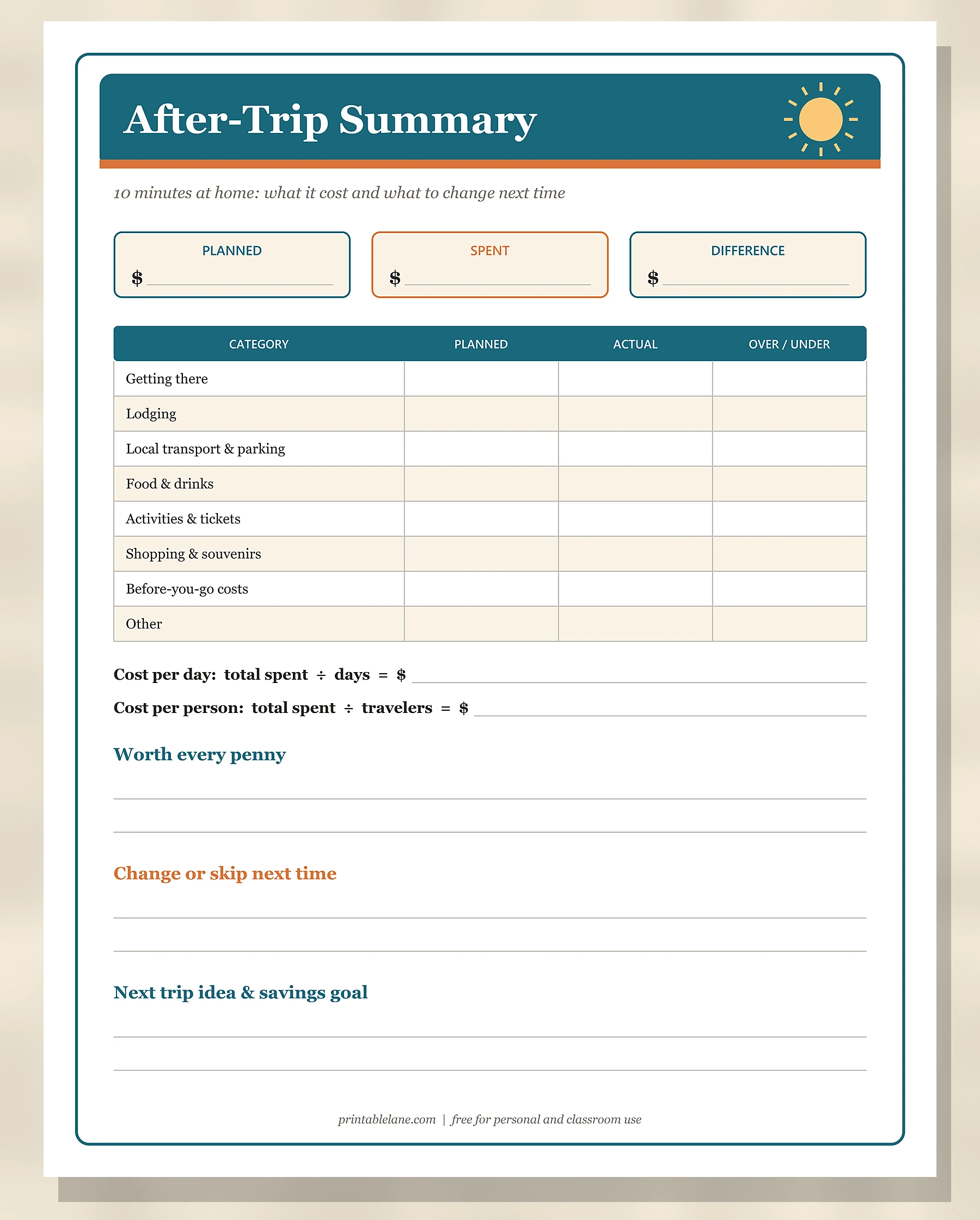
PDF page 10 repeats the Planned, Spent and Difference boxes, then compares 8 categories in Planned, Actual and Over / Under columns. 2 formula lines work out cost per day (total spent ÷ days) and cost per person (total spent ÷ travelers). 3 prompts finish the page: Worth every penny, Change or skip next time, and Next trip idea & savings goal.
Setting the number: a budget travel planner method in 4 steps
- Price the 2 big items first. Get real totals for getting there and staying there on the Transport & Lodging page.
- Count days and nights separately. A Friday-to-Sunday trip is 3 days but 2 nights. Lodging is paid per night; food and activities are spent per day.
- Add the per-day costs. Multiply food per day by the number of days, then add chosen activities.
- Add a cushion and work backward. Pick an Emergency cushion, total everything, then use the savings formula. Example only: $1,200 still needed ÷ 16 weeks = $75 a week.
Small habits that keep a vacation budget on track
- Check the day total every evening. It catches a slow leak while there are still days left to balance it.
- Note the payment method. The Paid With column shows which card to check against your statement later.
- Watch the currency question at the card machine. Abroad, a terminal may offer to charge you in your home currency. The provider sets that rate, so compare it with the rate on page 9 before you accept.
- Move leftovers on purpose. If food runs under budget, decide where the difference goes instead of letting it disappear.
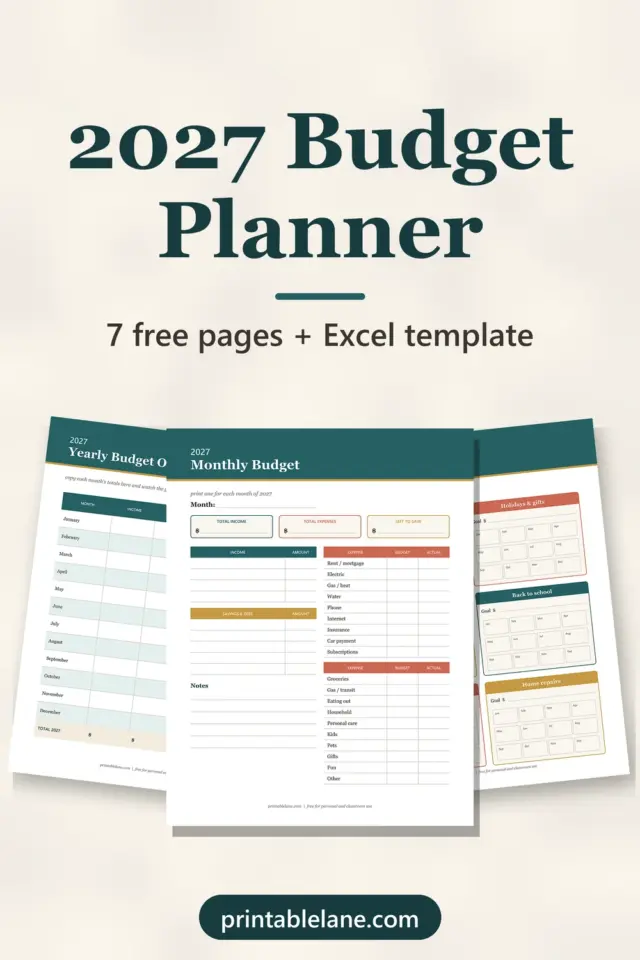
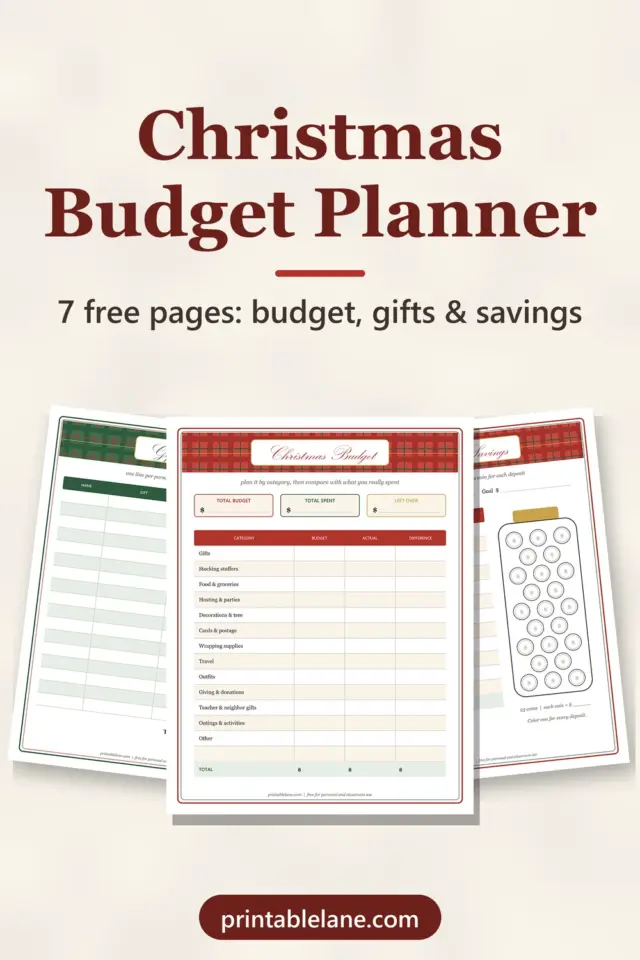
If this trip falls in December, the Christmas budget planner keeps gift spending separate from travel. For year-round money tracking, the 2027 budget planner template has monthly pages you can add a travel line to, and a printable check register helps you match card payments after you get back.
Printing and carrying the pages
- US Letter: print at 100%.
- A4: 100% or Fit to page both work; no part of these pages needs an exact size.
- Paper: regular 20 to 24 lb paper is fine; put the Daily Spending Log in a sheet protector, since it lives in your bag.
- Travel copy: fold pages 5, 6 and 9 into your travel wallet and leave the planning pages at home.
Single pages to print again
A longer trip fills more than 1 spending log, and every new trip needs a fresh overview, so each sheet is also a separate file:
- Trip Overview & Budget (PNG)
- Trip Savings Tracker (PNG)
- Transport & Lodging (PNG)
- Daily Spending Log (PNG)
- Food Budget (PNG)
- Activities & Tickets (PNG)
- Before You Go Checklist (PNG)
- Currency & Exchange Notes (PNG)
- After-Trip Summary (PNG)
Frequently asked questions
How many pages are in the PDF?
10 pages: the cover plus 9 planner pages. The Daily Spending Log is page 5, if you want extra copies of only that sheet.
Can I print the trip budget planner on A4 paper?
Yes. Choose 100% or Fit to page; the margins are wide enough that nothing is cut off on A4.
Does the planner include prices or exchange rates?
No. Every amount is a blank for you to fill in. The only sample figures, on the Food Budget page and in the savings step above, are labeled Example only.
What if my trip is longer than 7 days?
Print a second Daily Spending Log and a second Food Budget page and number the days 8 to 14. The overview and summary pages work for any trip length.
Can several travelers share one planner?
Yes. Write everyone’s spending on the same log, then use the cost per person line on the After-Trip Summary to split the total.
Is this useful for a trip in my own country?
Yes. Leave the Currency & Exchange Notes page out, or use its Money plan box for cash and card notes only.