A blank notebook can feel like a test you have not studied for. The good news: how to start a bullet journal comes down to a handful of simple pages set up in a fixed order, and none of them needs drawing skills, special pens or more than an evening.
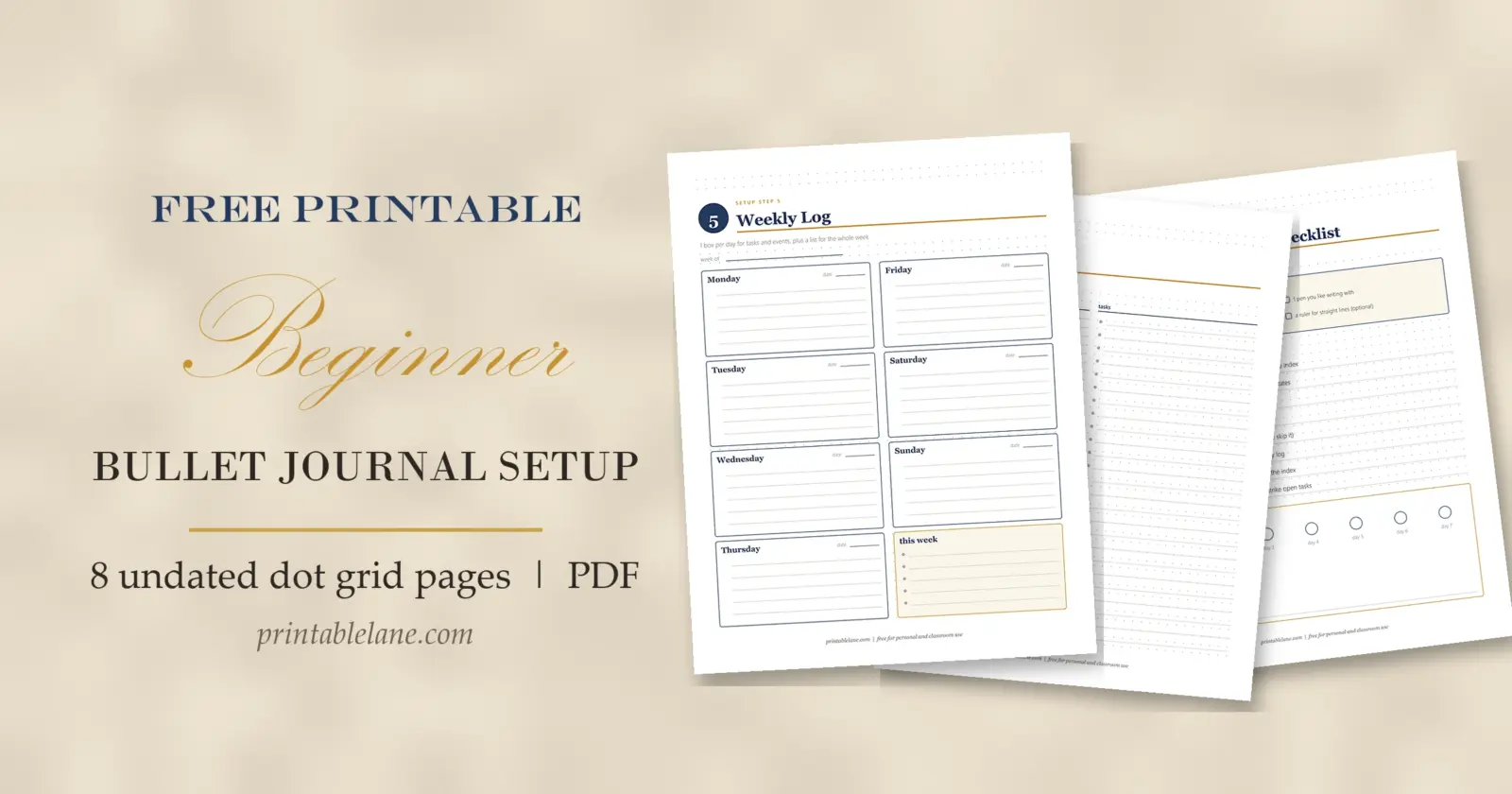
Below you will find that order, a realistic first week and the slip-ups most beginners make. The free PDF follows the same sequence: 8 undated dot grid pages plus a cover.
What’s in the PDF (9 pages)
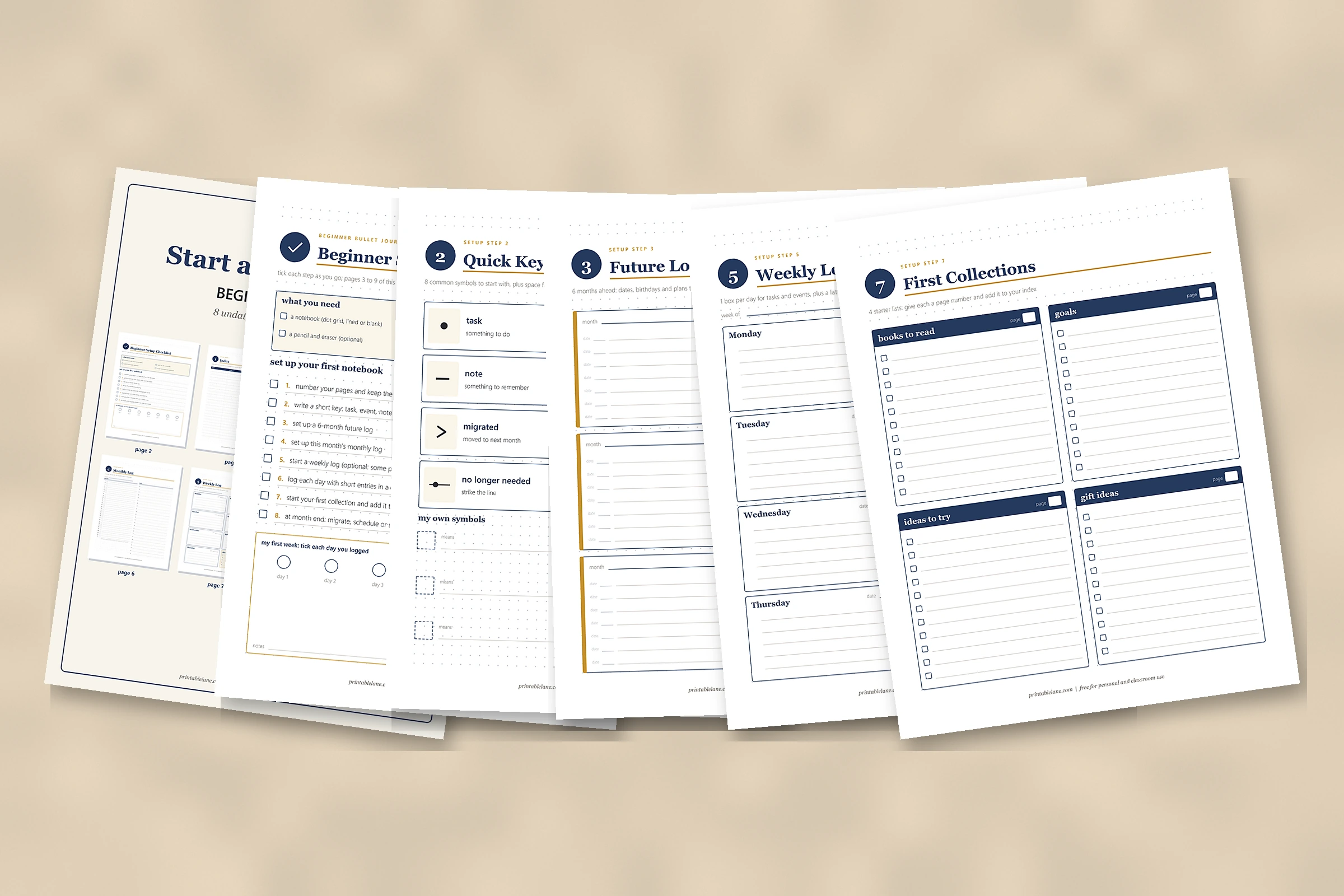
- Page 1: cover
- Page 2: Beginner Setup Checklist
- Page 3: Index
- Page 4: Quick Key
- Page 5: Future Log
- Page 6: Monthly Log
- Page 7: Weekly Log
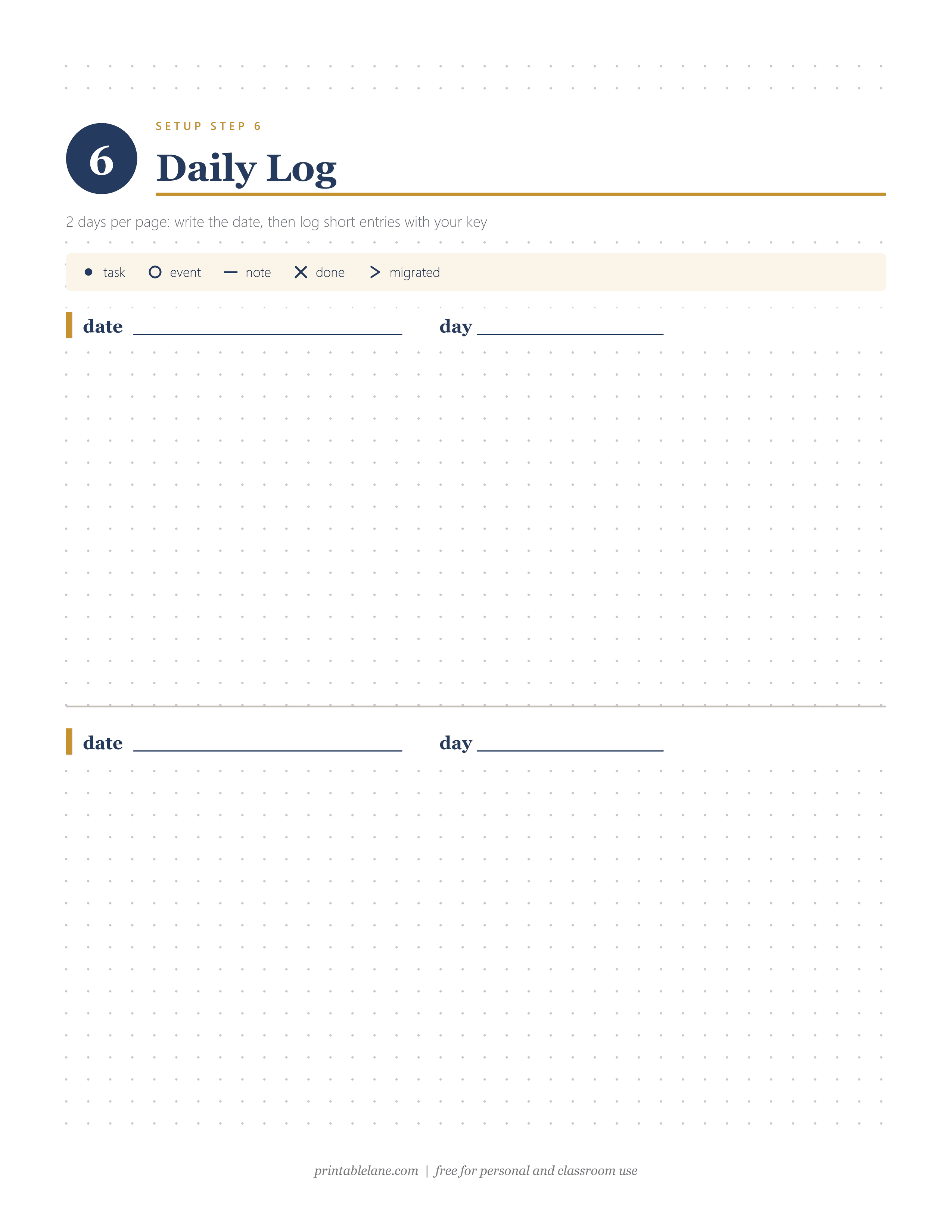
- Page 8: Daily Log
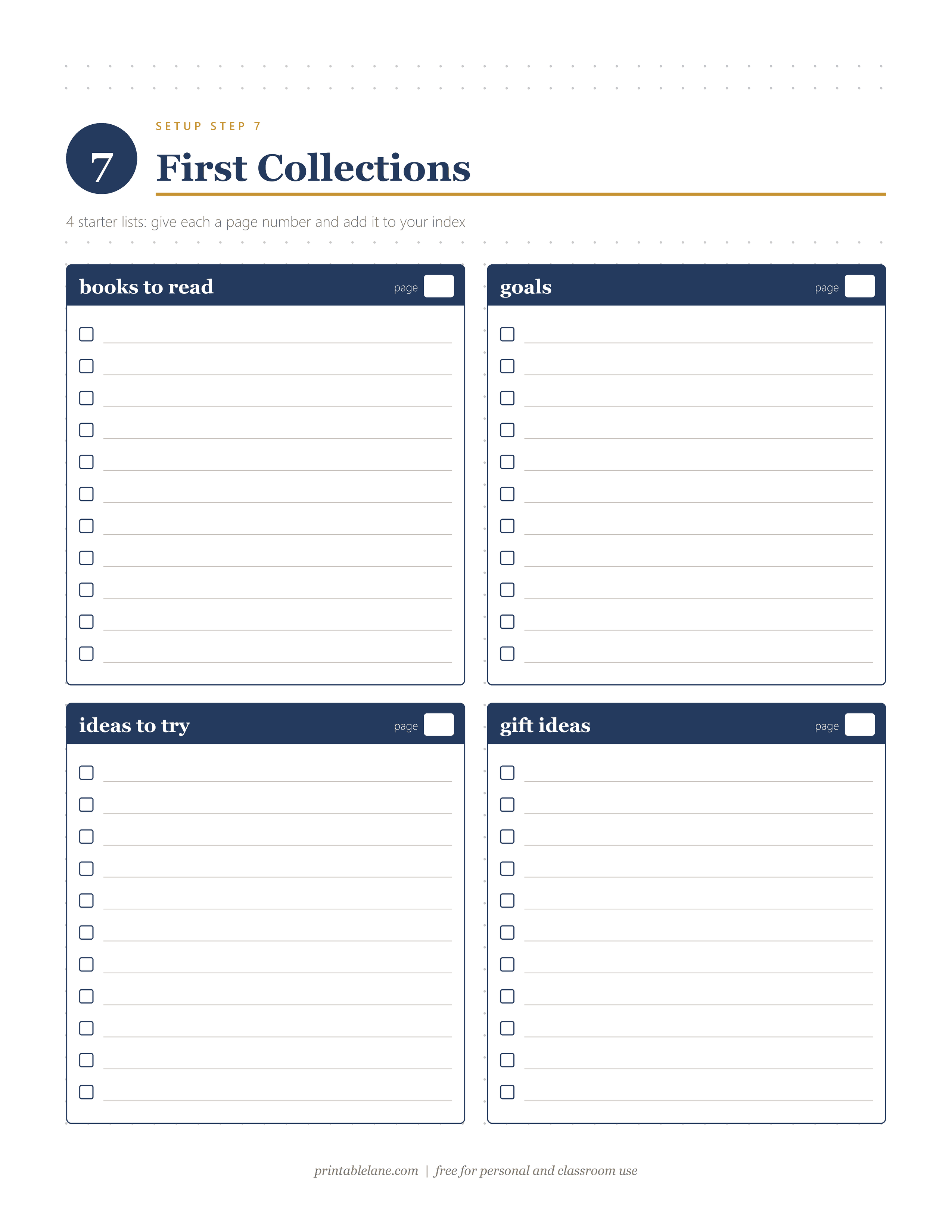
- Page 9: First Collections
Pages 3 to 9 carry a round badge marked “Setup step 1” to “Setup step 7”, matching steps 1 to 7 on the checklist. Everything is undated and printed on a light 5 mm dot grid.
What you need to start
- A notebook: dot grid, lined or blank. A5 is a popular size.
- 1 pen: any pen that does not smudge or bleed through your paper.
- Optional: a pencil for planning layouts and a short ruler for straight lines.
Washi tape, stencils and markers are extras for later.
How to start a bullet journal, step by step
The commonly used method has a few modules, set up in this order:
- Index: number your pages and keep the opening spread for a list of topics and page numbers.
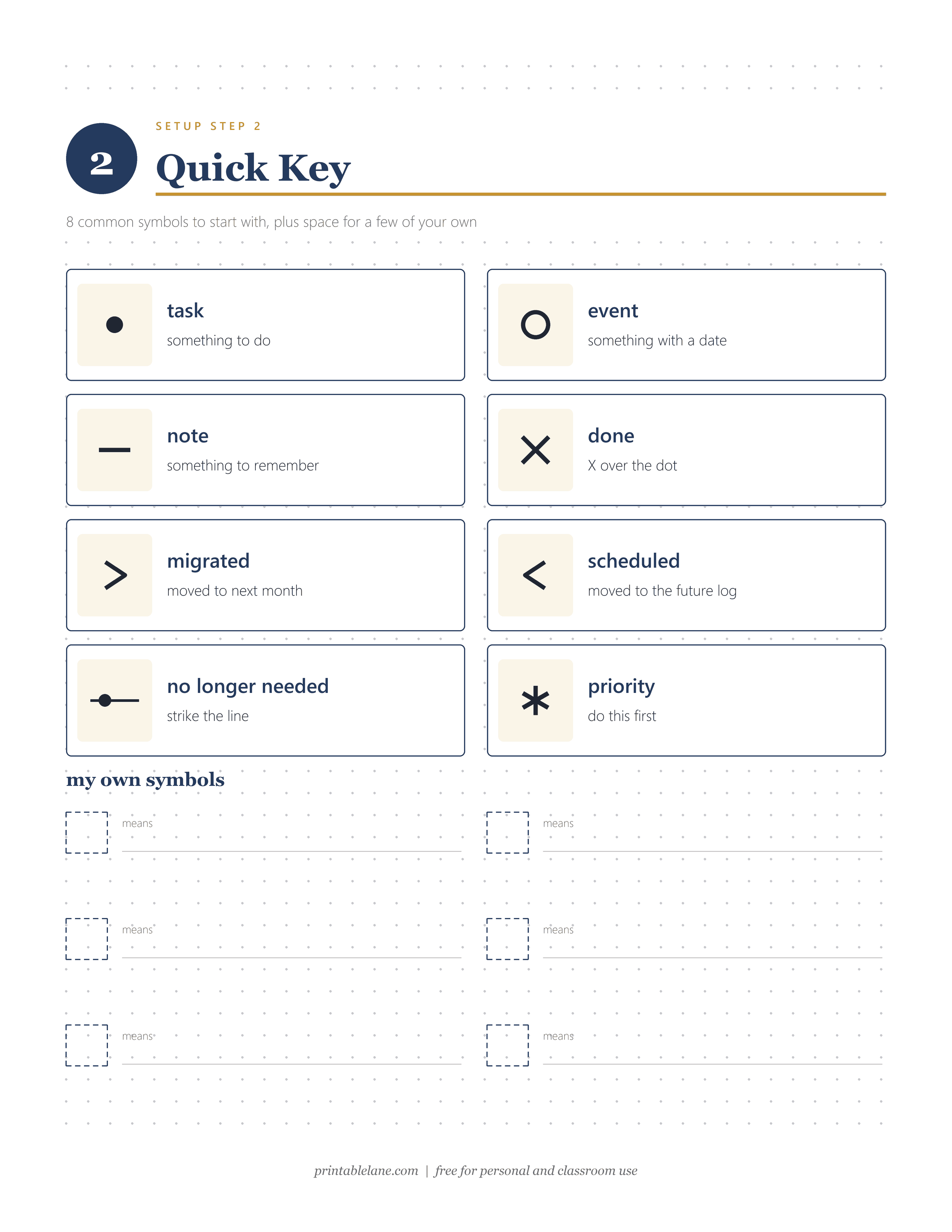
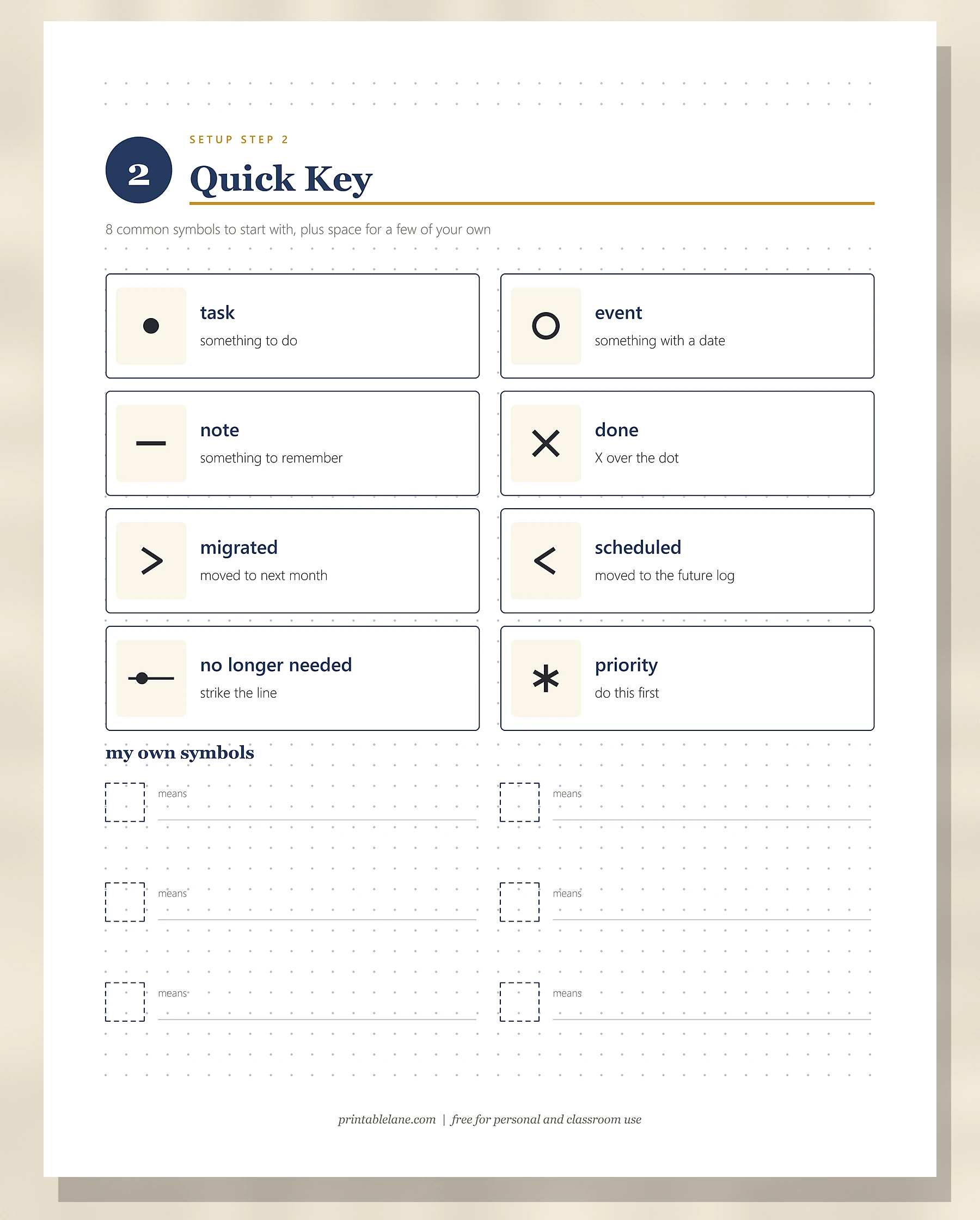
- Key: a short list of symbols. A dot is a task, an open circle is an event and a dash is a note; a task dot becomes an X when done, a right arrow (>) when moved forward and a left arrow (<) when scheduled into the future log.
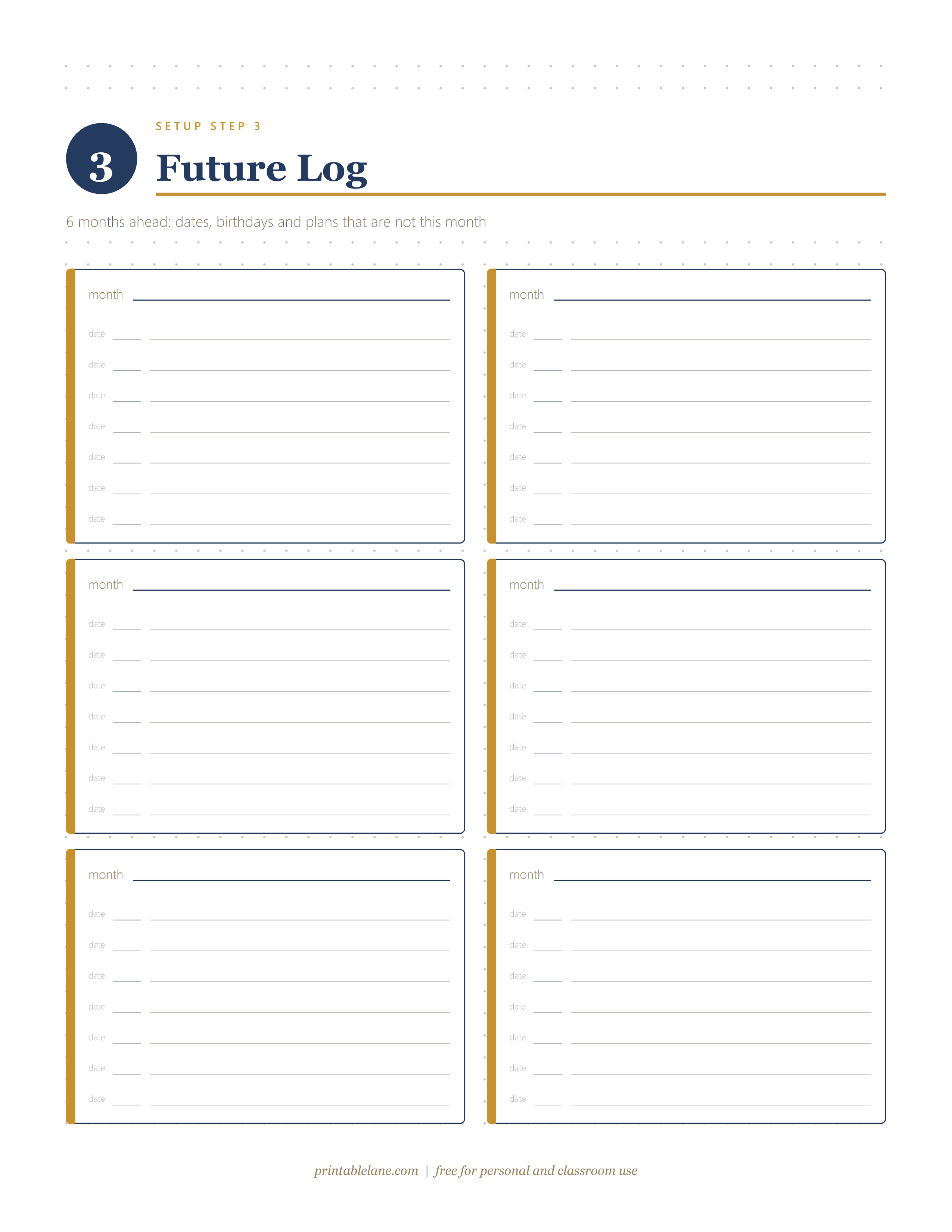
- Future log: a few pages split into the coming months for anything that is not happening this month.
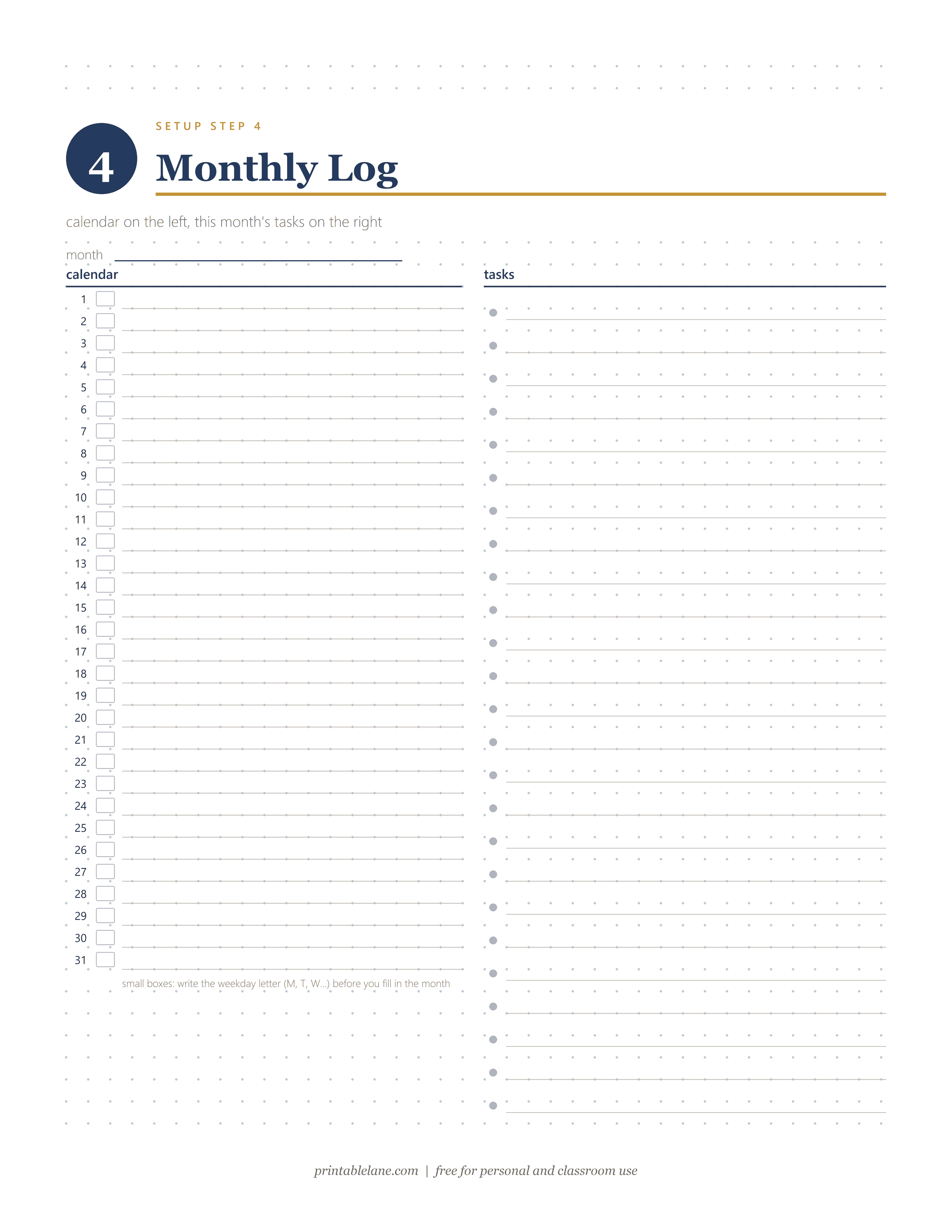
- Monthly log: a calendar list of the month’s dates plus a task list for the month.
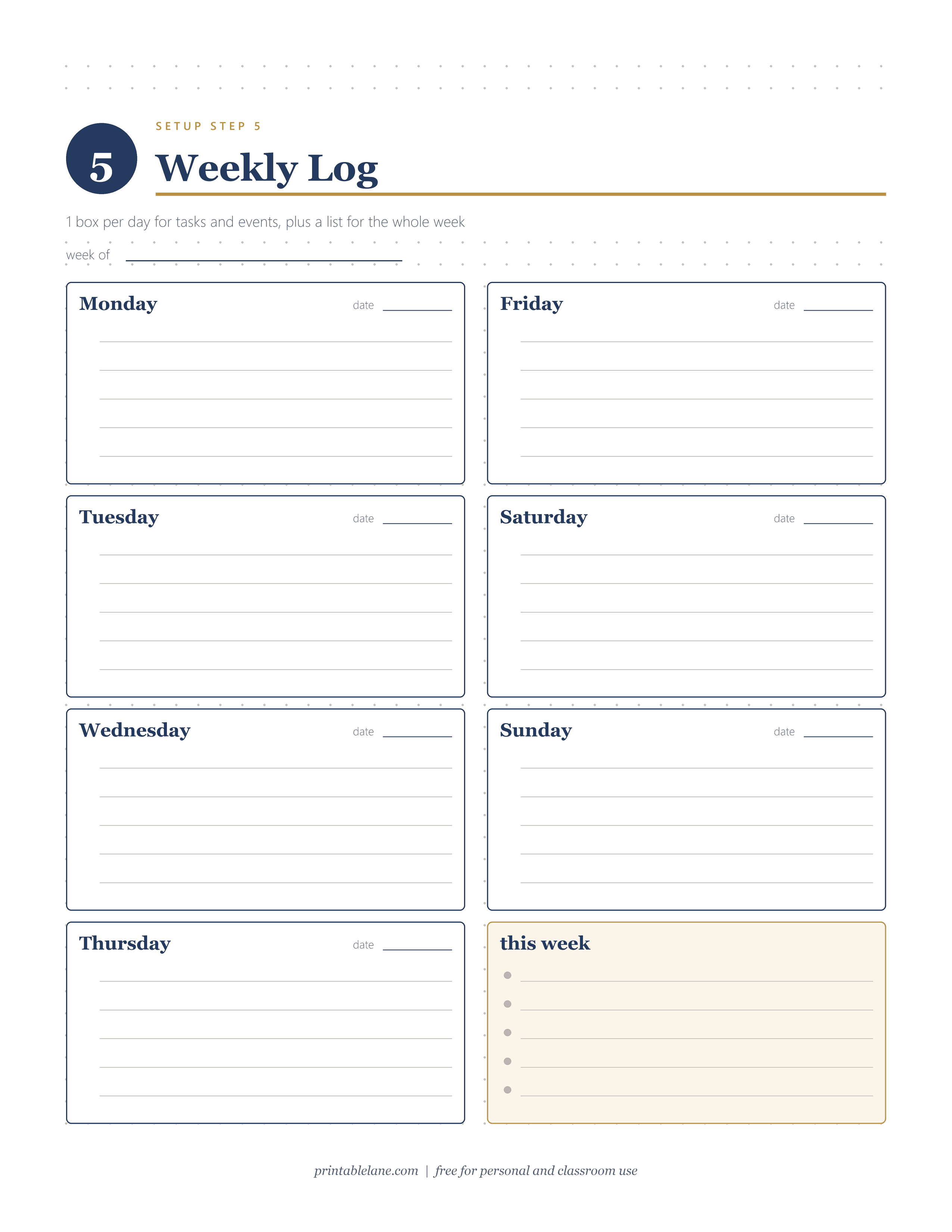
- Weekly log (optional): a box per day, to see the week at once.
- Daily log: the date, then short entries with your symbols.
- Collections: topic lists such as books to read or goals.
- Migration: at month end, review open tasks; carry them forward, schedule them or strike them out.
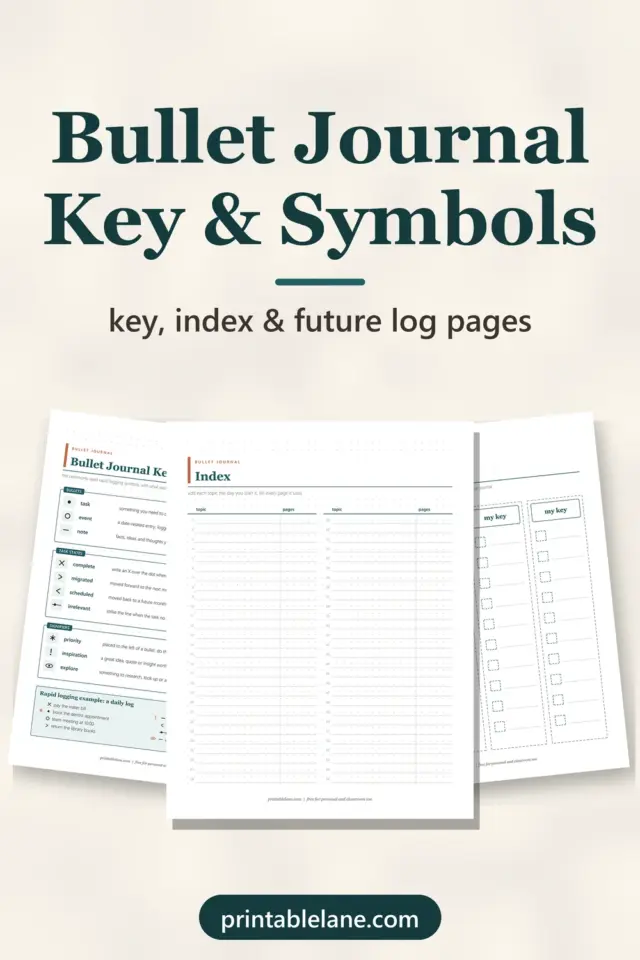
The bullet journal key and symbols guide explains every mark and the threading trick in detail, so this post keeps the key short.
The 8 pages, one by one
Beginner Setup Checklist
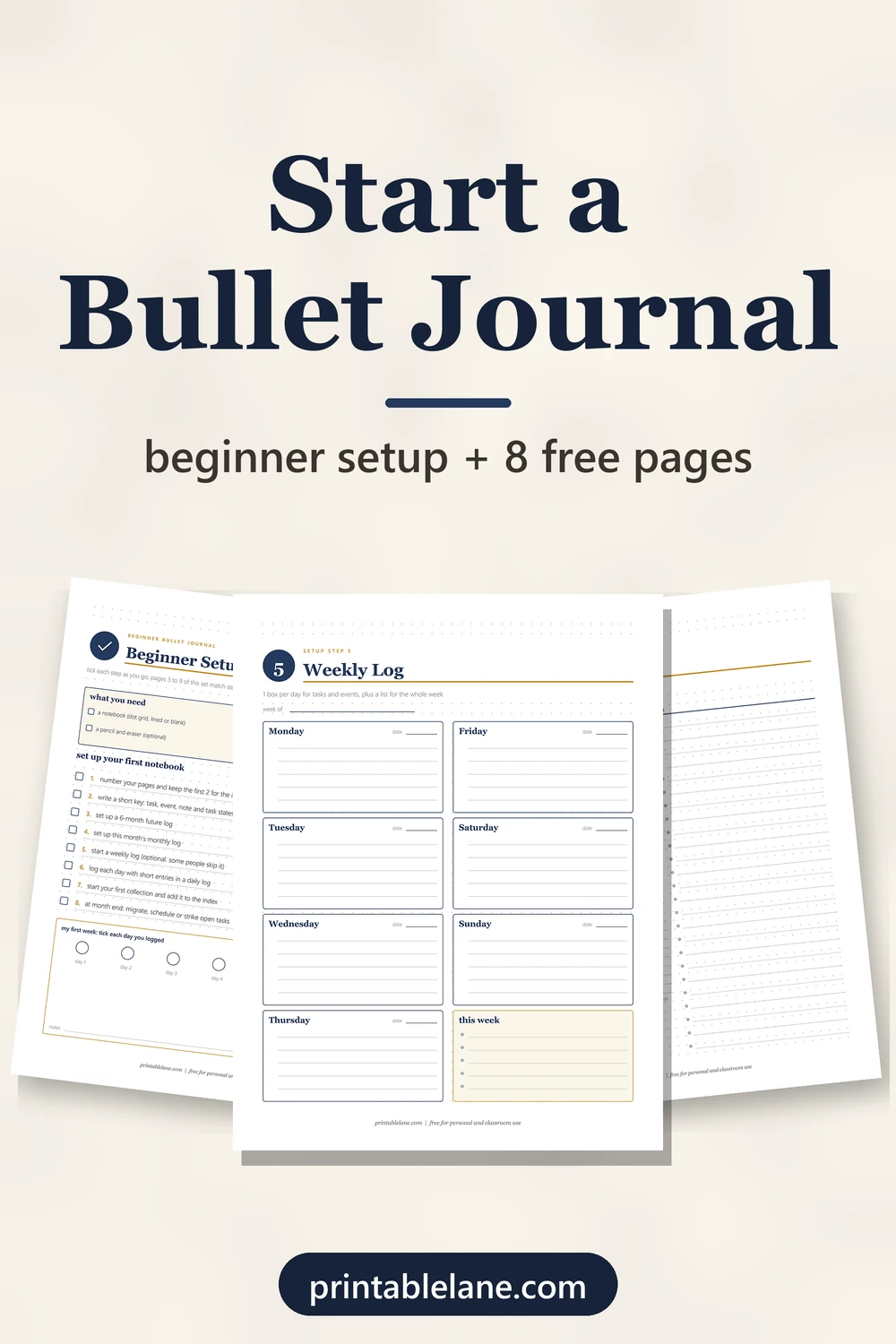
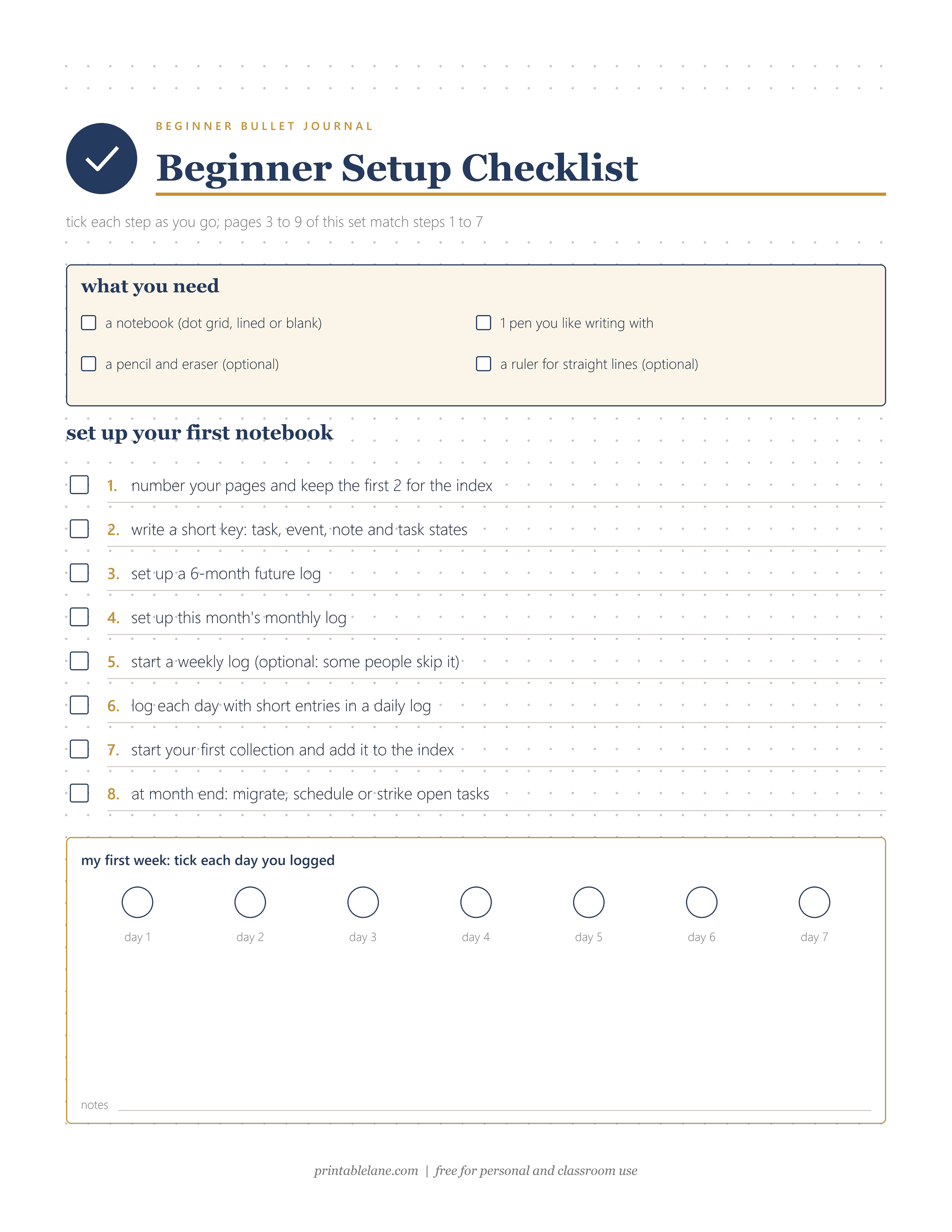
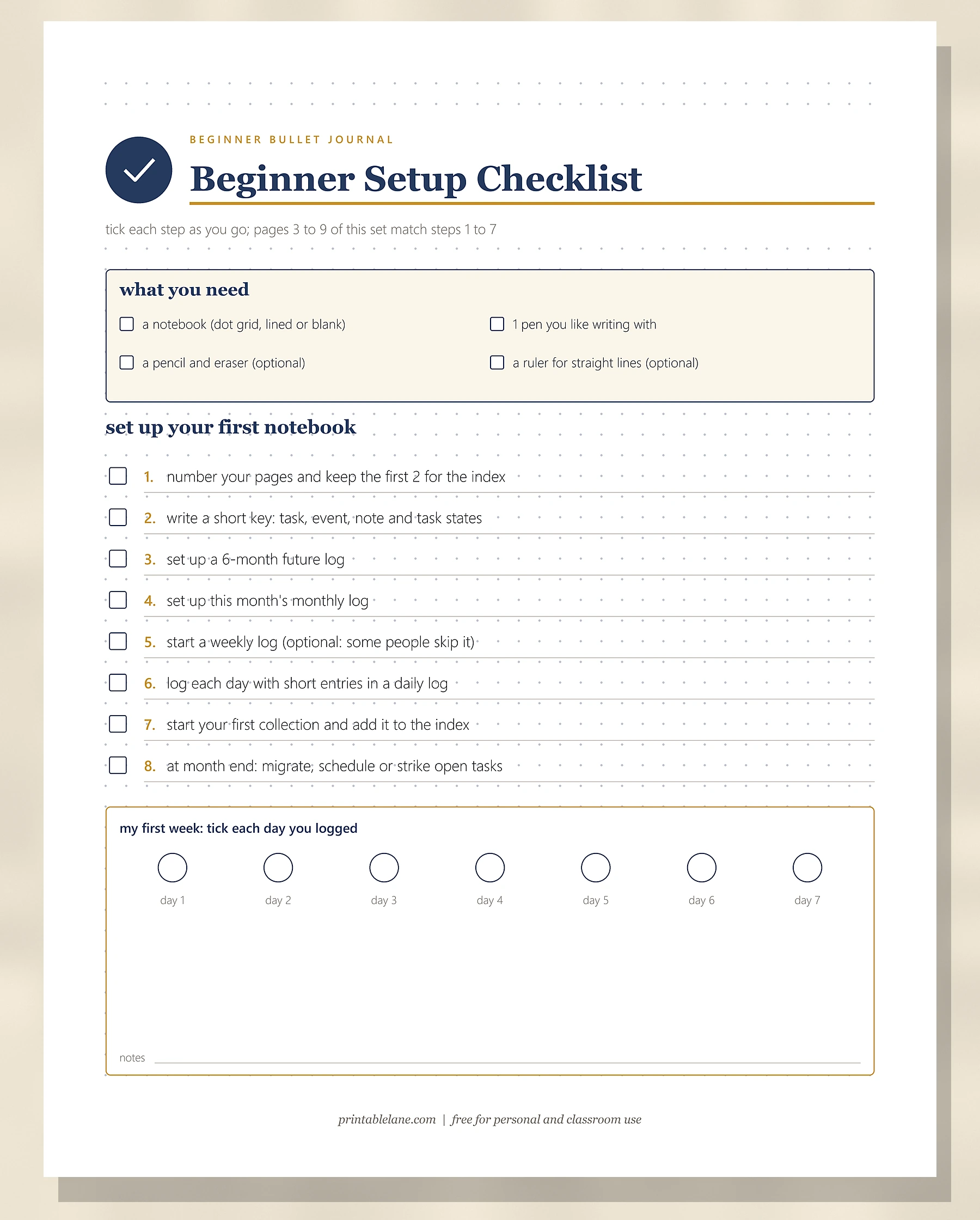
PDF page 2 opens with a “what you need” box listing 4 supplies with tick boxes. Below it, “set up your first notebook” lists 8 numbered steps, from numbering your pages to the month-end migration. A “my first week” box at the bottom has 7 circles labeled day 1 to day 7, plus a notes line.
Index
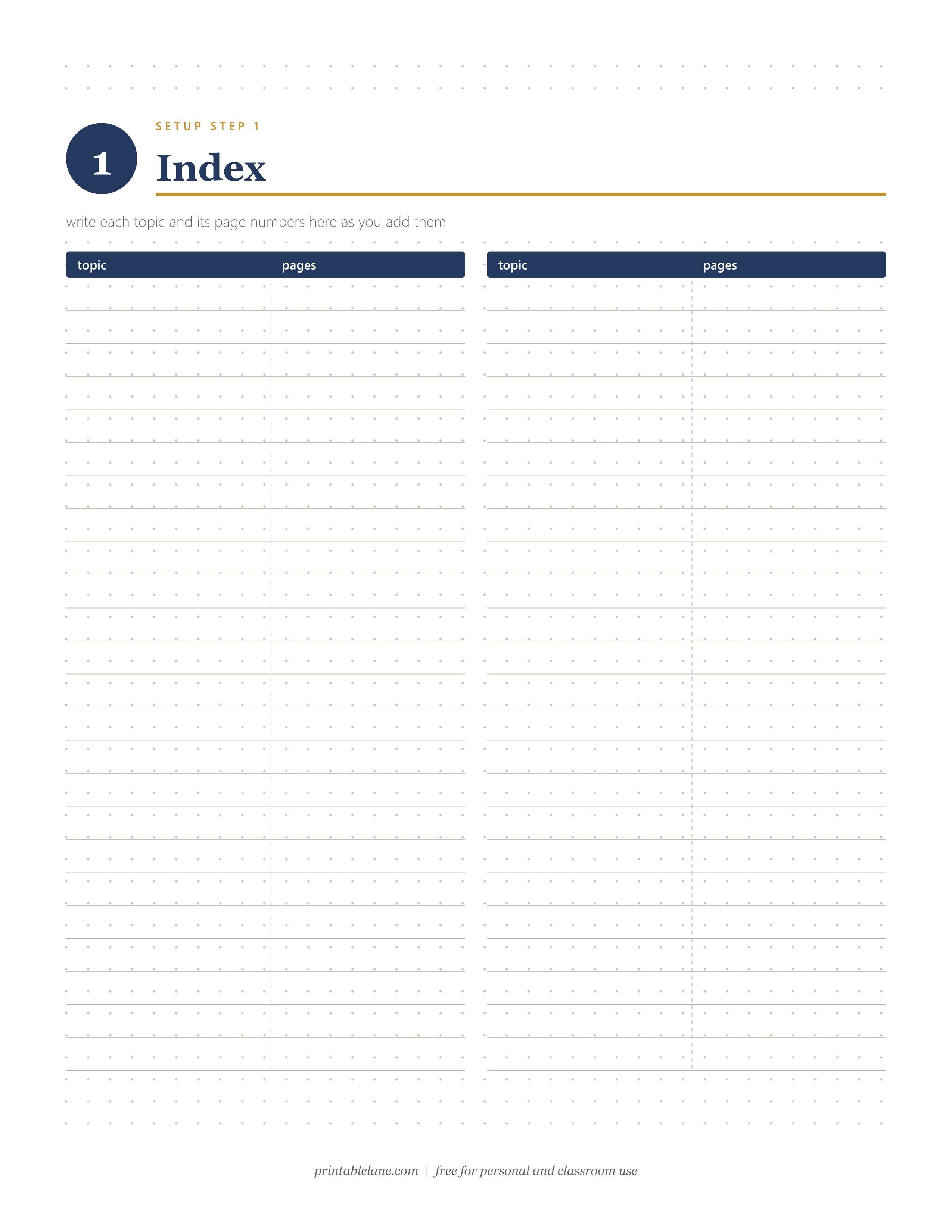
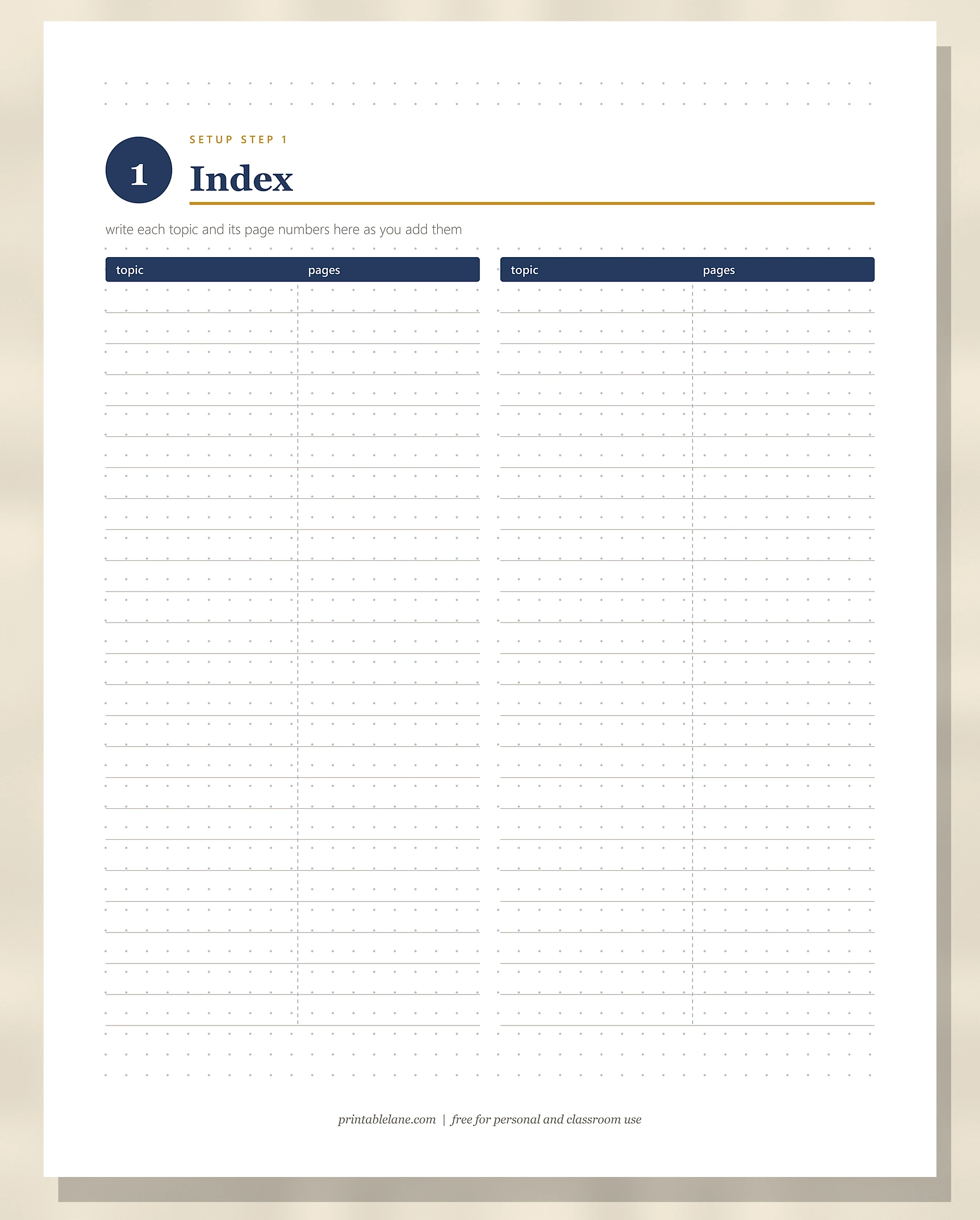
PDF page 3 has 2 columns of 24 blank lines each, 48 in total, with a “topic” area and a “pages” area split by a dashed line.
Quick Key
PDF page 4 shows 8 symbols in boxes, each with a name and a short meaning: task, event, note, done, migrated, scheduled, no longer needed and priority. Under “my own symbols” are 6 dashed boxes with a “means” line beside each.
Future Log
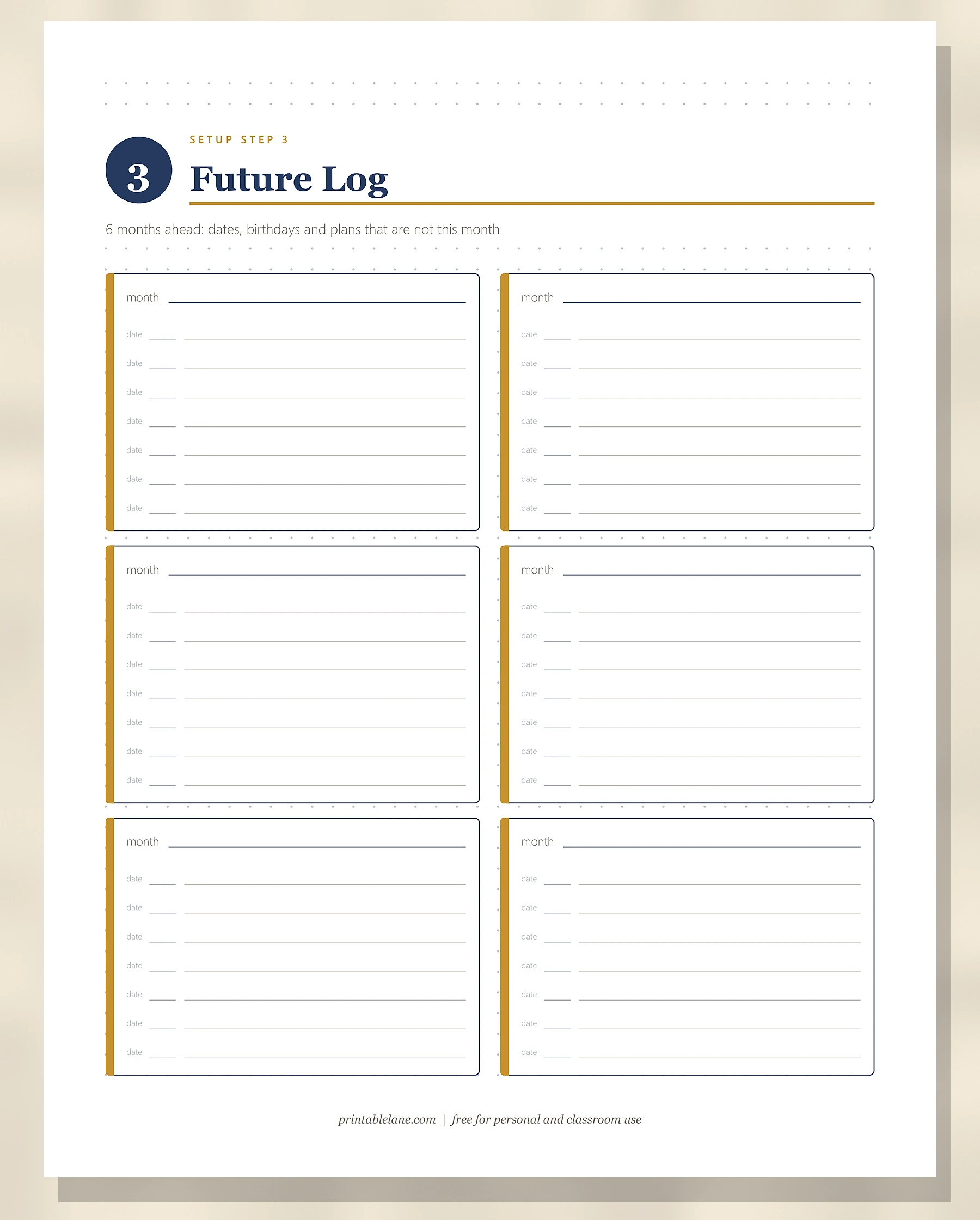
PDF page 5 has 6 month boxes, each with a “month” line and 7 entry lines with a short date blank in front.
Monthly Log
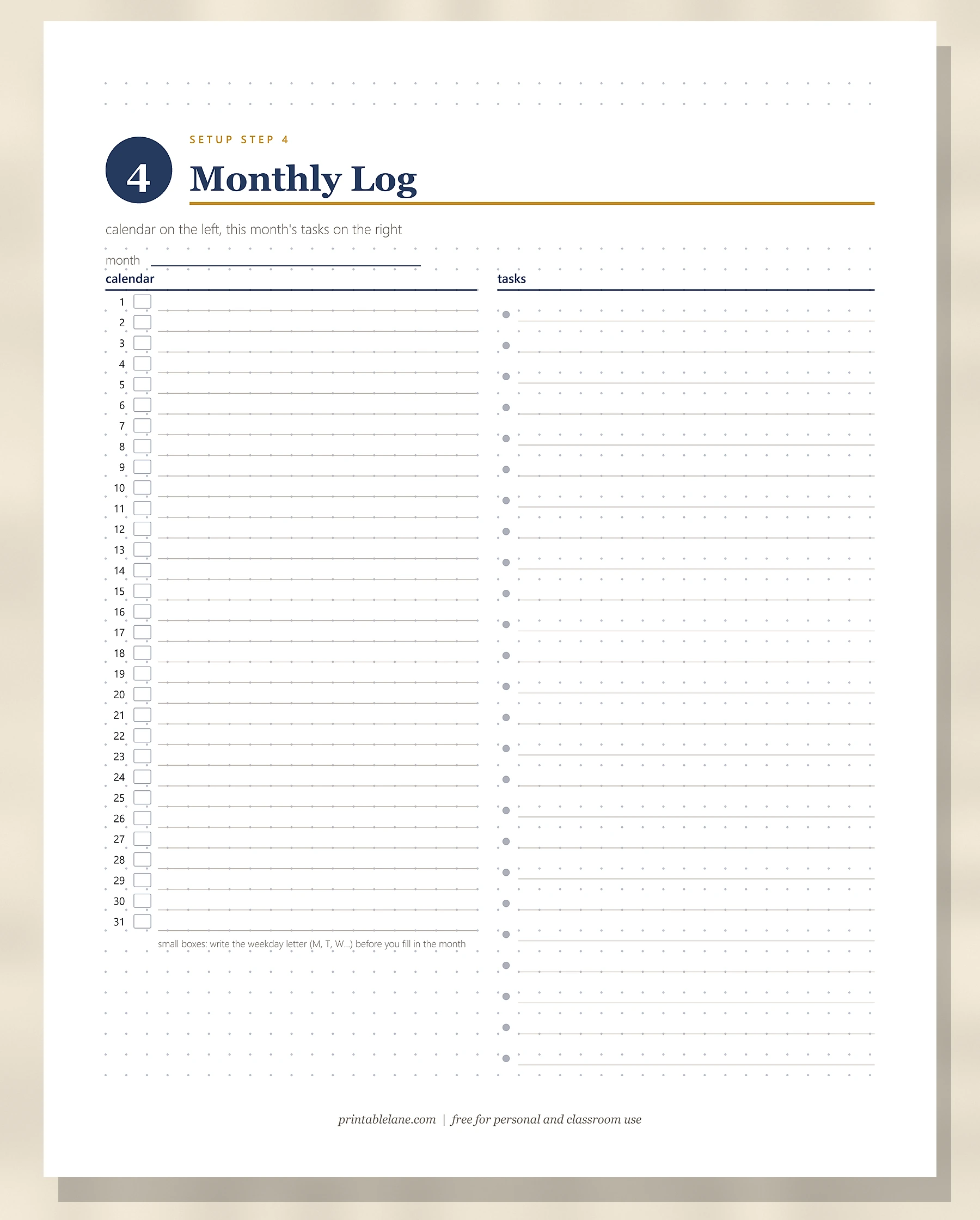
PDF page 6 has a “month” line, then a “calendar” column numbered 1 to 31 with a small box before each line, and a “tasks” column with 25 bulleted lines. A note under day 31 explains that the small boxes are for the weekday letter.
Weekly Log
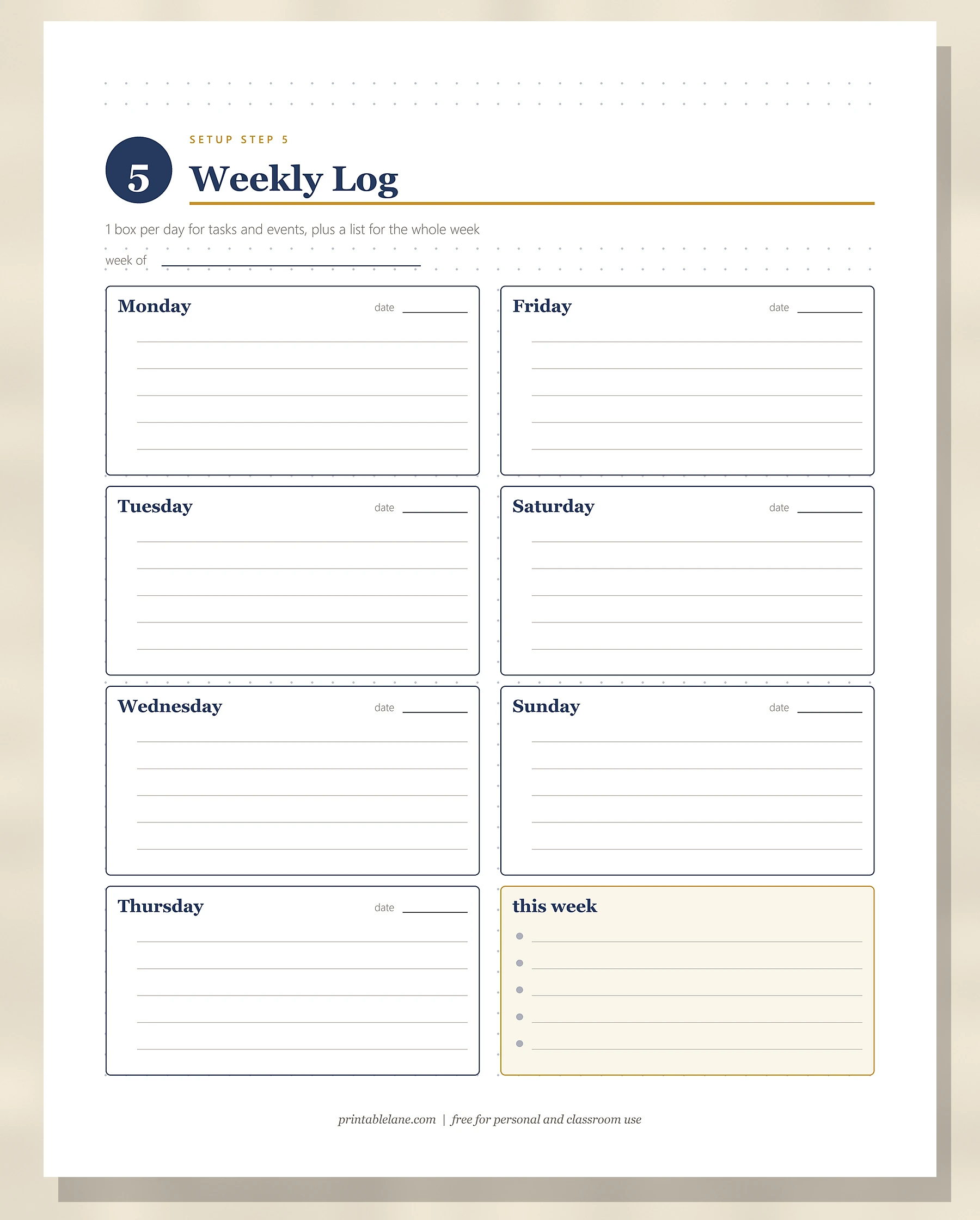
PDF page 7 has a “week of” line and 8 boxes: Monday to Sunday, each with a date line and 5 writing lines, and a shaded “this week” box with 5 bulleted lines for tasks that have no fixed day.
Daily Log
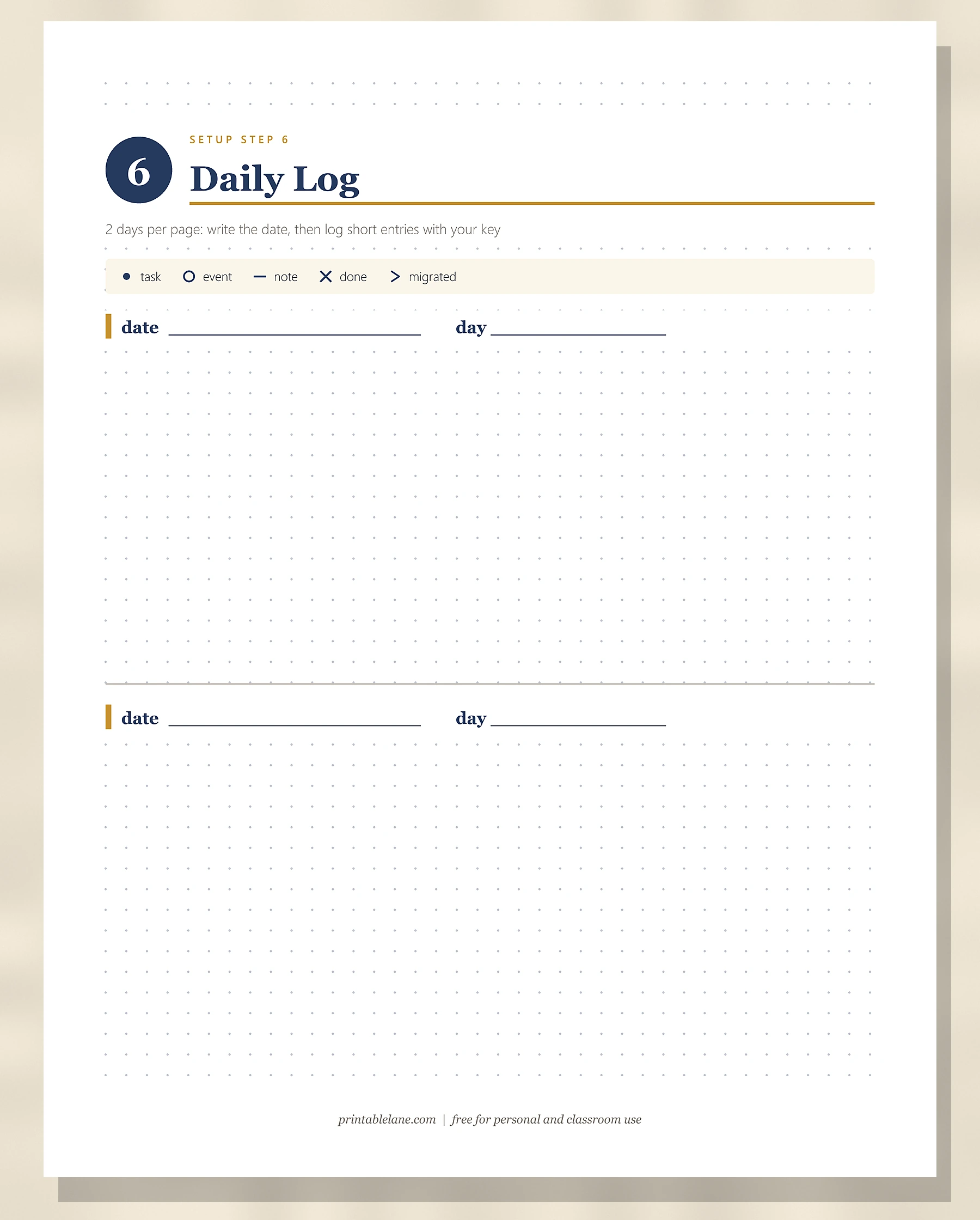
PDF page 8 starts with a reminder strip of 5 symbols (task, event, note, done and migrated), then 2 open dot grid sections, each with a “date” line and a “day” line.
First Collections
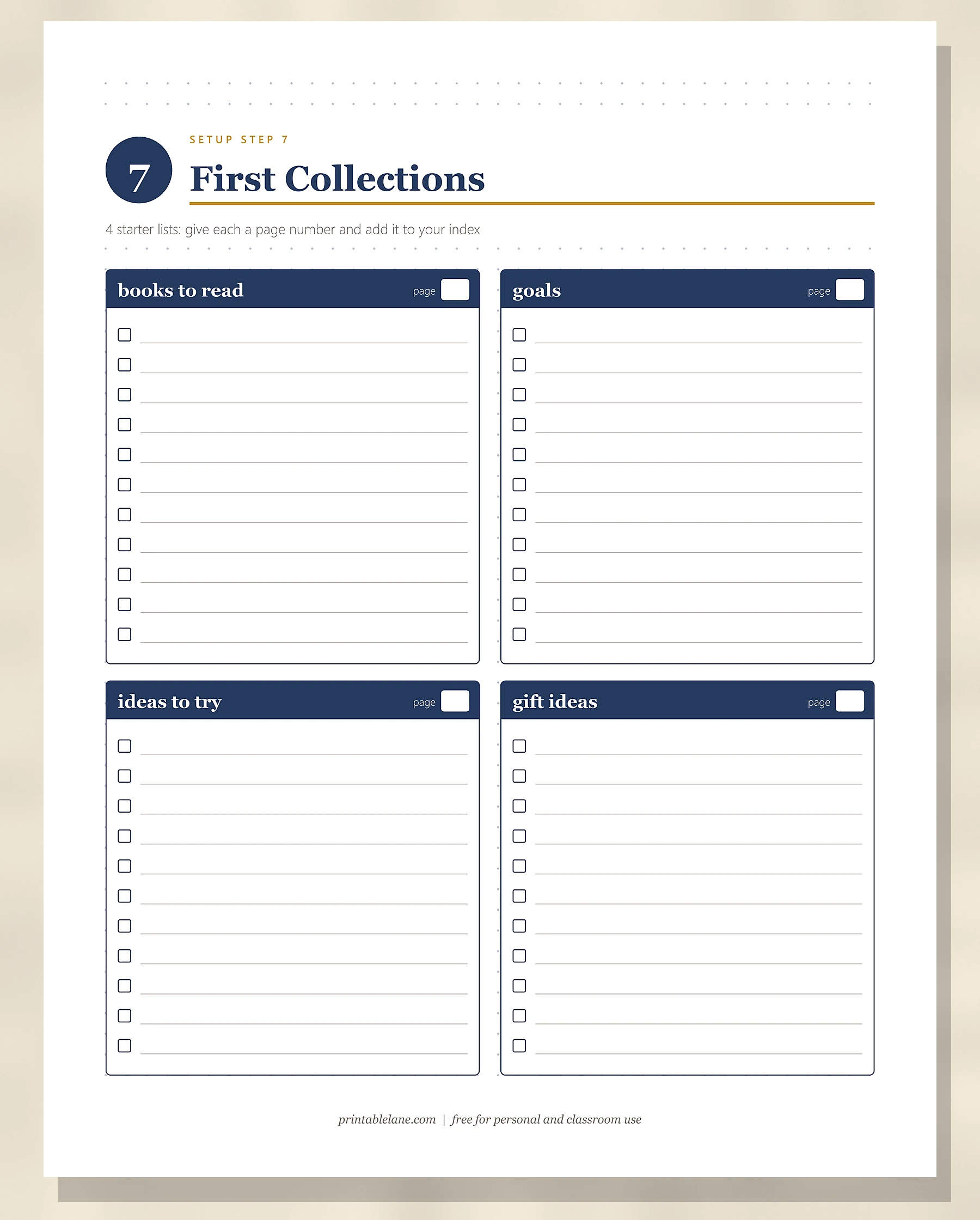
PDF page 9 holds 4 boxes, “books to read”, “goals”, “ideas to try” and “gift ideas”, each with a small page-number box in the header and 11 lines with tick boxes.
Your first week, day by day
- Day 1 (about 45 to 60 minutes): number the pages, set up the index and key, and copy your fixed dates into the future log.
- Day 2: set up the monthly log for the current month and list the tasks already on your mind.
- Days 3 to 6: keep a daily log each day. Aim for 5 to 10 minutes: plans in the morning, an X for each finished task at night.
- Day 7: read back through the week, mark finished tasks with an X and start your first collection from anything that kept showing up.
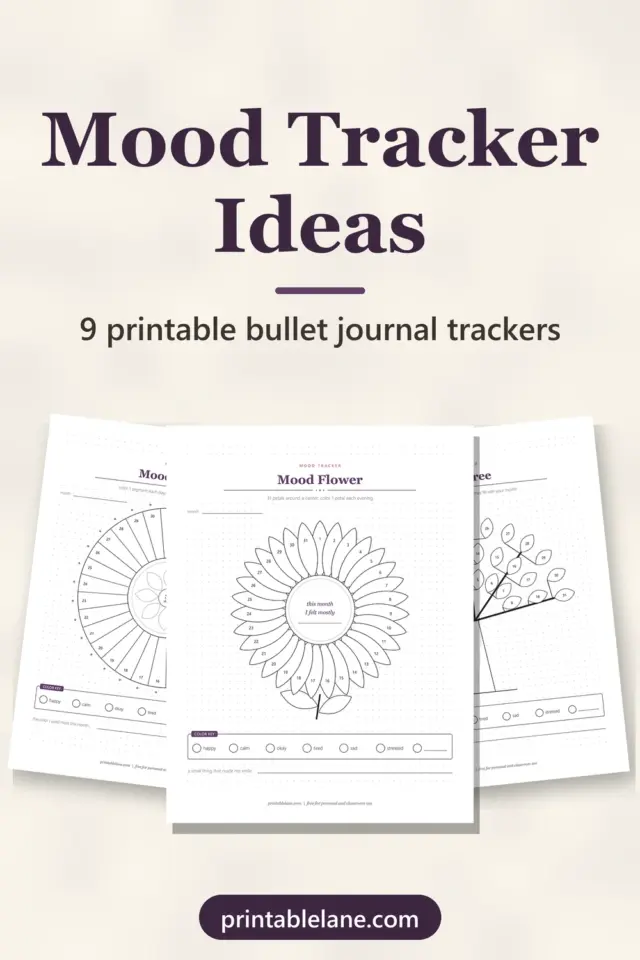
After that first week, the daily routine is usually a few minutes a day, with roughly half an hour at month end for migration and the next monthly log. If you want to track routines, a printable habit tracker slots in as a collection; for mood, the mood tracker ideas post has 9 layouts to choose from.
Common beginner mistakes
- Decorating before logging: a plain page you use beats a beautiful one you avoid.
- Setting up the whole year: plan 1 month at a time; your needs will change by week 3.
- Too many trackers at once: pick 1 or 2 and add more only when those stick.
- Skipping the index: without it, a full notebook becomes hard to search.
- Treating a missed day as failure: just write today’s date and carry on.
How to keep it simple
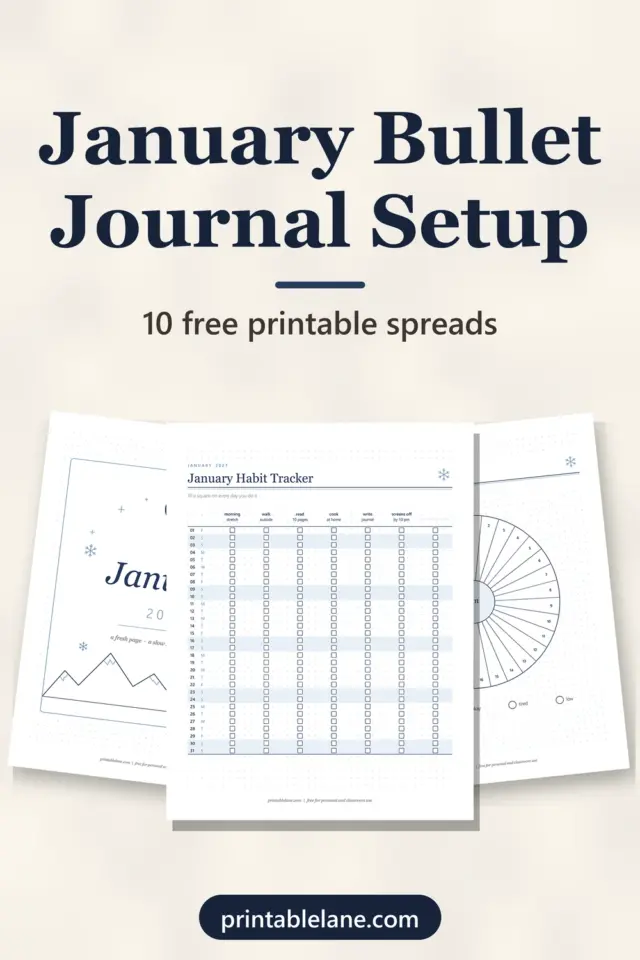
Use 1 pen and the 3 basic bullets for the first month, and add a weekly log only if daily pages feel scattered. When you are ready for more structure, browse weekly spread ideas or see a full month planned out in the January bullet journal setup, but copy only the pieces you will actually fill in.
Printing tips
- US Letter: print at 100% (Actual size).
- A4: 100% or Fit to page; the layouts have wide margins, so nothing gets cut off either way.
- Paper: 24 lb (90 gsm) paper limits show-through from gel pens.
- Binder option: hole-punch the pages for a bullet journal you can rearrange.
Download single pages
Keeping a printable bullet journal instead of a notebook? Reprint just the daily, weekly or monthly log below.
- Beginner Setup Checklist (PNG)
- Index (PNG)
- Quick Key (PNG)
- Future Log (PNG)
- Monthly Log (PNG)
- Weekly Log (PNG)
- Daily Log (PNG)
- First Collections (PNG)
Frequently asked questions
How many pages are in the PDF?
9 pages: a cover on page 1 and 8 undated dot grid pages, from the Beginner Setup Checklist on page 2 to First Collections on page 9.
Can I print these pages on A4 paper?
Yes. Choose 100% or Fit to page in the print dialog; the dot grid shrinks by only about 3% with Fit to page, which you will not notice when writing.
How long does it take to set up a bullet journal?
Plan on about an hour for the first setup (index, key, future log and monthly log). Daily logging takes a few minutes, and month-end migration about half an hour.
Do I need a dot grid notebook?
No. Dot grid helps with straight lines, but every module works in a lined or blank notebook.
Should I use a weekly log, a daily log or both?
Start with daily logs only. Add the weekly log if you want to see appointments for the whole week at once; many people use both.
What happens to unfinished tasks at the end of the month?
During migration you decide for each one: carry it into the new month (>), move it to a later month in the future log (<) or strike it out if it no longer matters.